Payment method form template for SaaS
Interactive payment method form template for SaaS products and subscription apps. Apple-like design. Use this AI template with Claude Code, Replit, Lovable, ChatGPT Codex, Bolt, Cursor, or another coding tool.
About this vibe coding template
Interactive payment method form template for SaaS products and subscription apps. A billing form for adding or updating the saved credit card on a subscription account. The form has two sections. The billing address section collects the street address, city, postcode, and country. A toggle below the form lets the account holder set the new card as the default for renewals and overages. A security note at the bottom explains that card details go to the payment processor and the product never stores the full number. Save and cancel buttons sit above the security note. Use it as the payment method form in the billing settings of any SaaS product or subscription app. Apple-like design. Describe your product, your audience, and your offer, and your coding tool fills in the copy and the images.
Build a full SaaS billing and subscription flow with this template design
A SaaS billing and subscription flow covers the pricing page, invoices, payment methods, and billing settings that all handle money, so one billing template can set the standard for every screen after it. Copy the template, paste it into Claude Code, Replit, Lovable, ChatGPT Codex, Bolt, or Cursor, and send this alongside it.
Paste into Claude Code, Replit, Lovable, Bolt, or Cursor
Common questions about this template
What does this payment method form template include?
A card number field with credit card network detection, expiry, CVC, and name on card fields, a billing address section with city, postcode, and country select, a save as default toggle, save and cancel buttons, and a security note explaining how card details are handled.
How does card detection work in this SaaS payment template?
As the account holder types the card number, the form highlights the matching network logo: Visa, Mastercard, or Amex. The other logos dim. This gives immediate feedback that the correct card type was entered without any extra steps.
Which billing kit templates pair with this payment method form?
Five templates cover the billing surfaces of a SaaS product: the SaaS pricing page as the complete public pricing page with plan tiers and a billing toggle, the upgrade plan modal for a plan upgrade prompt triggered inside the product, the billing settings page for managing the active subscription plan, payment method, and invoice history, the invoice page for viewing and downloading subscription billing invoices, and the payment method form for updating a saved credit card and billing address.
How do the billing templates relate to the auth kit?
The billing settings, upgrade modal, invoice, and payment method form templates are account surfaces of a SaaS product, as are the login page, signup page, and two factor authentication page in the auth kit. A builder putting together a full account experience will likely need both sets.
Which vibe coding tools work with this payment method form template?
Claude Code, Replit, Lovable, ChatGPT Codex, Bolt, and Cursor. Paste it in and describe the card fields, billing address fields, and the security message you want.
How do I build a full SaaS billing and subscription flow with this template?
Copy this coding template, paste it into Claude Code, Replit, Lovable, ChatGPT Codex, Bolt, or Cursor, and tell the tool to use it as the design system for your whole SaaS billing and subscription flow. It reads the type scale, spacing, colors, and component styling from the template, then applies them to every page it builds after that.
Use this AI coding template for
- ·Payment method form template for a SaaS billing settings page
- ·Credit card update form with billing address for subscription apps
- ·Billing forms for adding or updating a saved payment method in SaaS
- ·Vibe coding payment method form template
Works with every vibe coding tool
More from the Account and billing set
All 11 pages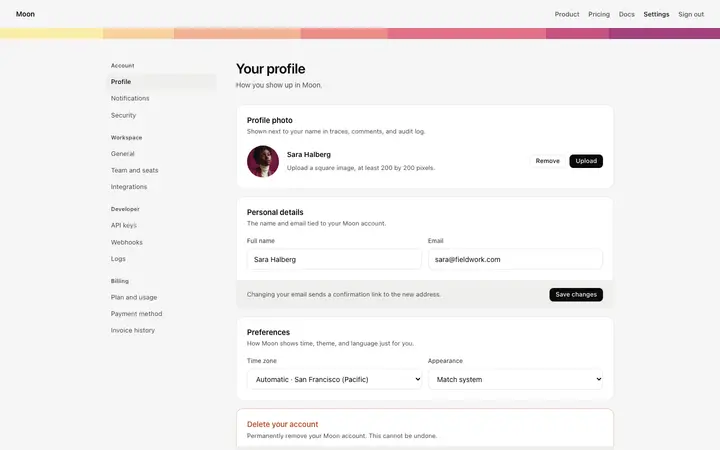
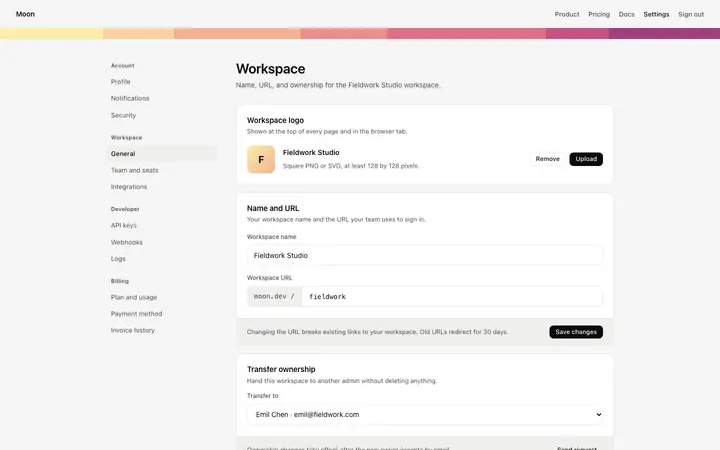
More forms templates
View all
More vibe coding SaaS templates
View all
Other templates you might like