500 server error page template for SaaS
500 server error page template for SaaS apps and developer tools. It includes an inline incident status block with timestamped engineer updates. Use this AI template with Claude Code, Replit, Lovable, ChatGPT Codex, Bolt, Cursor, or another coding tool.
About this vibe coding template
500 server error page template for SaaS apps, developer tools, and API platforms. The heading acknowledges the error directly and tells the visitor the team is already investigating. A short paragraph confirms the request failed and that the on call engineer has been notified. Two buttons give the visitor their next options: retry the request or open the status page for live updates. An inline incident block keeps the visitor informed without requiring them to navigate to a separate page. Use it as the 500 error page for any SaaS app, API platform, or developer tool. Minimal design. Paste it into Claude Code, Replit, Lovable, ChatGPT Codex, Bolt, or Cursor and replace the heading, the incident title, the affected scope, and the update entries with real incident details when the page goes live.
Build a full set of SaaS error and status pages with this template design
A SaaS product needs a 404 page, a 500 error page, and a maintenance page that all look like the product itself, so one status page template can set the standard for every error page after it. Copy the template, paste it into Claude Code, Replit, Lovable, ChatGPT Codex, Bolt, or Cursor, and send this alongside it.
Paste into Claude Code, Replit, Lovable, Bolt, or Cursor
Common questions about this template
What does this 500 server error page template include?
A heading confirming the team is investigating the server error, a short paragraph explaining the request failed, a retry button and a status page link, and an inline incident block with a status dot, incident title, status label, elapsed time, affected scope description, and a newest first list of timestamped engineer update entries.
How is a 500 error page template different from a 404 page template?
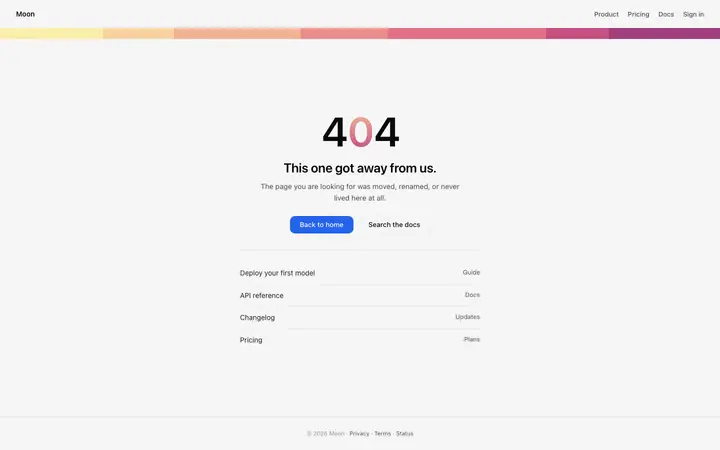
A 500 error page shows when the server received the request but encountered an error completing it. The visitor knows the product exists and something went wrong on the server side. A 404 error page shows when the page they requested was not found at that URL. The 500 page focuses on the incident and what the team is doing about it. The 404 page focuses on helping the visitor navigate to what they were looking for.
What goes in the incident block of a SaaS 500 error page template?
The incident title describing what is failing, a status label such as Investigating or Monitoring, the time elapsed since first detection, a brief paragraph naming what is affected and what continues to serve normally, and a newest first list of timestamped engineer update entries. Populate these from your incident management system or update them manually.
Which other templates pair with this 500 error page?
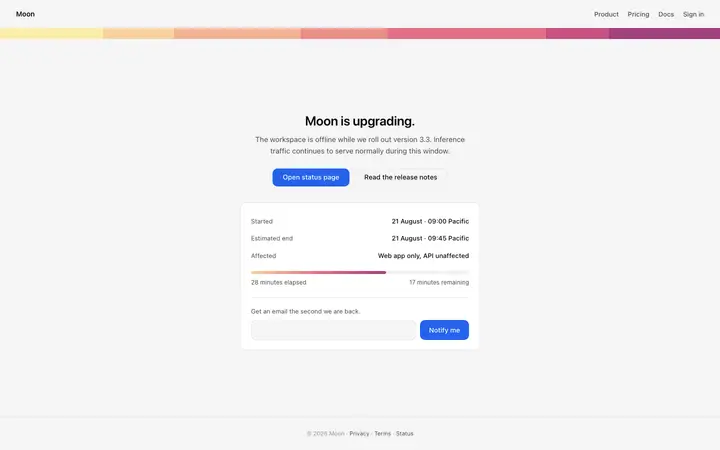
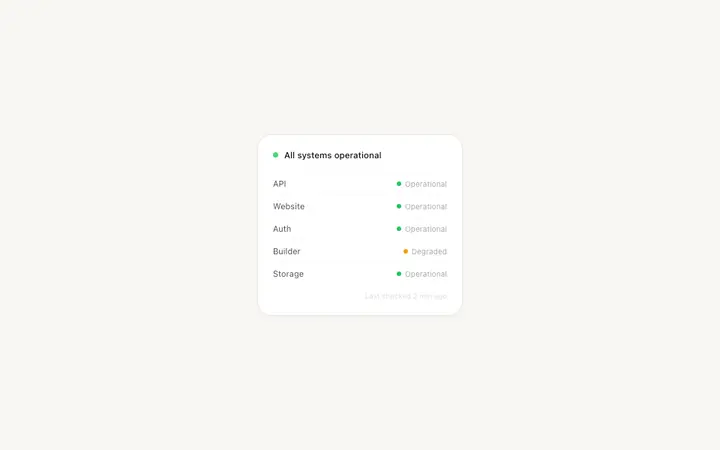
The 500 error page and the maintenance page both communicate that the product or a component is currently unavailable. The status page template in the library is the dedicated page where teams publish incident updates, track component uptime, and post maintenance schedules. A product shipping any of these three pages benefits from having all three together.
Which templates make up the full status kit?
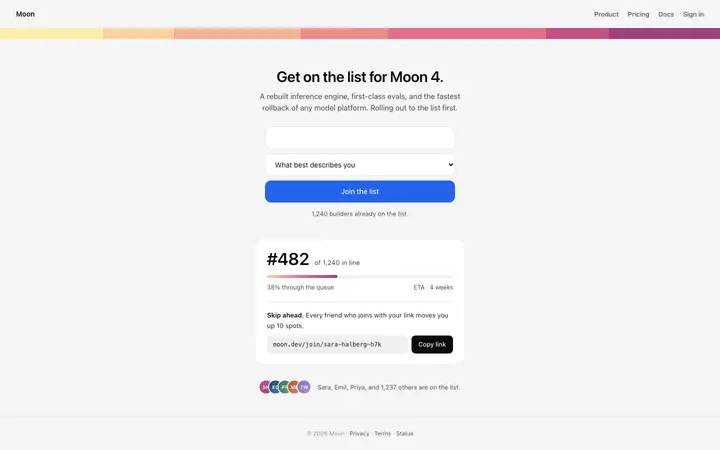
Five templates cover the status and launch surfaces of a SaaS product: the 404 error page for page not found URLs with helpful navigation links, the 500 error page for server errors with an inline incident status block and update log, the maintenance page for scheduled downtime with a progress bar and an email notification form, the coming soon page for announcing a launch date with feature preview cards and an email capture form, and the waitlist landing page for collecting early access signups with a queue position, a progress bar, and a referral link.
How do I build a full set of SaaS error and status pages with this template?
Paste the coding template into Claude Code, Replit, Lovable, ChatGPT Codex, Bolt, or Cursor with the instruction above, then ask for the next page. The template holds its buttons, cards, and spacing across every screen, so your set of SaaS error and status pages stays consistent across the whole build.
Use this AI coding template for
- ·500 server error page template for a SaaS app or developer tool
- ·Custom 500 error page with inline incident status block and engineer updates
- ·Server error page with timestamped incident updates for SaaS
- ·Vibe coding 500 error page template
Works with every vibe coding tool
More status templates
View all
More vibe coding SaaS templates
View all



Other templates you might like