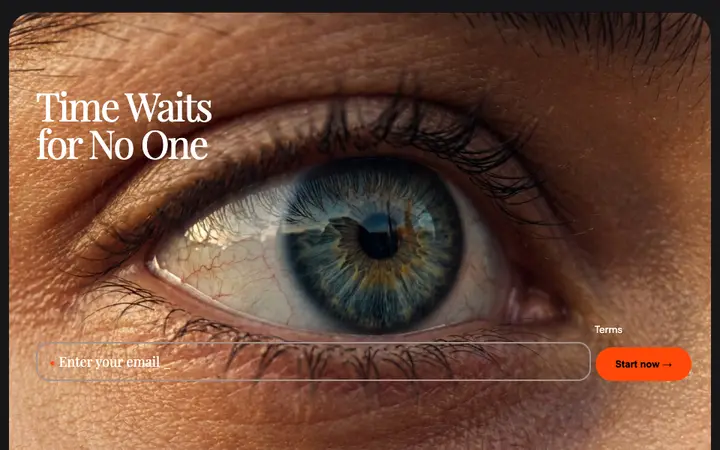
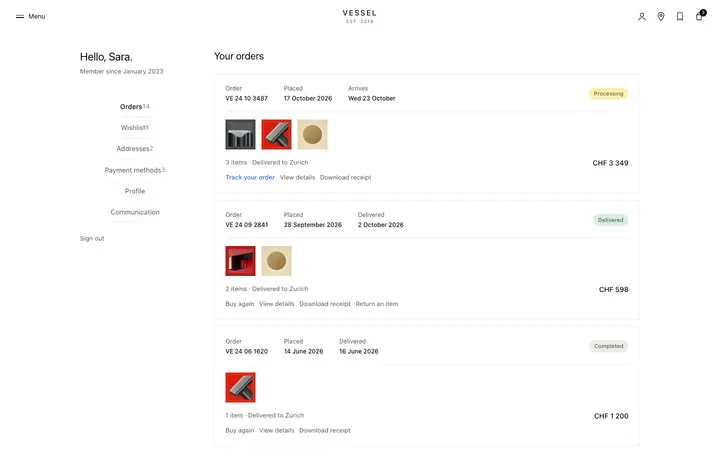
Student dashboard template for course SaaS
Student dashboard template for LMS products, elearning sites, and course SaaS. Editorial design with glassmorphism and full bleed photography. Use this AI template with Claude Code, Replit, Lovable, ChatGPT Codex, Bolt, Cursor, or another coding tool.
About this vibe coding template
Student dashboard template for LMS products, elearning platforms, online course sites, and course SaaS. A large continue watching card sits below with the active course title, the current chapter, and a progress indicator. A course progress grid follows, listing every enrolled course with its completion percentage. A recommended row at the base surfaces courses the student has not started. The interface uses a dark palette consistent with the course video player in the same set. Editorial design with glassmorphism and full bleed photography. Give your coding tool the product name and the positioning, then ask it for the rest of the pages in the same design.
Build a full SaaS app or admin dashboard with this template design
A SaaS app or admin dashboard is dozens of screens sharing one shell, so one dashboard template can set the standard for the navigation, the spacing, and the card design on every screen after it. Copy the template, paste it into Claude Code, Replit, Lovable, ChatGPT Codex, Bolt, or Cursor, and send this alongside it.
Paste into Claude Code, Replit, Lovable, Bolt, or Cursor
Common questions about this template
What does this student dashboard template include?
A personalized greeting, three learning stats covering lessons this week, streak in days, and time watched, a continue watching card for the active course, a progress grid for all enrolled courses with completion percentages, and a recommended course row.
Does this student dashboard have dark styling?
Yes. The dashboard uses a dark palette consistent with the course video player template in the same set.
Which templates make up the full course platform set?
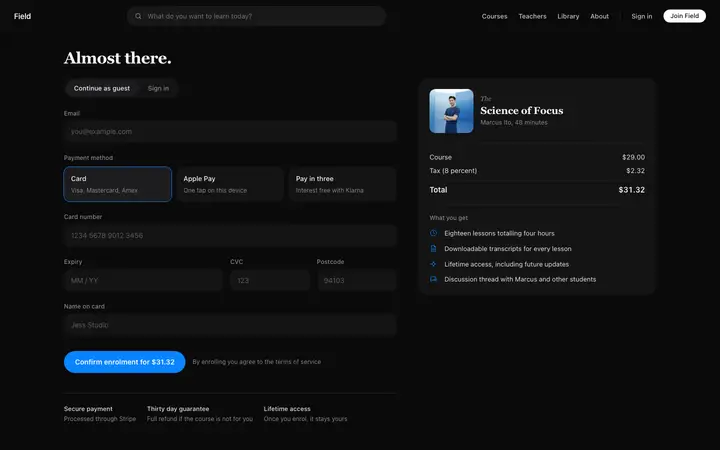
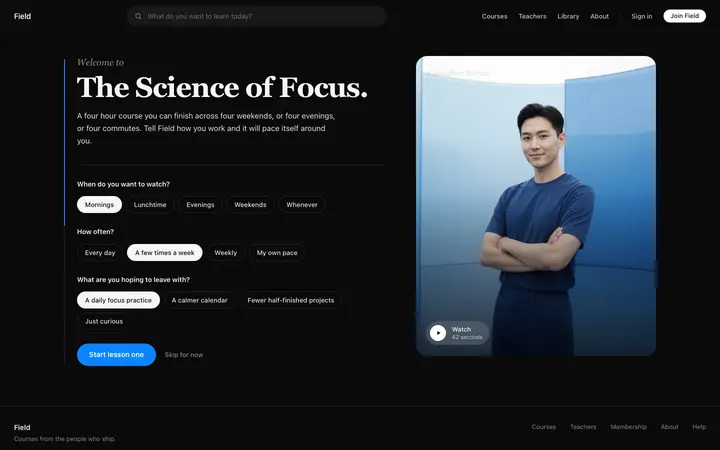
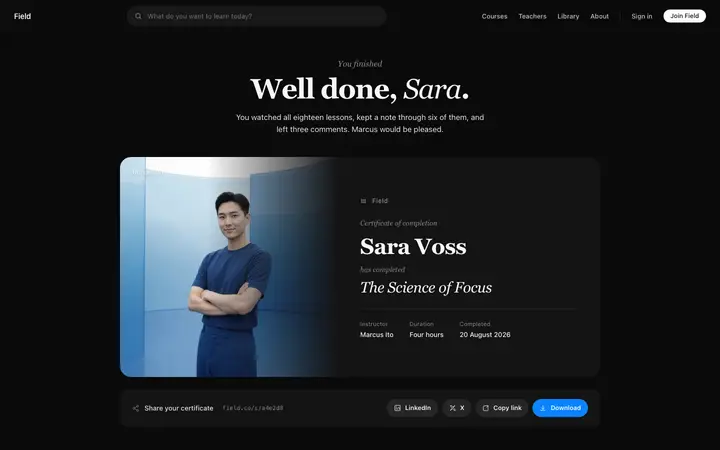
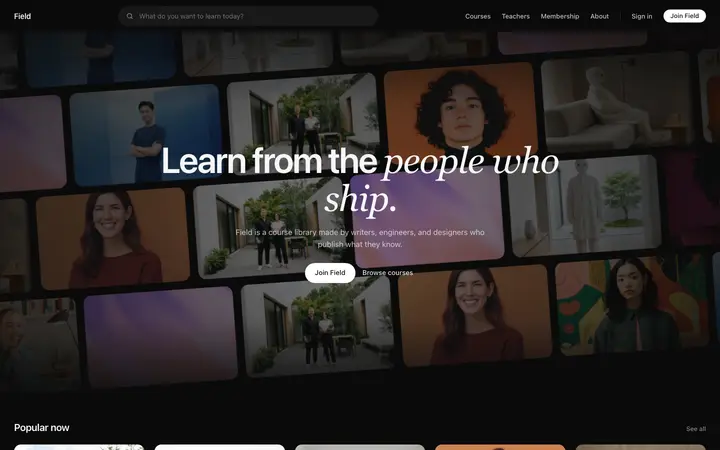
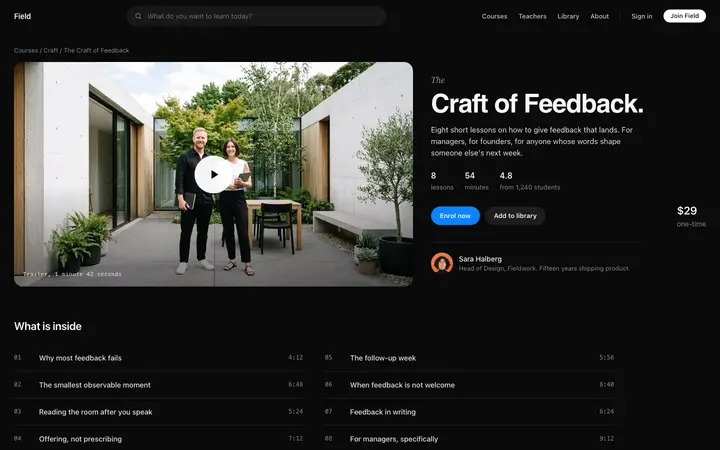
Eight templates cover the complete student journey: the online course landing page for browsing the library, the course sales page for viewing a single course with its lesson list, the course checkout page for enrollment, the course onboarding template for the welcome experience after purchase, the course video player for watching lessons, this dashboard for tracking progress across enrolled courses, the course completion certificate for sharing a finished course, and the instructor dashboard for managing revenue and enrollment stats.
Which course platforms suit this student dashboard?
LMS products, elearning platforms, online course sites, and creator tools where students manage multiple enrolled courses and track their learning progress over time.
Which vibe coding tools work with this student dashboard?
Claude Code, Replit, Lovable, ChatGPT Codex, Bolt, and Cursor. Paste it in and describe the stat labels and the course list you want.
How do I build a full SaaS app or admin dashboard with this template?
Give Claude Code, Replit, Lovable, Bolt, or Cursor this template as the reference design, then ask for each page of your SaaS app or admin dashboard one at a time. The tool holds the visual language once it has a finished coding template to work from.
Use this AI coding template for
- ·Student dashboard template for an LMS or course platform
- ·Online course progress tracker with continue watching card
- ·Learner dashboard for a course SaaS product
- ·Vibe coding student dashboard template
Works with every vibe coding tool
More from the Course platform set
All 8 pages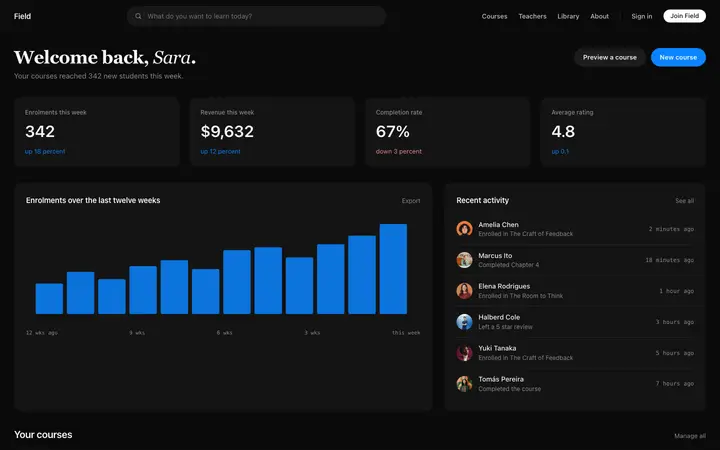
More SaaS templates
View all

More vibe coding dashboard templates
View all
Other templates you might like