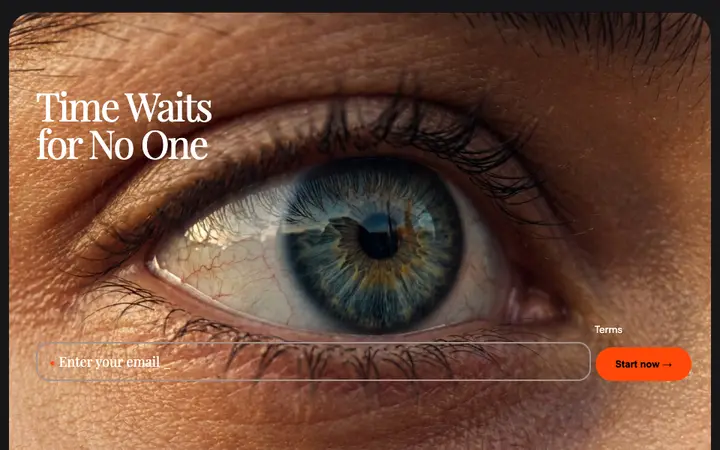
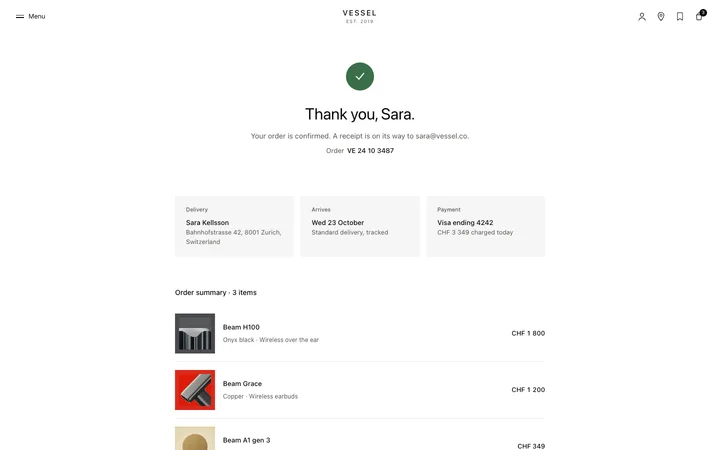
AI thinking and typing indicator for SaaS
AI thinking and typing indicator for AI SaaS products where a model works and the person is left waiting. Use this AI template with Claude Code, Replit, Lovable, ChatGPT Codex, Bolt, Cursor, or another coding tool.
About this vibe coding template
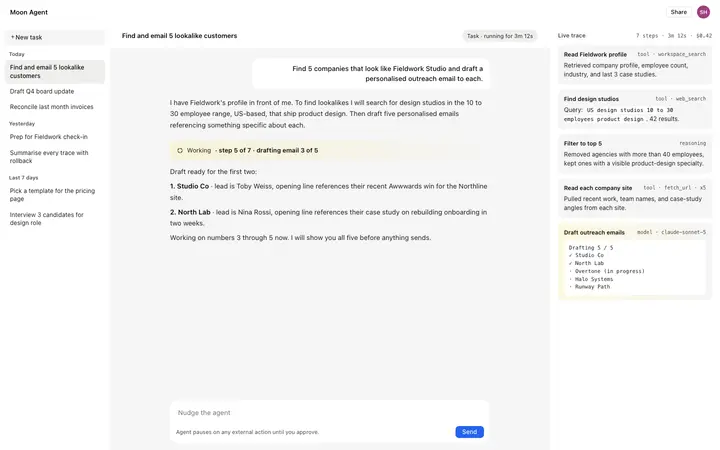
AI agent activity template for SaaS products and AI apps where a model runs a job that takes real time. An agent that thinks for thirty seconds behind a blank screen reads as broken, and the user reaches for the back button long before the answer lands. Showing the work as it happens is what buys that time, and it does something else too: a person who watched the reasoning trusts the answer more than a person handed a result. AI SaaS research tools, coding agents, data analysis products, and anything doing multi-step work all need this surface and it is the piece most AI builds leave until last. Minimal design with glassmorphism.
Build a full AI chat product or AI SaaS app with this template design
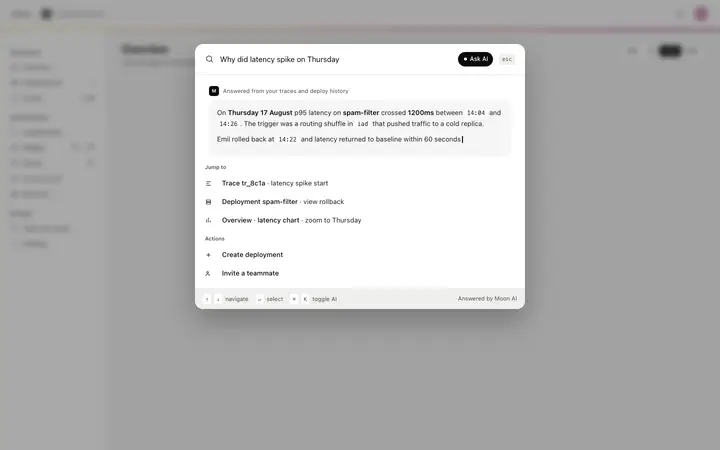
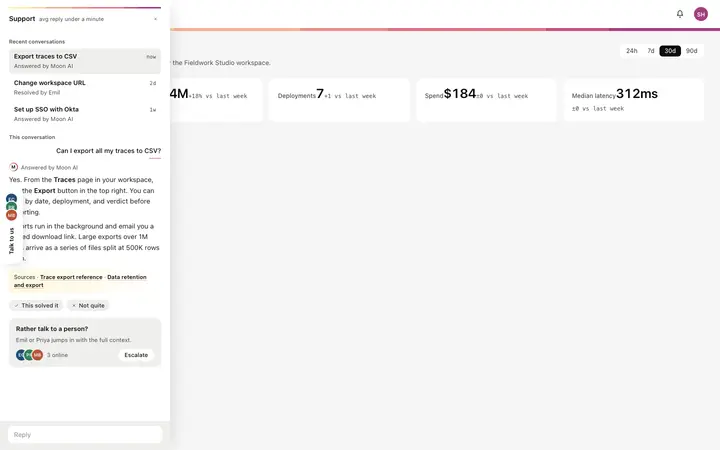
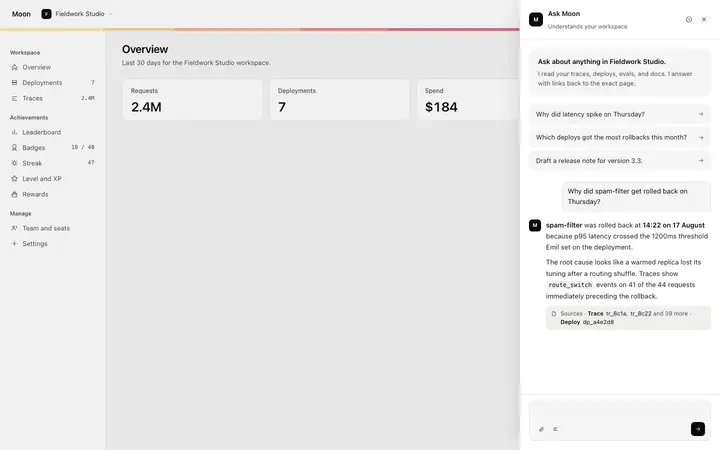
An AI chat product repeats one surface at different sizes, from a full chat interface to a chat widget and a copilot panel, so one AI chat template can set the standard for every screen after it. Copy the template, paste it into Claude Code, Replit, Lovable, ChatGPT Codex, Bolt, or Cursor, and send this alongside it.
Paste into Claude Code, Replit, Lovable, Bolt, or Cursor
Common questions about this template
What is an AI agent activity panel?
The surface that shows what a model is doing while it works, so nobody is left in front of a blank screen. It reports progress as the job runs and settles into the finished answer.
Why show an agent's work at all?
Two reasons. A visible process makes a long wait bearable, so people stay. And someone who saw how an answer was reached trusts it more than someone handed a result with no working.
What kind of AI products use this?
AI SaaS research assistants, coding agents, data analysis tools, and any product where a model runs several steps before it can answer. The longer the job, the more this surface earns its place.
Which tools work with this AI agent activity template?
Claude Code, Replit, Lovable, ChatGPT Codex, Bolt, and Cursor. Paste it in and describe the steps your agent actually runs.
Use this AI coding template for
- ·Agent activity view for an AI SaaS research tool that works across sources
- ·Progress narration for a coding agent running a long task
- ·Thinking state for an AI data analysis product
- ·AI agent activity for vibe coding in Claude Code, Lovable, or Bolt
Works with every vibe coding tool
More cards templates
View all
More vibe coding chat templates
View all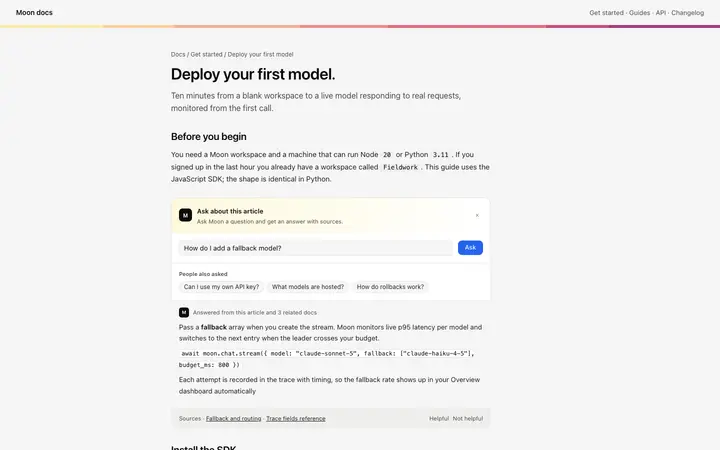
Other templates you might like