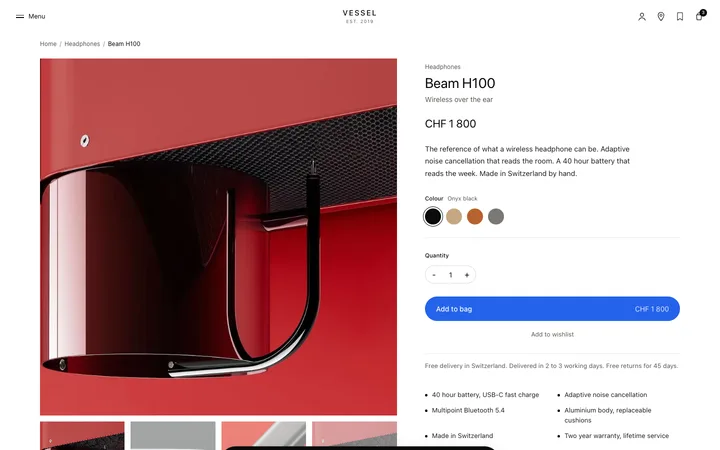
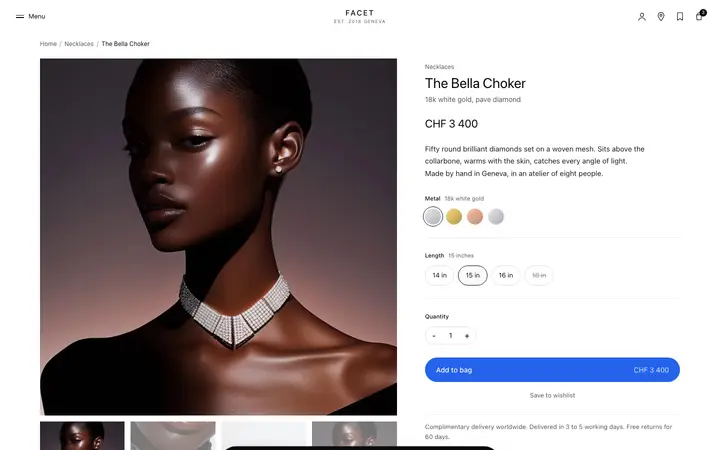
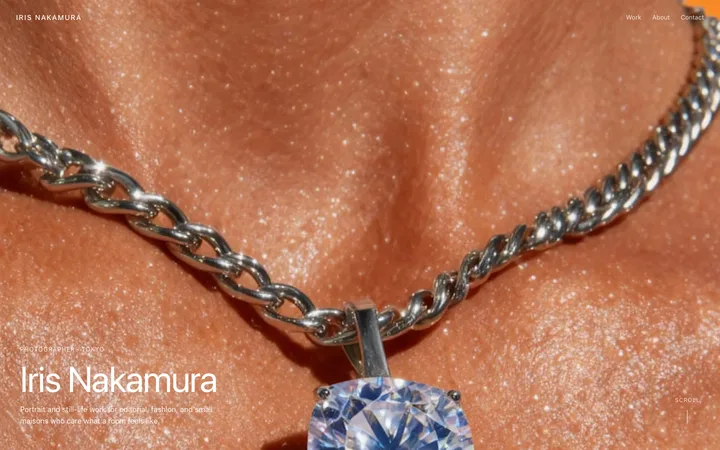
AI assistant launch video template for SaaS
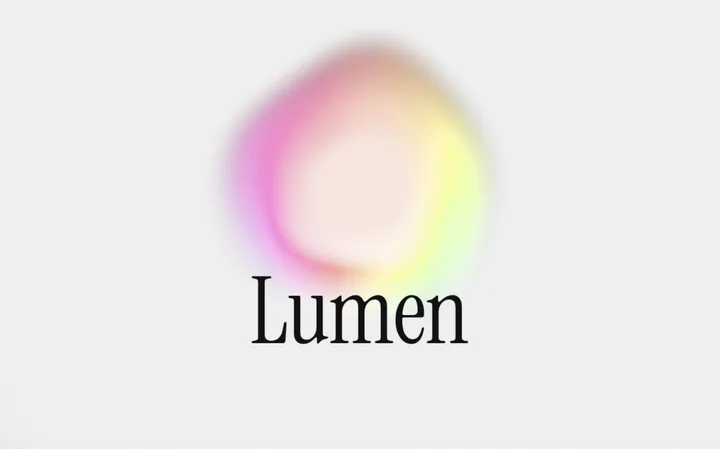
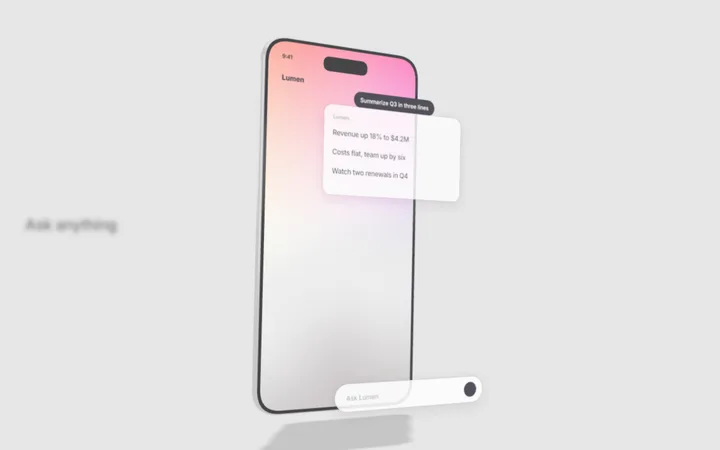
AI assistant launch video template where a glowing orb guides the story. A question types itself, the answer streams in, a document writes itself and voice mode turns on. A 25 second SaaS launch film, exported as an MP4. Use this AI template with Claude Code, Replit, Lovable, ChatGPT Codex, Bolt, Cursor, or another coding tool.
Watch the launch video
About this vibe coding template
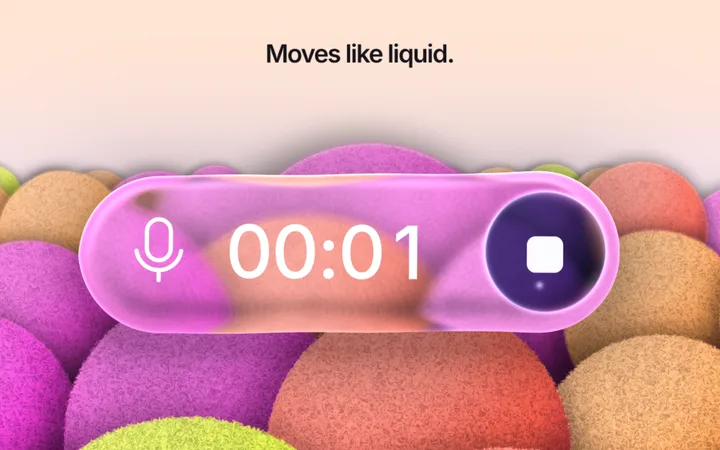
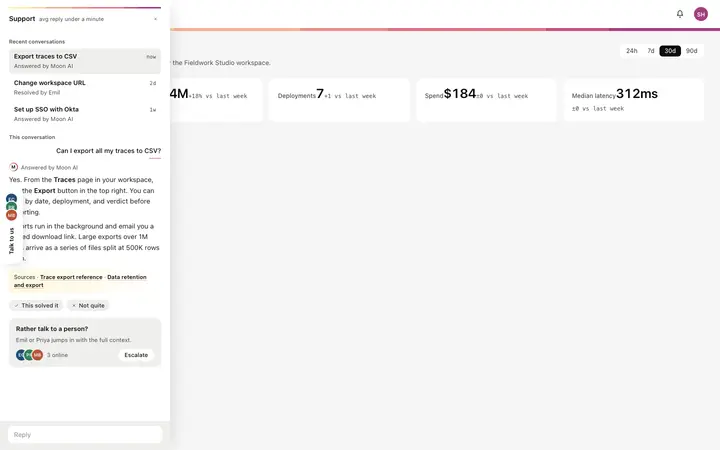
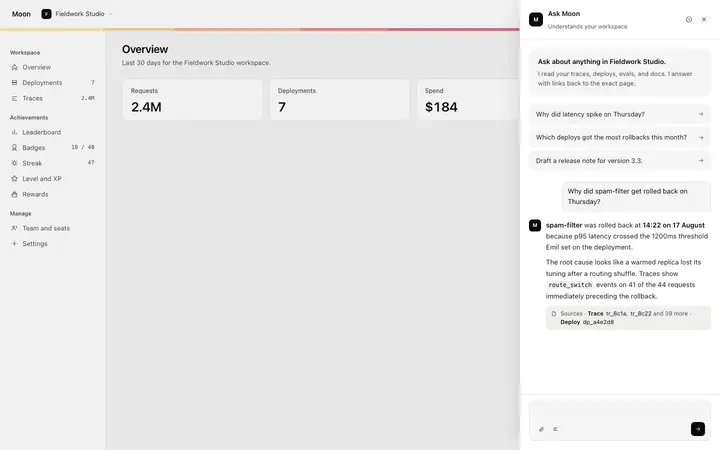
Launching an AI assistant, chatbot or copilot? This 25 second film shows what it does with no phone or laptop in the way: the interface fills the frame. A glowing gradient orb is born, stretches into the message box and types a question. The answer streams in word by word, one line opens a document that writes itself and then gets rewritten shorter, and voice mode lights up the orb as it listens. Between scenes the orb opens into a full screen gradient with a short line, and the film ends on your product name. Paste it into Claude Code or Cursor, ask for your own prompts, answers and colours, and export a 1080p MP4 for X, LinkedIn, Product Hunt or your SaaS homepage. Also see the AI app launch video. For tips, read how to make a SaaS product launch video. More films are in our product launch video templates.
Build a full AI chat product or AI SaaS app with this template design
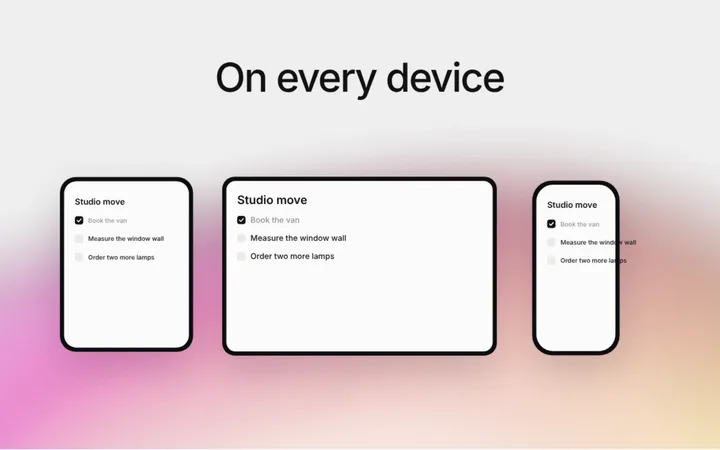
An AI chat product repeats one surface at different sizes, from a full chat interface to a chat widget and a copilot panel, so one AI chat template can set the standard for every screen after it. Copy the template, paste it into Claude Code, Replit, Lovable, ChatGPT Codex, Bolt, or Cursor, and send this alongside it.
Paste into Claude Code, Replit, Lovable, Bolt, or Cursor
Common questions about this template
What should an AI assistant launch video show?
A real question, a fast answer and one thing the assistant does for you, like writing a document or listening to your voice. This template shows all three in 25 seconds.
What is the glowing orb?
A gradient orb that stands for the assistant. It moves through the whole film, turning into the message box, the cursor and the voice button, so the story feels like one shot.
Can I change the questions and answers?
Yes. They are plain text at the top of the code. Ask your AI coding tool to write your own prompts, answers and document text.
Which AI coding tools work with this SaaS launch video template?
Claude Code, Lovable, Bolt, Replit, ChatGPT Codex and Cursor. Copy the code, paste it into your tool and describe your product. It keeps the film, the animated gradient and the export, and changes the story, screens and brand.
Use this AI coding template for
- ·Launch video for an AI assistant, chatbot or copilot
- ·AI SaaS promo video for X, LinkedIn and Product Hunt
- ·Product demo video for a chat or writing tool
- ·AI orb animation video to build with Claude Code or Cursor
Works with every vibe coding tool
More from the Launch videos set
All 10 videos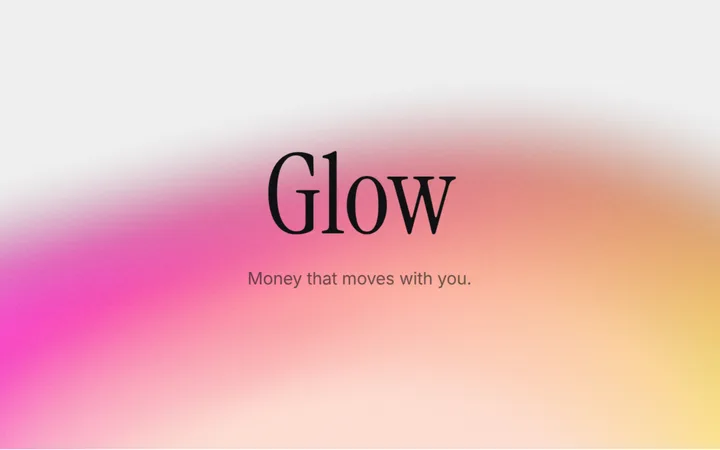
More chat templates
View all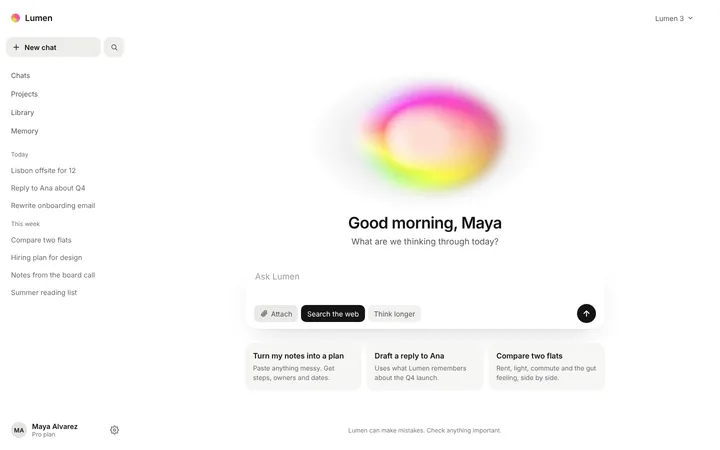
More vibe coding animations templates
View all
Other templates you might like