Bank card detail screen app template
A card detail screen for iOS and Android, showing the card itself, spend against its limit for the month, and the controls a customer expects to find. Use it for neobanks, credit products, and expense tools that issue cards. Connect your card provider via Bolt, Lovable, or Replit.
About this app template
The card screen is where customers go for two reasons, either to check what they have spent or to freeze a card they cannot find. This screen serves both. Spend is shown against the limit, not as a bare figure, since a number alone does not tell anyone whether they are fine. The controls sit below, with freezing prominent because it is urgent when it is needed and nobody wants to hunt for it while standing over a jacket pocket. Paste it into Bolt, Lovable, or Replit and connect the controls to your card issuing provider.
Build a full banking or fintech app with this template design
A finance app repeats balances, cards, transaction rows, and progress across many screens, so one screen can set the standard for every screen after it. Copy the template, paste it into Claude Code, Replit, Lovable, ChatGPT Codex, Bolt, or Cursor, and send this alongside it.
Paste into Claude Code, Replit, Lovable, Bolt, or Cursor
Common questions about this template
What should a card detail screen show?
Spend against the limit, not spend alone, and the controls underneath. A figure with no limit next to it does not answer whether the customer is fine, which is the actual question.
Why put freeze near the top of the controls?
Because it is needed in a hurry. Someone searching a coat for a missing card should not also be searching a settings menu.
Does this work for virtual cards?
Yes. Virtual cards use the same layout, usually with the number revealed on tap, not printed on the card face.
How do I connect the card controls?
Paste it into Bolt, Lovable, or Replit and ask your AI to wire freeze and limit changes to your card issuing provider.
Use this template for
- ·Card management in banking apps
- ·Credit and debit card detail views
- ·Spend against limit displays
- ·Freeze and card control screens
More finance app templates
View all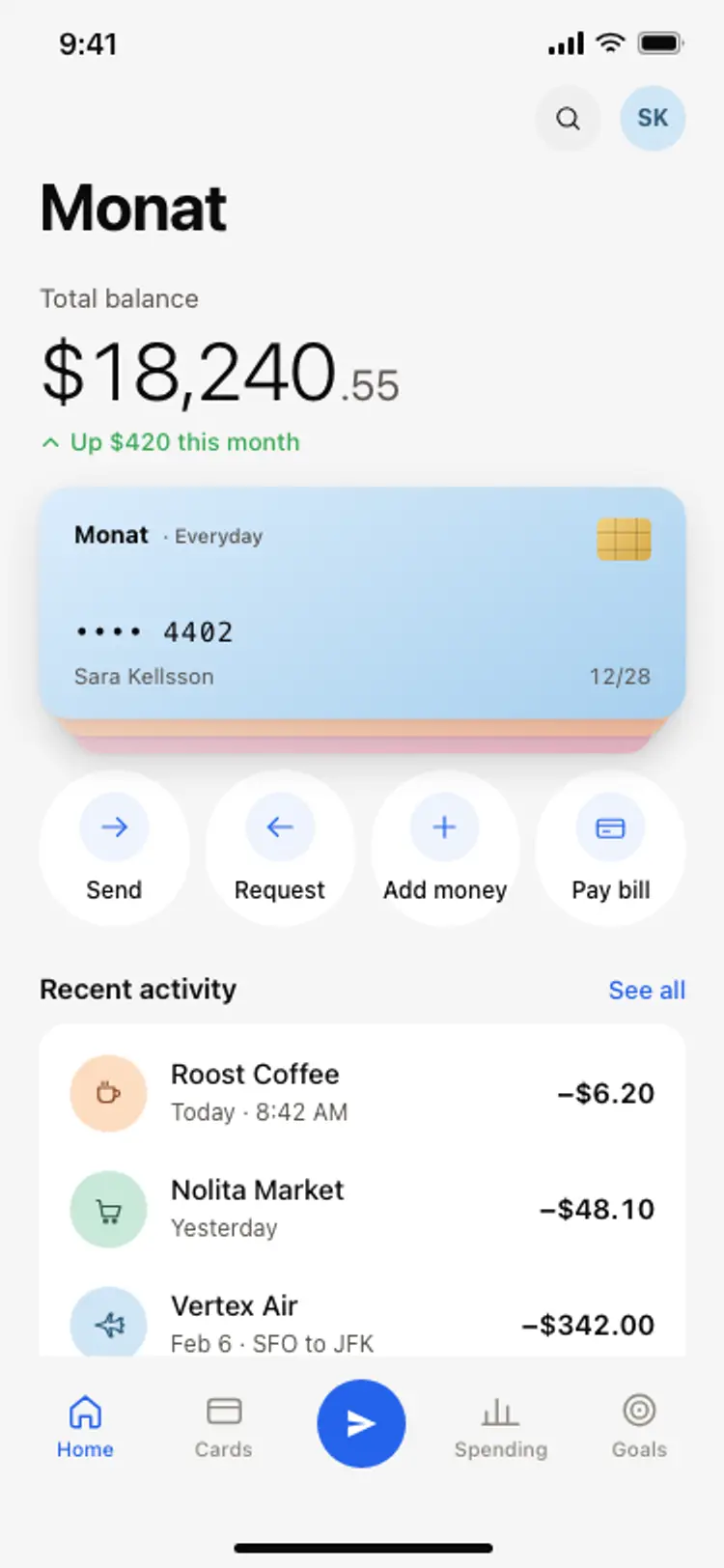
Banking app home screen
Banking app home screen
Finance
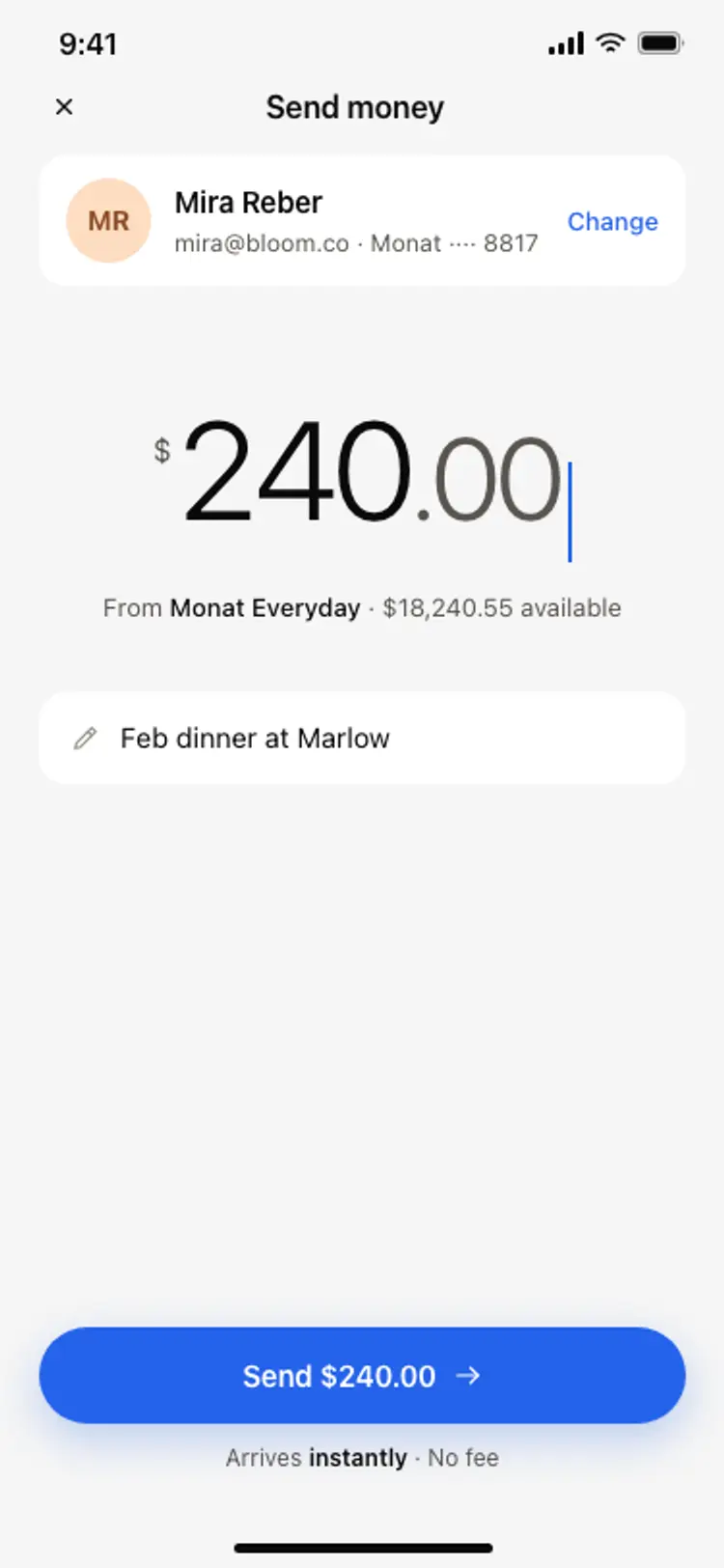
Send money screen
Send money screen
Finance
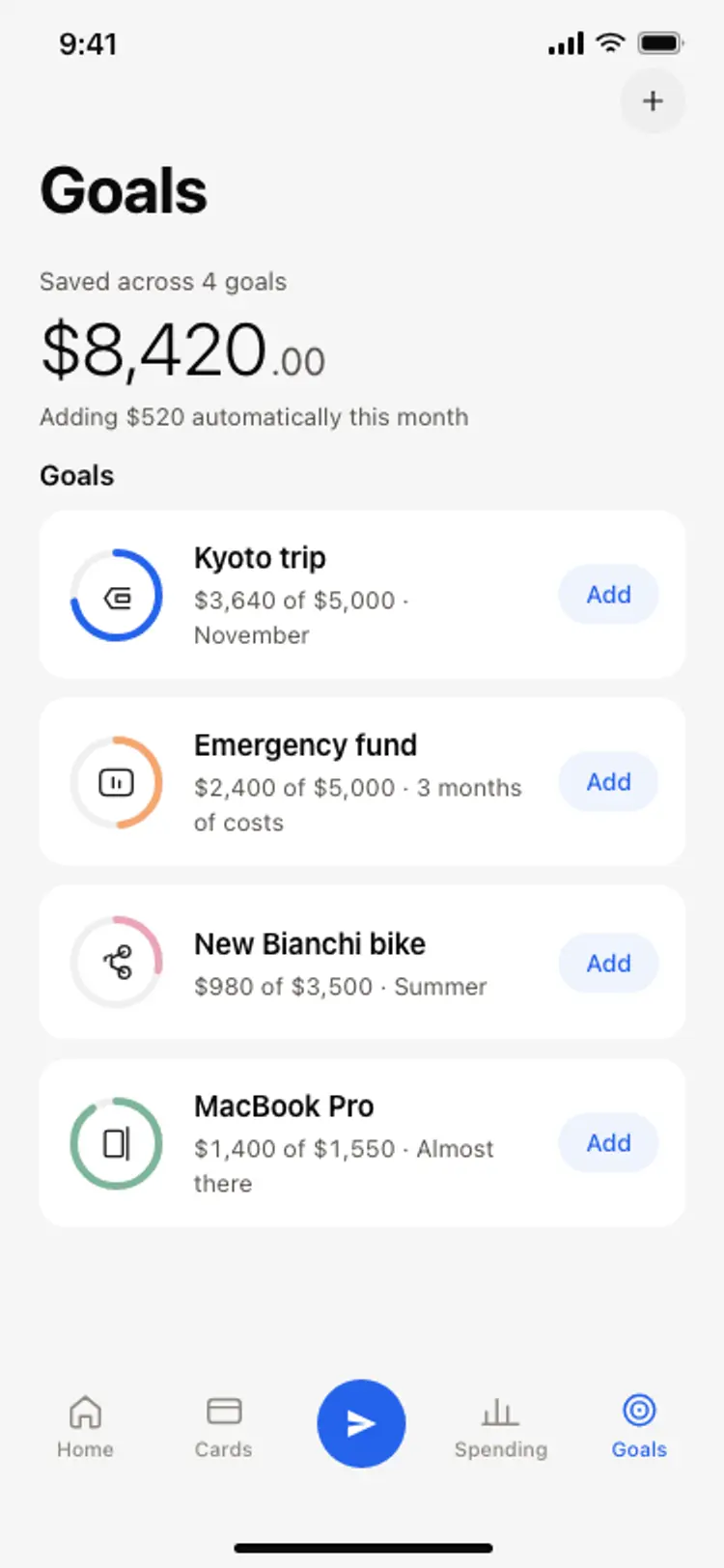
Savings goals screen
Savings goals screen
Finance
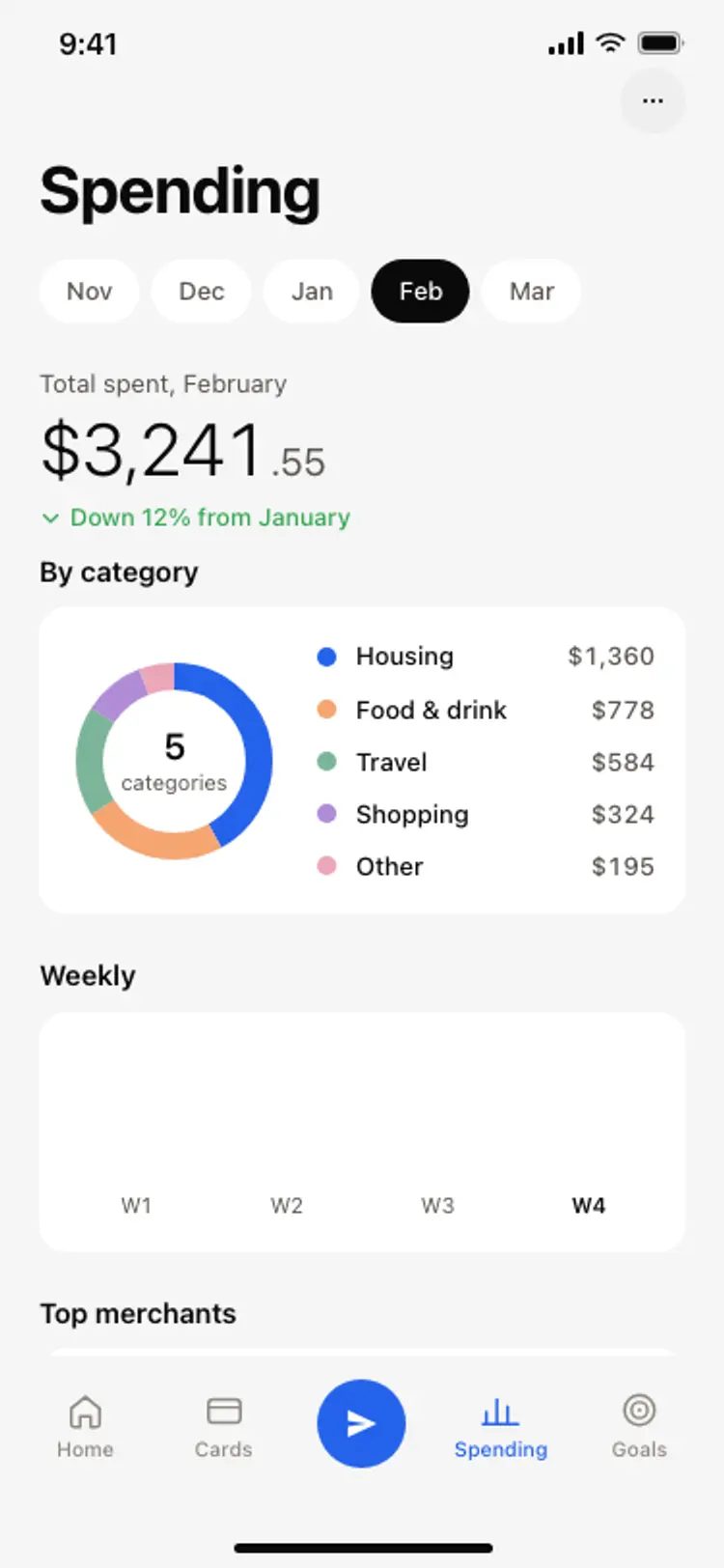
Spending breakdown screen
Spending breakdown screen
Finance
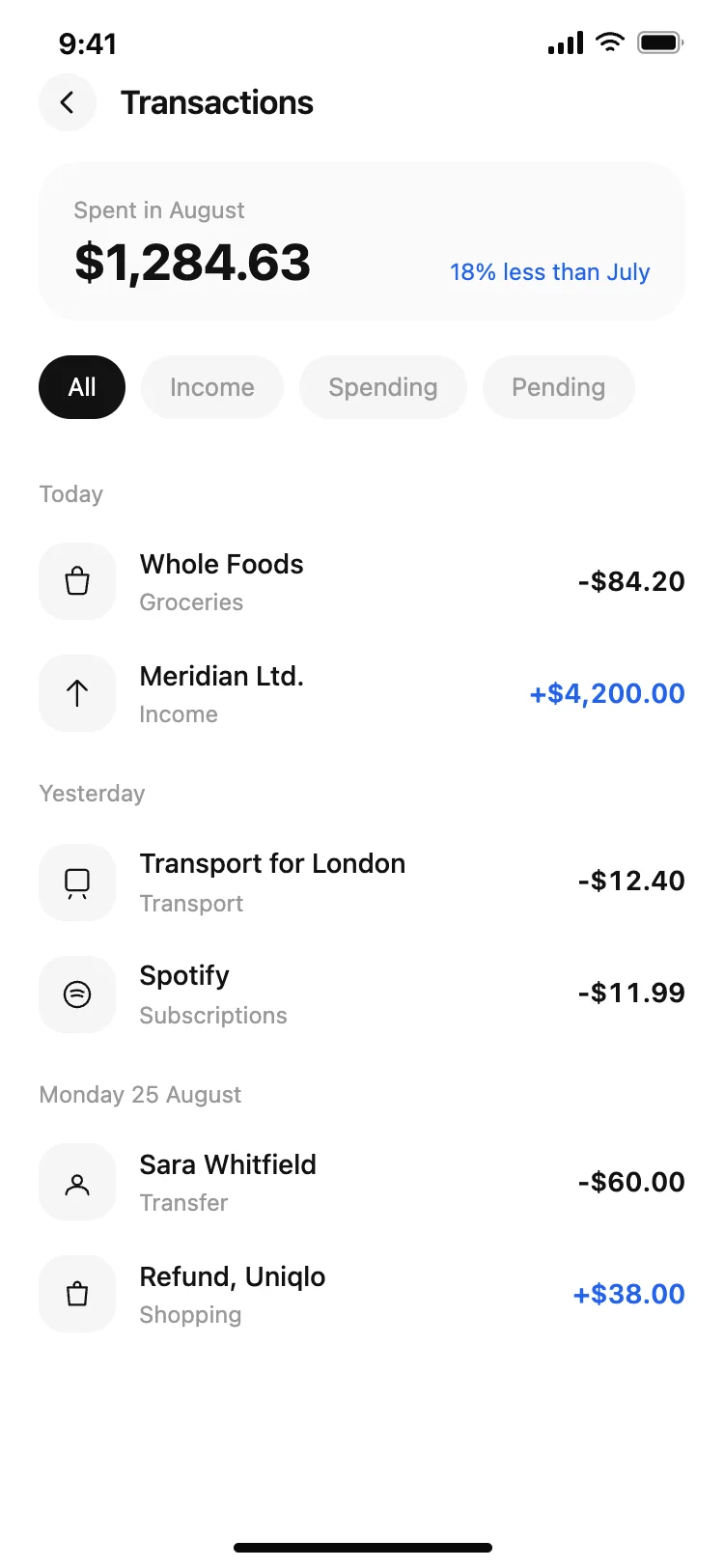
Finance app transaction list
Finance app transaction list
Finance

Finance app monthly budget
Finance app monthly budget
Finance
Other app templates you might like

See also
Browse app templates