Admin dashboard template for SaaS apps
Admin dashboard template for SaaS products, developer tools, and B2B software with customers to manage. Use it for the internal screen your own team lives in, where accounts get found, checked, and acted on. Use this AI template with Claude Code, Replit, Lovable, ChatGPT Codex, Bolt, Cursor, or another coding tool.
About this vibe coding template
Admin dashboard template for the screen nobody demos and everybody uses. It fits SaaS products, developer tools, B2B software, marketplaces, and any product whose support team needs to find one account fast and act on it without asking an engineer. Use it as the internal console behind your product. Admin screens are usually the last thing designed and the first thing that makes a company feel amateur from the inside, and this one arrives finished. Minimal design. It works in Claude Code, Replit, Lovable, ChatGPT Codex, Bolt, and Cursor.
Build a full SaaS app or admin dashboard with this template design
A SaaS app or admin dashboard is dozens of screens sharing one shell, so one dashboard template can set the standard for the navigation, the spacing, and the card design on every screen after it. Copy the template, paste it into Claude Code, Replit, Lovable, ChatGPT Codex, Bolt, or Cursor, and send this alongside it.
Paste into Claude Code, Replit, Lovable, Bolt, or Cursor
Common questions about this template
What does this admin dashboard template include?
Tabs for users, workspaces, feature flags, and rate limits with badge counts, a user management table with avatar, name, email, workspace, billing plan, role selector pill, join date, and last seen, Impersonate and Suspend action links on each row, search by name or email, filter dropdowns for plan, role, and join date, an audit log button, and an invite admin button.
What does the impersonate action do in this admin dashboard template?
The Impersonate link lets a platform admin view and navigate the product as a specific user without changing their data or session. It is useful for debugging a user reported issue or verifying that a permission change had the intended effect. Wire it to your impersonation flow and add appropriate audit logging.
How does the role selector pill work in this dashboard template?
Each user row has a role pill showing the current role. The pill is a clickable dropdown that opens a list of available roles. Selecting a role reassigns the user's role. Replace the role options with the roles in your own permission model.
Which other templates pair with this admin dashboard?
The data table template uses the same sortable table layout for a different resource type and is a reference for extending the admin panel with additional entity tables. The activity feed template is the full page event history that the audit log button on this page would open.
Which tools work with this admin dashboard template?
Claude Code, Replit, Lovable, ChatGPT Codex, Bolt, and Cursor. Paste it in and replace the tab labels, table columns, and action labels with your own admin operations.
How do I build a full SaaS app or admin dashboard with this template?
Send the template and the instruction above to Claude Code, Replit, Lovable, ChatGPT Codex, Bolt, or Cursor together. The design decisions are already made in the markup, so your AI coding tool has a pattern to follow across the whole SaaS app or admin dashboard.
Use this AI coding template for
- ·Admin dashboard template for a SaaS app with user management
- ·Admin panel template with Impersonate, Suspend, and role management for SaaS
- ·User management table template for a SaaS admin interface
- ·Vibe coding admin dashboard template
Works with every vibe coding tool
More from the SaaS dashboard set
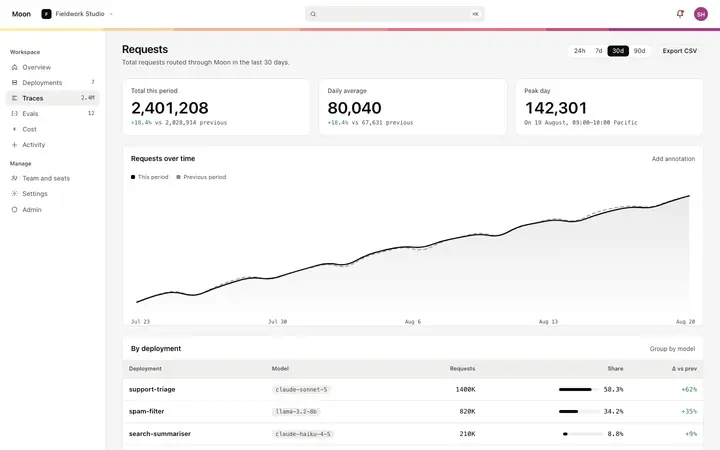
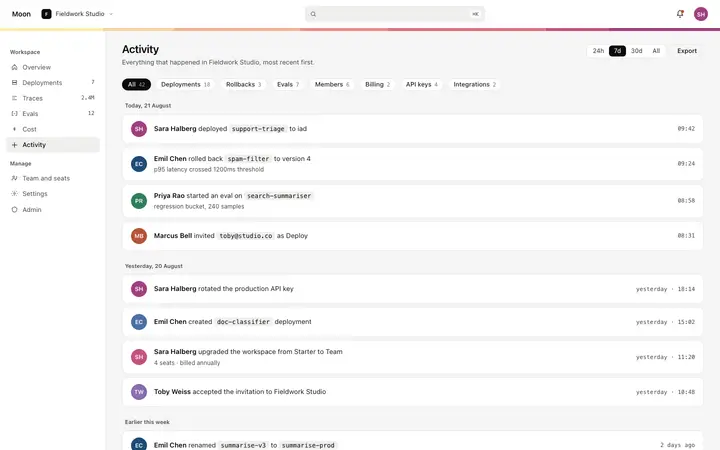
5 pages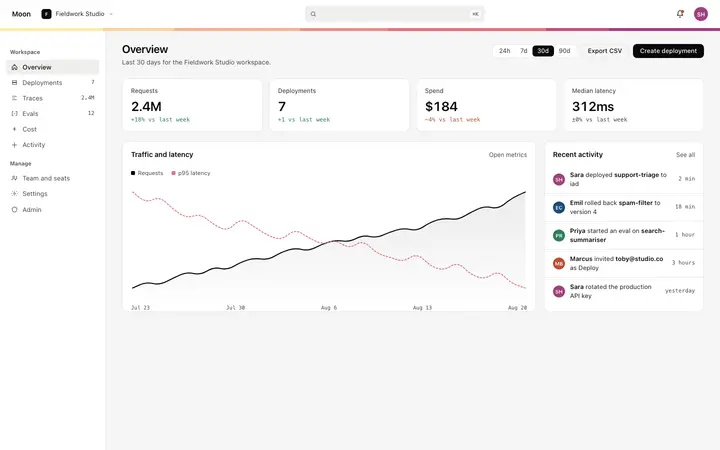
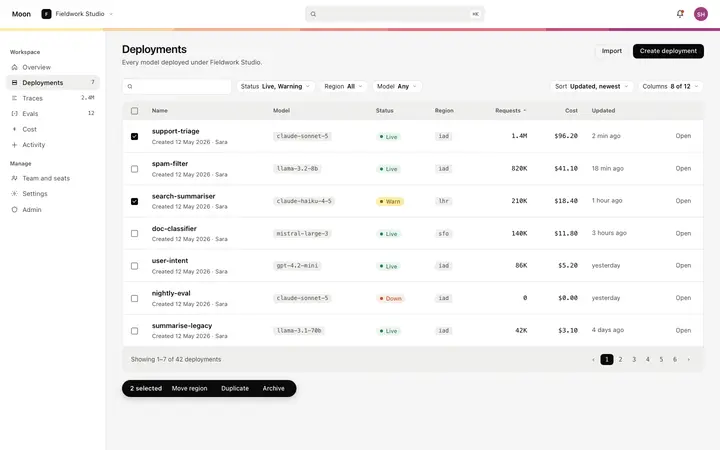
More dashboard templates
View all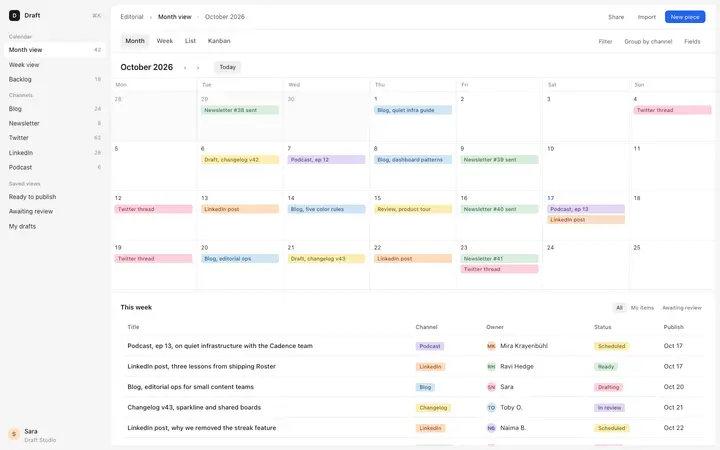
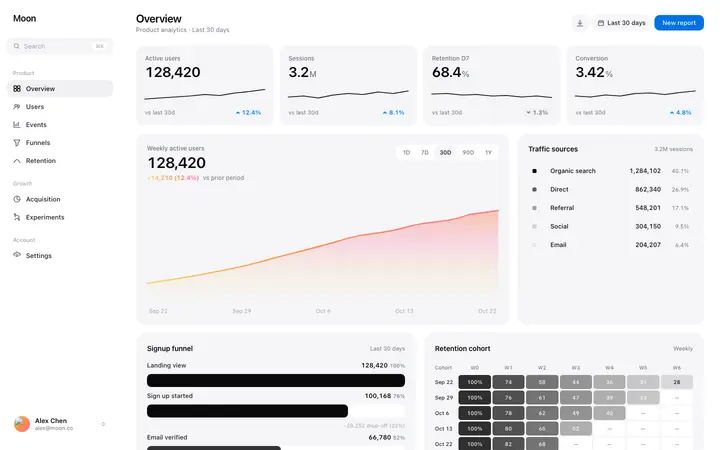
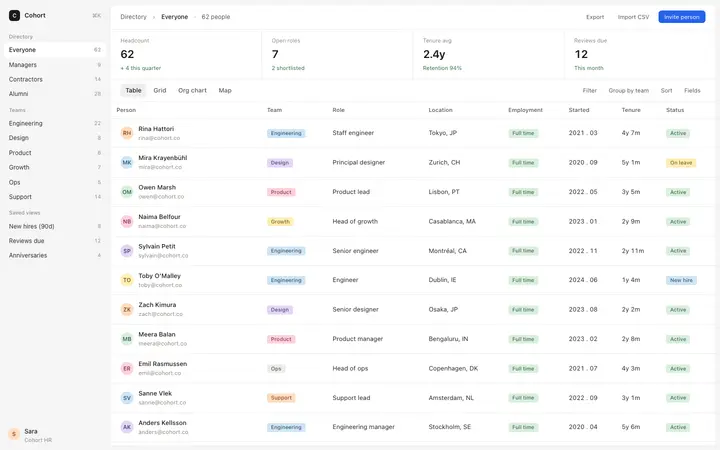
More vibe coding SaaS templates
View all


Other templates you might like