Data table template for SaaS dashboards
Data table template for SaaS dashboards, admin tools, and any product where the answer lives in a list. Use it wherever people need to find one record among thousands and do something with it. Use this AI template with Claude Code, Replit, Lovable, ChatGPT Codex, Bolt, Cursor, or another coding tool.
About this vibe coding template
Data table template for products where the work is finding the right row. It fits SaaS dashboards, admin consoles, CRMs, analytics tools, developer platforms, and anything with more records than a page. Use it as the main working surface of a product. A table is the hardest thing to get right in a product and the fastest thing to get wrong, and getting it wrong is what makes software feel homemade. Minimal design. It works in Claude Code, Replit, Lovable, ChatGPT Codex, Bolt, and Cursor.
Build a full SaaS app or admin dashboard with this template design
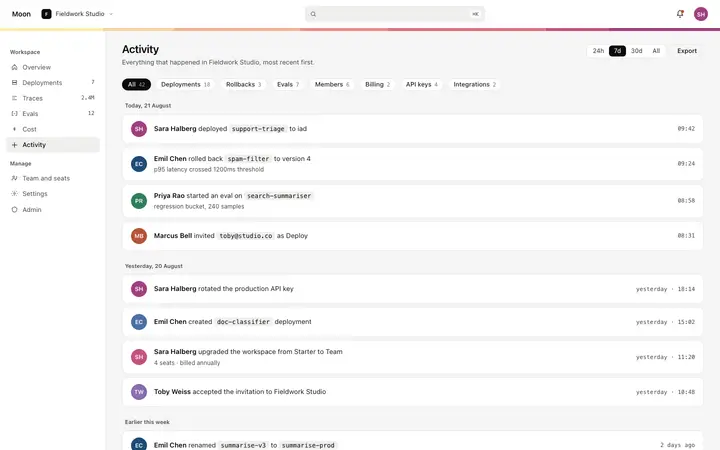
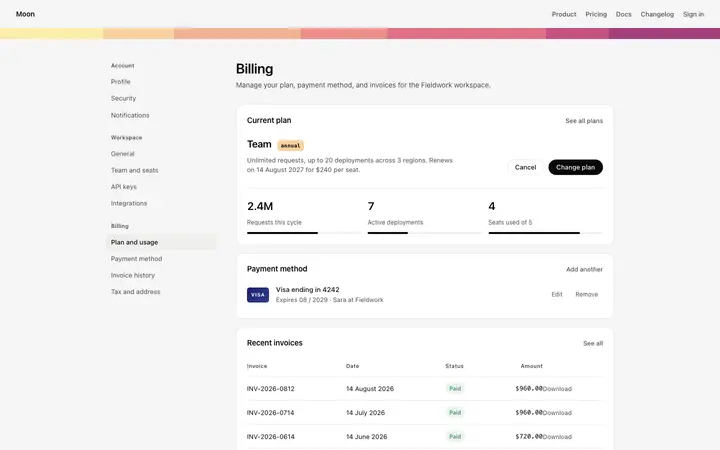
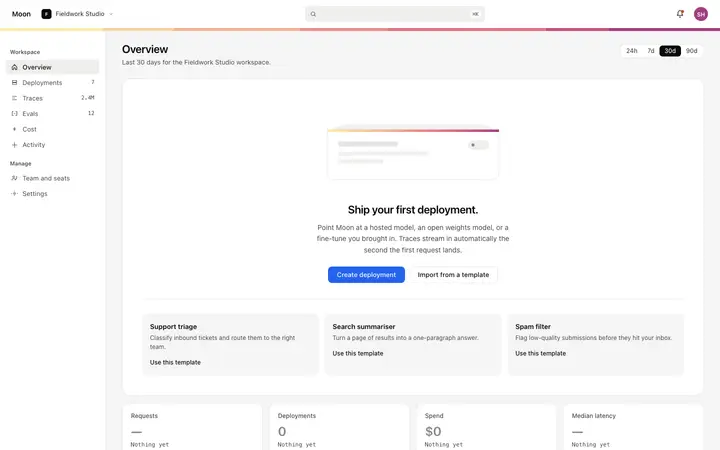
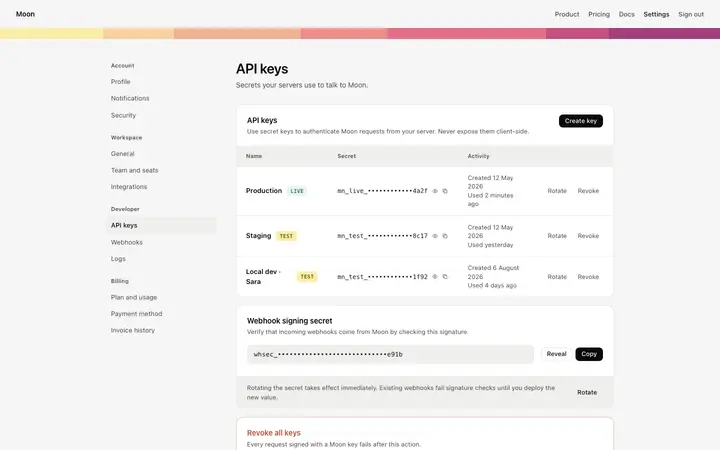
A SaaS app or admin dashboard is dozens of screens sharing one shell, so one dashboard template can set the standard for the navigation, the spacing, and the card design on every screen after it. Copy the template, paste it into Claude Code, Replit, Lovable, ChatGPT Codex, Bolt, or Cursor, and send this alongside it.
Paste into Claude Code, Replit, Lovable, Bolt, or Cursor
Common questions about this template
What does this data table template include?
A search bar, filter dropdowns for status, region, and model, a sort control, a column picker, row checkboxes with a bulk actions bar that appears on selection, sortable column headers with sort arrows, status pills with colored dot indicators, right aligned numeric columns with tabular figures, and a pagination row.
How does row selection and the bulk actions bar work in this dashboard template?
Each row has a checkbox on the left. Selecting one or more rows makes the bulk actions bar appear with actions for the selection. Selecting the header checkbox selects all visible rows. Deselecting all rows hides the bulk actions bar.
What do the status pills show in this SaaS data table template?
Each row has a status pill with a colored dot. A green dot and fill means live, a yellow dot and fill means warning, and a red dot and fill means down. The dot color and pill background change together so the state reads at a glance without needing to read the label text.
How does sorting work in this SaaS data table template?
Column headers with a sort arrow are sortable. Clicking a sortable header sorts the table by that column and updates the sort arrow to show the direction. The sort control in the table bar also reflects the current sort field and direction.
Which tools work with this data table template?
Claude Code, Replit, Lovable, ChatGPT Codex, Bolt, and Cursor. Paste it in and replace the column definitions, filter options, and row data with your own entities.
How do I build a full SaaS app or admin dashboard with this template?
Give Claude Code, Replit, Lovable, Bolt, or Cursor this template as the reference design, then ask for each page of your SaaS app or admin dashboard one at a time. The tool holds the visual language once it has a finished coding template to work from.
Use this AI coding template for
- ·Data table template for a SaaS dashboard or admin interface
- ·Sortable data table with bulk actions and pagination for SaaS products
- ·Interactive data table with filter dropdowns and column picker for SaaS
- ·Vibe coding data table template
Works with every vibe coding tool
More from the SaaS dashboard set
5 pages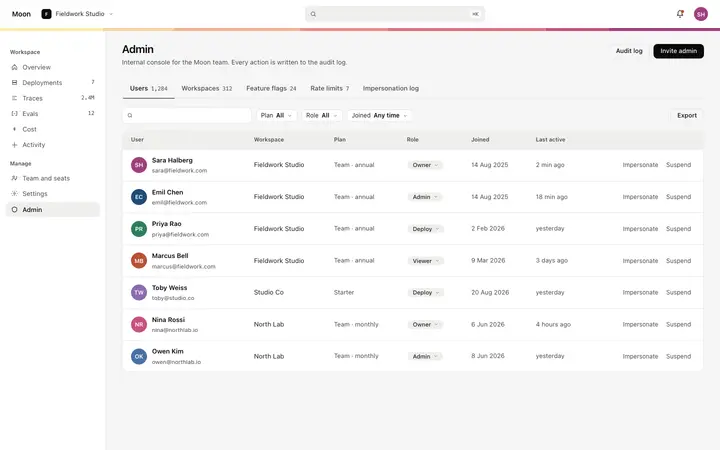
More dashboard templates
View all
More vibe coding SaaS templates
View all


Other templates you might like