Alert banner and callout template for SaaS
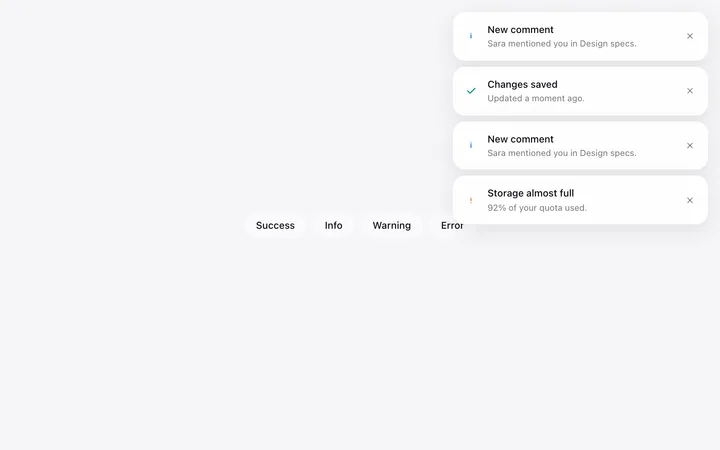
Alert banner and callout template for the moments a SaaS product has to say something in the middle of a page. Four tones cover the range from a note to a failure, so the weight always matches the news. Use this AI template with Claude Code, Replit, Lovable, ChatGPT Codex, Bolt, Cursor, or another coding tool.
About this vibe coding template
Alert banner and callout template for SaaS apps that need to speak inline without stopping anyone. A modal is the wrong instrument for most messages: it demands a decision for something that only needed to be read. A banner sits in the flow and lets someone carry on, which is right for a warning, a tip, a success, or a note about state. Four tones come together so a product settles the weight of each once and stays consistent, which is what stops everything looking urgent. Minimal design with glassmorphism and a chat UI.
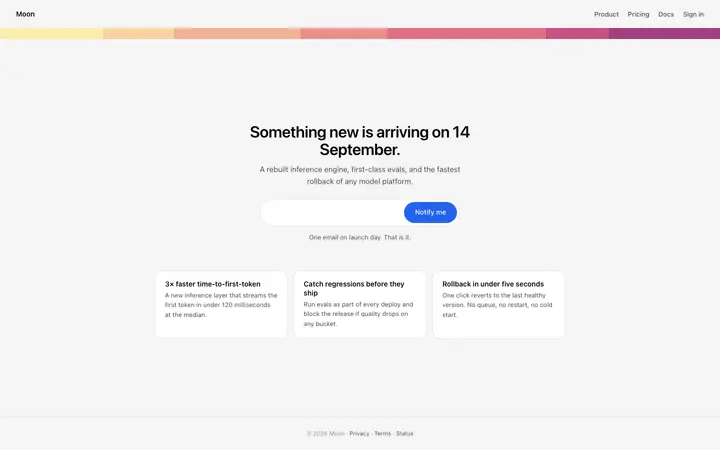
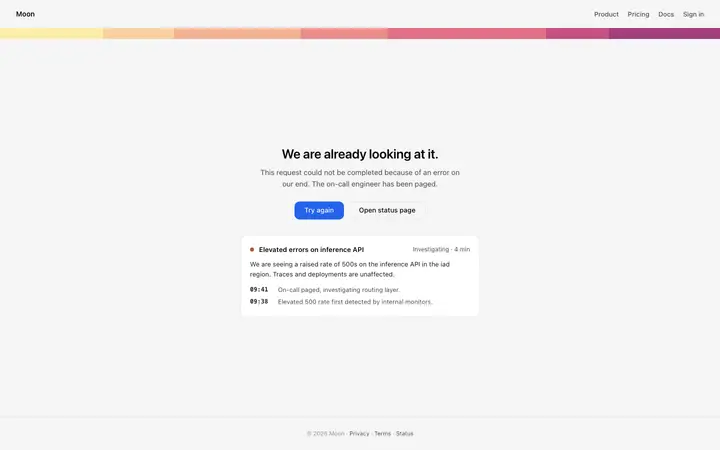
Build a full set of SaaS error and status pages with this template design
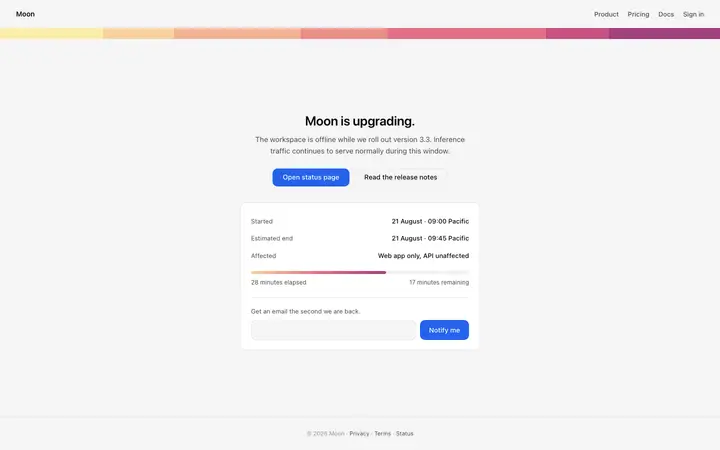
A SaaS product needs a 404 page, a 500 error page, and a maintenance page that all look like the product itself, so one status page template can set the standard for every error page after it. Copy the template, paste it into Claude Code, Replit, Lovable, ChatGPT Codex, Bolt, or Cursor, and send this alongside it.
Paste into Claude Code, Replit, Lovable, Bolt, or Cursor
Common questions about this template
What is an alert banner?
A message in the flow of a SaaS page that tells someone something without stopping them. It covers notes, warnings, confirmations, and failures.
When is a banner the right choice?
Whenever the message only needs to be read. A modal asks for a decision, so using one for information makes people dismiss things without reading them.
How many tones should a product use?
Four is enough: a neutral note, a success, a warning, and a failure. More than that and nobody can tell them apart, which defeats the point of having tones at all.
Which tools work with these alert banners?
Claude Code, Replit, Lovable, ChatGPT Codex, Bolt, and Cursor. Paste them in and describe the messages your product needs to give.
Use this AI coding template for
- ·Inline warning above a form that needs attention
- ·Success confirmation after a saved change
- ·Trial or plan notice inside a SaaS dashboard
- ·Alert banners for vibe coding in Claude Code, Lovable, or Bolt
Works with every vibe coding tool
More status templates
View all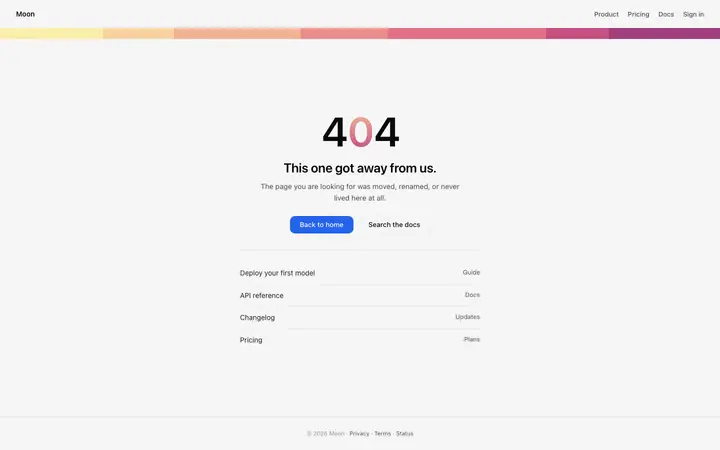
More vibe coding cards templates
View all
Other templates you might like