Empty state and no results template for SaaS
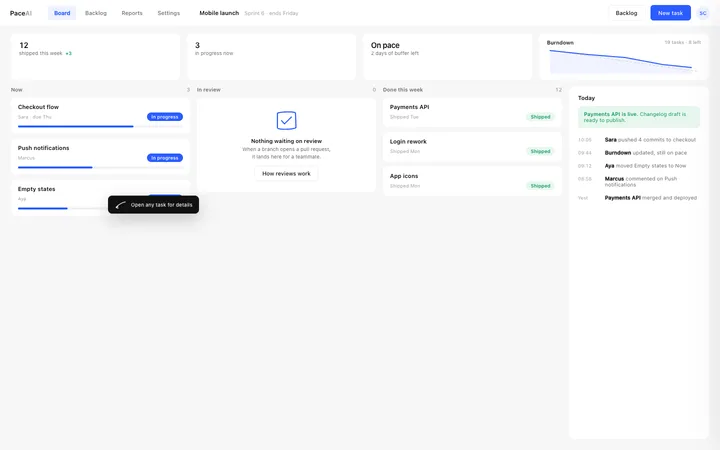
Empty state component for the first screen a new SaaS user sees, which is usually the emptiest one. It says what goes here and how to put something there, which is what turns an empty product into a used one. Use this AI template with Claude Code, Replit, Lovable, ChatGPT Codex, Bolt, Cursor, or another coding tool.
About this vibe coding template
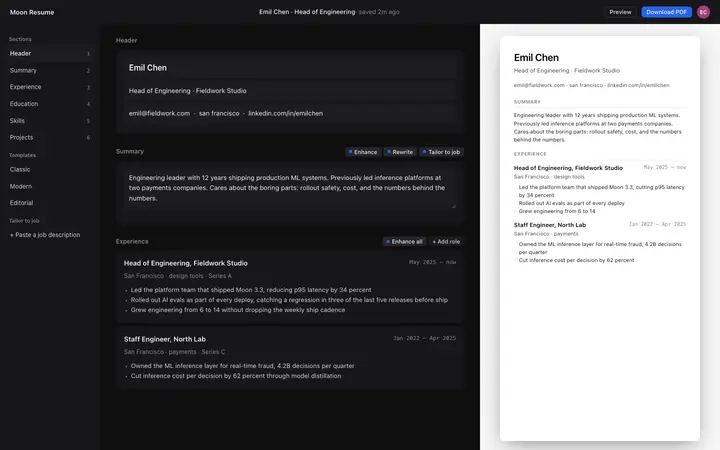
Empty state component for SaaS apps that start with nothing in them. This is the screen everyone forgets and the one every new user meets first. A blank area with a heading tells someone the product is empty, which they already knew. A good empty state does three things instead: names what belongs here, says why it is worth having, and puts the action to create the first one right there. It is the difference between an account someone abandons and one they use. Minimal design with glassmorphism.
Build a full SaaS onboarding flow with this template design
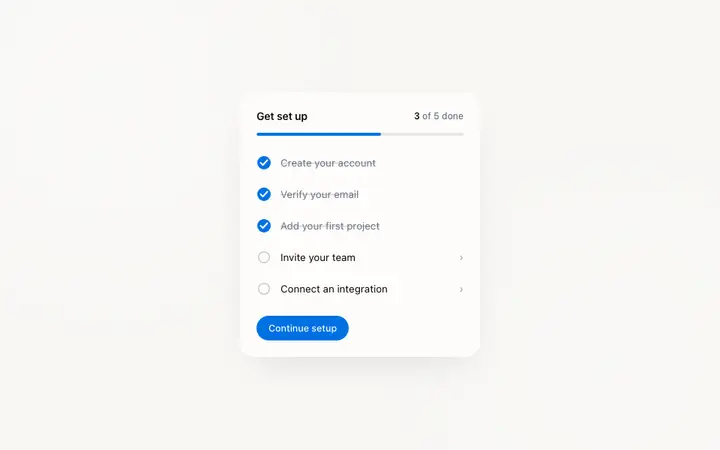
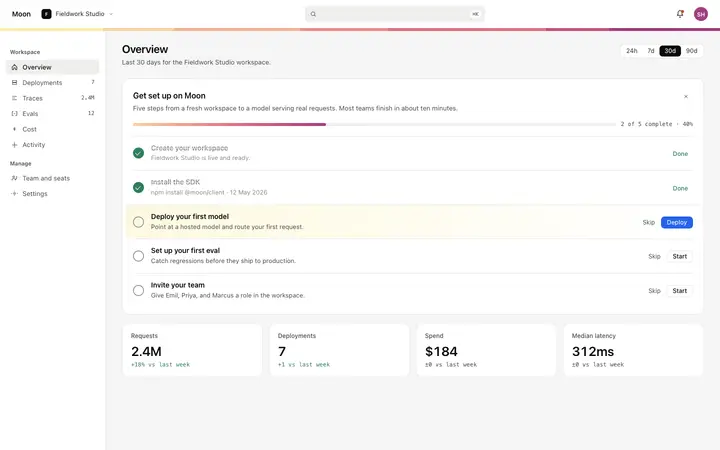
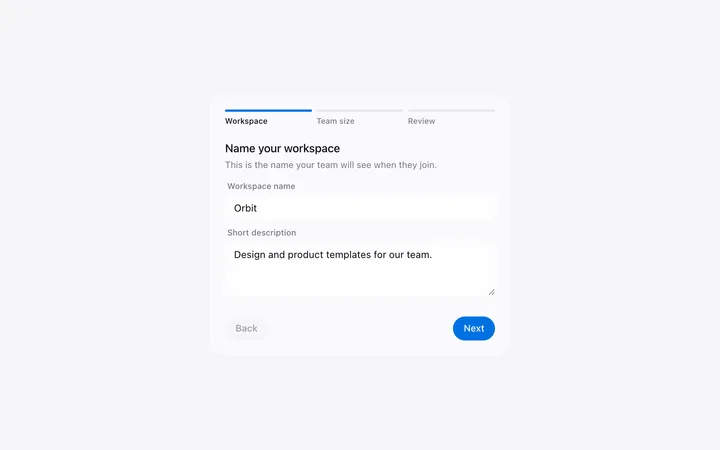
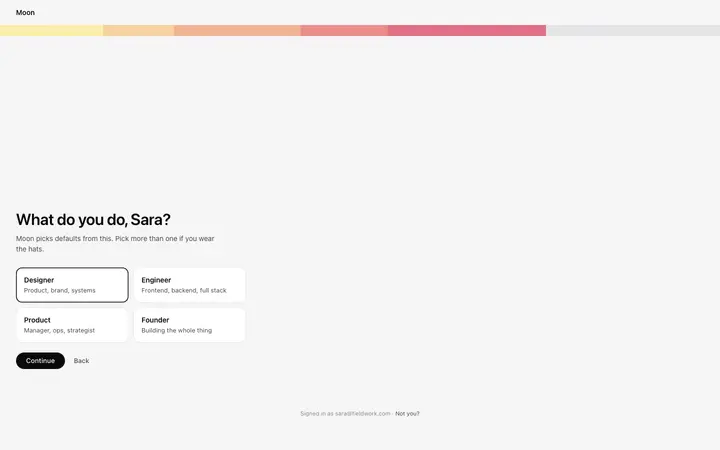
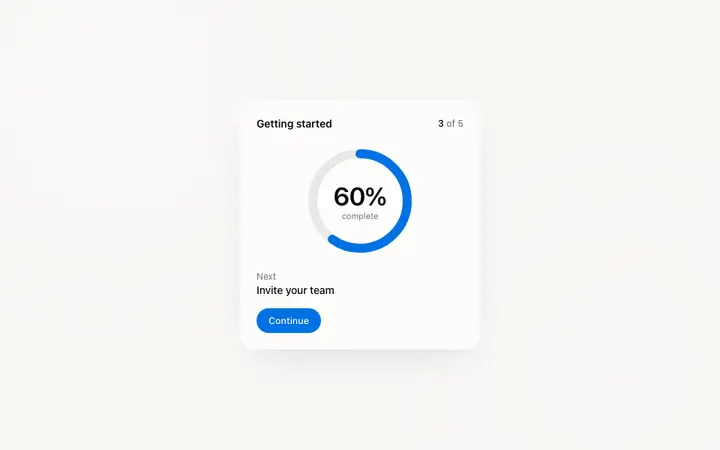
A SaaS onboarding flow is a sequence of welcome, setup, and activation screens that only works when each step looks like the last, so one onboarding template can set the standard for every screen after it. Copy the template, paste it into Claude Code, Replit, Lovable, ChatGPT Codex, Bolt, or Cursor, and send this alongside it.
Paste into Claude Code, Replit, Lovable, Bolt, or Cursor
Common questions about this template
What is an empty state?
The screen a SaaS product shows when there is nothing to display yet. It names what belongs there and offers the way to create the first one.
Why does an empty state matter?
Because it is the first screen a new user sees. A blank area tells them nothing and they leave. A screen that shows what the product is for is where activation actually happens.
Is a no results view the same thing?
The same pattern, a different message. An empty product needs a way to create something. An empty search needs a way to broaden it, and those are not interchangeable.
Which tools work with this empty state?
Claude Code, Replit, Lovable, ChatGPT Codex, Bolt, and Cursor. Paste it in and describe what your product holds when it is full.
Use this AI coding template for
- ·First run screen in a new SaaS account
- ·No results view after a search or filter
- ·Empty list before a user creates anything
- ·Empty state for vibe coding in Claude Code, Lovable, or Bolt
Works with every vibe coding tool
More onboarding templates
View all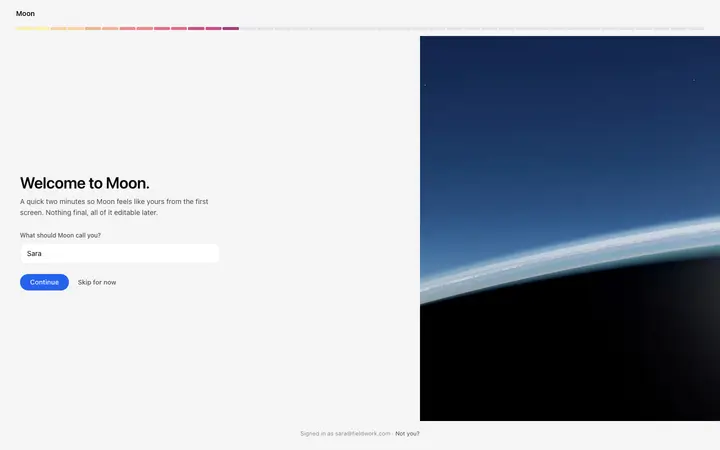
More vibe coding dashboard templates
View all
Other templates you might like