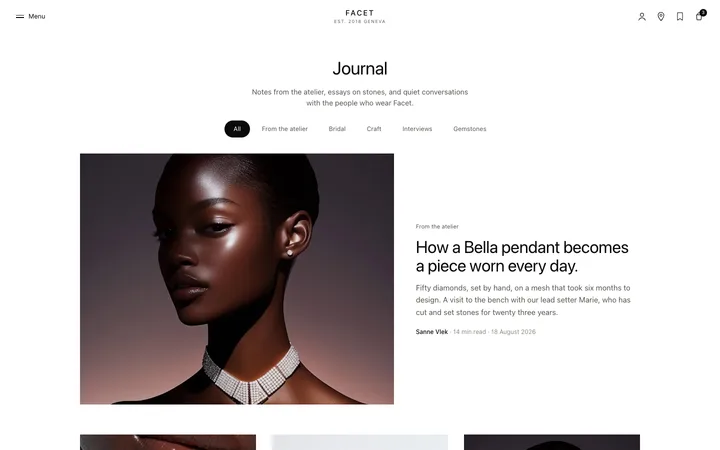
Multi step form template for SaaS signup
Multi step form template for SaaS signup and onboarding, for anything too long to ask in one go. Breaking it up and showing progress is what stops people abandoning halfway. Use this AI template with Claude Code, Replit, Lovable, ChatGPT Codex, Bolt, Cursor, or another coding tool.
About this vibe coding template
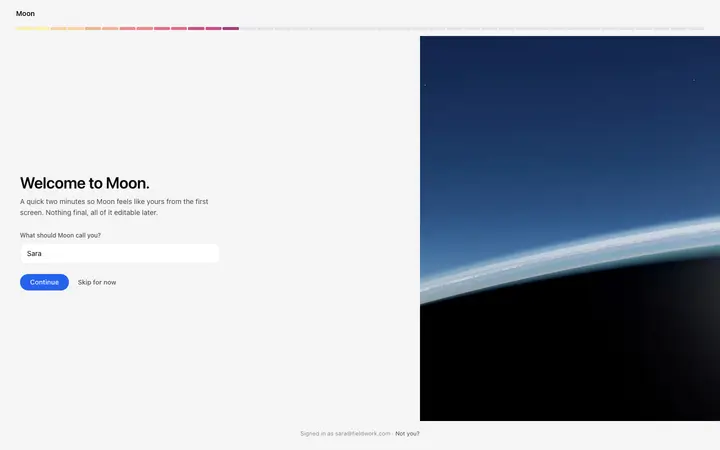
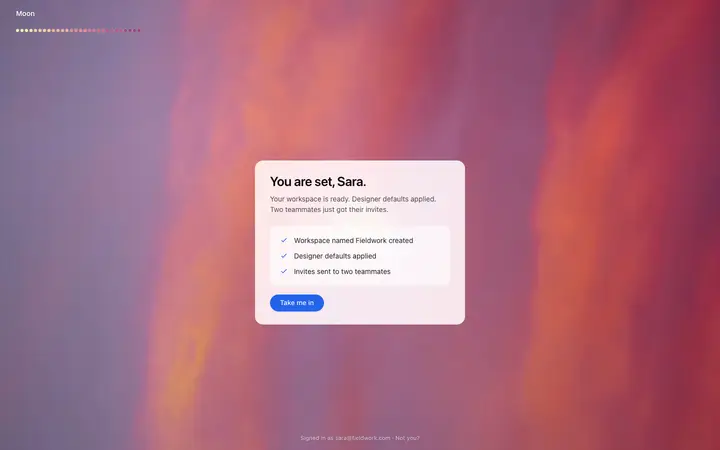
Multi step form template for SaaS signup and onboarding flows that need a lot of information and want to finish with it. A form of twenty fields on one page reads as work and people leave before they start. The same twenty fields across four steps reads as almost done, and the difference in completion is not small. Progress has to be visible for that to hold, so someone can see the end. Signup, onboarding, checkout, applications, and booking flows all live or die on this. Minimal design with glassmorphism.
Build a full SaaS login and signup flow with this template design
A SaaS login and signup flow covers the login page, signup page, password reset, and email verification screens that all need to match, so one auth template can set the standard for every screen after it. Copy the template, paste it into Claude Code, Replit, Lovable, ChatGPT Codex, Bolt, or Cursor, and send this alongside it.
Paste into Claude Code, Replit, Lovable, Bolt, or Cursor
Common questions about this template
What is a multi step form?
A long form split into steps, with progress shown so the person can see how far through they are. It is used for SaaS signup, onboarding, checkout, and applications.
Why split a form into steps?
A wall of fields reads as work and people abandon it before the first answer. A few fields at a time reads as nearly done, and showing progress is what keeps someone going to the end.
How many steps should a form have?
As few as the information allows. Three to five is the usual range. Splitting for its own sake adds clicks without adding clarity, so group fields by what they are for.
Which tools work with this multi step form?
Claude Code, Replit, Lovable, ChatGPT Codex, Bolt, and Cursor. Paste it in and describe the fields each step should collect.
Use this AI coding template for
- ·Signup flow that collects more than an email address
- ·Onboarding sequence inside a SaaS product
- ·Checkout with delivery, payment, and confirmation steps
- ·Multi step form for vibe coding in Claude Code, Lovable, or Bolt
Works with every vibe coding tool
More onboarding templates
View all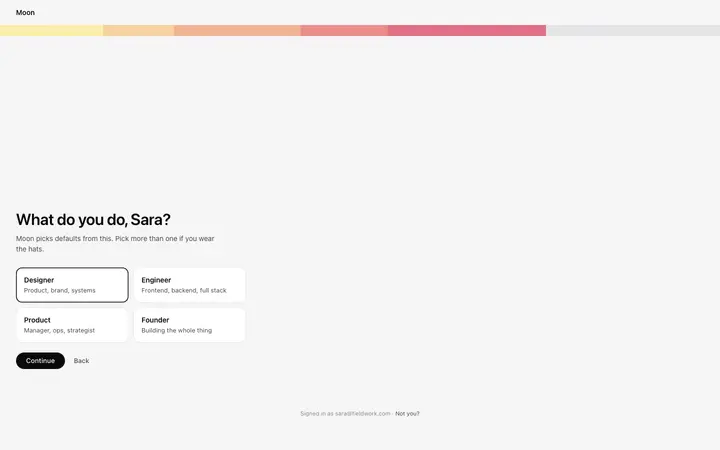
More vibe coding forms templates
View all
Other templates you might like