Profile dropdown menu template for SaaS apps
Profile dropdown menu template for the corner of a SaaS product where the account lives. It holds the things people look for by habit, so account, settings, and sign out are always one click from anywhere. Use this AI template with Claude Code, Replit, Lovable, ChatGPT Codex, Bolt, Cursor, or another coding tool.
About this vibe coding template
Profile dropdown menu template for SaaS apps people sign into. The account corner is a convention worth keeping: someone who wants to switch workspace, change a setting, or sign out looks in the same place they have looked in every other product, and finding it there costs them no thought at all. Getting it wrong is one of the quickest ways to make a product feel unfinished. This covers the account block, the places people go from it, and the sign out that has to be reachable and hard to hit by accident. Minimal design with glassmorphism.
Build a full SaaS settings area with this template design
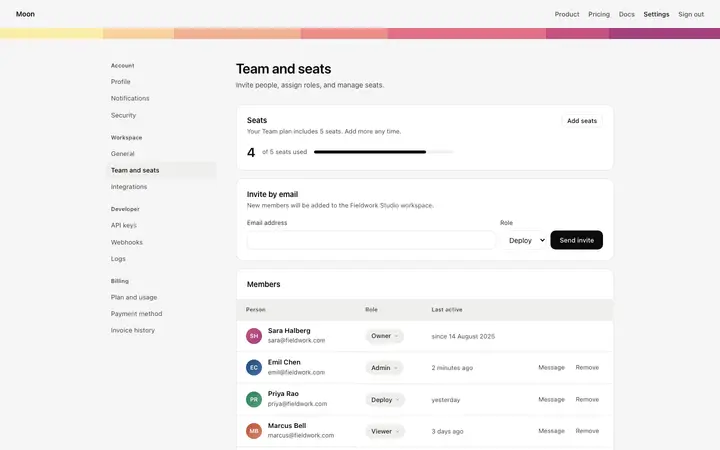
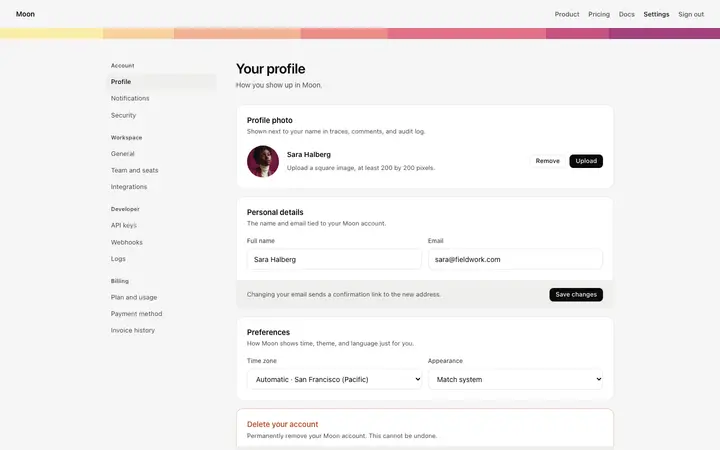
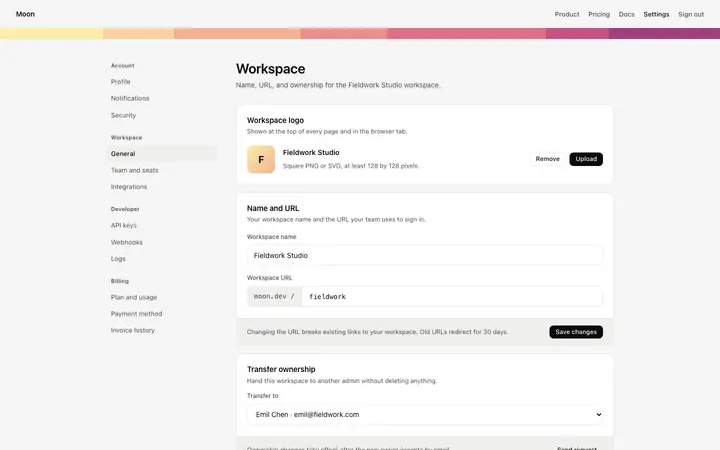
A SaaS settings area covers account settings, workspace settings, team members, API keys, and security pages that share one sidebar, so one settings template can set the standard for every page after it. Copy the template, paste it into Claude Code, Replit, Lovable, ChatGPT Codex, Bolt, or Cursor, and send this alongside it.
Paste into Claude Code, Replit, Lovable, Bolt, or Cursor
Common questions about this template
What is a profile dropdown menu?
The menu behind the avatar in the corner of a signed in SaaS product. It holds the account, the settings, the workspace switcher, and sign out.
What belongs in a profile menu?
The account itself, anywhere to do with settings or billing, a workspace switcher if the product has one, and sign out. Product features belong in the main navigation, not in here.
Where should sign out sit?
At the bottom, separated from everything above it. It is the one item nobody wants to hit by accident, and habit puts it last.
Which tools work with this profile menu template?
Claude Code, Replit, Lovable, ChatGPT Codex, Bolt, and Cursor. Paste it in and describe the items your product needs.
Use this AI coding template for
- ·Account menu in the header of a SaaS product
- ·Workspace switcher for a multi tenant app
- ·Settings and sign out for a signed in web app
- ·Profile dropdown for vibe coding in Claude Code, Lovable, or Bolt
Works with every vibe coding tool
More settings templates
View all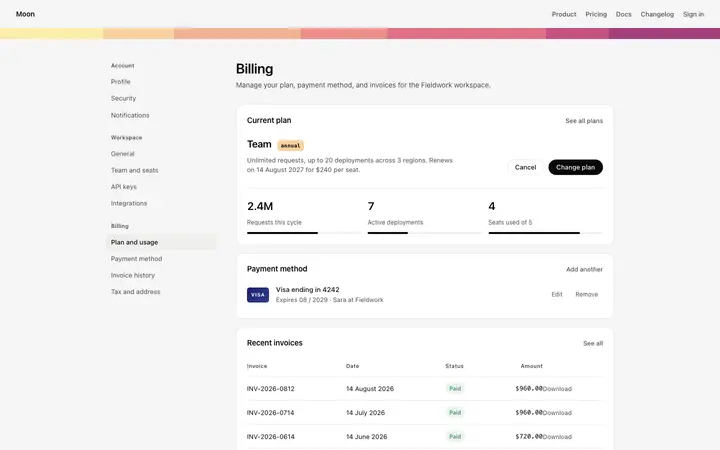
More vibe coding navigation templates
View all
Other templates you might like