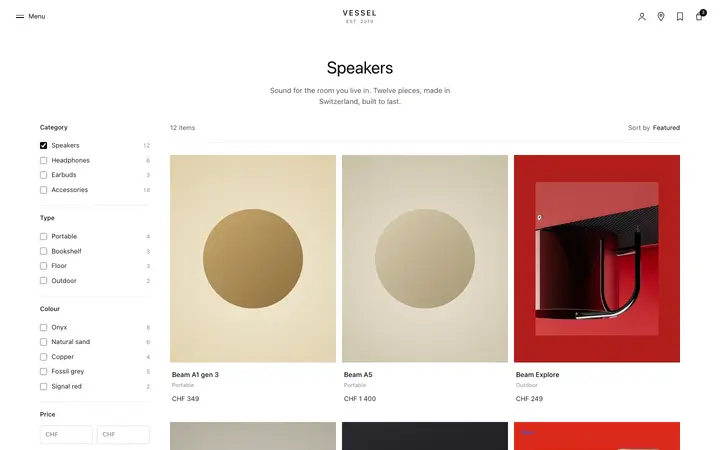
Range slider template in HTML for SaaS apps
Range slider template for SaaS settings where the feel matters more than the number. Dragging shows the effect as it happens, which typing a figure into a box never does. Use this AI template with Claude Code, Replit, Lovable, ChatGPT Codex, Bolt, Cursor, or another coding tool.
About this vibe coding template
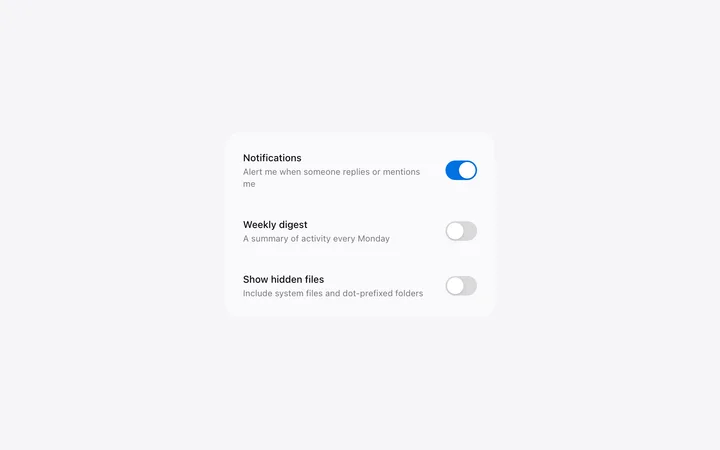
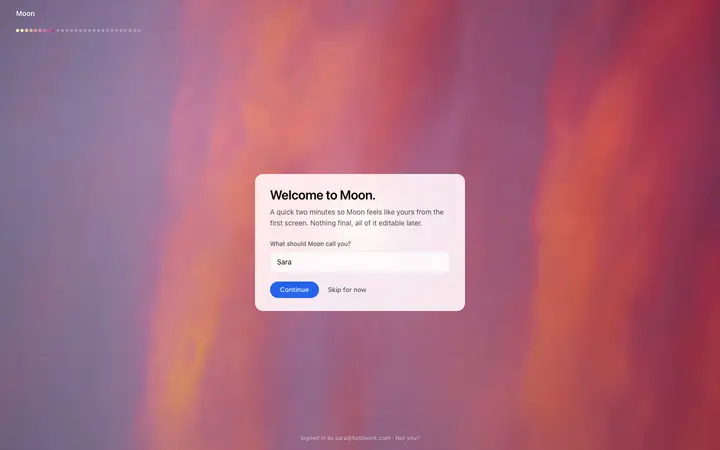
Range slider template for SaaS apps and stores with values that sit on a scale. Volume, brightness, opacity, price, and size are all things people adjust by feel: they move it, look, and move it again. A number field cannot support that loop because every attempt costs a selection and a retype. The browser default for this control is unstyled and looks it, which is why custom styling is the whole reason anyone searches for one. Minimal design with glassmorphism and a chat UI.
Build a full SaaS settings area with this template design
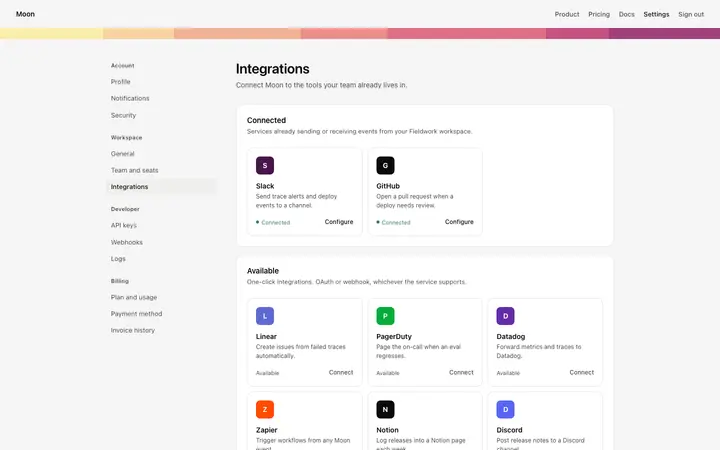
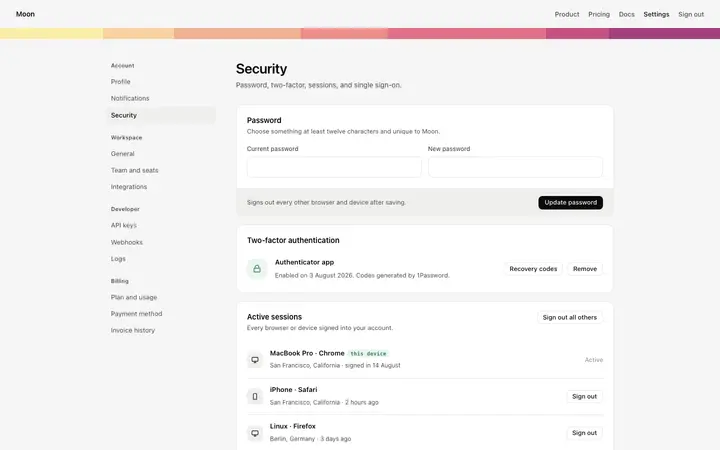
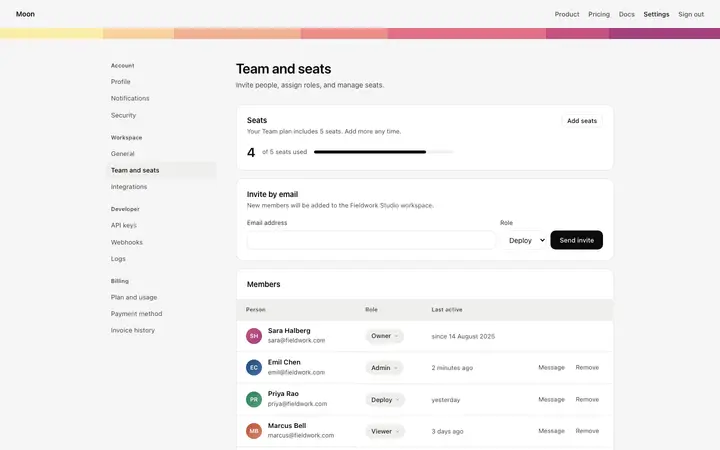
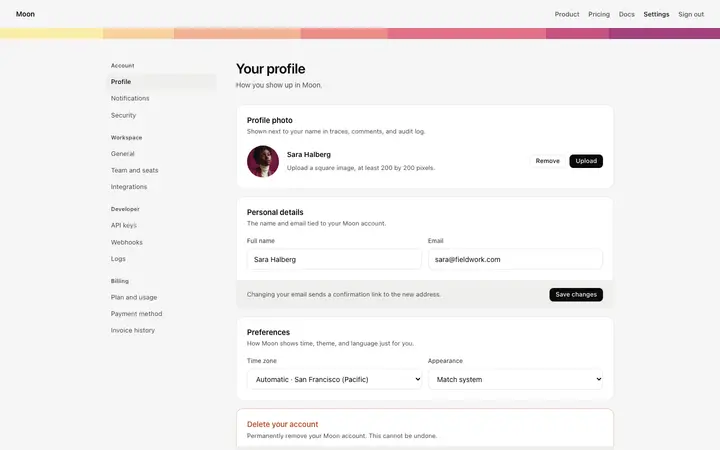
A SaaS settings area covers account settings, workspace settings, team members, API keys, and security pages that share one sidebar, so one settings template can set the standard for every page after it. Copy the template, paste it into Claude Code, Replit, Lovable, ChatGPT Codex, Bolt, or Cursor, and send this alongside it.
Paste into Claude Code, Replit, Lovable, Bolt, or Cursor
Common questions about this template
What is a range slider?
A track with a handle you drag to set a value on a scale. Price filters, volume, brightness, and size controls in a SaaS product all use one.
When is a slider the right control?
When the person is adjusting by feel. A slider supports moving, looking, and moving again. A number field is better when the exact figure is known in advance.
Should a slider show its value?
Yes. Without a readout someone can set a value and have no idea what they set, which turns a quick adjustment into a guess.
Which tools work with this range slider?
Claude Code, Replit, Lovable, ChatGPT Codex, Bolt, and Cursor. Paste it in and describe the range it should cover.
Use this AI coding template for
- ·Price filter on an ecommerce or marketplace page
- ·Volume or brightness control in a media product
- ·Size and opacity controls in a design SaaS tool
- ·Range slider for vibe coding in Claude Code, Lovable, or Bolt
Works with every vibe coding tool
More settings templates
View all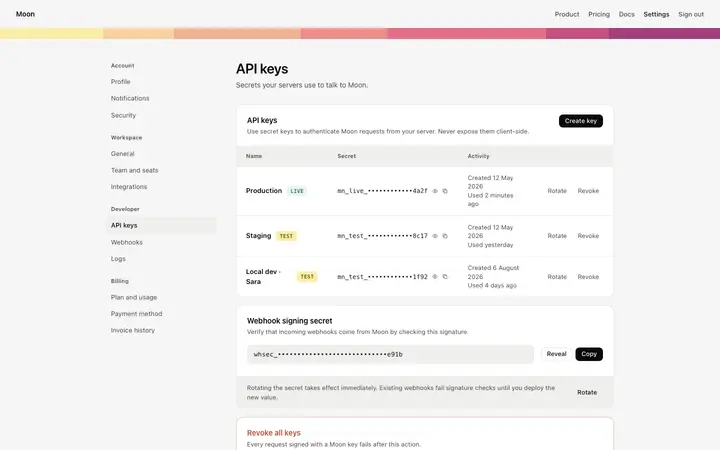
More vibe coding forms templates
View all

Other templates you might like