Team members page template for SaaS apps
Interactive team members page template for SaaS products and team apps. Minimal design. Use this AI template with Claude Code, Replit, Lovable, ChatGPT Codex, Bolt, Cursor, or another coding tool.
About this vibe coding template
Interactive team members page template for SaaS products and team apps. A team management settings dashboard for managing who is in the workspace and what they can do. The seat counter at the top shows the number of seats used and the total available on the plan, with a bar and a button to add more seats. The members table lists every person in the workspace: an avatar, full name, email, a role selector for changing their permissions, a pending badge for invited members who have not yet accepted, and a remove action. Minimal design. Give your coding tool the product name and the positioning, then ask it for the rest of the pages in the same design.
Build a full SaaS settings area with this template design
A SaaS settings area covers account settings, workspace settings, team members, API keys, and security pages that share one sidebar, so one settings template can set the standard for every page after it. Copy the template, paste it into Claude Code, Replit, Lovable, ChatGPT Codex, Bolt, or Cursor, and send this alongside it.
Paste into Claude Code, Replit, Lovable, Bolt, or Cursor
Common questions about this template
What does this team members page template include?
A seat counter with a bar showing seats used and available, an invite by email form with a user role selector for setting member permissions, and a members table with avatar, name, email, a role selector, a pending badge for unaccepted invites, and a remove action.
How do roles and permissions work in this SaaS team template?
The invite form and the members table both have a role selector. The role sets the member's permissions across the workspace. A pending badge appears next to invited members who have not yet accepted their invite, so admins can see who still needs to confirm.
Which settings templates make up the full settings surface?
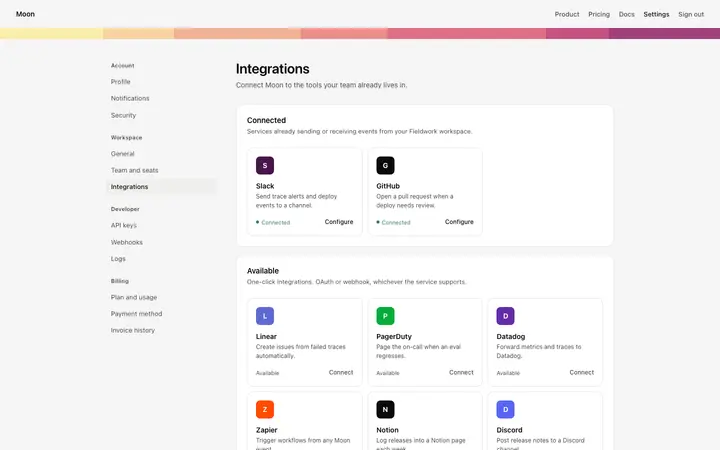
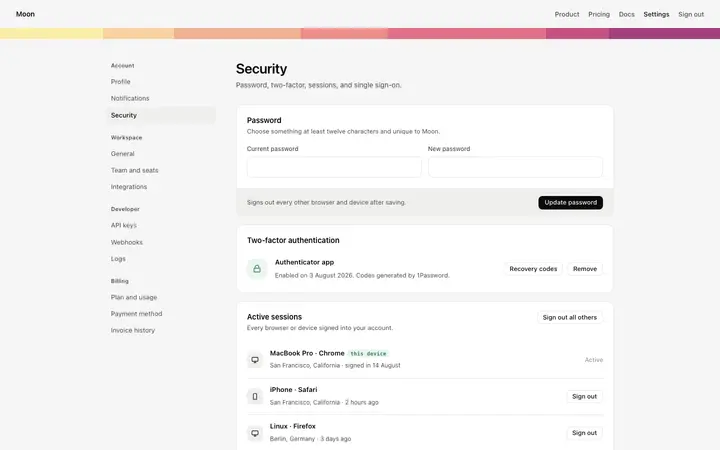
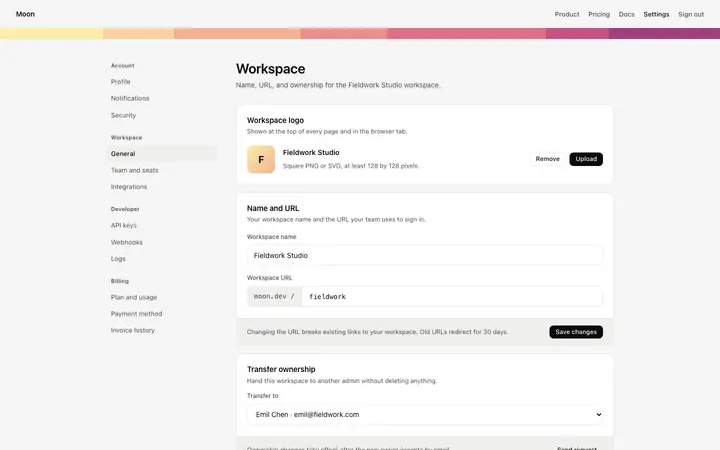
Six templates cover the settings surfaces of a SaaS product: the account settings page for profile photo, personal details, and display preferences, the workspace settings page for workspace name, URL, and ownership transfer, the team members page for inviting members, assigning user roles, and managing seats, the API keys page for live and test API keys and a webhook secret, the integrations page for connected apps and available services, and the security settings page for password, two factor authentication, active sessions, and SSO.
How does the seat counter work in this SaaS team template?
The counter shows the number of seats in use and the total available on the plan, with a bar giving a visual sense of how close the workspace is to its seat limit. An add seats button sits next to the counter for when the team needs to invite more members.
Which vibe coding tools work with this team members page template?
Claude Code, Replit, Lovable, ChatGPT Codex, Bolt, and Cursor. Paste it in and describe the user roles, seat limit, and member table fields you want.
How do I build a full SaaS settings area with this template?
Send the template and the instruction above to Claude Code, Replit, Lovable, ChatGPT Codex, Bolt, or Cursor together. The design decisions are already made in the markup, so your AI coding tool has a pattern to follow across the whole SaaS settings area.
Use this AI coding template for
- ·Team members page template for a SaaS product or team app
- ·Team management settings dashboard with invite members and user roles
- ·Seats and permissions settings page for a multi user SaaS product
- ·Vibe coding team members page template
Works with every vibe coding tool
More from the Account and billing set
All 11 pages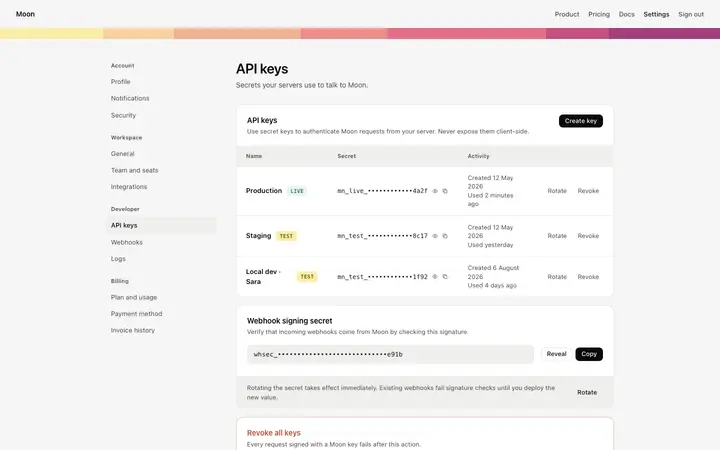
More settings templates
View all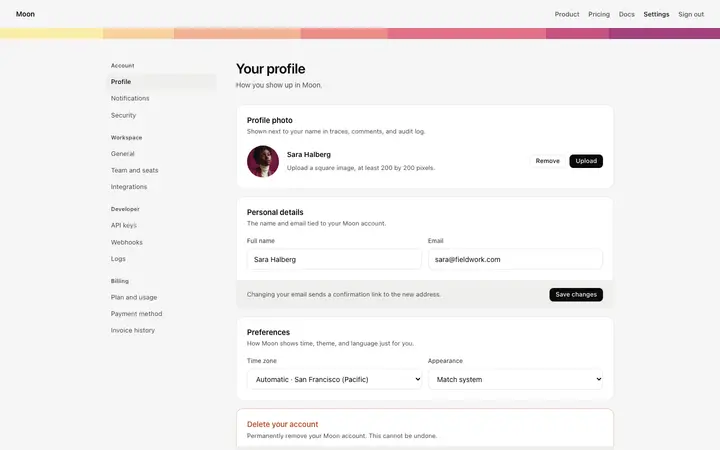
More vibe coding SaaS templates
View all
Other templates you might like