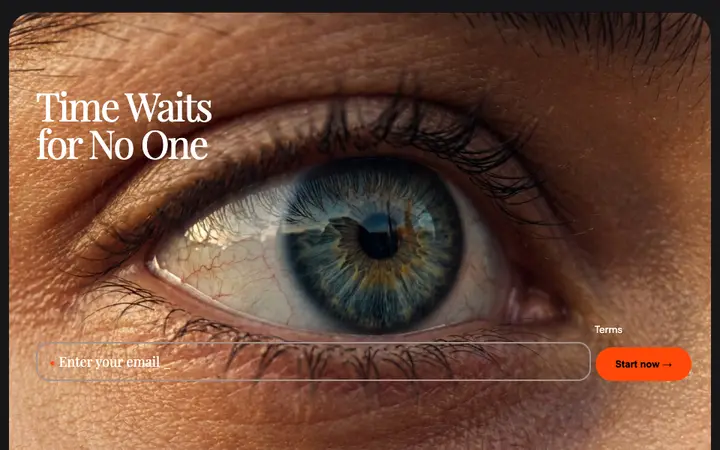
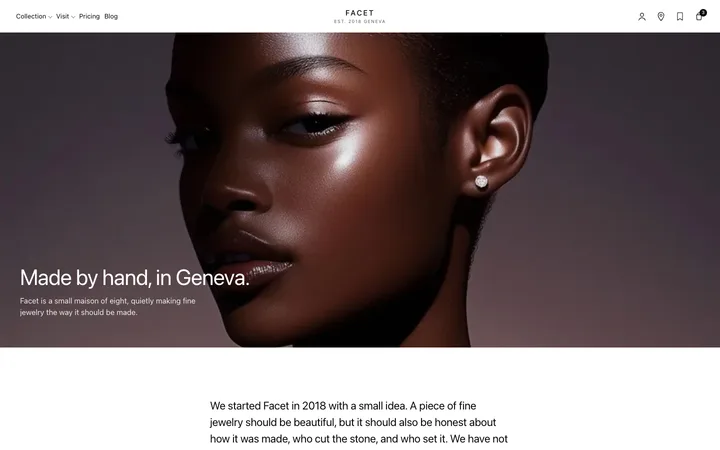
Tag input chips template for SaaS apps
Tag input template for SaaS forms that take several values at once. Each entry becomes a chip you can see and remove, so nobody loses track of what they have added. Use this AI template with Claude Code, Replit, Lovable, ChatGPT Codex, Bolt, Cursor, or another coding tool.
About this vibe coding template
Tag input template for SaaS apps with fields that hold more than one answer. Email invites, labels, skills, and recipients are all cases where a single text box turns into a comma separated string nobody can check and the product cannot parse reliably. Turning each entry into a chip fixes both halves: the person sees exactly what they have added and can remove one without retyping the rest, and what arrives at the server is already a list. Minimal design with glassmorphism.
Build a full SaaS landing page or website with this template design
A SaaS landing page or website is multiple pages that need to feel like one professional site, so one well built coding template can set the standard for every page after it. Copy the template, paste it into Claude Code, Replit, Lovable, ChatGPT Codex, Bolt, or Cursor, and send this alongside it.
Paste into Claude Code, Replit, Lovable, Bolt, or Cursor
Common questions about this template
What is a tag input?
A field where each entry becomes a small removable chip. Email invites, labels, and any SaaS field that takes several values use one.
Why turn each value into a chip?
Because a long comma separated string is hard to read and harder to correct. Chips let someone see each value and remove one without disturbing the others.
How does someone add a tag?
Enter or a comma commits what they typed, and backspace on an empty field removes the last one. Those are the behaviors people already have their fingers trained for.
Which tools work with this tag input?
Claude Code, Replit, Lovable, ChatGPT Codex, Bolt, and Cursor. Paste it in and describe the values it should accept.
Use this AI coding template for
- ·Email invites in a team or workspace SaaS product
- ·Labels and tags on a task or document
- ·Skills or interests in a profile form
- ·Tag input for vibe coding in Claude Code, Lovable, or Bolt
Works with every vibe coding tool
More minimal templates
View all


More vibe coding forms templates
View all
Other templates you might like