Notes app screen template
A notes list screen for iOS and Android apps, with pinned notes first, folders, a search field, and a page count on each note. Recent notes follow underneath with the date they were last touched. Use it for note taking apps, document tools, and any product where users return to things they wrote. Connect your storage via Bolt, Lovable, or Replit.
About this app template
Notes apps are judged on whether people can find what they wrote last week. This screen puts pinned notes at the top, since those are the ones people return to daily, and orders the rest by when they were last touched, not when they were made. Each note shows its folder and length so a user can recognize it without opening it. Search sits above the list because in a mature notes app it becomes the main way in. Paste it into Bolt, Lovable, or Replit and connect it to Supabase or local storage.
Build a full productivity app with this template design
A productivity app is mostly lists, threads, and detail views built from the same row and spacing rules, so one screen can set the standard for every screen after it. Copy the template, paste it into Claude Code, Replit, Lovable, ChatGPT Codex, Bolt, or Cursor, and send this alongside it.
Paste into Claude Code, Replit, Lovable, Bolt, or Cursor
Common questions about this template
How should notes be ordered?
By when they were last touched, with pinned notes above. Ordering by creation date buries the thing someone was working on this morning under everything they have ever written.
What should each note row show?
Enough to recognize it without opening it. A title, its folder, and how long it is will usually do. A preview of the first line helps when titles are vague.
Do notes apps need folders?
Once someone has more than a few dozen notes, yes. Below that, search does the job and folders are an empty structure users have to maintain.
How do I connect this to storage?
Paste it into Bolt, Lovable, or Replit and ask your AI to read notes from Supabase or local storage and sort them by last edited, with pinned items first.
Use this template for
- ·Note taking app list screens
- ·Document libraries on mobile
- ·Saved item lists with folders
- ·Any list of user created content
More productivity app templates
View all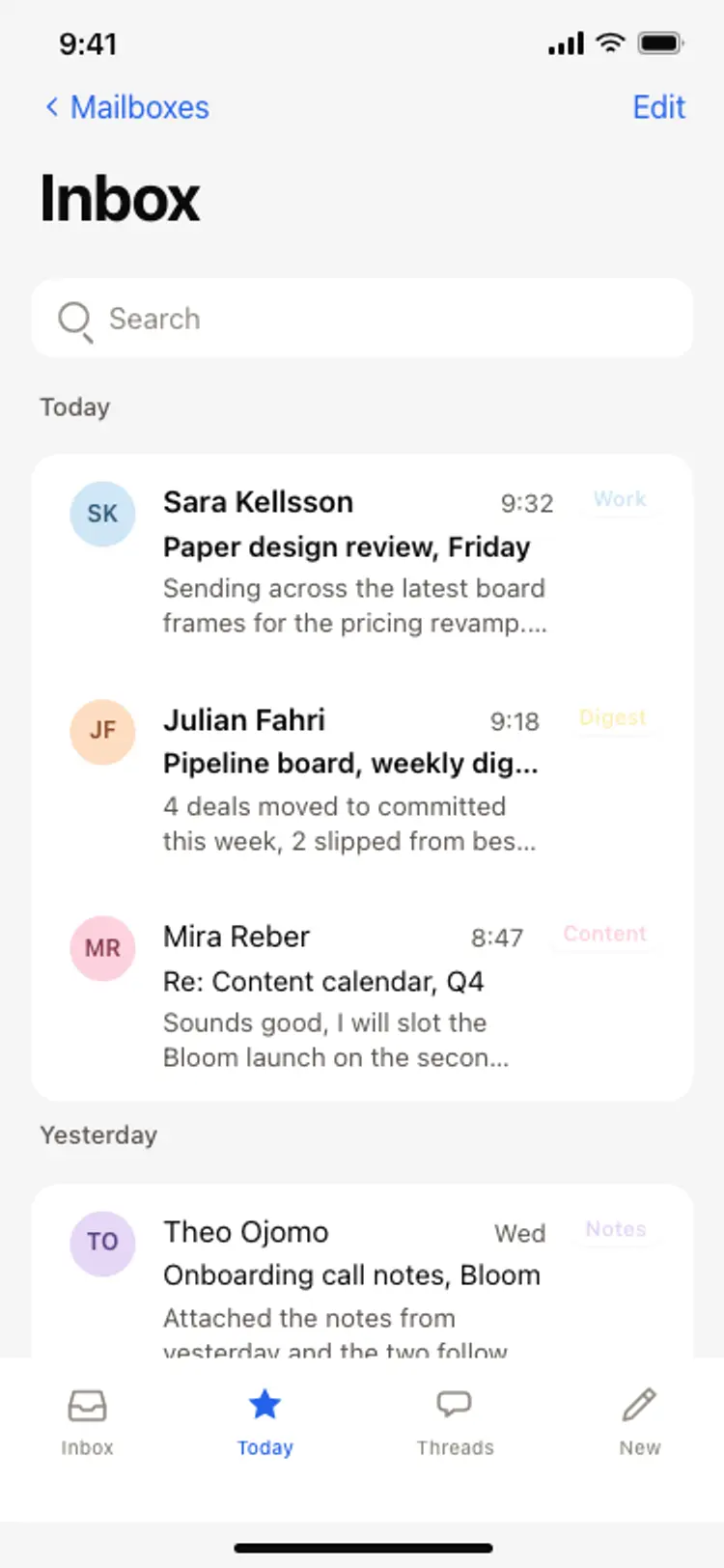
Email inbox screen
Email inbox screen
Productivity
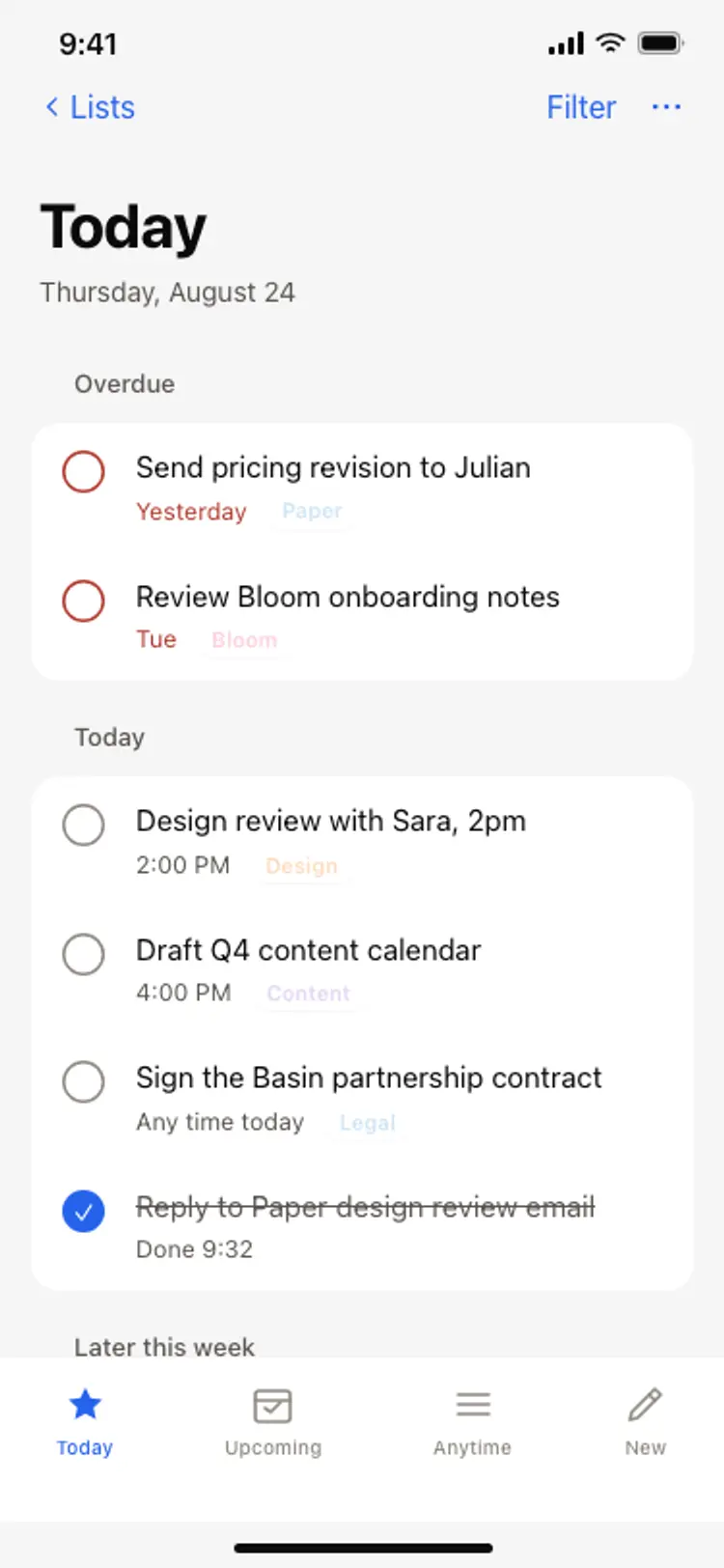
Task list screen
Task list screen
Productivity
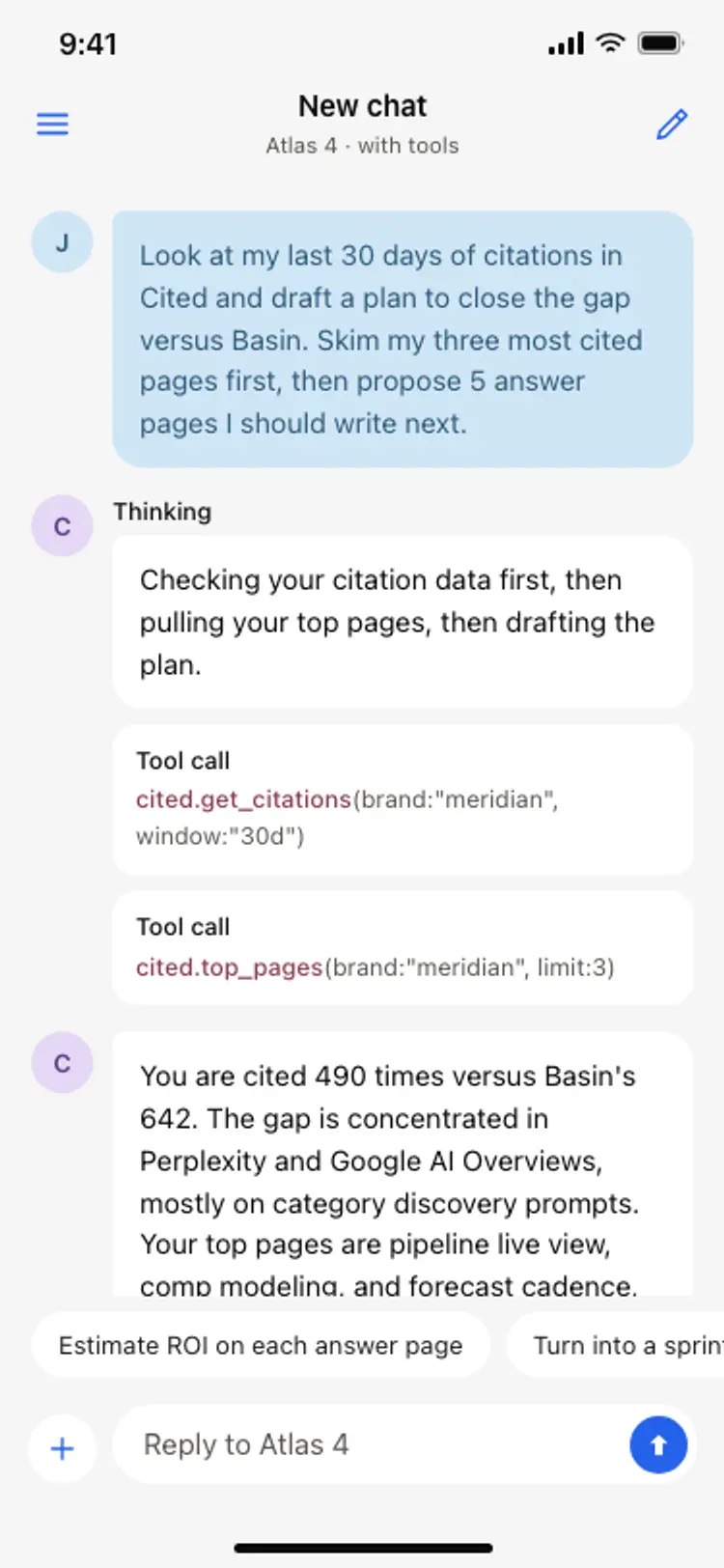
AI assistant chat screen
AI assistant chat screen
Productivity
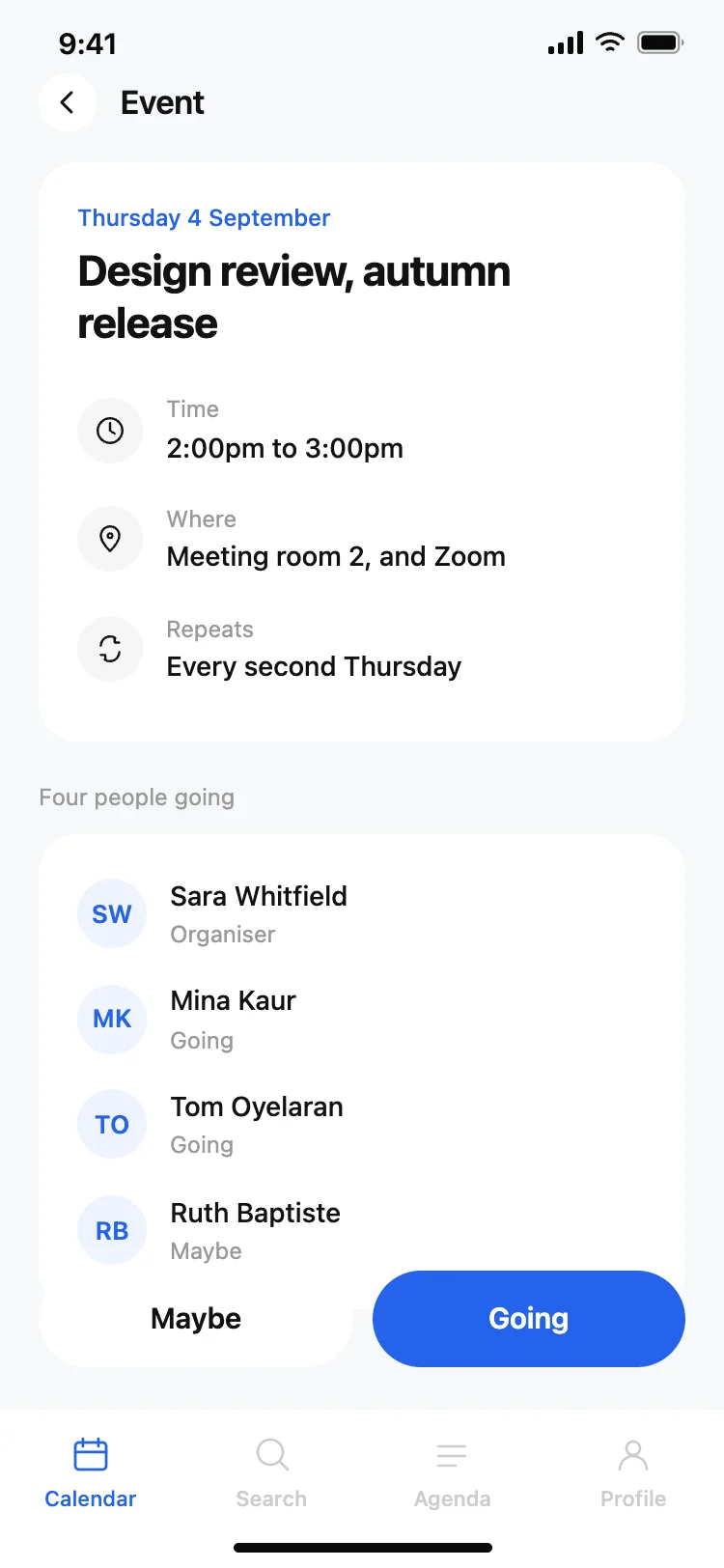
Calendar app event detail screen
Calendar app event detail screen
Productivity
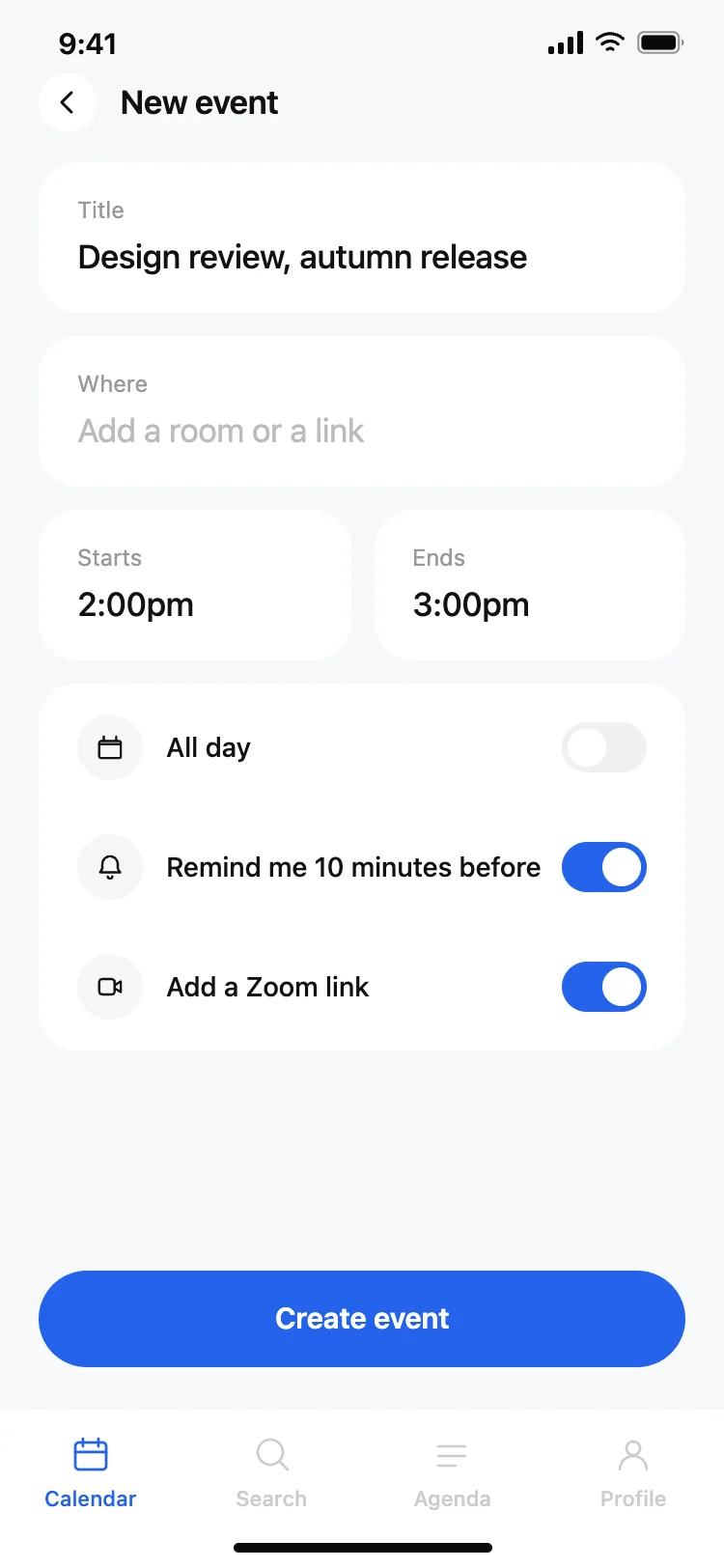
Calendar app new event screen
Calendar app new event screen
Productivity
Task manager app home screen
Task manager app home screen
Productivity
Other app templates you might like

See also
Browse app templates