Task list screen app template
A task list screen for iOS and Android apps, grouped by day with overdue items separated out. Each task carries its project, its due date, and a checkbox, and the current day is marked. Use it for todo apps, project tools, and any product where people work through a list. Connect your database via Bolt, Lovable, or Replit.
About this app template
A task list fails when everything looks equally urgent. This screen separates overdue from today, because that is the distinction users act on first, and it shows a project label beside each task so people working across several things can tell them apart without opening anything. Checkboxes sit where a thumb reaches them. Keep the grouping to a few sections, since a list broken into too many pieces takes longer to read than a flat one. Paste it into Bolt, Lovable, or Replit and ask your AI to connect the checkboxes to your database.
Build a full productivity app with this template design
A productivity app is mostly lists, threads, and detail views built from the same row and spacing rules, so one screen can set the standard for every screen after it. Copy the template, paste it into Claude Code, Replit, Lovable, ChatGPT Codex, Bolt, or Cursor, and send this alongside it.
Paste into Claude Code, Replit, Lovable, Bolt, or Cursor
Common questions about this template
How should a task list be grouped?
By when something is due, with overdue separated. That is the split users act on. Grouping by project reads well but buries the thing that needed doing yesterday.
Should tasks show which project they belong to?
Yes, when users work across more than one. Without it the list flattens into unrelated sentences and people have to open each task to place it.
Where should the checkbox sit?
On the side the thumb reaches. Checking things off is the most repeated action on this screen, so it should be the easiest thing to hit.
How do I make the checkboxes work?
Paste the template into Bolt, Lovable, or Replit and ask your AI to write the completed state to Supabase or Firebase and move the task out of the active group.
Use this template for
- ·Todo and task manager screens
- ·Project task lists on mobile
- ·Daily agenda views
- ·Assignment lists in team tools
More productivity app templates
View all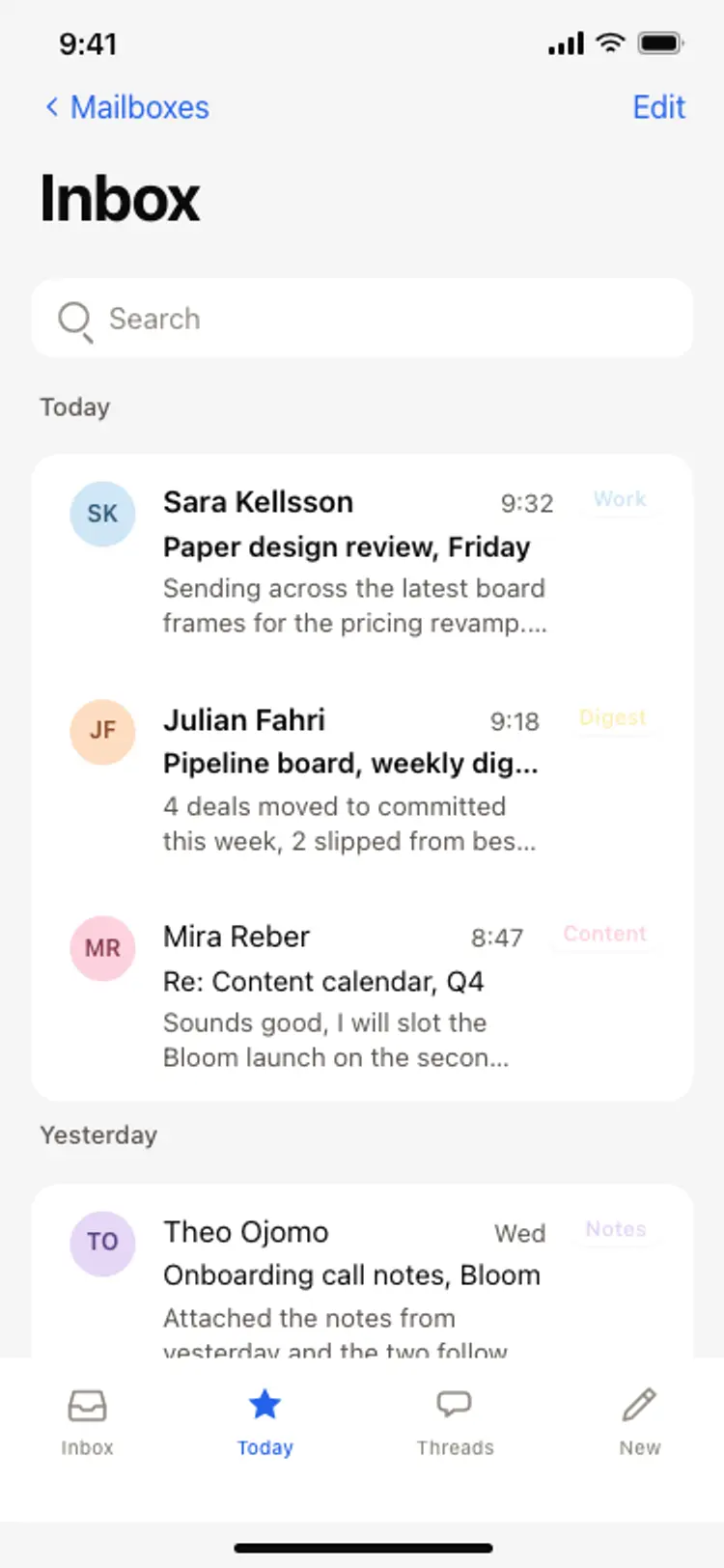
Email inbox screen
Email inbox screen
Productivity
AI assistant chat screen
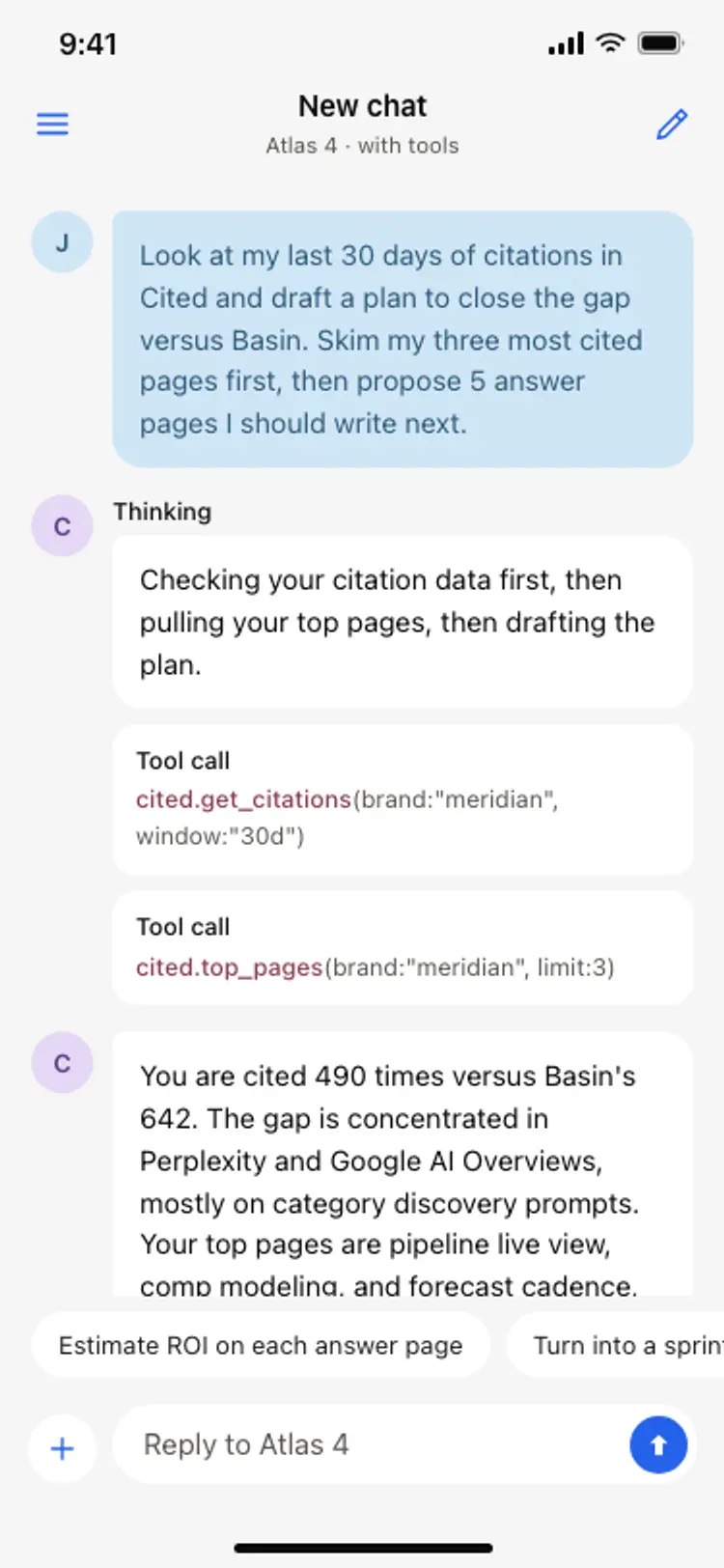
AI assistant chat screen
Productivity
Notes app screen
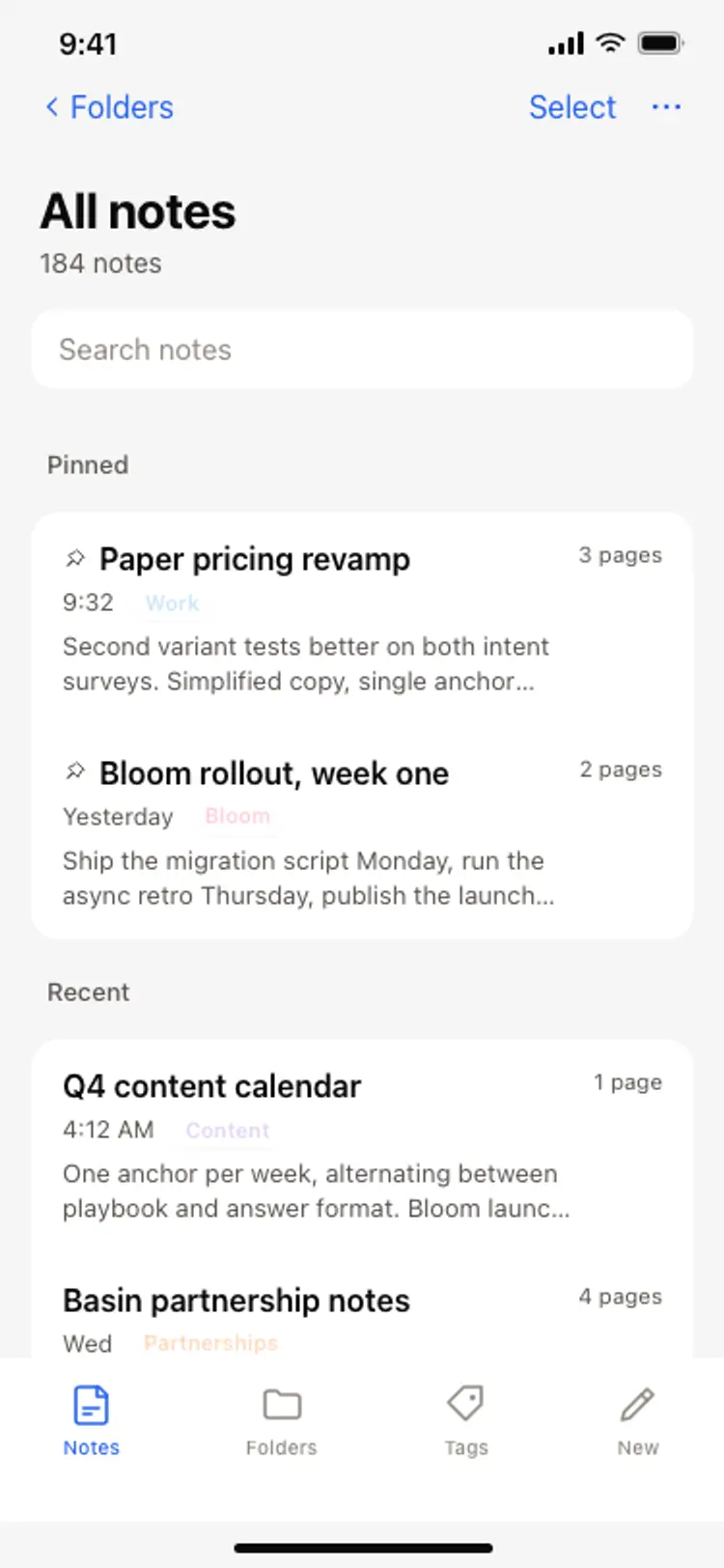
Notes app screen
Productivity
Calendar app event detail screen
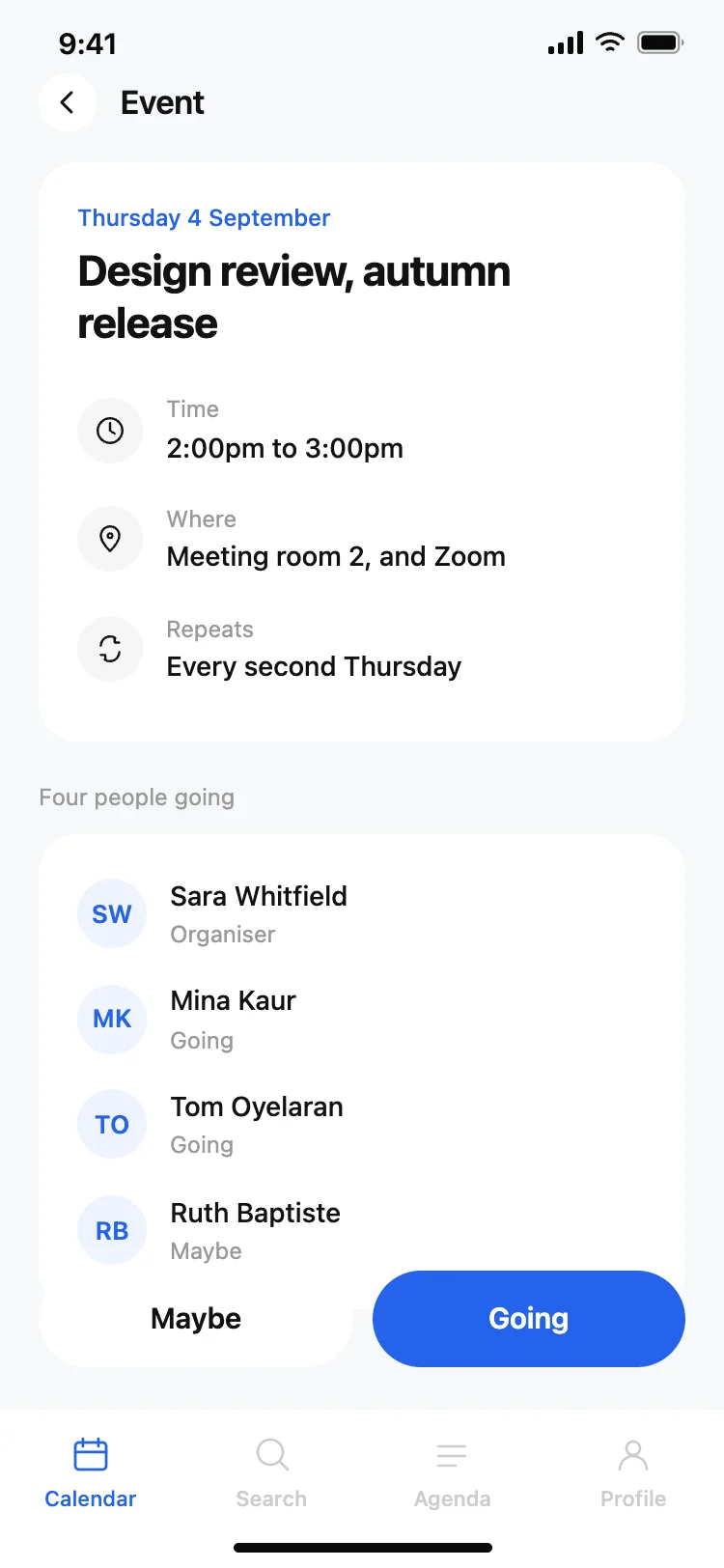
Calendar app event detail screen
Productivity
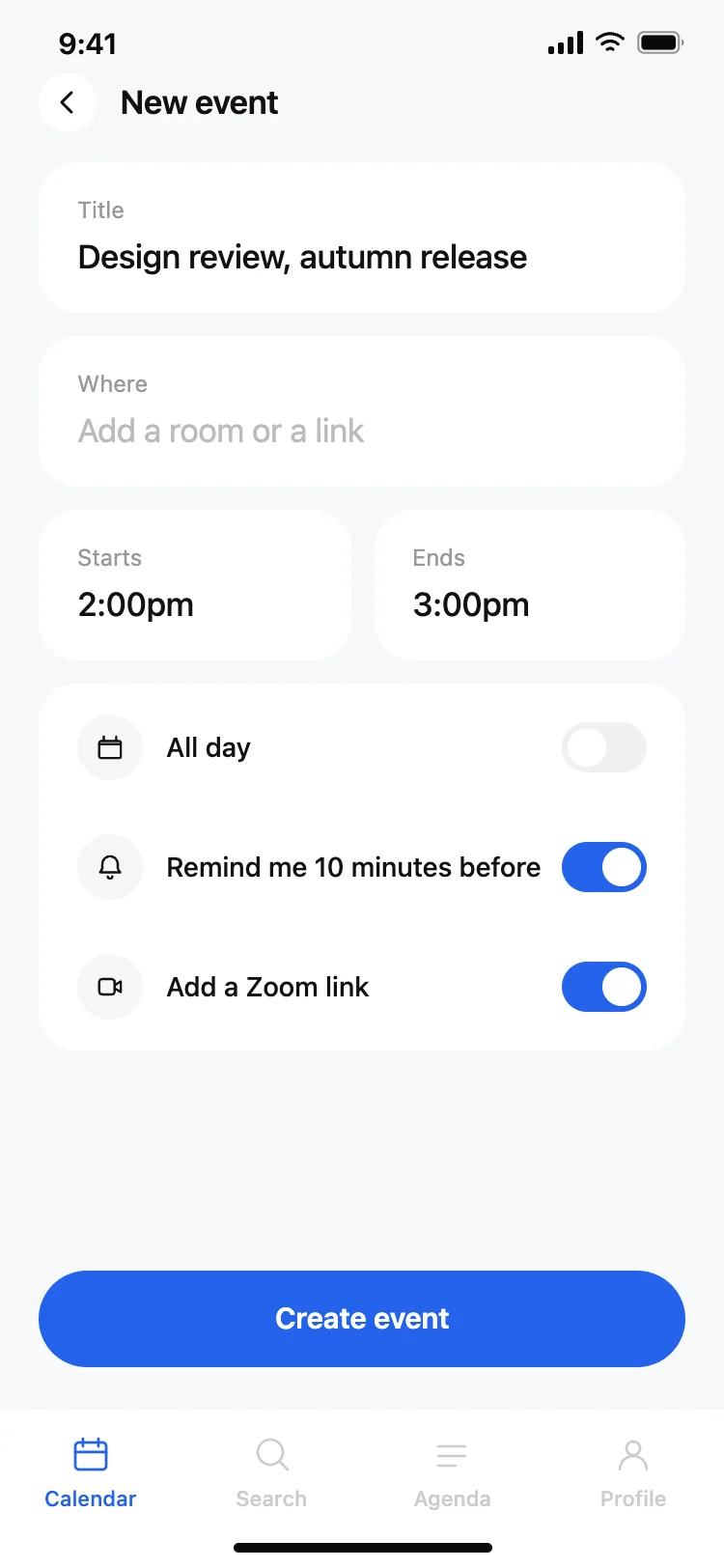
Calendar app new event screen
Calendar app new event screen
Productivity
Task manager app home screen
Task manager app home screen
Productivity
Other app templates you might like

See also
Browse app templates