Task manager app home screen template
A home screen for a task manager or project management app on iOS and Android. Gradient project cards with progress bars and task checklists. Built for productivity apps where visual organisation is the value. Build it in Bolt, Lovable, or Replit.
About this app template
Project management apps on mobile live or die by the card. If the home screen feels like a spreadsheet, people open the desktop version instead. This template puts four project cards on a light background, each with a gradient artwork fill, a vertical progress bar, and a task count. Two large cards sit above two smaller ones in a two-column grid. The gradients use blue and violet palettes with scanline stripes for texture, and each card has an ellipsis menu and an add button. Paste it into Bolt, Lovable or Replit and ask your AI to read projects from Supabase, Notion or Linear.
Build a full productivity app with this template design
A productivity app is mostly lists, threads, and detail views built from the same row and spacing rules, so one screen can set the standard for every screen after it. Copy the template, paste it into Claude Code, Replit, Lovable, ChatGPT Codex, Bolt, or Cursor, and send this alongside it.
Paste into Claude Code, Replit, Lovable, Bolt, or Cursor
Common questions about this template
How do I connect real projects and tasks?
Paste it into Bolt, Lovable or Replit and ask your AI to read projects from Supabase, Notion or Linear. Pass the title, task count, completed count and colour through, and the progress bar fills automatically.
Can I add a detail view with a task checklist?
Yes. Ask your AI to navigate to a detail screen on card tap. The detail screen should show the same gradient card at the top, with task rows underneath that have circular checkboxes and an add-task input.
Should I use a tab bar or a bottom sheet?
Neither. The home screen is the tab bar. Tap a card to open it, swipe back to return. Adding navigation chrome to a four-card home screen makes it feel heavier than it is.
Can I change the gradient colours?
Yes. Ask your AI to change the gradient stops. The scanline stripes adapt to any palette; just keep the stripe colour white at low opacity so the texture reads on any background.
Use this template for
- ·Task manager and project management app home screens for iOS and Android
- ·Productivity app templates with gradient project cards for vibe coding
- ·Kanban and task board home screens for mobile app development
- ·Project tracker app UI with progress bars for Bolt, Lovable and Replit
More productivity app templates
View all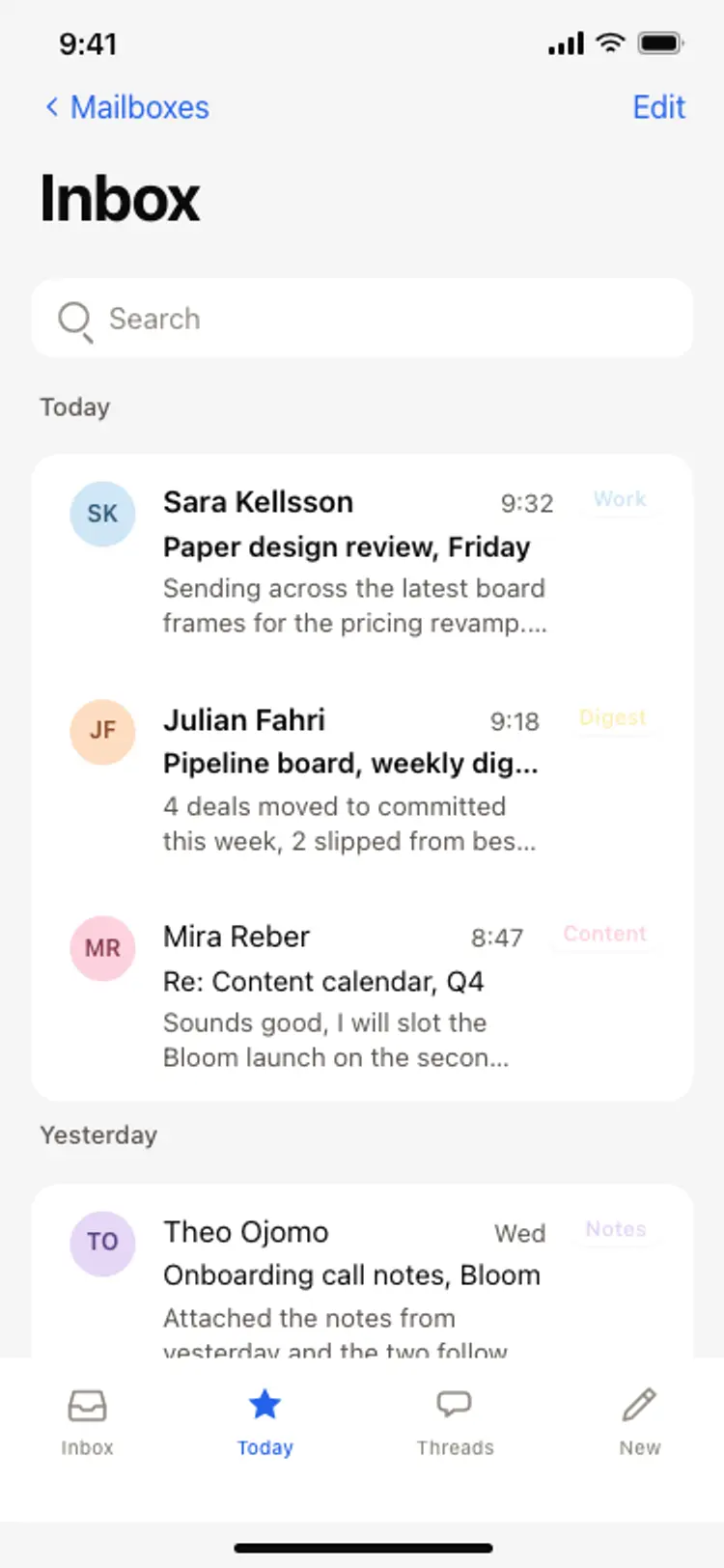
Email inbox screen
Email inbox screen
Productivity
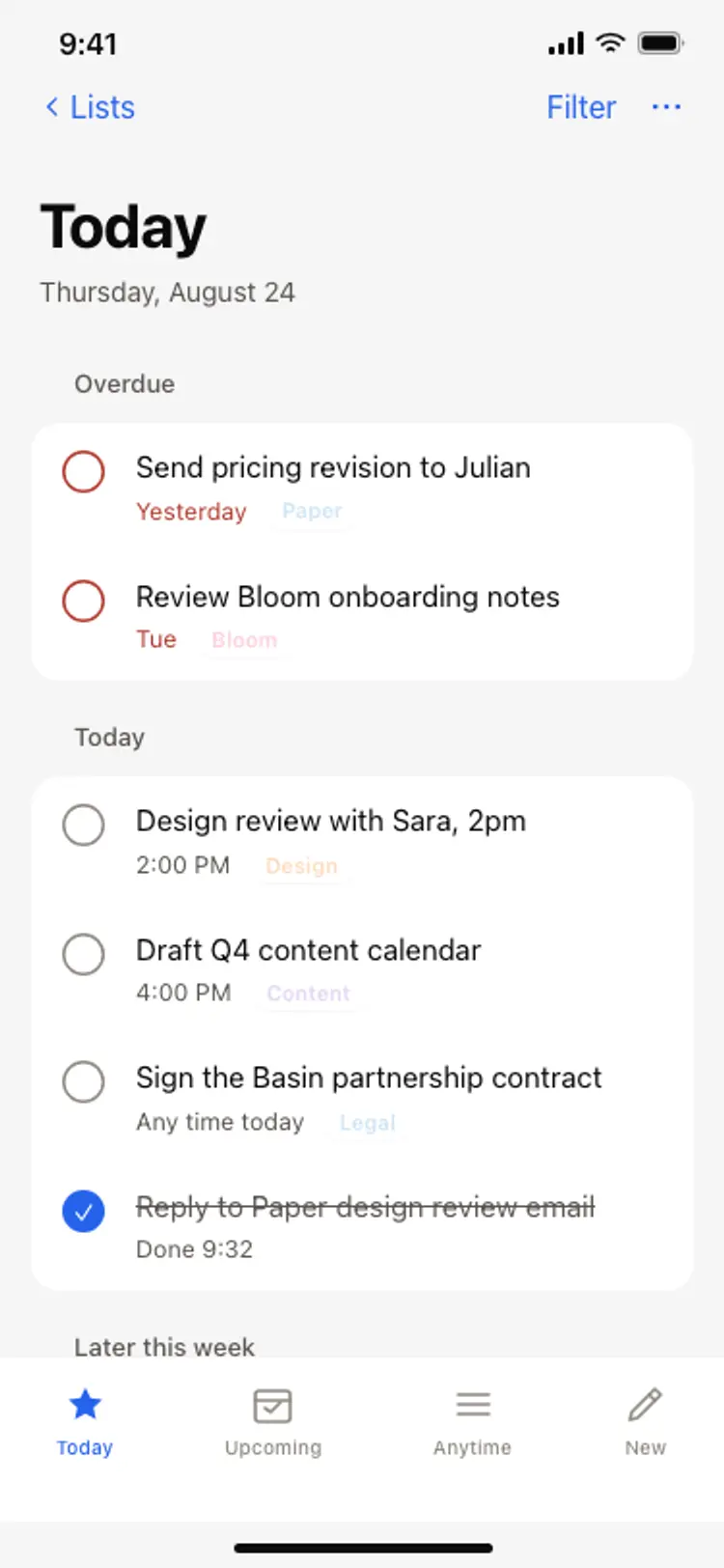
Task list screen
Task list screen
Productivity
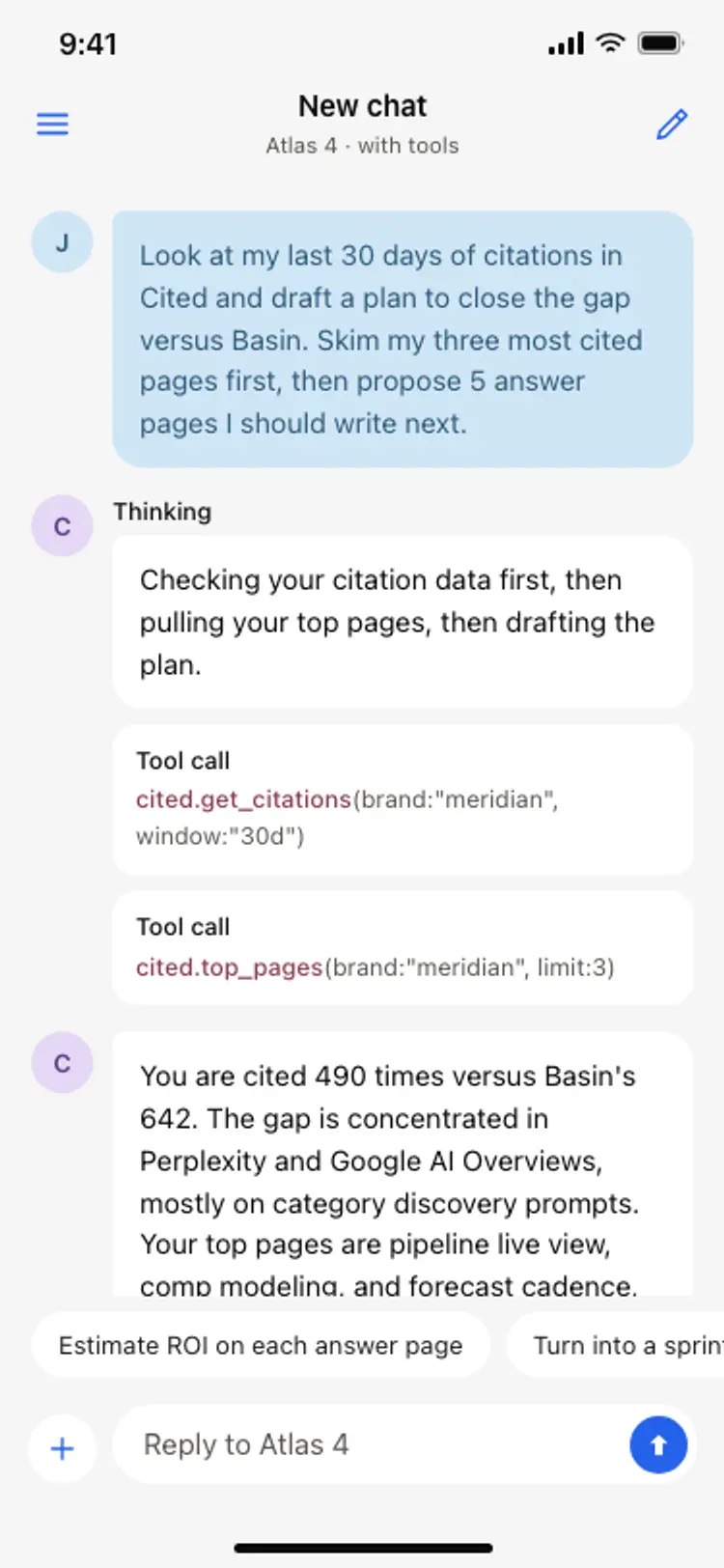
AI assistant chat screen
AI assistant chat screen
Productivity
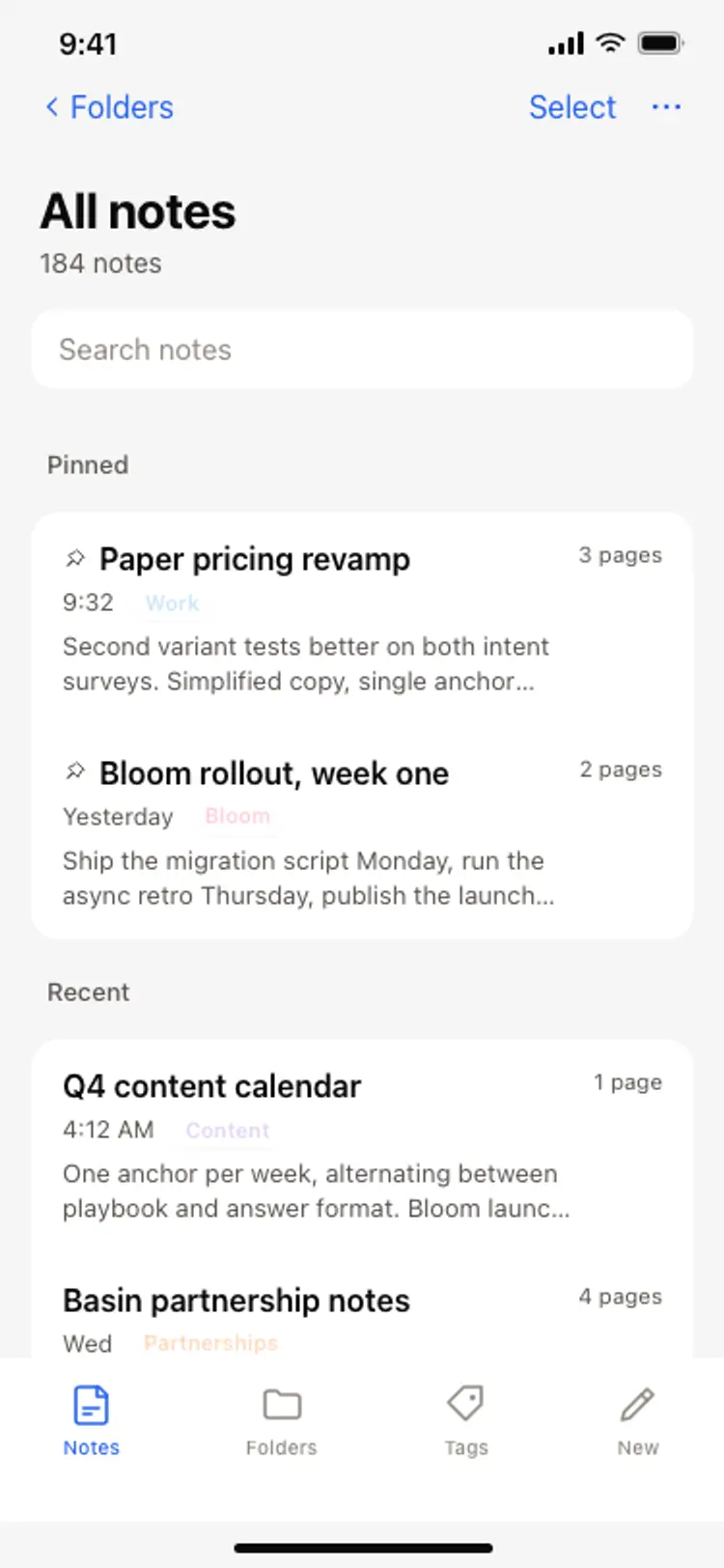
Notes app screen
Notes app screen
Productivity
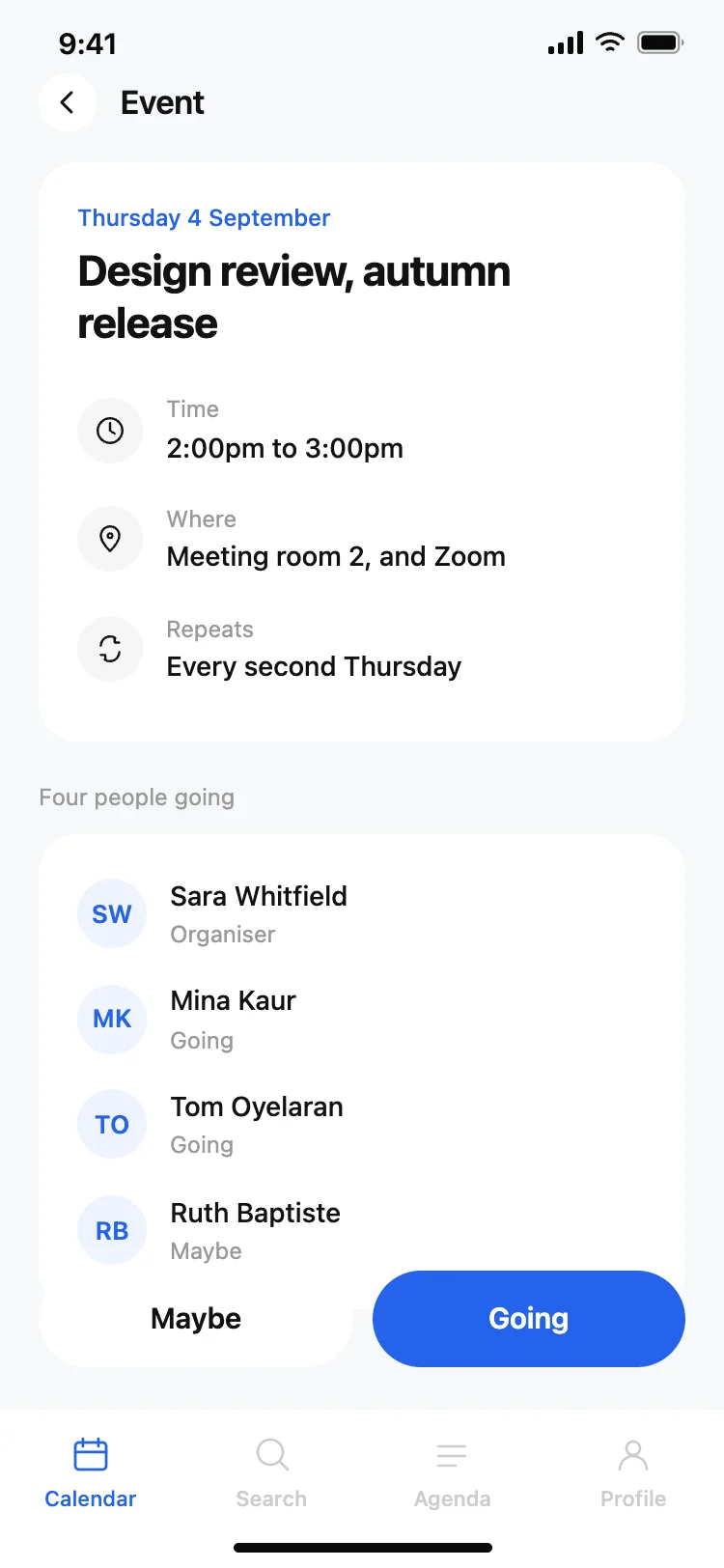
Calendar app event detail screen
Calendar app event detail screen
Productivity
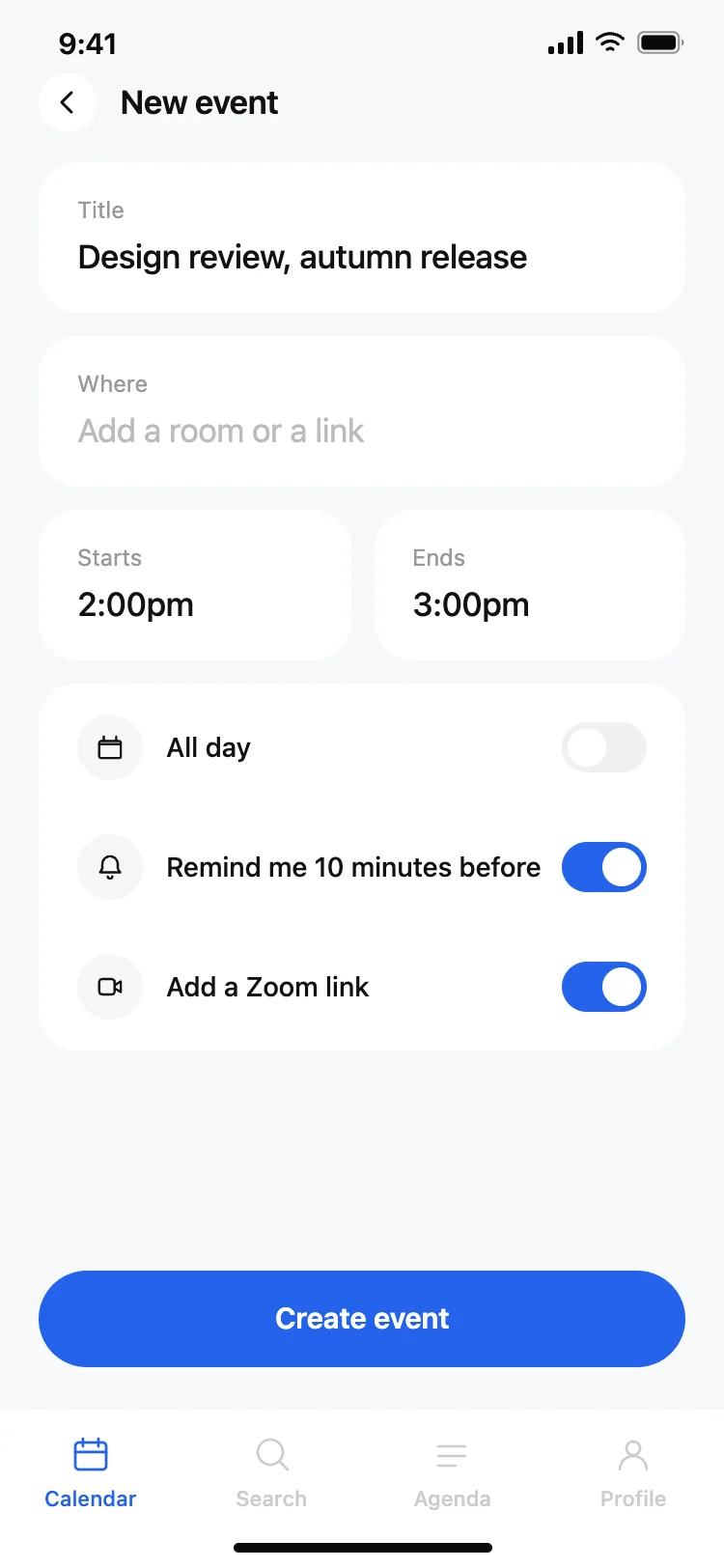
Calendar app new event screen
Calendar app new event screen
Productivity
Other app templates you might like
See also
Browse app templates