Email inbox screen app template
An email inbox screen for iOS and Android apps, with a threaded list, sender names, preview lines, and category labels. Read and unread states are distinguishable at a glance, and a search field sits above the list. Use it for email clients, support tools, and any product with a message queue to work through. Connect your mail API via Bolt, Lovable, or Replit.
About this app template
An inbox is judged on how fast someone can scan it, which is a typography problem before it is a feature problem. This screen gives the sender the most weight, the subject a little less, and the preview line the least, so the eye moves down the list without stopping. Unread rows read as unread without needing a badge to explain it. Category labels sit at the end of each row where they inform without competing. Paste it into Bolt, Lovable, or Replit and ask your AI to connect it to Gmail, Outlook, or your own mail backend.
Build a full productivity app with this template design
A productivity app is mostly lists, threads, and detail views built from the same row and spacing rules, so one screen can set the standard for every screen after it. Copy the template, paste it into Claude Code, Replit, Lovable, ChatGPT Codex, Bolt, or Cursor, and send this alongside it.
Paste into Claude Code, Replit, Lovable, Bolt, or Cursor
Common questions about this template
What makes a mobile inbox easy to scan?
A clear order of importance between sender, subject, and preview. When all three carry the same weight the list turns into a wall of text and users stop reading after the first few rows.
How should unread messages look?
Different enough to spot while scrolling, without shouting. Weight and color do this ahead of badges, which add clutter to every row, not only the ones that matter.
Can I use this for something other than email?
Yes. Support queues, notification center, and team message lists have the same shape. Rename the fields and the layout carries over.
How do I connect it to a real mailbox?
Paste the template into Bolt, Lovable, or Replit and ask your AI to fetch from the Gmail or Outlook API and render each message into a row. The design stays as it is.
Use this template for
- ·Email client inbox screens
- ·Support ticket queues on mobile
- ·Message lists in team tools
- ·Any scannable list of unread items
More productivity app templates
View all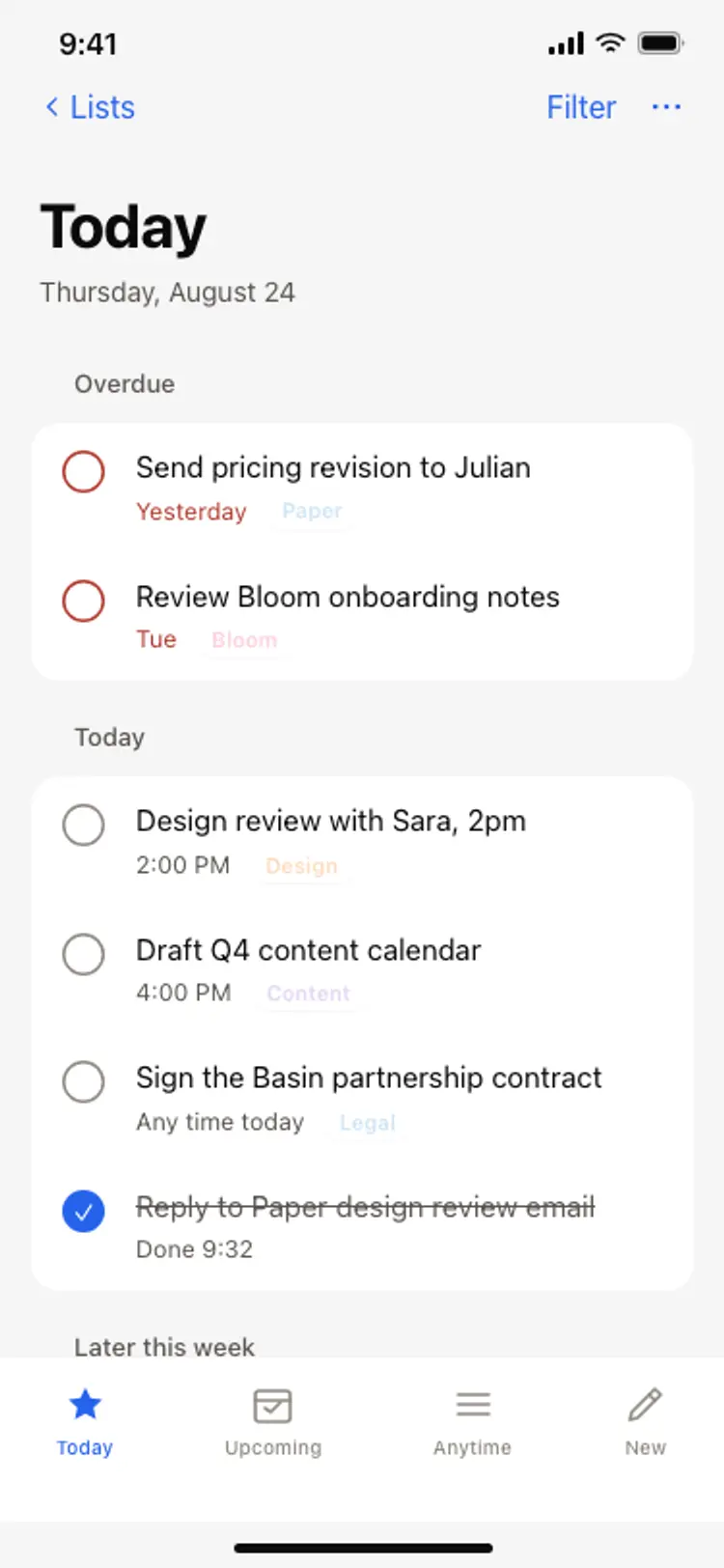
Task list screen
Task list screen
Productivity
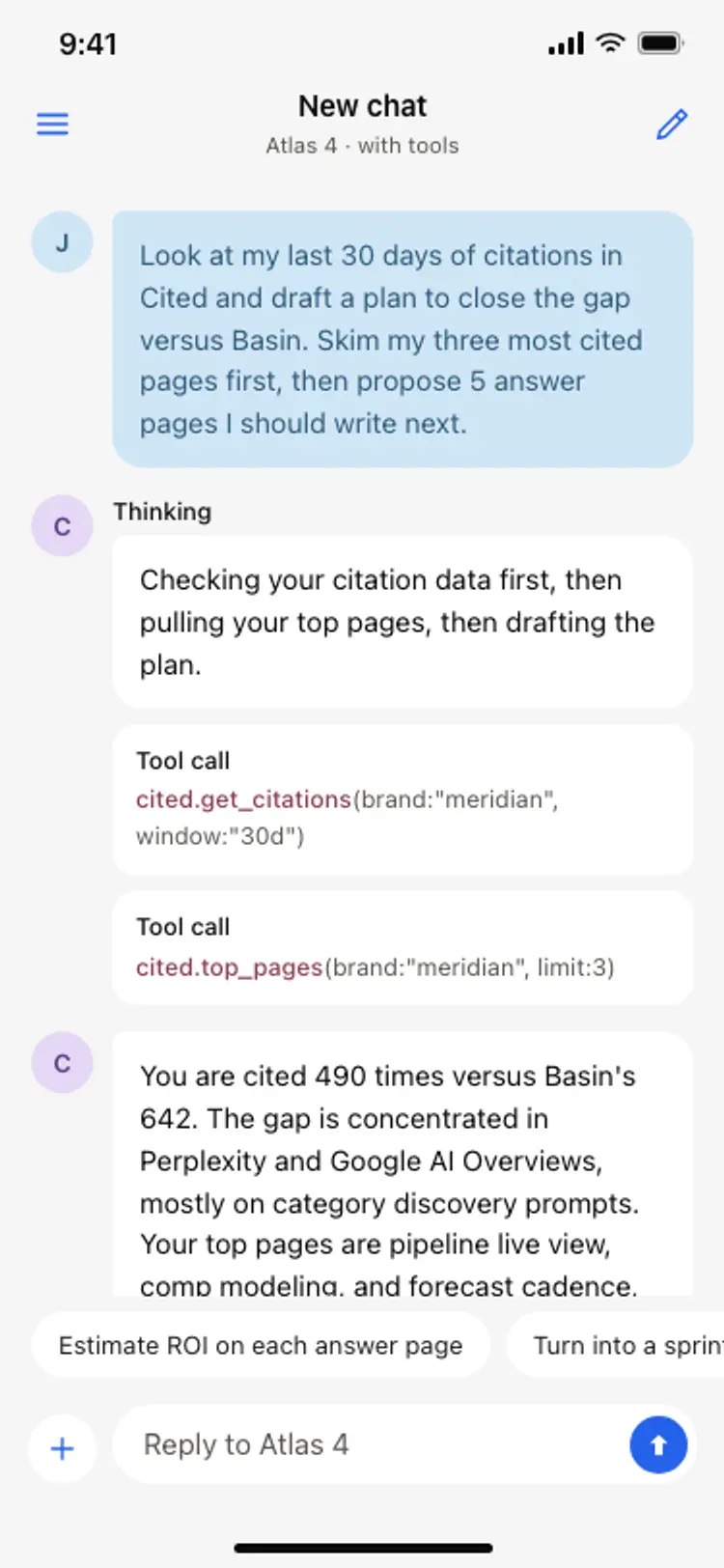
AI assistant chat screen
AI assistant chat screen
Productivity
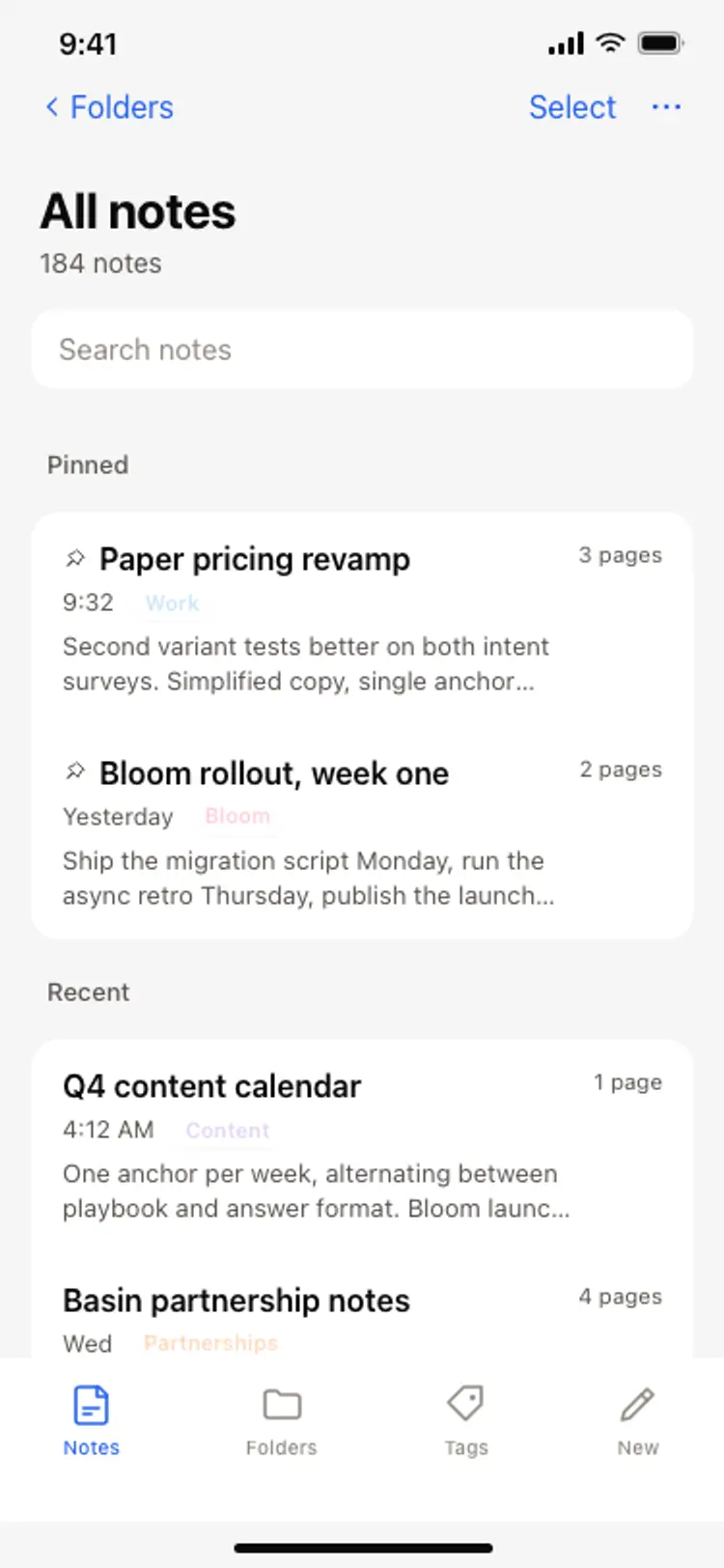
Notes app screen
Notes app screen
Productivity
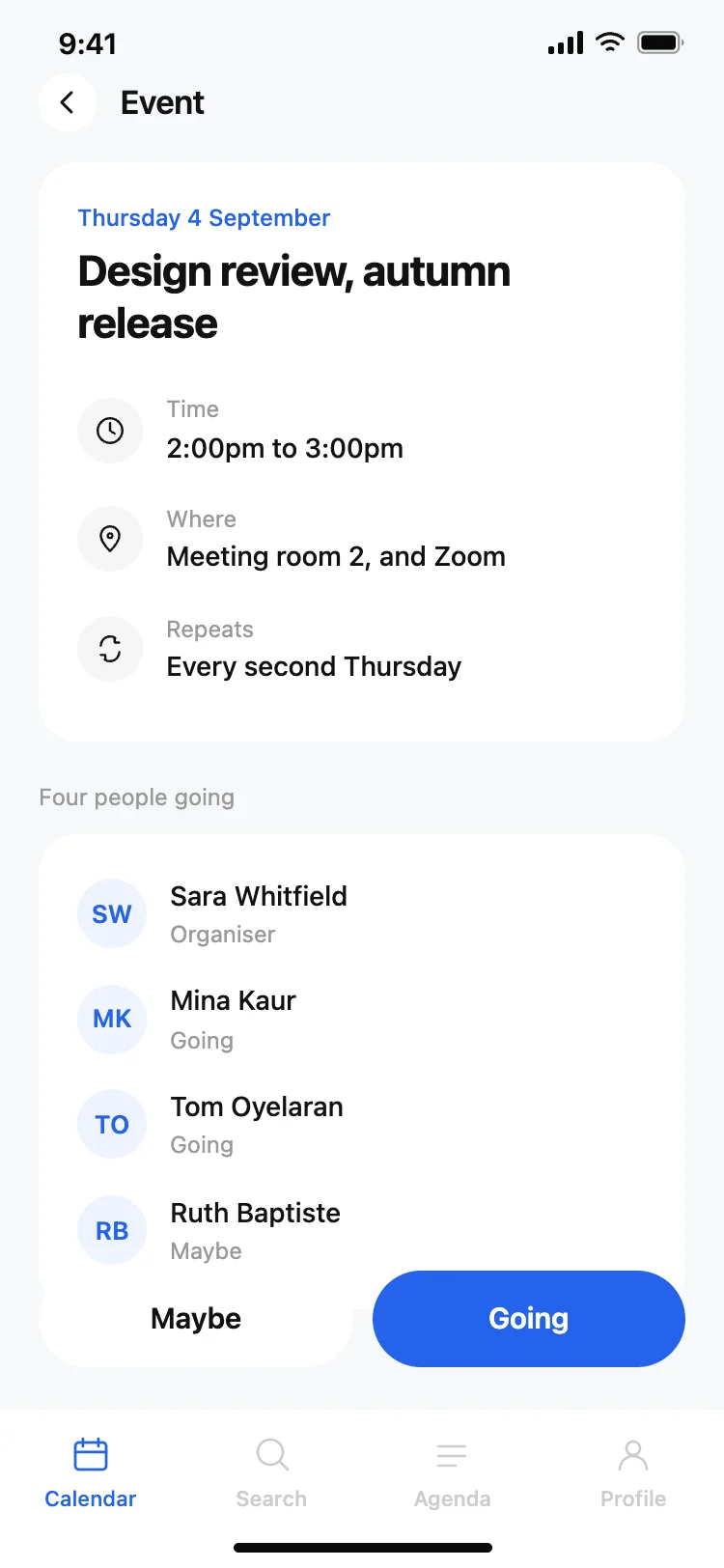
Calendar app event detail screen
Calendar app event detail screen
Productivity
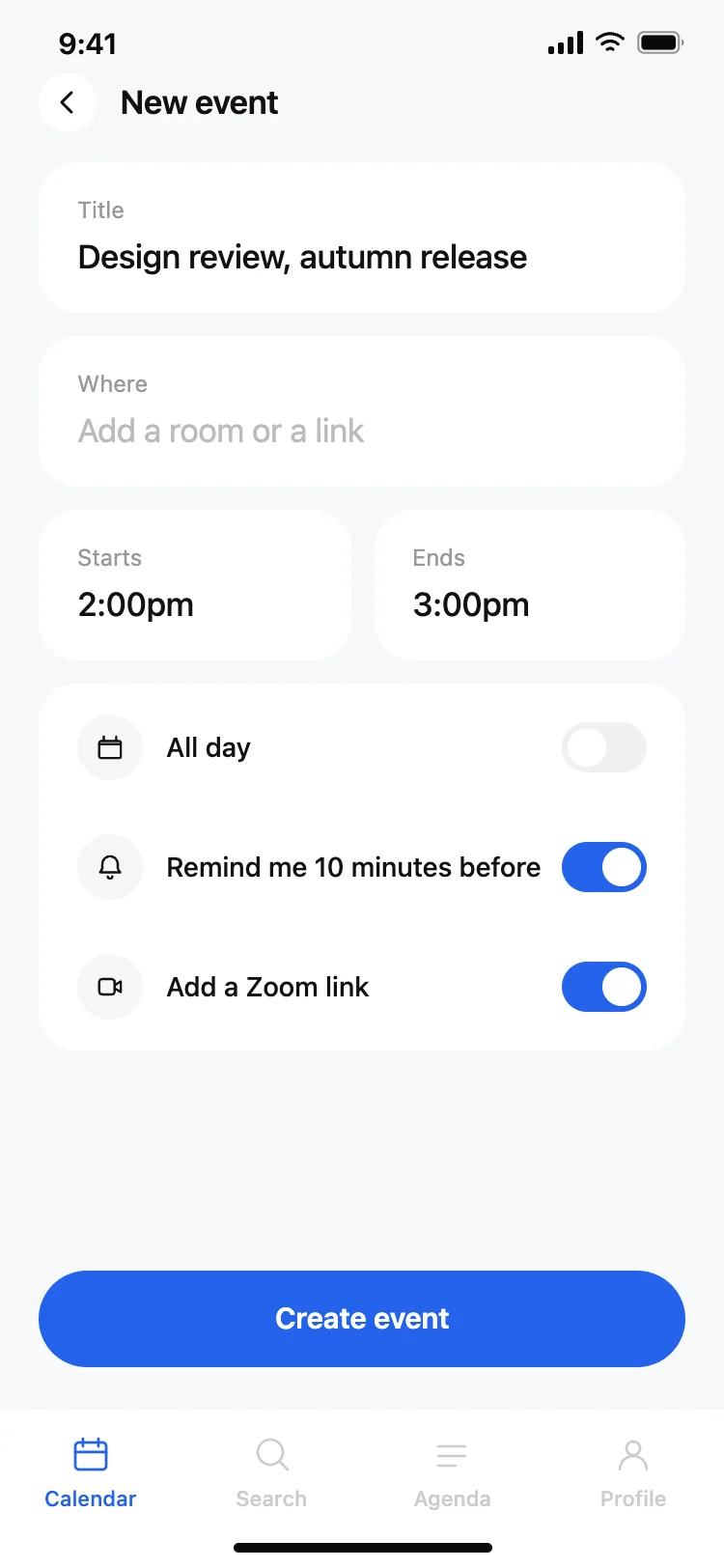
Calendar app new event screen
Calendar app new event screen
Productivity
Task manager app home screen
Task manager app home screen
Productivity
Other app templates you might like

See also
Browse app templates