Savings goals screen app template
A savings goals screen for iOS and Android, showing the total saved across goals, what is being added automatically this month, and each goal with progress, target and date. Use it for banking apps, savings products, and budgeting tools. Connect your accounts via Bolt, Lovable, or Replit.
About this app template
Savings goals fail when progress is invisible, so this screen makes it the point. The total across every goal comes first, because that is the number people are proud of, followed by what is being added automatically, which is the habit doing the work. Each goal then shows its progress against a target and a date, since a target with no date is a wish. The add button sits on each goal, not at the top, so a customer topping up one thing does not have to choose from a list first. Paste it into Bolt, Lovable, or Replit and connect it to your accounts.
Build a full banking or fintech app with this template design
A finance app repeats balances, cards, transaction rows, and progress across many screens, so one screen can set the standard for every screen after it. Copy the template, paste it into Claude Code, Replit, Lovable, ChatGPT Codex, Bolt, or Cursor, and send this alongside it.
Paste into Claude Code, Replit, Lovable, Bolt, or Cursor
Common questions about this template
What should a savings goals screen show first?
The total across every goal. It is the number customers feel good about, and leading with individual goals makes someone saving for four things feel behind on all of them.
Do goals need a target date?
Yes. A target with no date is a wish, and it is the date that makes the monthly contribution feel like a decision, not an option.
Why show automatic contributions separately?
Because that is the part doing the work. Customers who can see the habit running are far less likely to turn it off in a tight month.
How do I connect this to real balances?
Paste it into Bolt, Lovable, or Replit and ask your AI to read each goal from your accounts and calculate progress against the target.
Use this template for
- ·Savings goal tracking in banking apps
- ·Round up and automatic saving products
- ·Budget and sinking fund tools
- ·Any progress toward a money target
More finance app templates
View all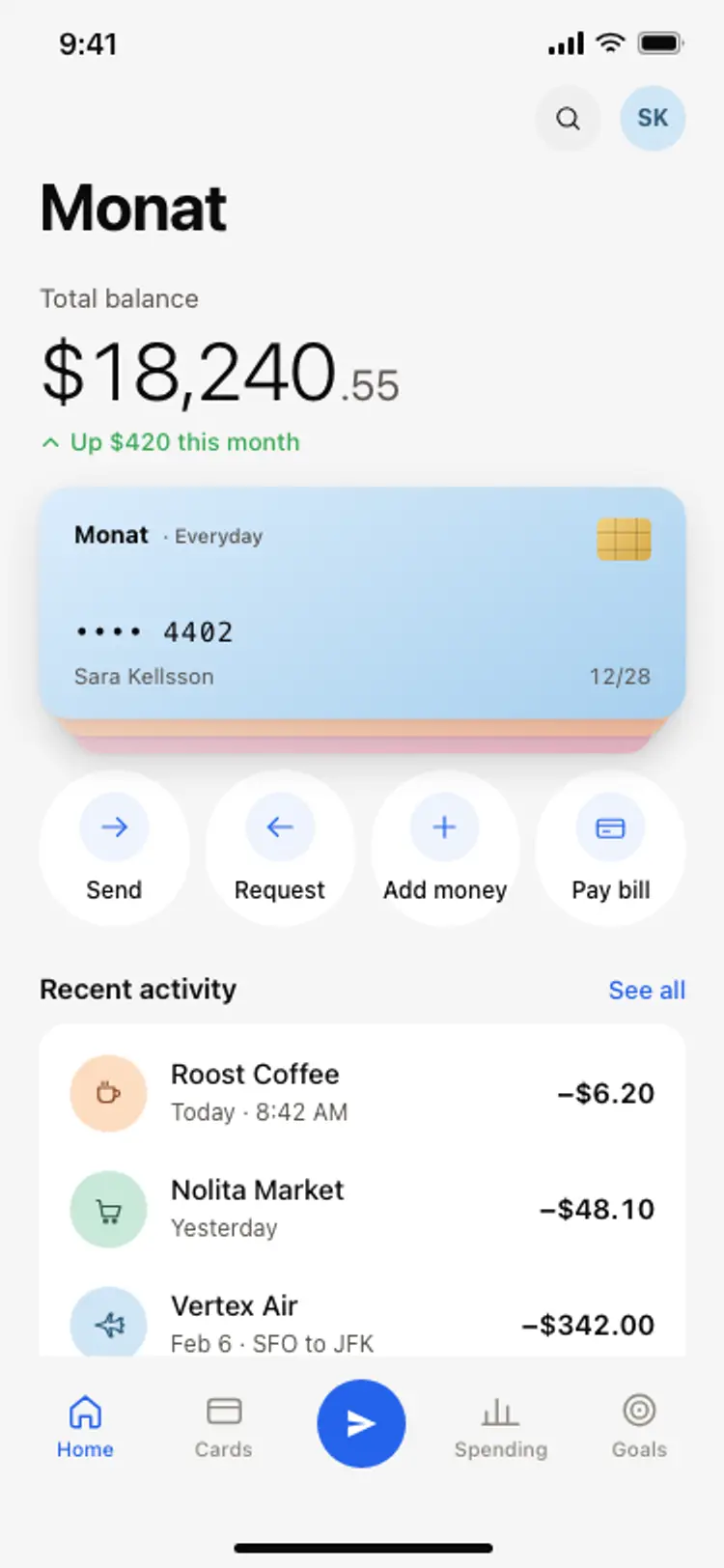
Banking app home screen
Banking app home screen
Finance
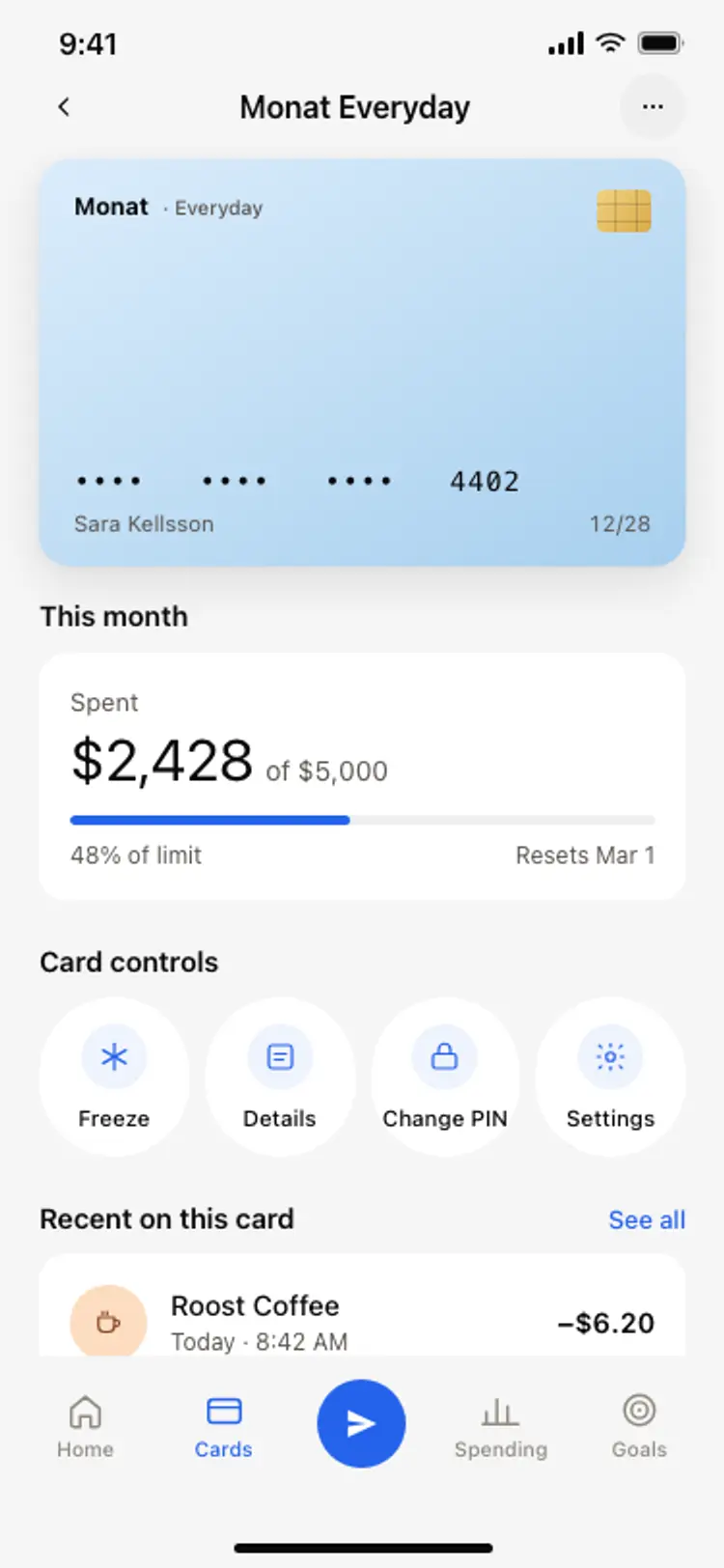
Bank card detail screen
Bank card detail screen
Finance
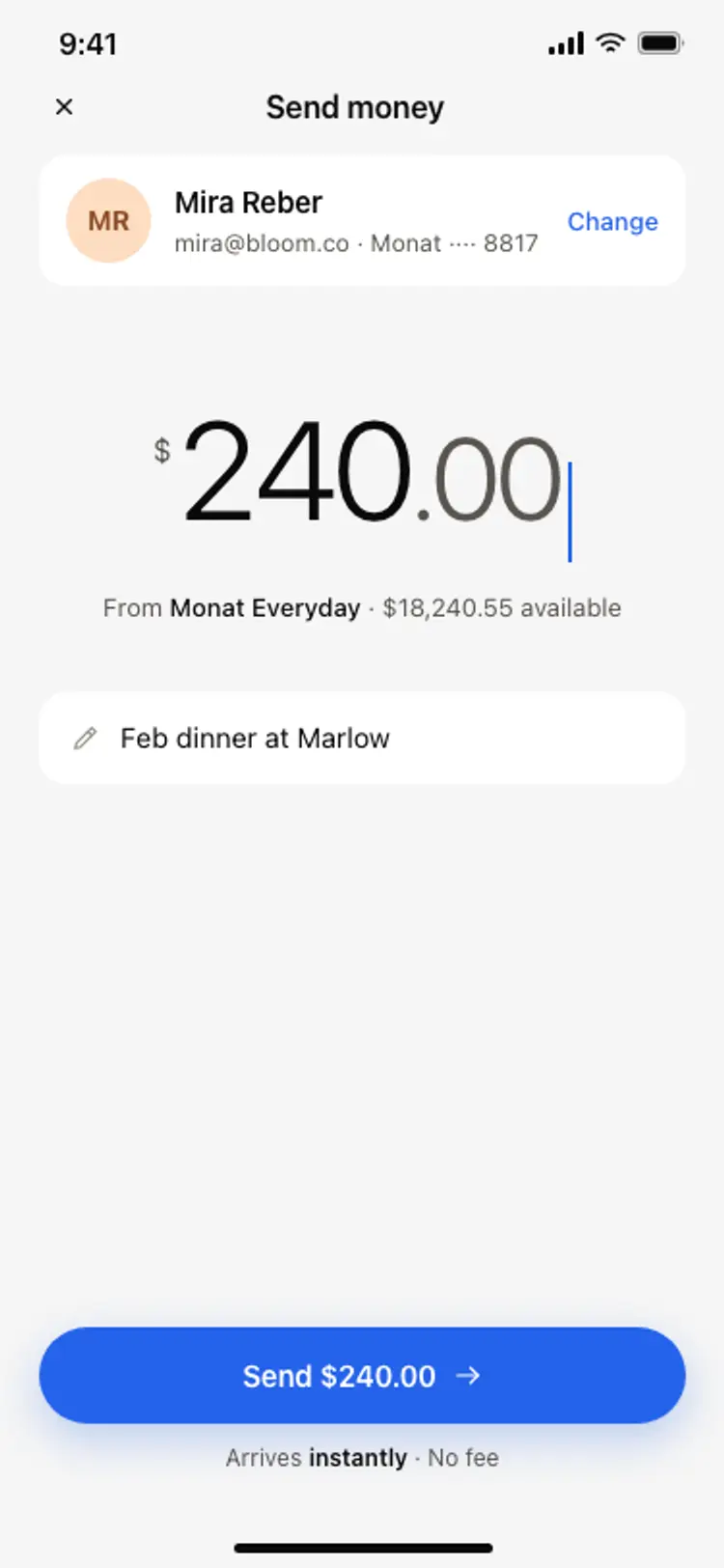
Send money screen
Send money screen
Finance
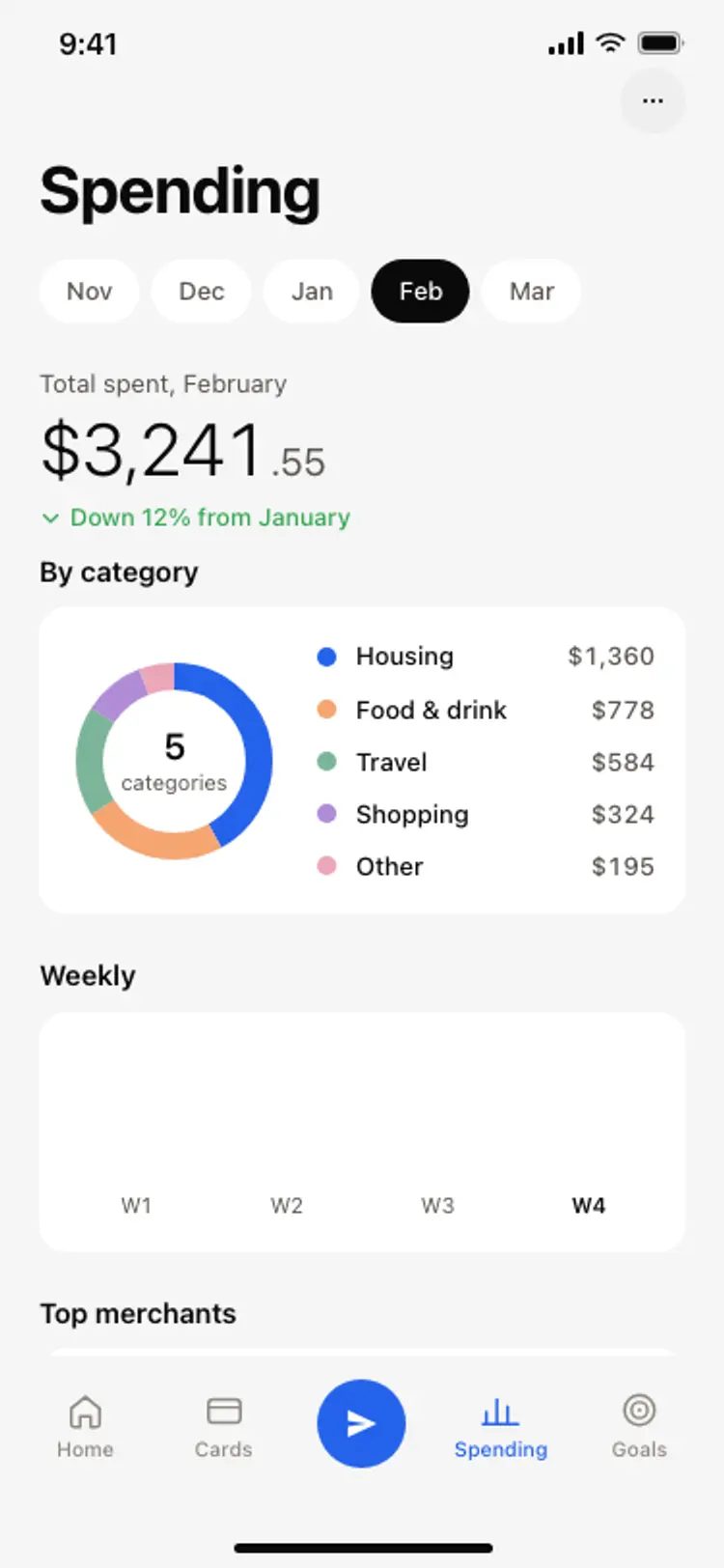
Spending breakdown screen
Spending breakdown screen
Finance
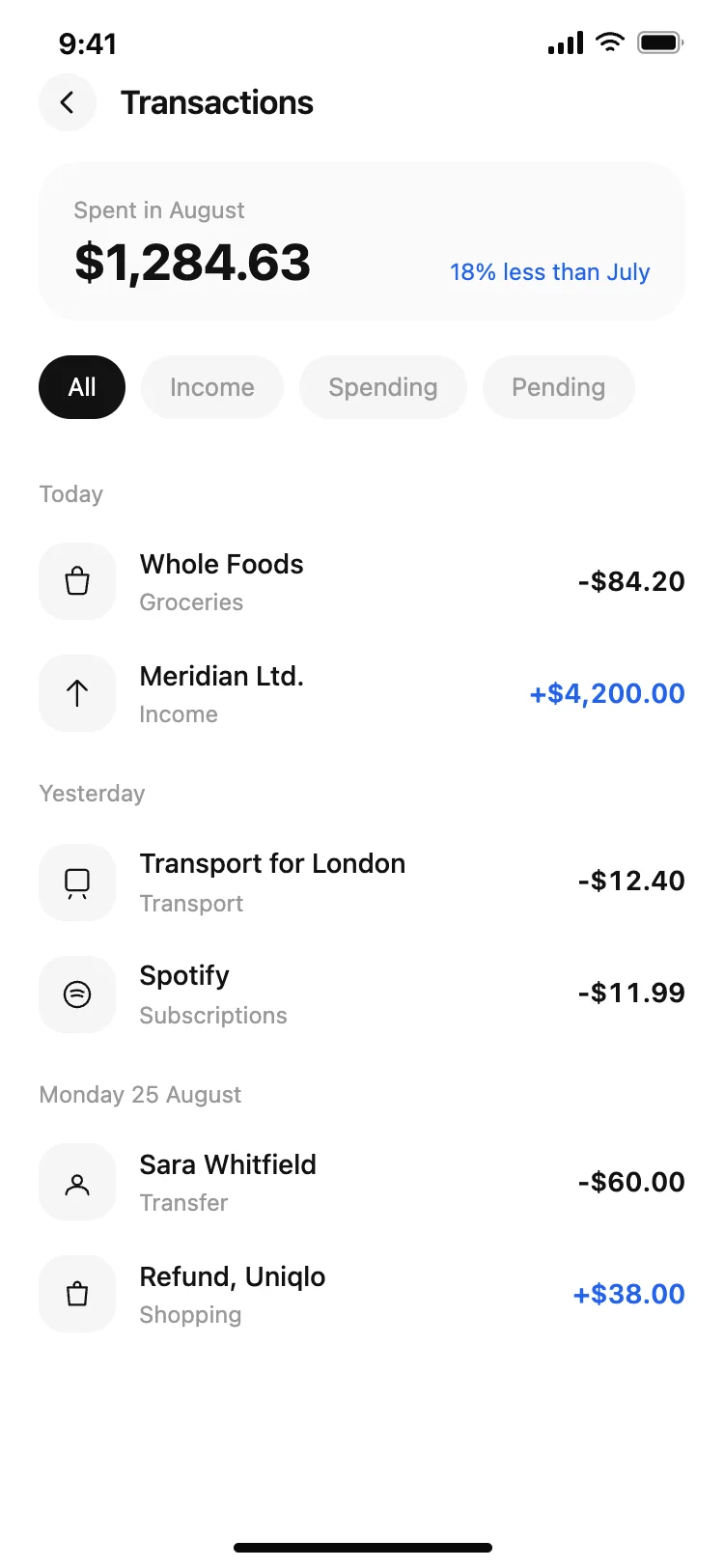
Finance app transaction list
Finance app transaction list
Finance

Finance app monthly budget
Finance app monthly budget
Finance
Other app templates you might like

See also
Browse app templates