Send money screen app template
A send money screen for iOS and Android, with the recipient at the top, a large amount field, the account being paid from with its available balance, a reference line, and the arrival time. Use it for banking apps, payment products, and anything moving money between people. Connect your payments provider via Bolt, Lovable, or Replit.
About this app template
Sending money is the most anxious thing a customer does in a banking app, and the design job is reassurance, not speed. This screen shows the recipient at the top so the name is checked before the number, gives the amount the whole width, and names the account being paid from with its available balance so nobody sends from the wrong one. The arrival time is stated before the button, not after, which is where most apps put it and where it stops being reassurance. Paste it into Bolt, Lovable, or Replit and connect it to your payments provider.
Build a full banking or fintech app with this template design
A finance app repeats balances, cards, transaction rows, and progress across many screens, so one screen can set the standard for every screen after it. Copy the template, paste it into Claude Code, Replit, Lovable, ChatGPT Codex, Bolt, or Cursor, and send this alongside it.
Paste into Claude Code, Replit, Lovable, Bolt, or Cursor
Common questions about this template
What should a send money screen show?
The recipient at the top, the amount large, and the account being paid from with its balance. The most expensive mistakes are the wrong person and the wrong account, so both should be visible without scrolling.
Where should the arrival time go?
Before the button, not after. Told beforehand it is reassurance, told afterwards it is either a relief or a complaint, and only one of those is a good experience.
Should the available balance be shown?
Yes. It prevents a failed transfer, which costs support time and makes the app feel unreliable even when it worked correctly.
How do I connect this to payments?
Paste it into Bolt, Lovable, or Replit and ask your AI to wire the send button to your payments provider and to validate the amount against the balance.
Use this template for
- ·Peer to peer payment screens
- ·Bank transfer flows
- ·Request and split payment products
- ·Any confirmed money movement
More finance app templates
View all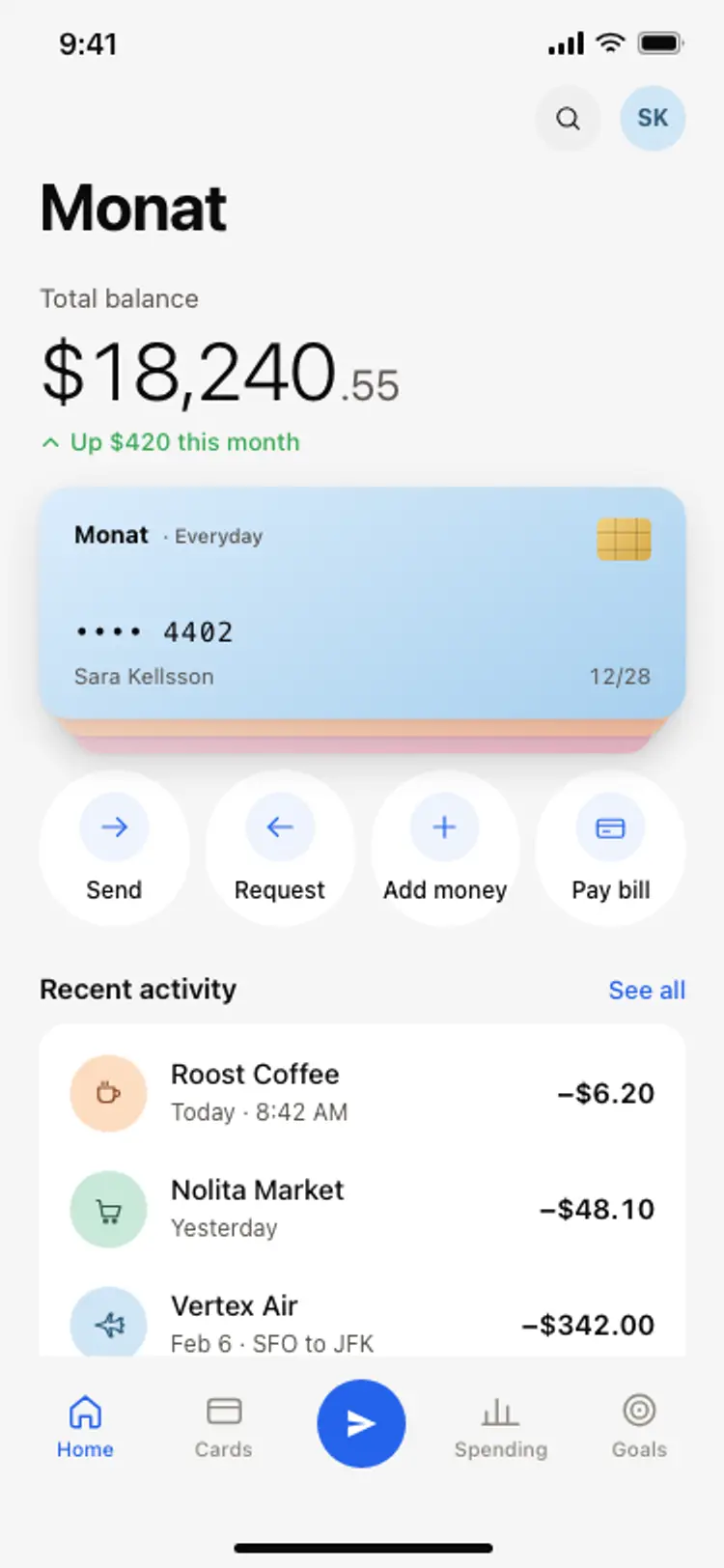
Banking app home screen
Banking app home screen
Finance
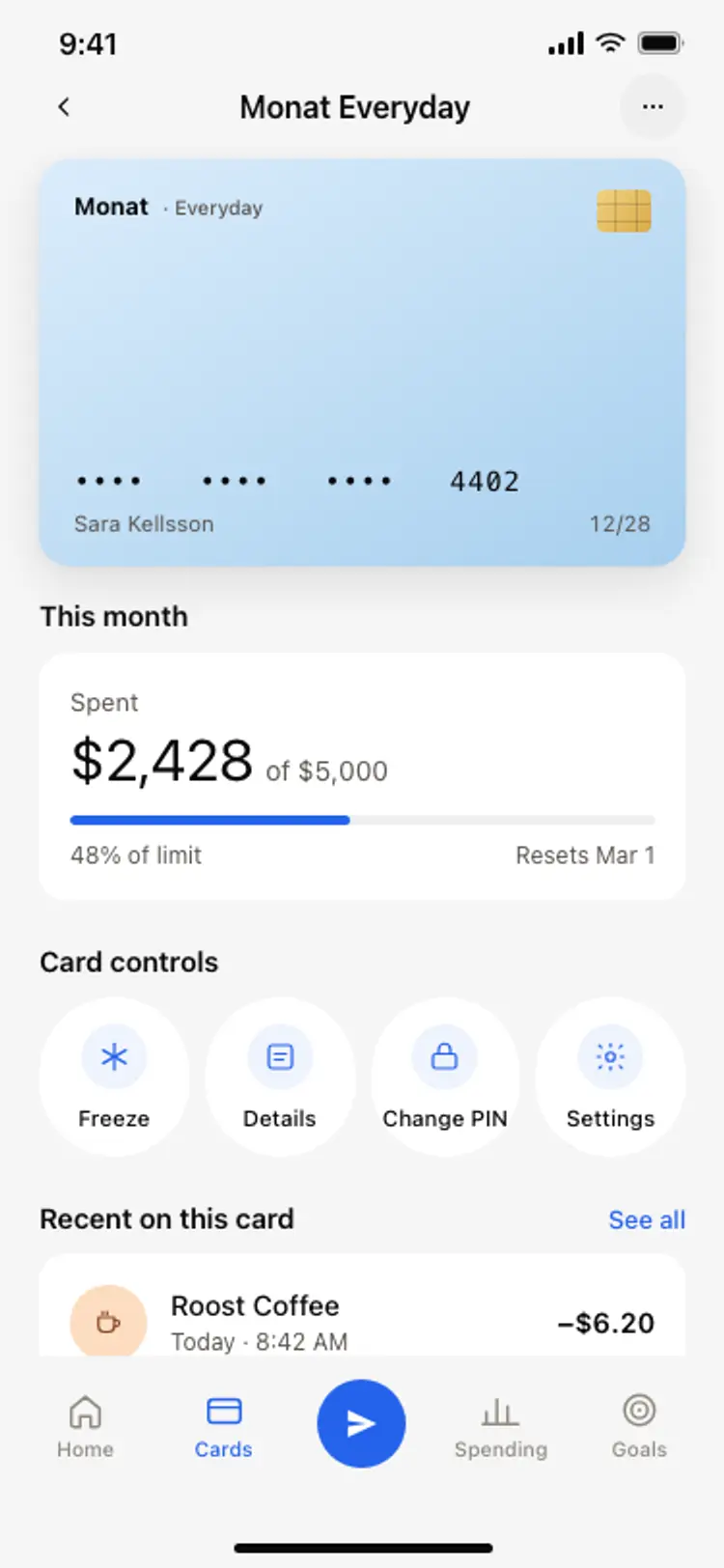
Bank card detail screen
Bank card detail screen
Finance
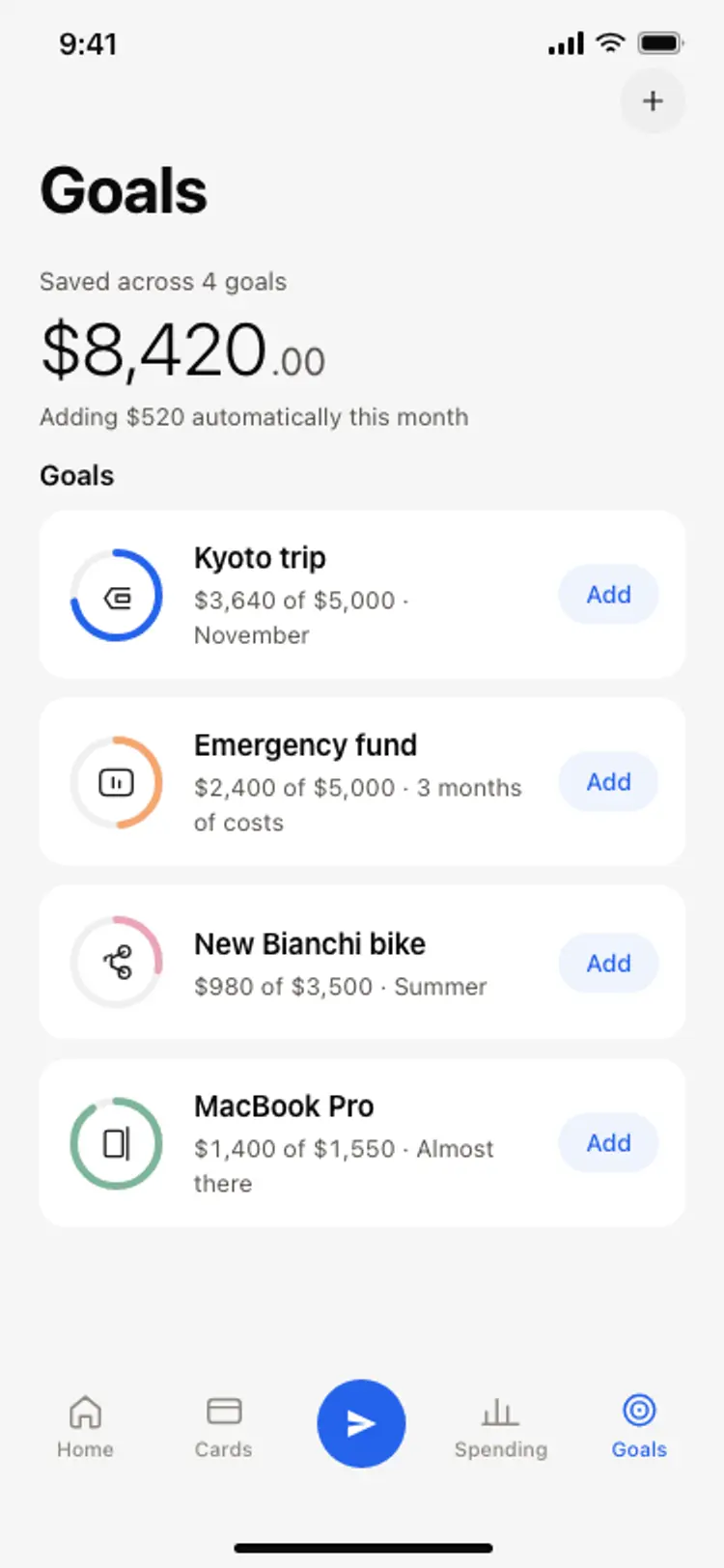
Savings goals screen
Savings goals screen
Finance
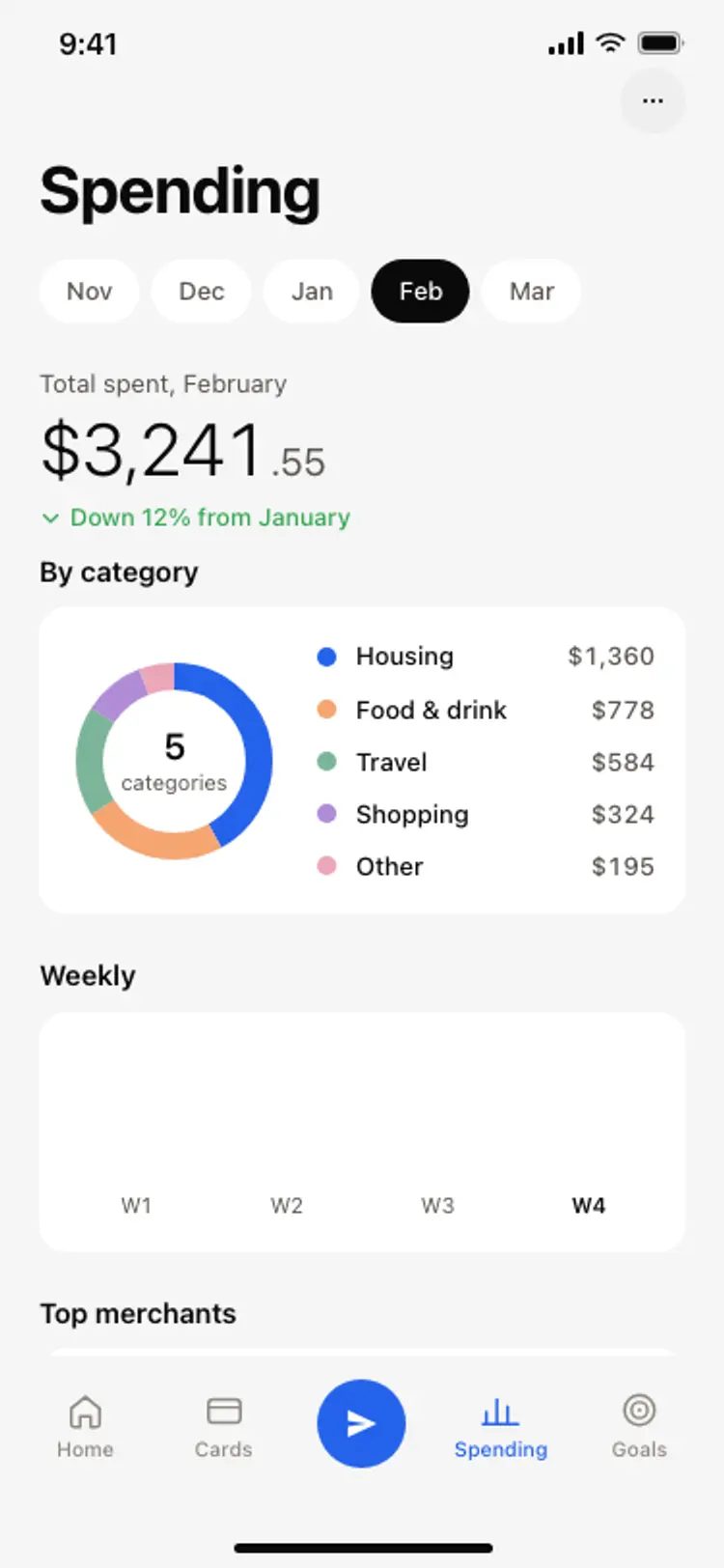
Spending breakdown screen
Spending breakdown screen
Finance
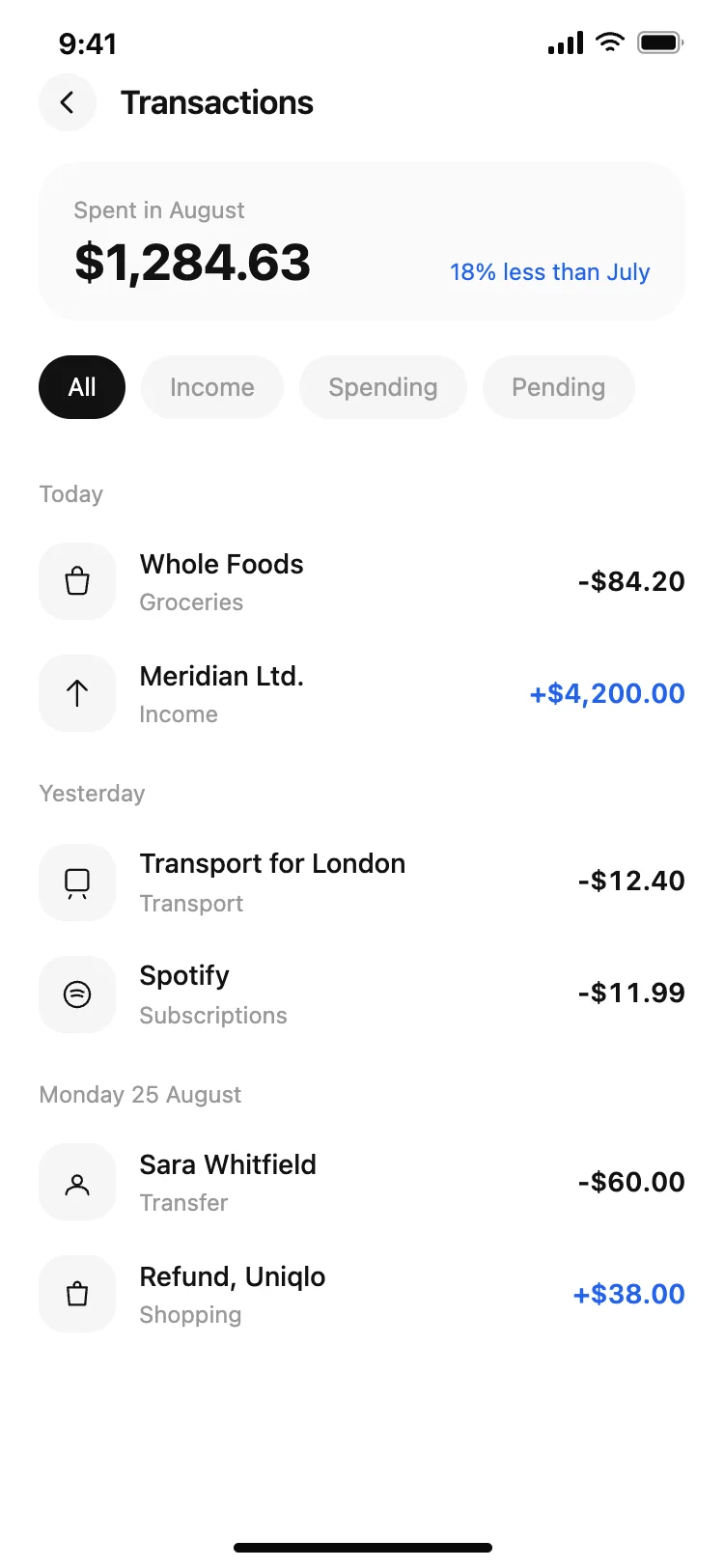
Finance app transaction list
Finance app transaction list
Finance

Finance app monthly budget
Finance app monthly budget
Finance
Other app templates you might like

See also
Browse app templates