Notification preferences screen app template
A notification preferences screen for iOS and Android apps, where users choose what they hear about before the system permission prompt appears. Each type of alert is listed with its own toggle and a line explaining when it fires. Use it for productivity apps, team tools, and any product that sends more than one kind of notification. Wire the toggles to your backend via Bolt, Lovable, or Replit.
About this app template
Apps that ask for notification permission cold get refused, and a refusal is close to permanent. This screen earns the yes first. Each alert type gets a toggle and one line saying exactly when it fires, so the user is agreeing to something specific, not to notifications in general. Anyone who wants only the important ones can have that, which means fewer people turning everything off later. Show this before the system prompt, not after. Paste it into Bolt, Lovable, or Replit and connect the toggles to your notification service.
Build a full mobile app onboarding flow with this template design
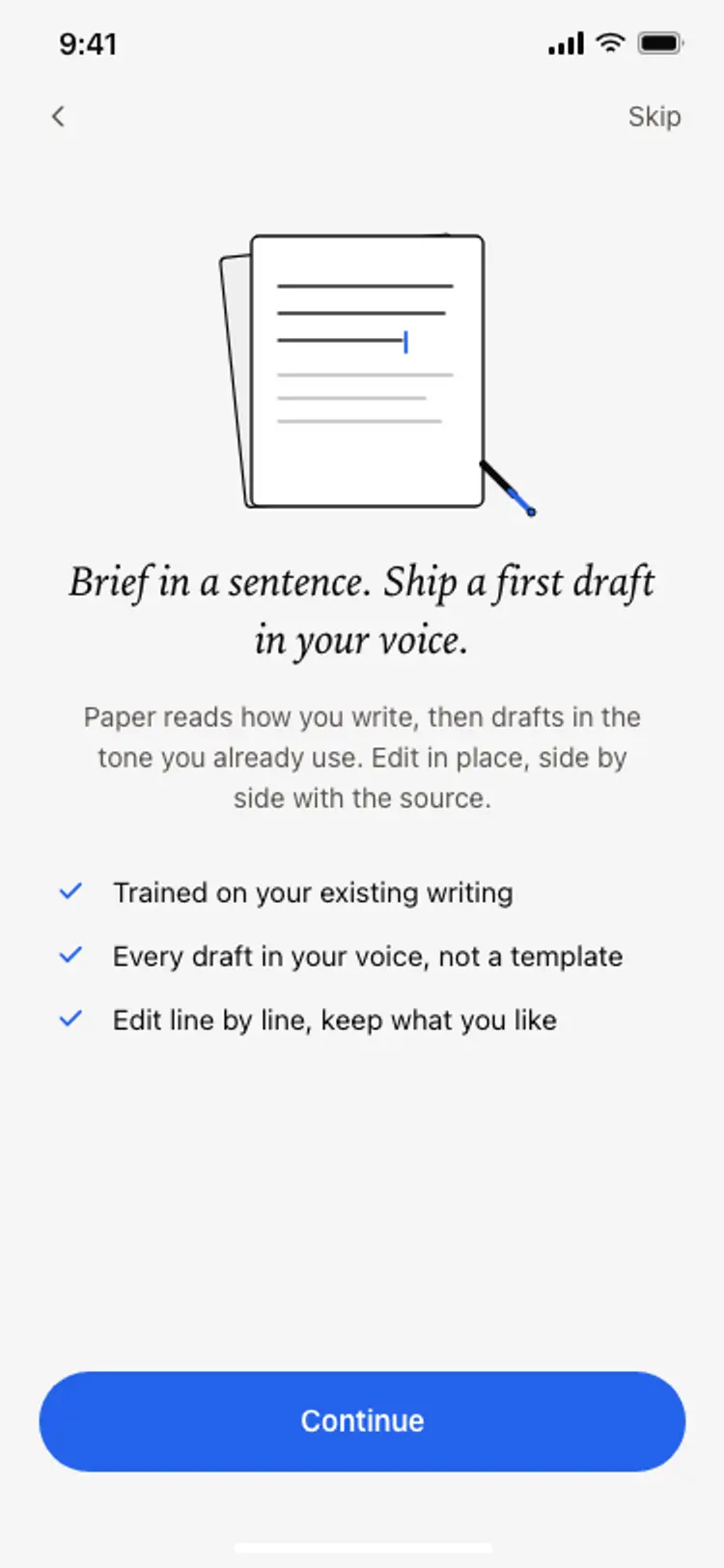
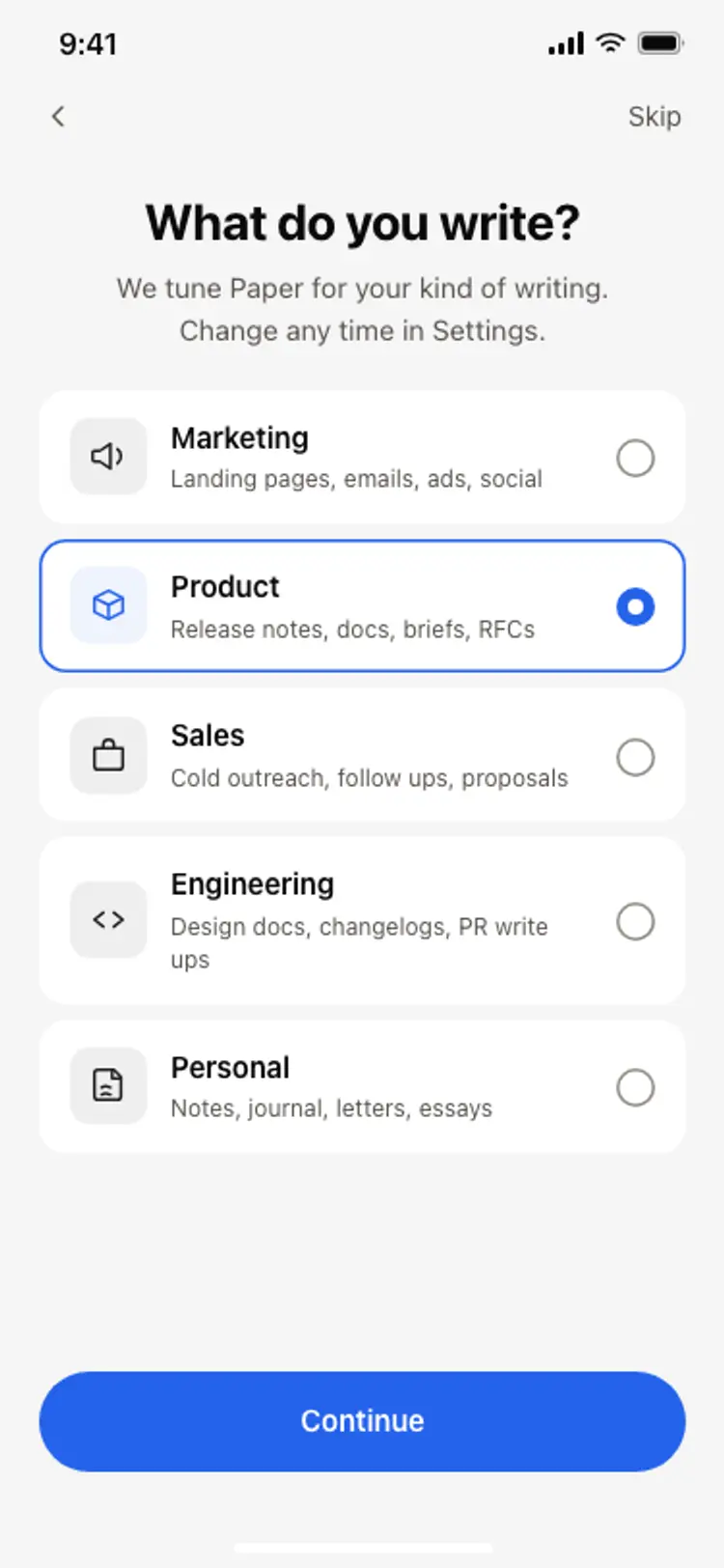
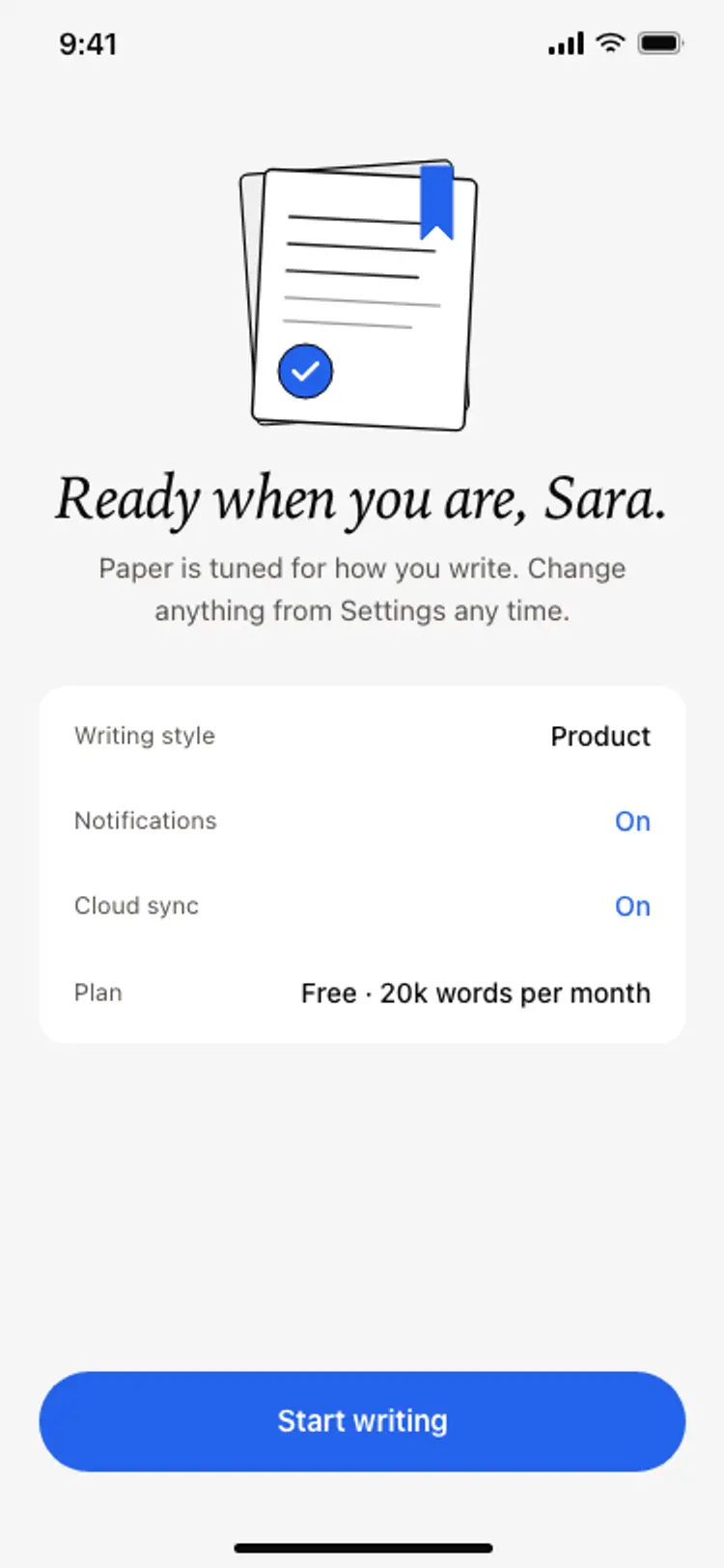
An onboarding flow is a run of screens a new user sees back to back, which makes any inconsistency between them obvious, so one onboarding screen can set the standard for every screen after it. Copy the template, paste it into Claude Code, Replit, Lovable, ChatGPT Codex, Bolt, or Cursor, and send this alongside it.
Paste into Claude Code, Replit, Lovable, Bolt, or Cursor
Common questions about this template
Should I ask for notification permission during onboarding?
Show a screen like this one first, then trigger the system prompt. Asking cold gets refused, and on iOS a refusal is close to permanent because the user has to go into Settings to undo it.
What makes users accept notifications?
Knowing what they are agreeing to. Naming each alert and saying when it fires converts far ahead of a single switch labelled notifications, because the user is opting into something they can picture.
How many notification types should I list?
Only the ones you actually send. A list padded with alerts you have not built yet reads as noise and makes people switch everything off.
How do I connect these toggles?
Paste the template into Bolt, Lovable, or Replit and ask your AI to save each toggle to the user record and pass the preferences to your push service when the system prompt is accepted.
Use this template for
- ·Notification preferences during onboarding
- ·Priming screens before a system permission prompt
- ·Alert settings inside an app
- ·Digest and summary opt ins
More from the App onboarding flow set
5 screens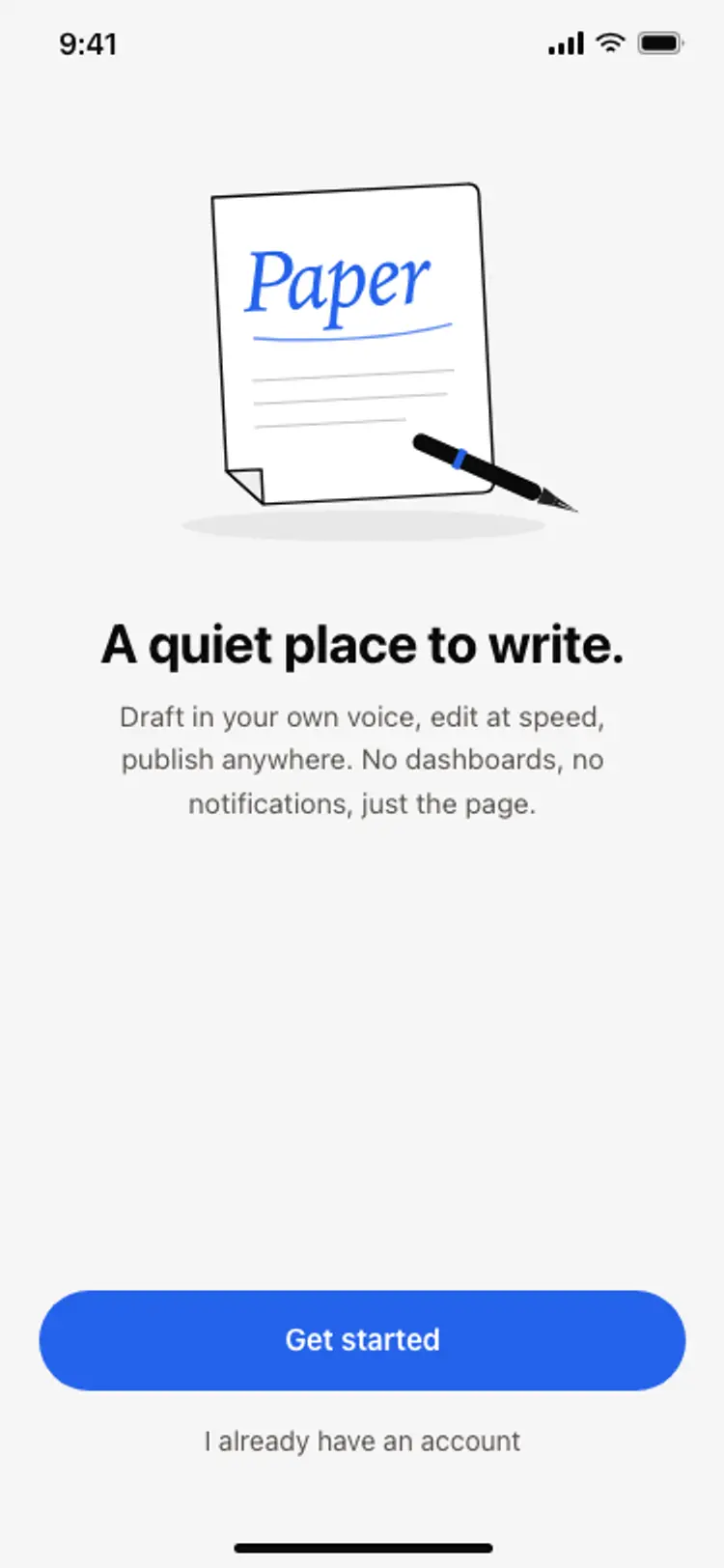
More onboarding app templates
View allNews app onboarding screen
News app onboarding screen
Onboarding
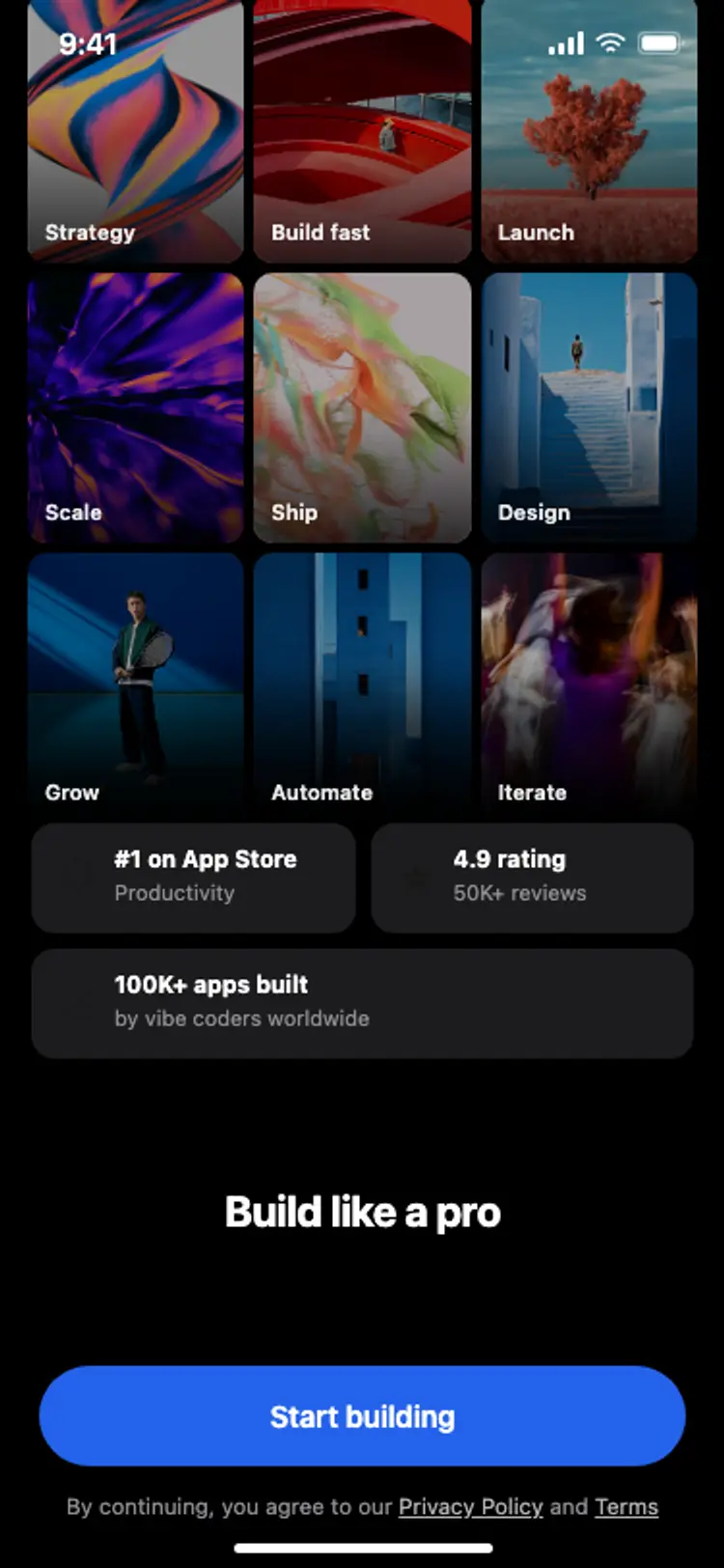
Onboarding with social proof
Onboarding with social proof
Onboarding
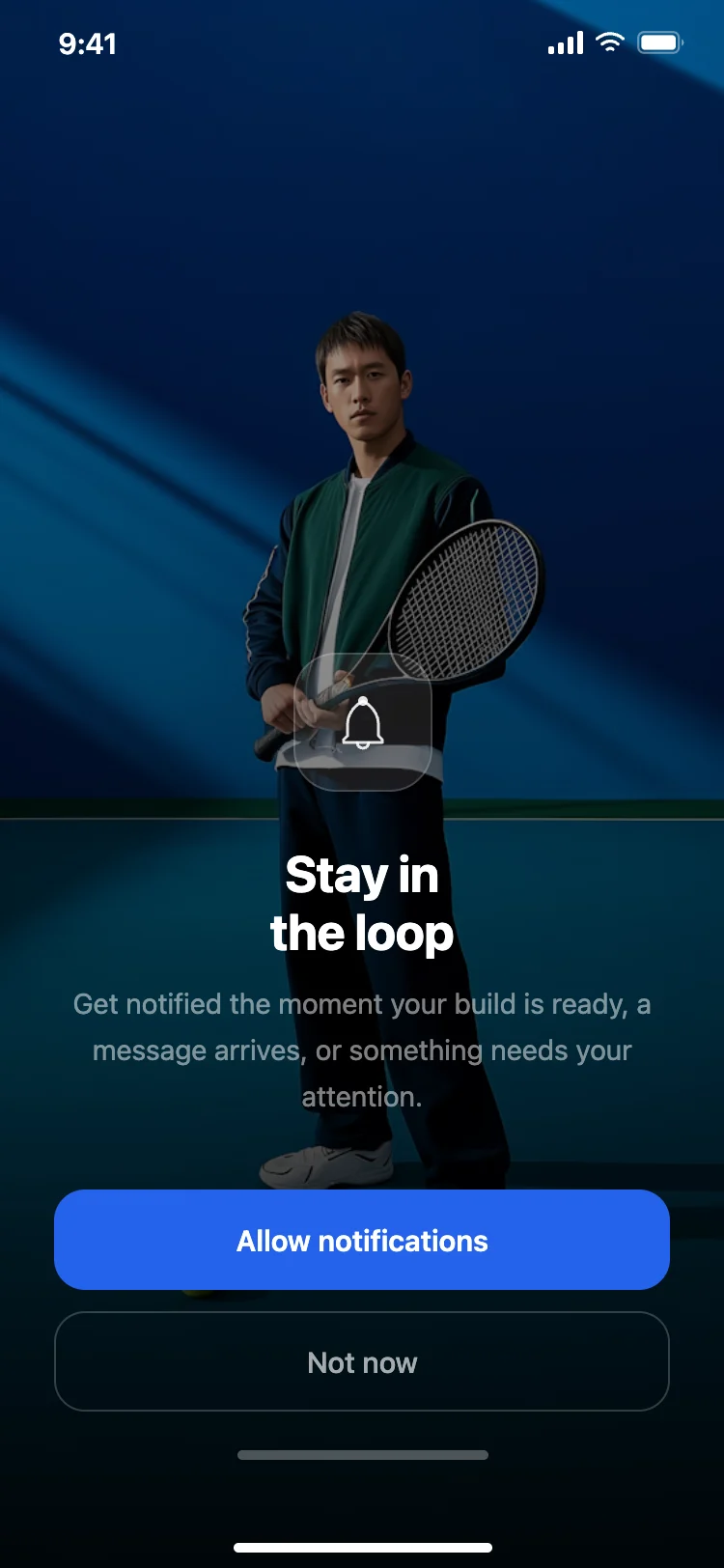
Notification permission prompt
Notification permission prompt
Onboarding
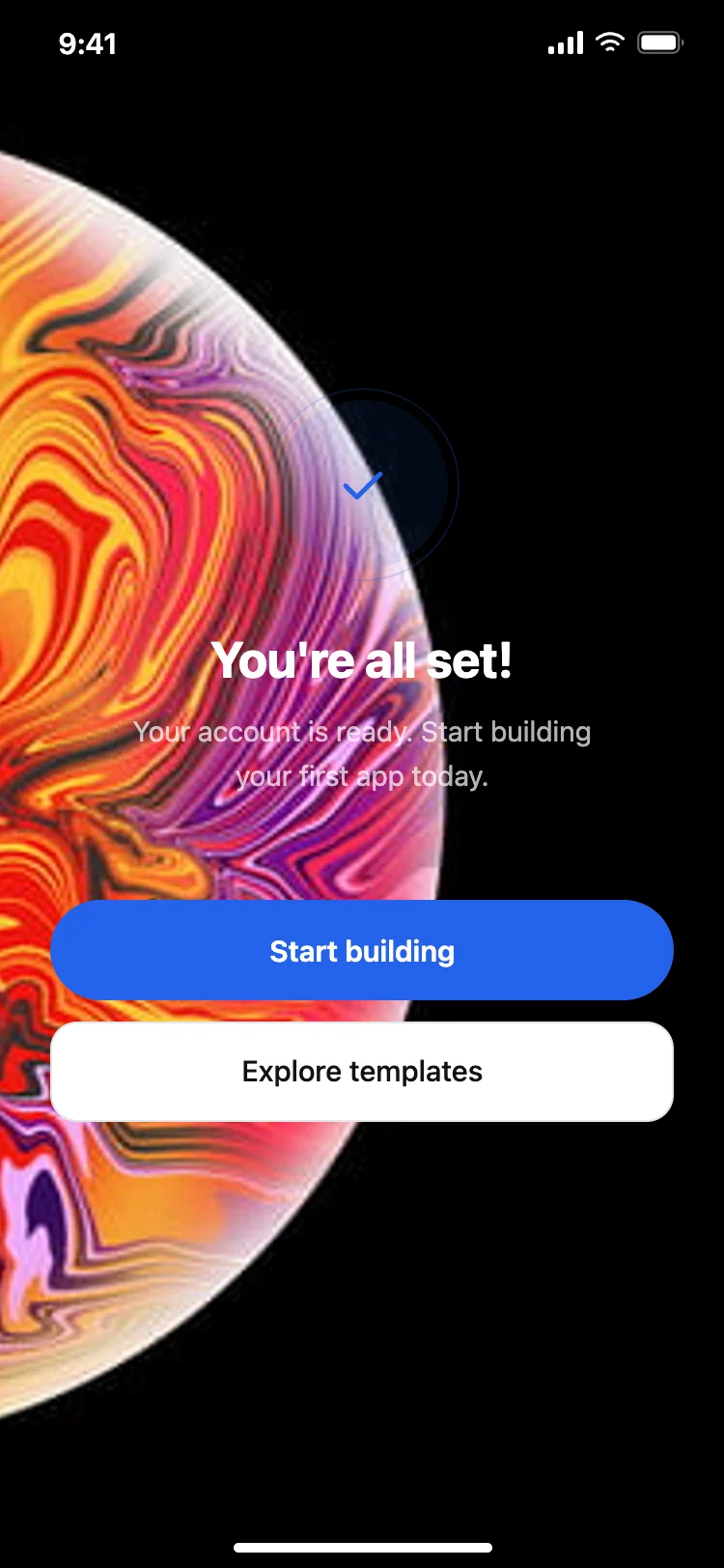
Success and completion screen
Success and completion screen
Onboarding
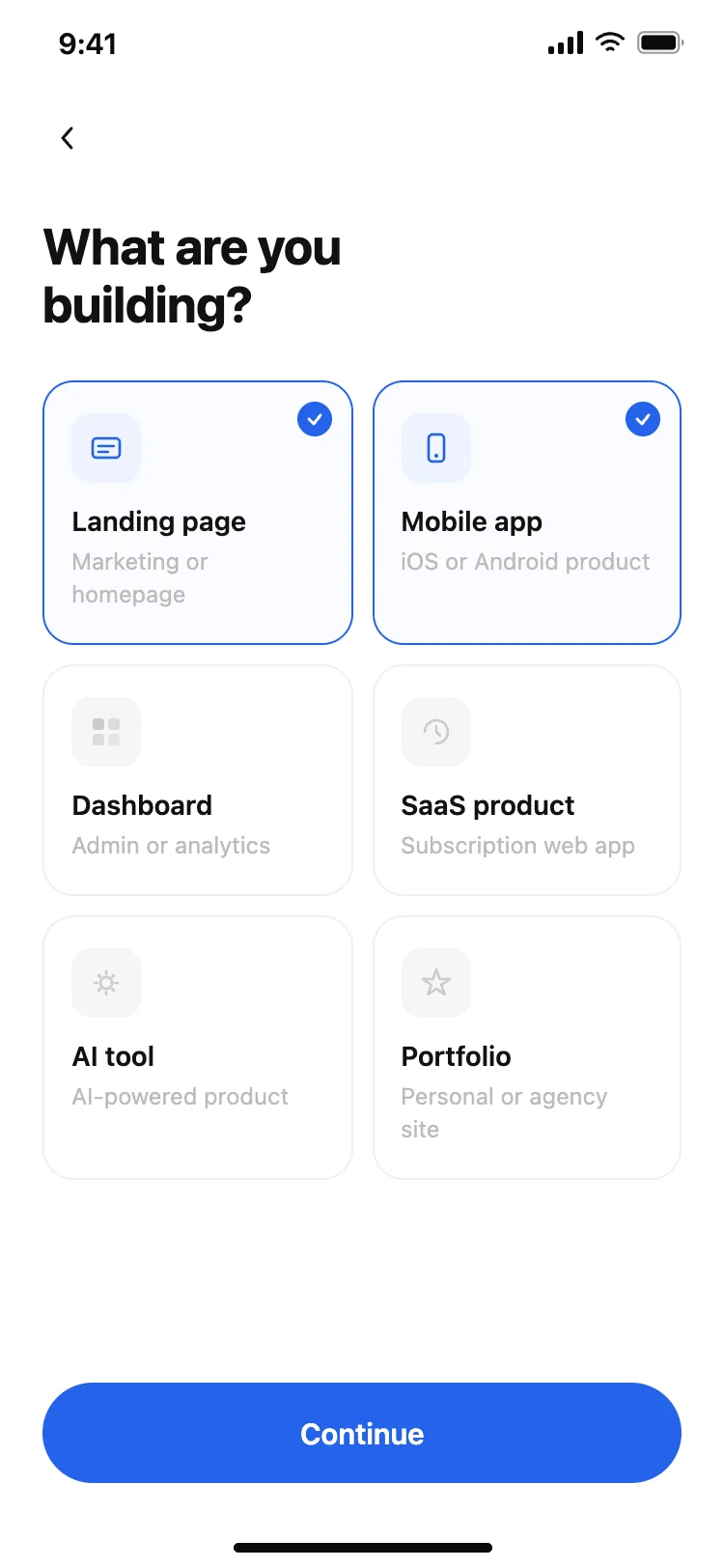
User preferences picker
User preferences picker
Onboarding
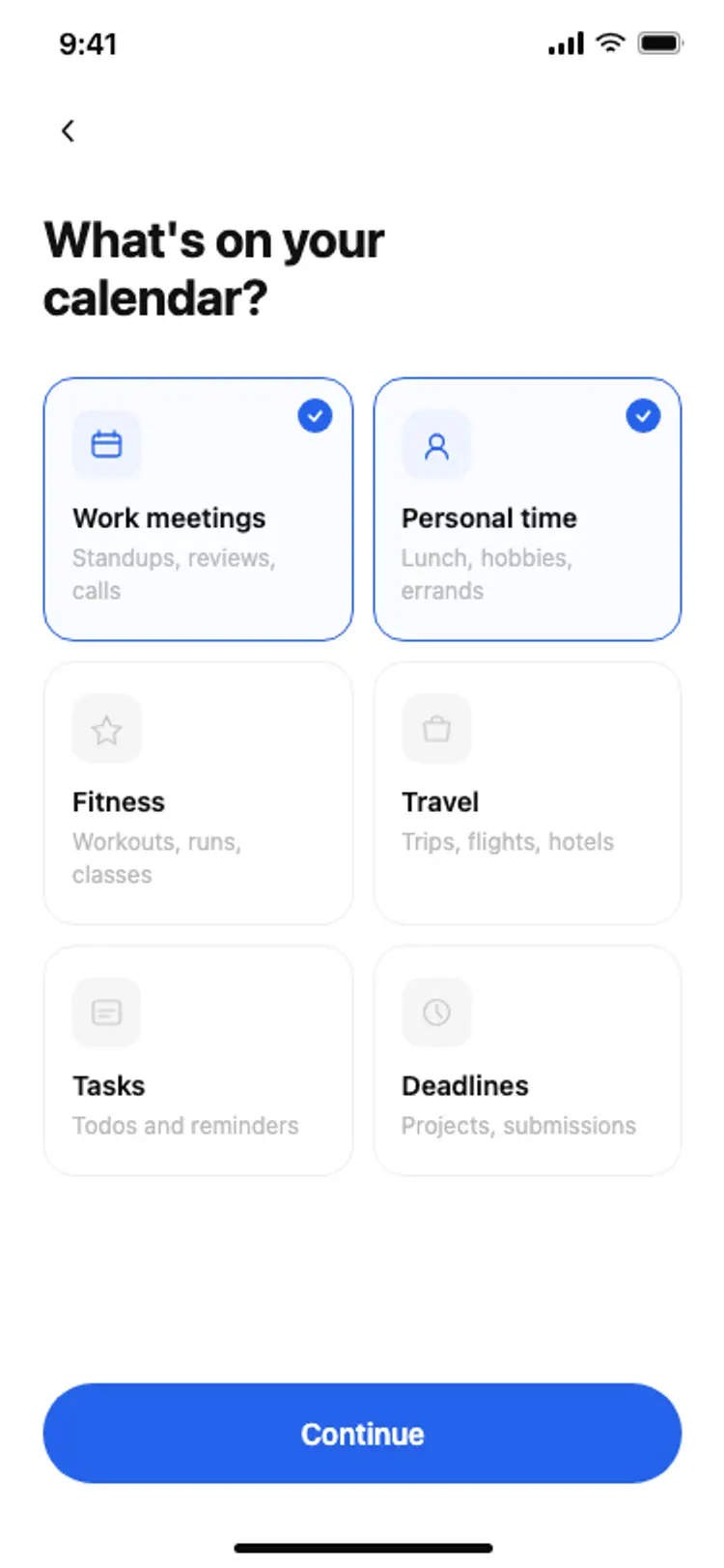
Calendar onboarding preferences
Calendar onboarding preferences
Onboarding
Other app templates you might like
See also
Browse app templates