Wellness app onboarding goals screen template
A wellness onboarding screen for iOS and Android with a smiling character, a rainbow gradient headline, and a goal picker. The person taps one goal, sees it selected, and moves forward. Use it for meditation apps, habit trackers, therapy apps, and any wellness product where the first question shapes the experience. Build it in Bolt, Lovable, or Replit.
About this app template
Wellness apps that ask what someone wants on the first screen retain better than ones that dump them into a generic feed. This template puts a coral character at the top, a rainbow gradient headline below it, and six goal buttons in a vertical list. One starts selected so the screen never looks empty, and the selection toggles on tap. The blue CTA at the bottom reads See my plan, which frames the next screen as personal rather than generic. Paste it into Bolt, Lovable, or Replit and wire the selection to your recommendation engine or content filter.
Build a full mobile app with this template design
A mobile app is many screens a user moves between quickly, which makes any inconsistency obvious, so one screen can set the standard for every screen after it. Copy the template, paste it into Claude Code, Replit, Lovable, ChatGPT Codex, Bolt, or Cursor, and send this alongside it.
Paste into Claude Code, Replit, Lovable, Bolt, or Cursor
Common questions about this template
What should a wellness onboarding screen ask?
One question about intent: what brings you here, what do you want to feel, or what are you working on. Keep it to one question per screen so the person finishes rather than abandoning a form.
Should I allow multiple selections?
This template uses single selection, which keeps the recommendation simple. If your product supports multi-goal plans, change the toggle logic to allow more than one and update the CTA to reflect that.
How do I connect the selection to real content?
Paste it into Bolt, Lovable, or Replit and ask your AI to store the selected goal and use it to filter the home feed or pick a starter programme.
Can I change the character illustration?
Yes. The smiling orb is built with CSS, so you can swap it for an SVG illustration, a Lottie animation, or a product screenshot without touching the layout below it.
Use this template for
- ·Wellness app onboarding screens for iOS and Android vibe coding
- ·Meditation and mindfulness goal selection screens for Bolt and Lovable
- ·Habit tracker onboarding templates for mobile app development
- ·Therapy and mental health app first run experiences
More fitness app templates
View all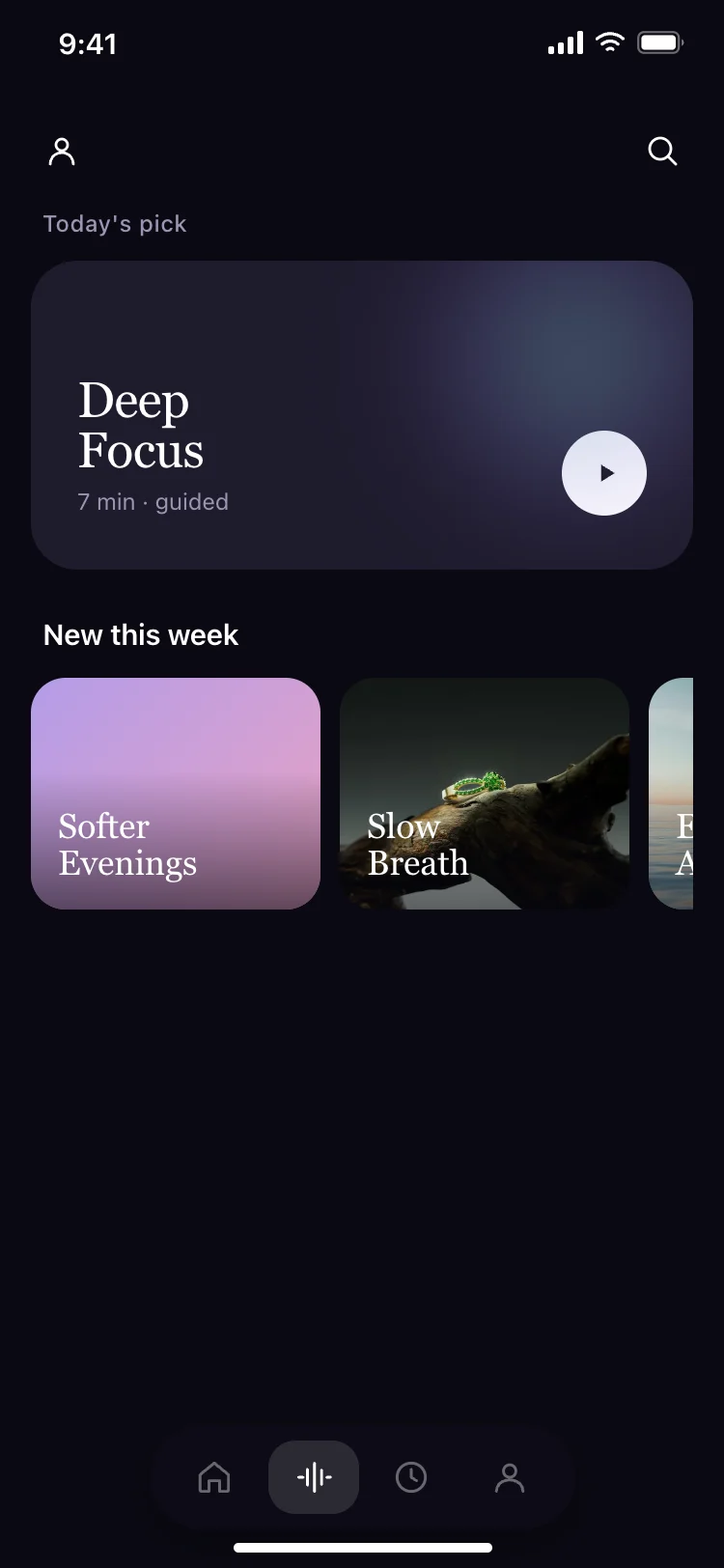
Meditation app daily pick screen
Meditation app daily pick screen
Fitness
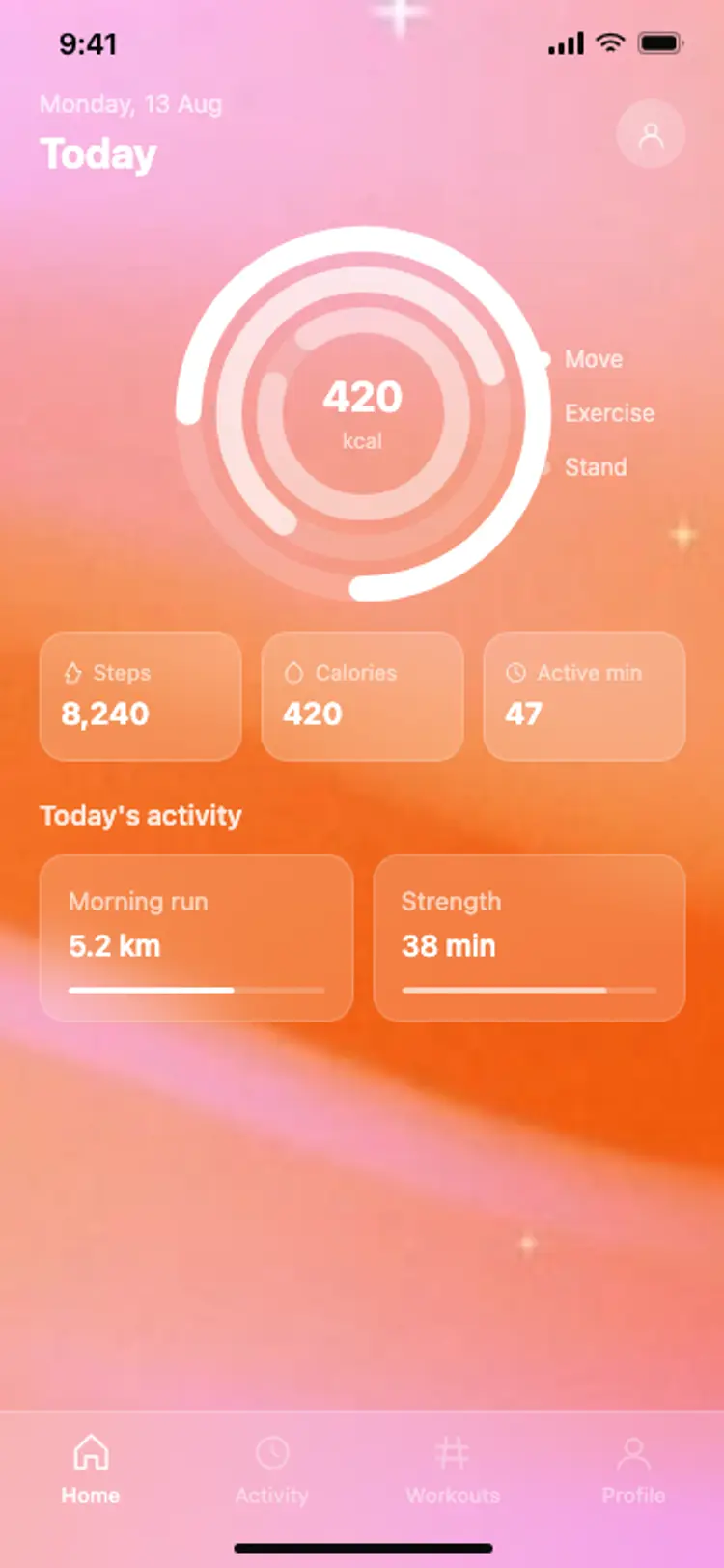
Fitness app home: activity rings
Fitness app home: activity rings
Fitness
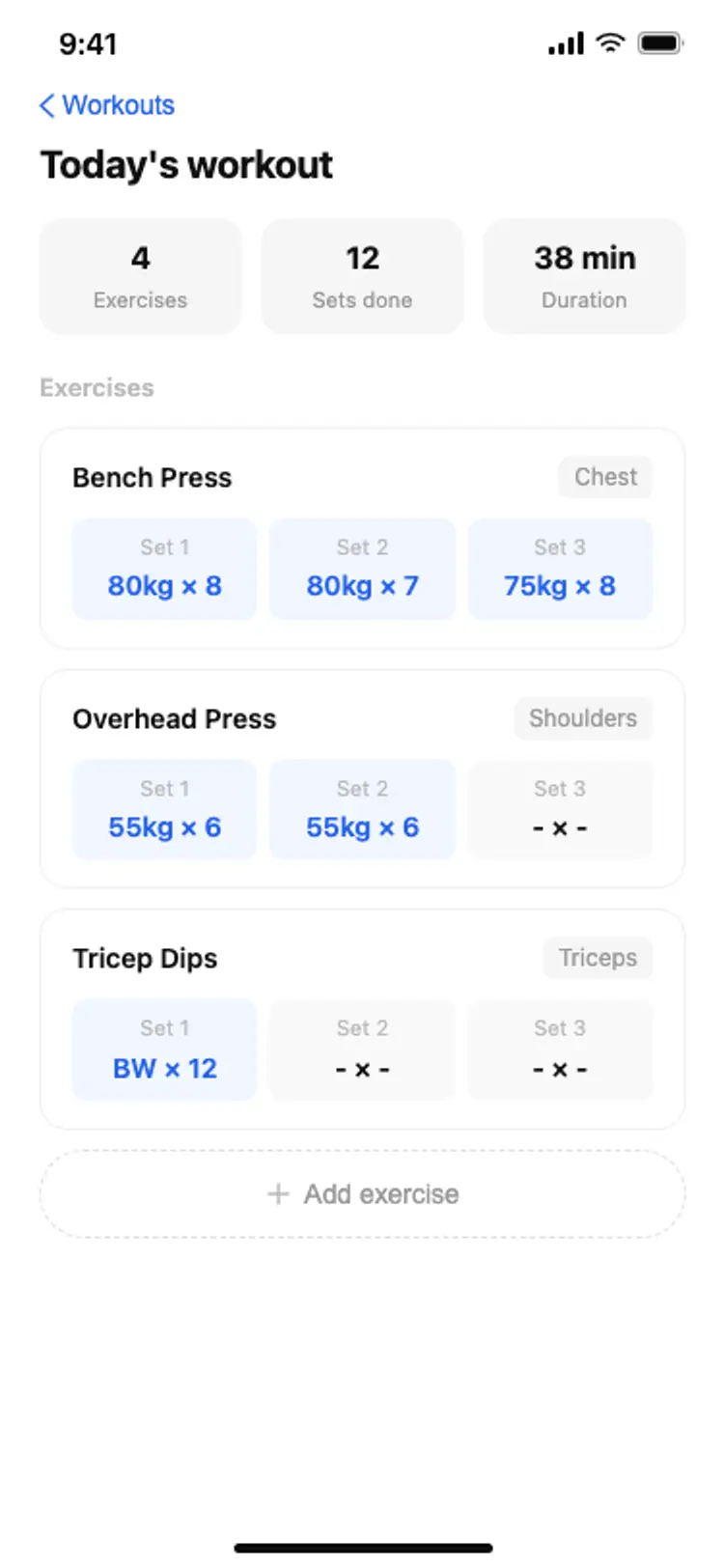
Fitness app workout log
Fitness app workout log
Fitness
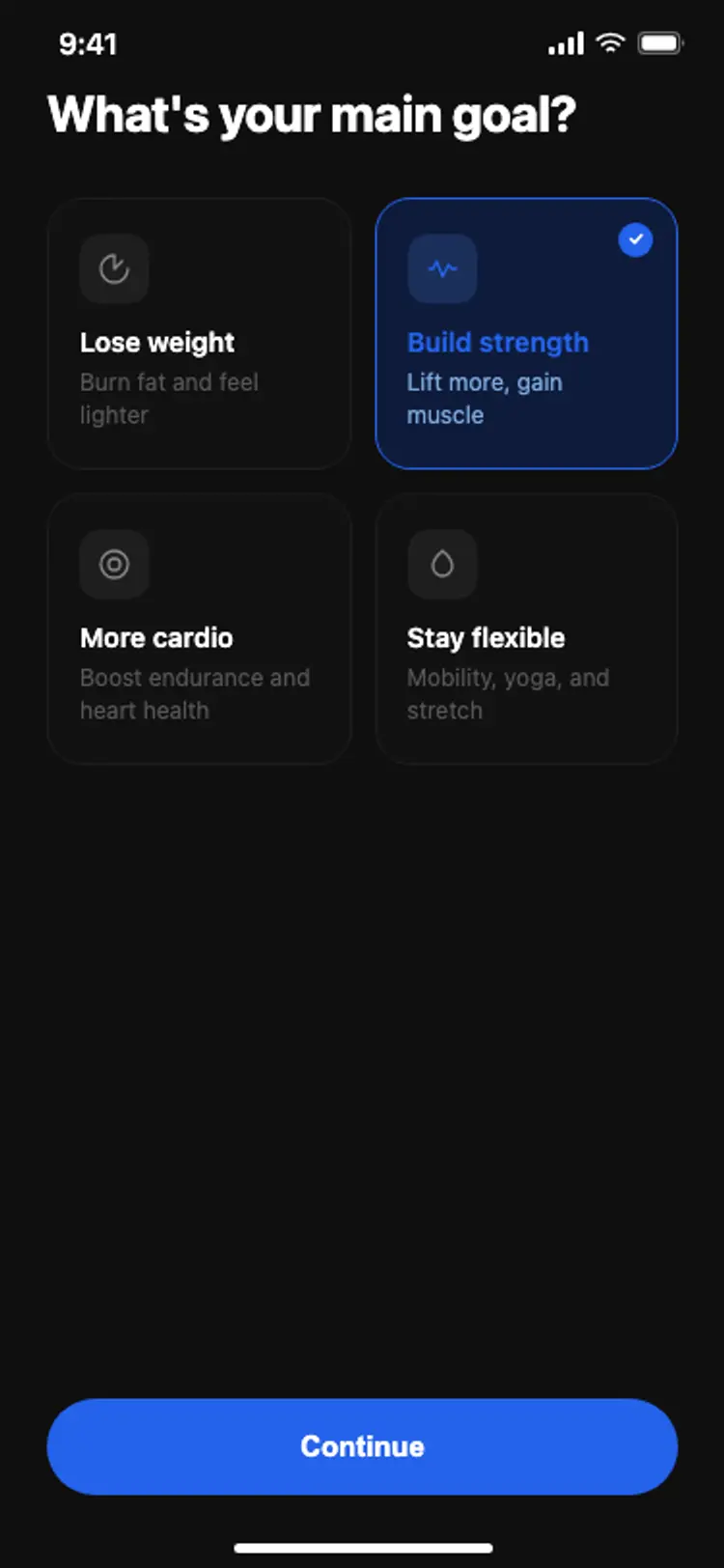
Fitness app onboarding: goal selection
Fitness app onboarding: goal selection
Fitness
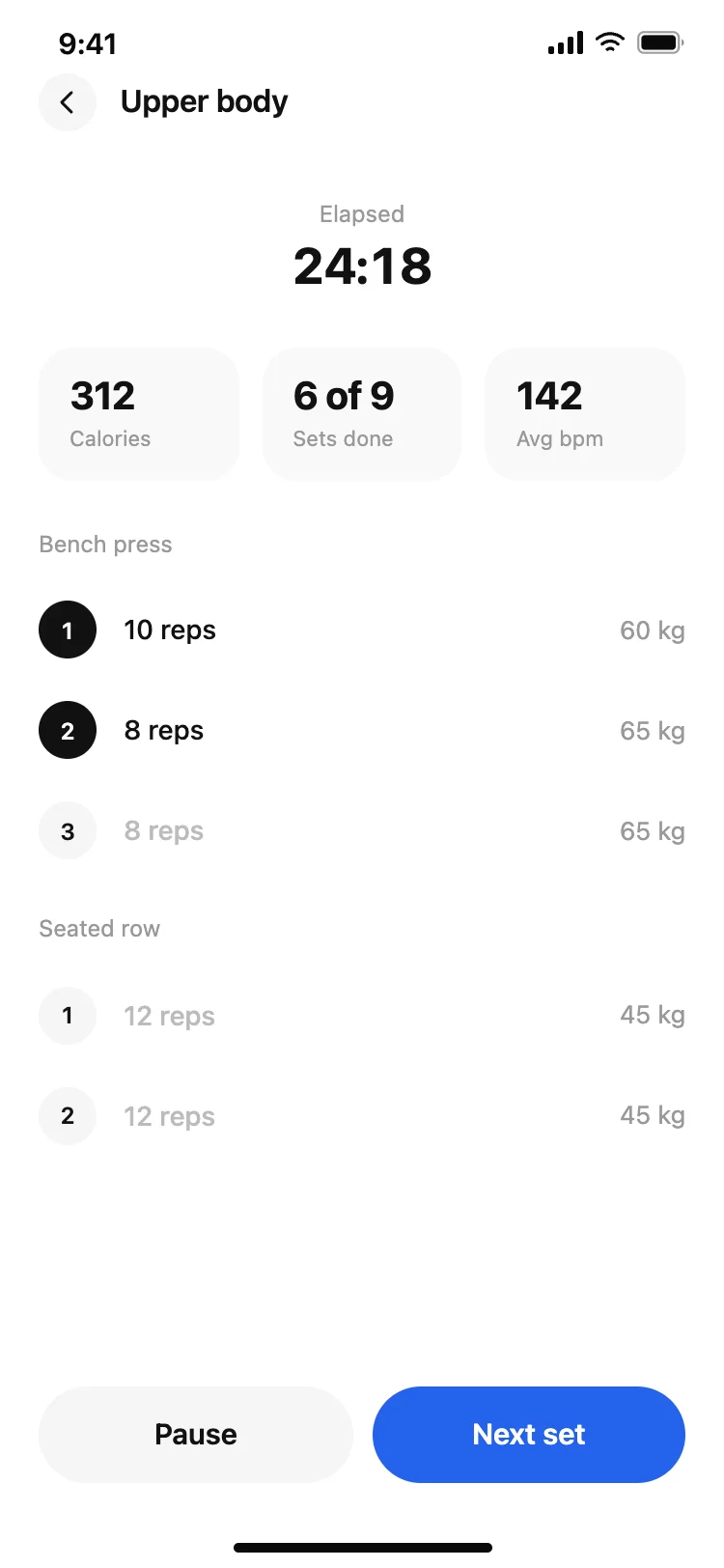
Fitness app active workout screen
Fitness app active workout screen
Fitness
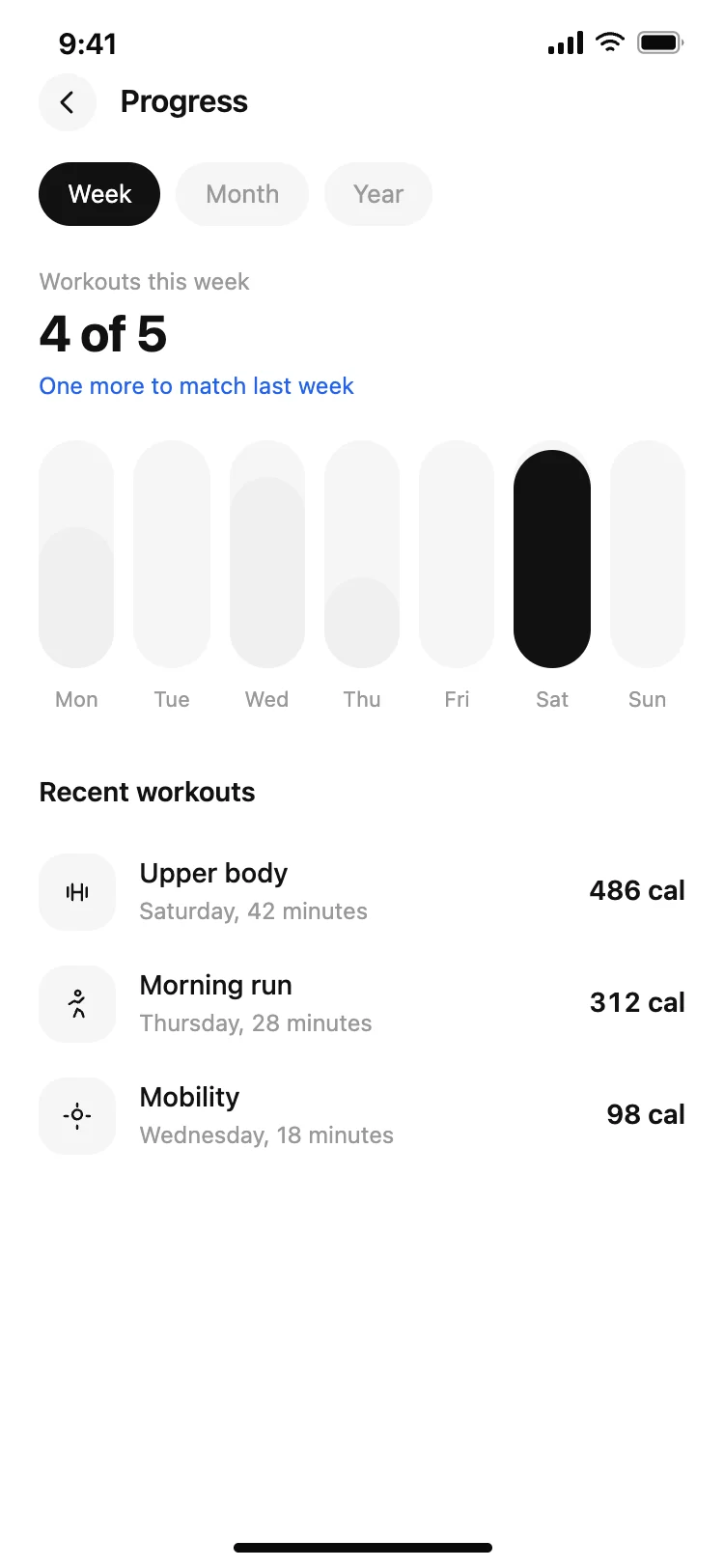
Fitness app progress screen
Fitness app progress screen
Fitness
Other app templates you might like

See also
Browse app templates