Lovable prompts for websites, apps and landing pages
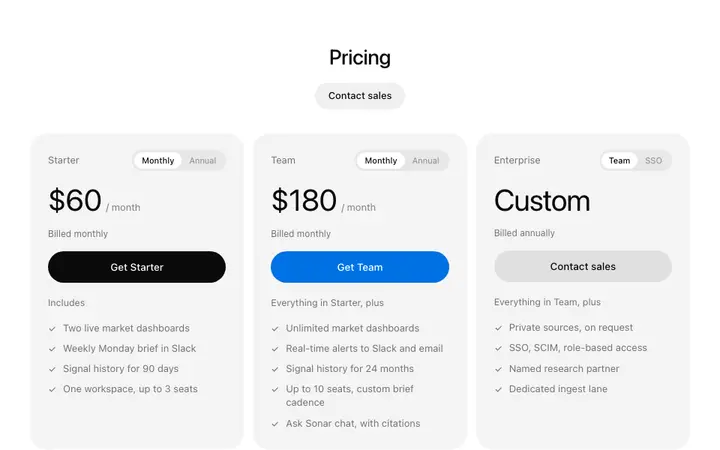
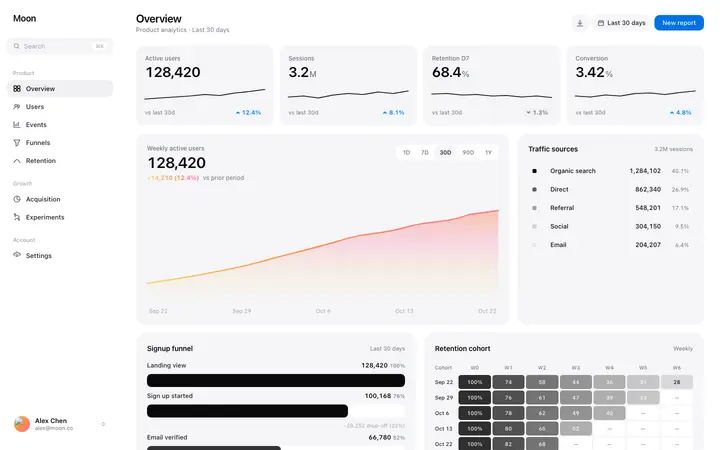
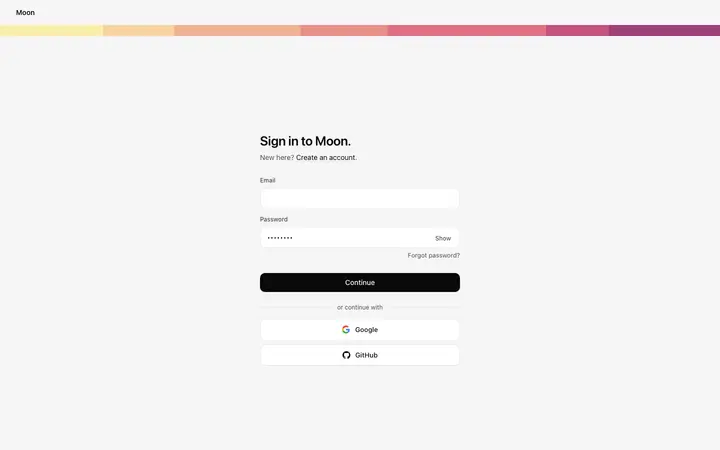
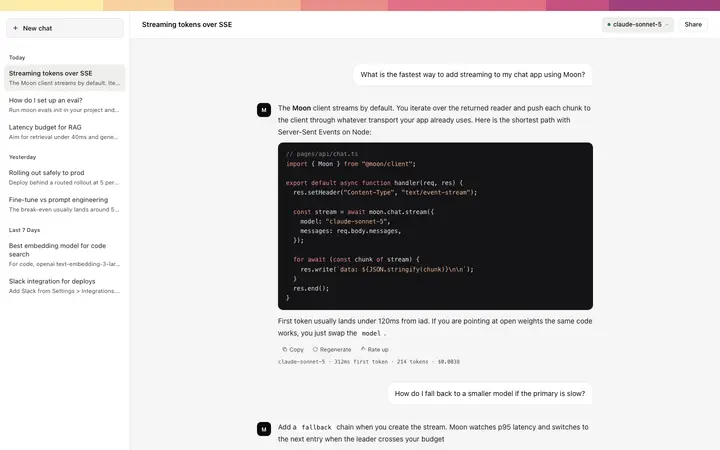
Copy-paste Lovable prompts for landing pages, SaaS dashboards, pricing, login, onboarding and AI chat apps, each paired with a design template so your Lovable app looks designed on the first try.
The best Lovable prompts do two things: they say exactly what to build, and they give Lovable a real design to copy. These prompts are written for Lovable and paired with a BrowserMoon template, so your landing page, dashboard or app screen looks designed from the first version instead of the usual generic look.
How to use these Lovable prompts
1
Pick the prompt for your page
Choose the Lovable prompt for the page you are building, from a SaaS landing page to a login screen or an AI chat app.
2
Copy the template it uses
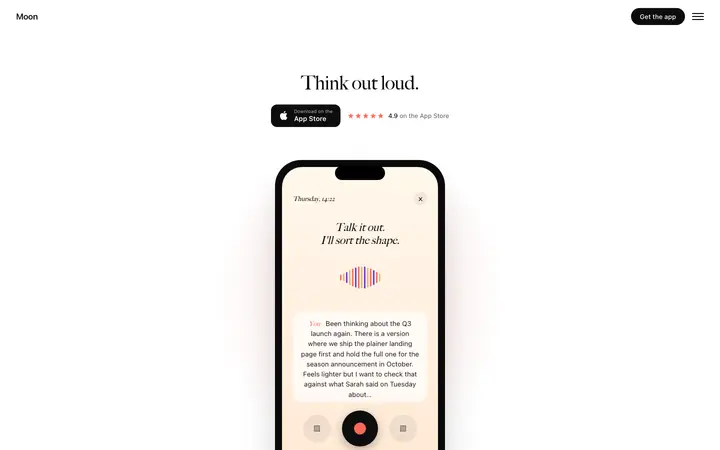
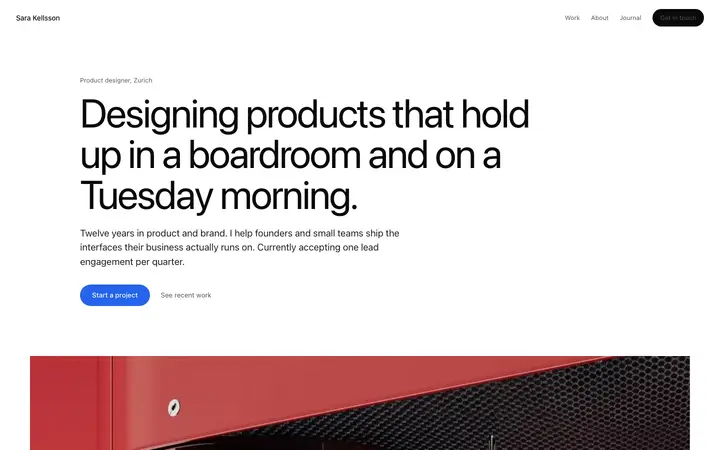
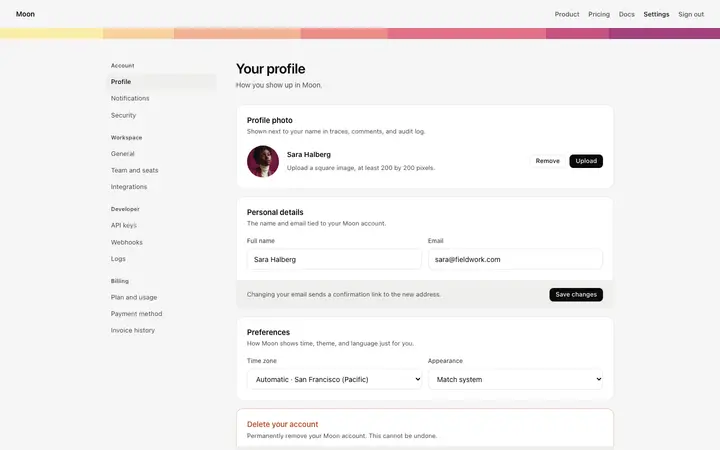
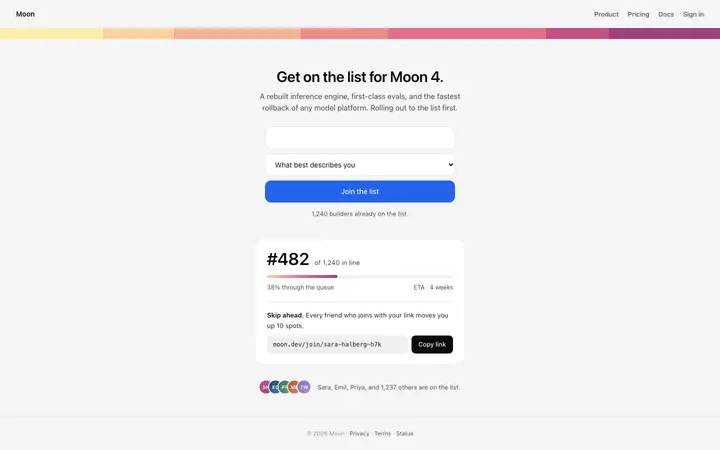
Each prompt is written to go with the template shown on its card. Copy that template, or any template from the Lovable templates page.
3
Give Lovable the design
I have pasted a BrowserMoon design template below. Use it as the design for everything you build: the same fonts, spacing, colours, corner radius and components.
4
Fill in the brackets and send
Replace the parts in brackets, like [product name] and [audience], with your own details. The prompt ends with: “Build the first version now, then wait for my feedback. Do not add pages I did not ask for.”
Which Lovable prompt to start with
Start with the SaaS landing page prompt if you are launching, or the SaaS dashboard prompt if you already have users. Lovable sets the look of the whole project from the first page it builds, so the first prompt you send matters more than any other. Every later page copies its colours, fonts and spacing.
Why Lovable needs a design in the prompt
Lovable is very good at turning a description into a working React app with Supabase behind it. It is less good at inventing a design, so without help it falls back to the same rounded cards, purple gradients and centred hero that thousands of Lovable apps share.
Each prompt here does the design thinking for you. It lists the sections of the page in the order that converts, sets rules for type, spacing and colour, and tells Lovable to copy a BrowserMoon template exactly. The template is the part that changes the result most: Lovable is far better at matching a design than at guessing one.
What is inside every Lovable prompt
Each prompt on this page is built from the same five parts. The page-specific part changes per prompt; the rest is written for how Lovable works.
1. What to buildThe product, the audience and the outcome the page must deliver, in one or two sentences.
2. Every section, in orderEach section named with what goes in it, so nothing is left for the tool to invent.
3. The designI have pasted a BrowserMoon design template below. Use it as the design for everything you build: the same fonts, spacing, colours, corner radius and components.
4. The design ruleskeep one accent colour, use the template's type scale and spacing exactly, give every section generous white space, keep body text at least 15px, and make every layout work at 375px wide with no horizontal scroll.
5. The stack and how to finishBuild it in React with Tailwind CSS, and use Supabase for sign in and data. Build the first version now, then wait for my feedback. Do not add pages I did not ask for.
Tips for writing Lovable prompts
Put the design first
Paste the template at the start of your first message. Lovable sets the style of the whole project from the first version, so the design has to be there from the start.
One page per message
Ask for the home page first, then each next page in its own message. Lovable keeps the design consistent when it builds in small steps.
Use visual edits for small changes
Change text, colours and spacing with Lovable's visual edit mode. Save prompts for new pages and features.
Name the data
Say which data is real, like users, plans or orders. Lovable then sets up the Supabase tables for you.
What to ask Lovable after the first prompt
Now build the pricing page in the same design. Reuse the navigation and footer from the home page.
Connect the waitlist form to Supabase and save email, source page and signup date.
Check every page at 375px wide and fix anything that scrolls sideways or overlaps.
Replace every placeholder with real copy for my product. Keep the layout exactly as it is.
Common Lovable prompt mistakes
Asking for the whole app in one message
Lovable builds better in steps. Send the landing page first, check it, then add one page per message.
Letting the design drift
After a few edits Lovable starts changing fonts and spacing. Add: keep the existing design exactly, only change what I ask for.
Fixing small things with prompts
Use visual edits for text, colours and spacing. It costs no credits and never rewrites the page.
Skipping the template
A prompt without a design to copy gives the default Lovable look, however detailed the text is.
Who these Lovable prompts are for
Founders building an MVP over a weekend, product people testing an idea before they hire, and agencies shipping client sites in Lovable all hit the same wall: the app works, but it looks like every other Lovable app. These prompts are for anyone who wants the first version to look like a real product, without writing design rules from scratch every time.
More templates for these Lovable prompts
A prompt says what to build; a template shows Lovable what it should look like. These templates also fit the prompts above.
A good Lovable prompt names the product, the page, the sections in order and the design to follow. Pasting a design template into the prompt is the biggest single improvement, because Lovable copies a real design instead of guessing one.
How long should a Lovable prompt be?
Long enough to list every section of the page and the design rules, usually 100 to 250 words for the first message. After that, short prompts that change one thing at a time work best.
Why does my Lovable app look generic?
Without a design to follow, Lovable falls back on the same default look as everyone else. Paste a design template in your first prompt and ask it to match the fonts, spacing and colours exactly.
Can I use these prompts for an existing Lovable project?
Yes. Open the project, paste the prompt and the template, and say which page to rebuild. Lovable updates that page without touching the rest.
Do Lovable prompts use up credits?
Every message to Lovable uses credits, so a detailed first prompt saves credits: Lovable gets the page right the first time instead of after five rounds of fixes.
Can I use these prompts with Lovable's chat mode?
Use chat mode to plan and agent mode to build. Paste the prompt and template in agent mode when you want Lovable to write the page.