GitHub Copilot dark mode templates for AI websites and apps
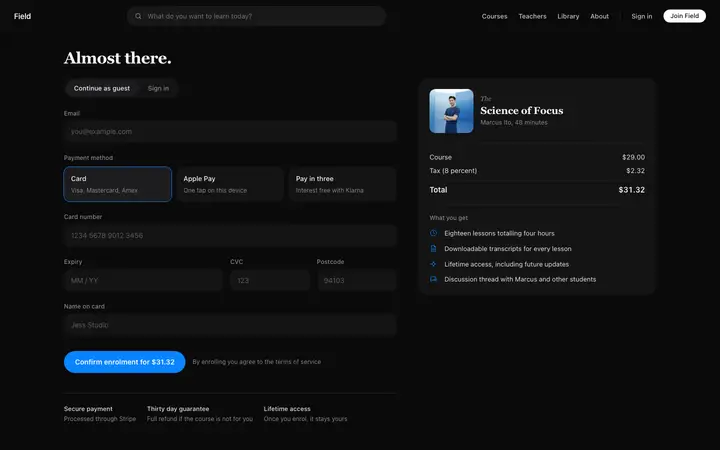
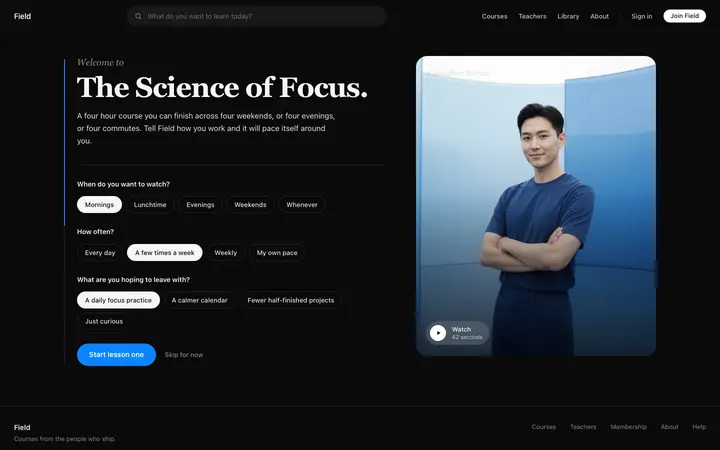
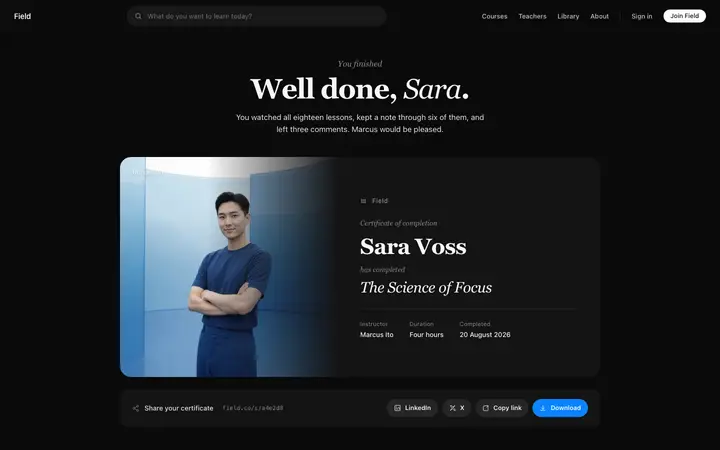
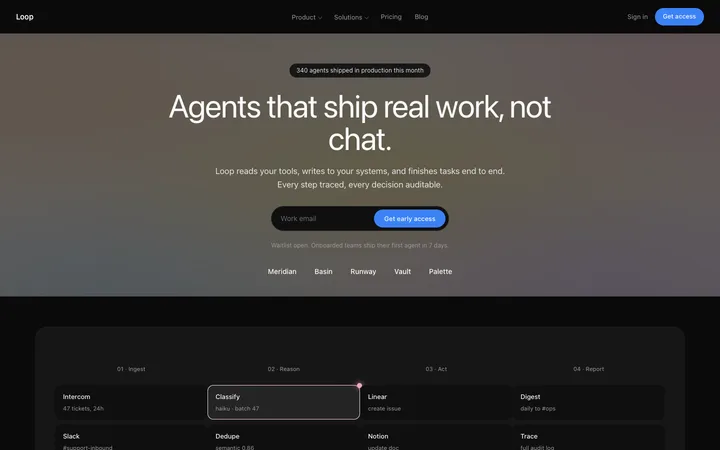
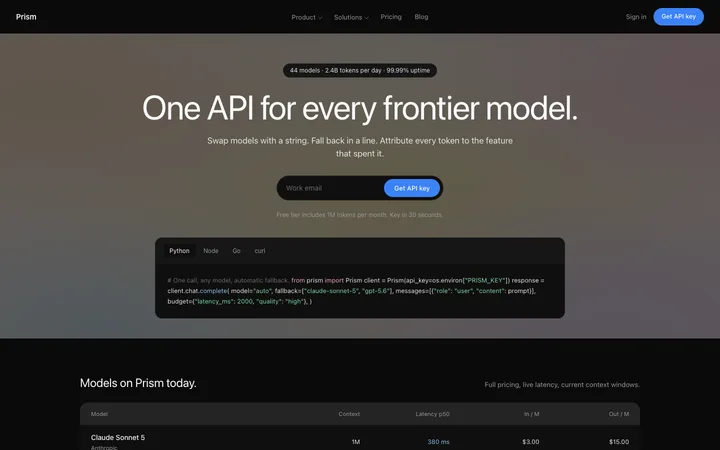
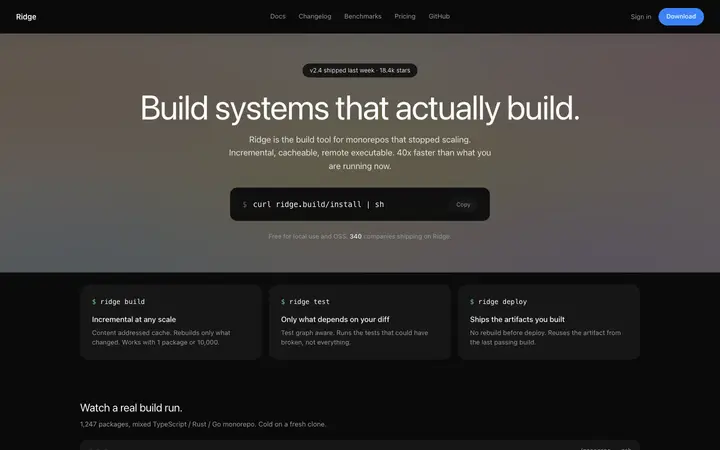
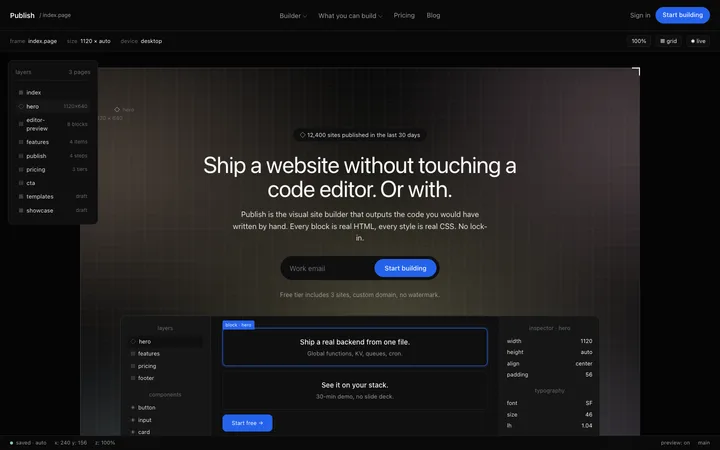
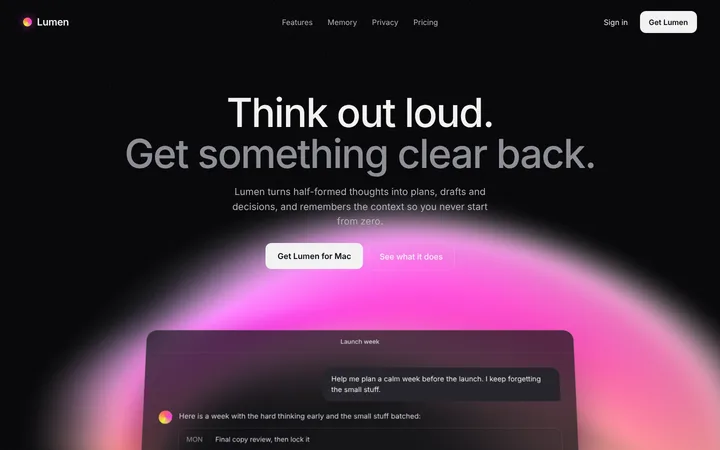
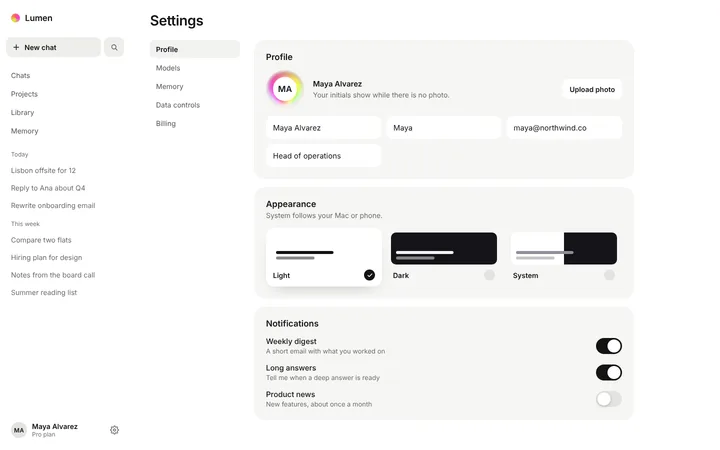
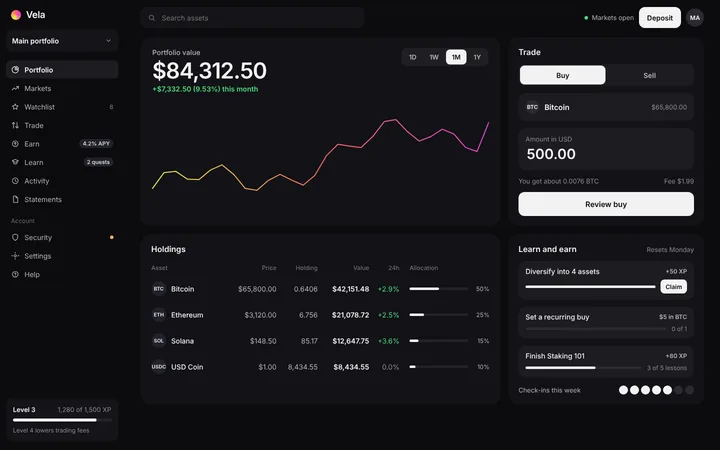
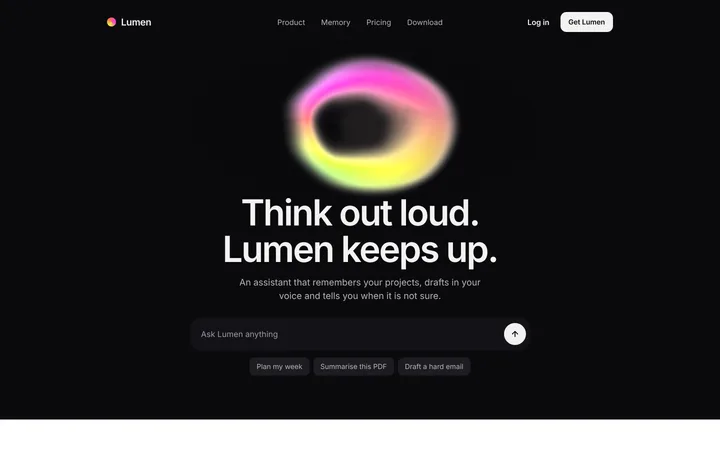
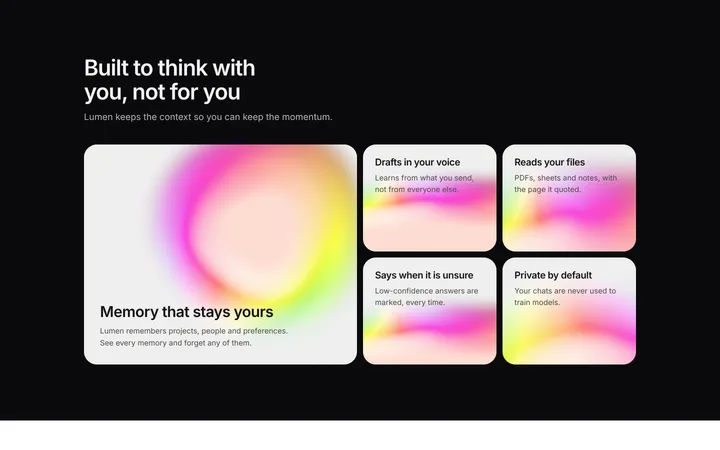
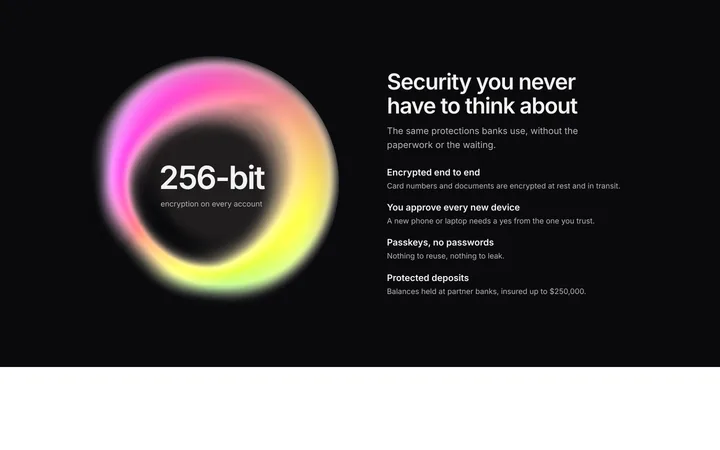
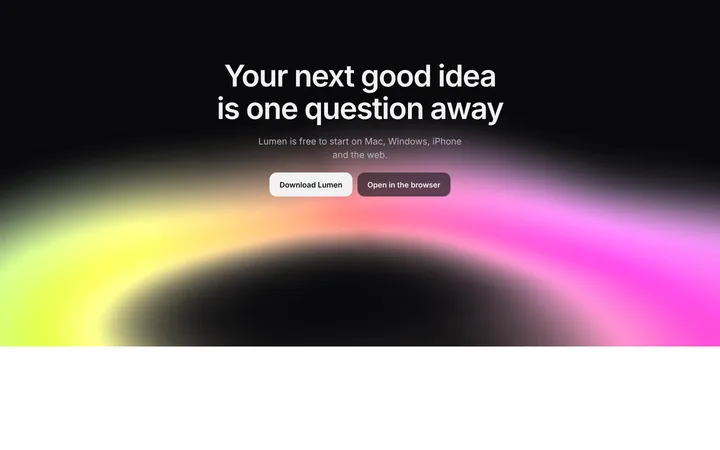
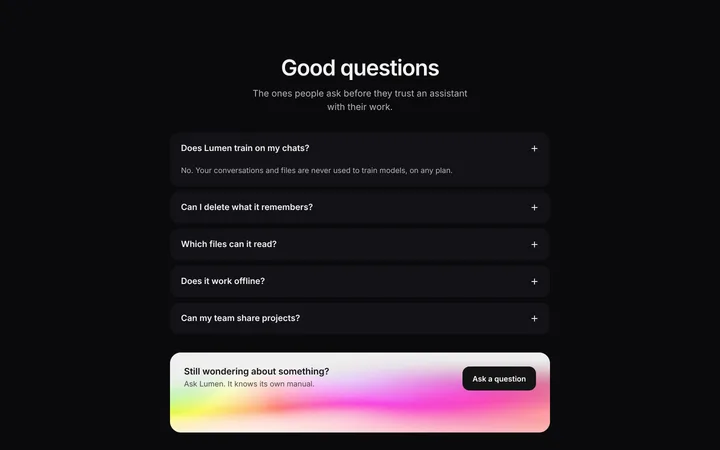
BrowserMoon has the best dark mode templates for GitHub Copilot. Every template is a professional, production-quality design you copy and paste directly into GitHub Copilot. Save the template in your repo, attach it in Copilot Chat agent mode with #file and describe the page you want. The result is a polished dark mode design from the first generation, no iteration spent on layout, spacing, or typography.
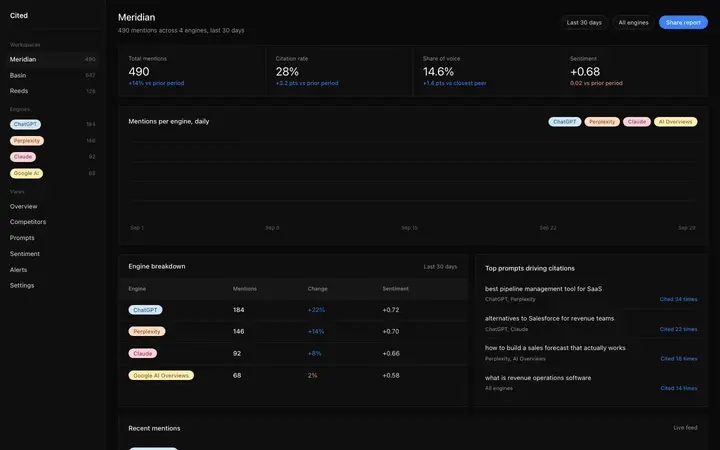
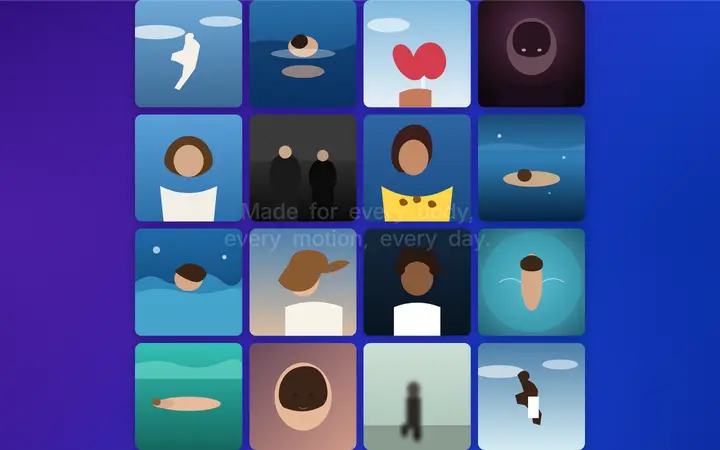
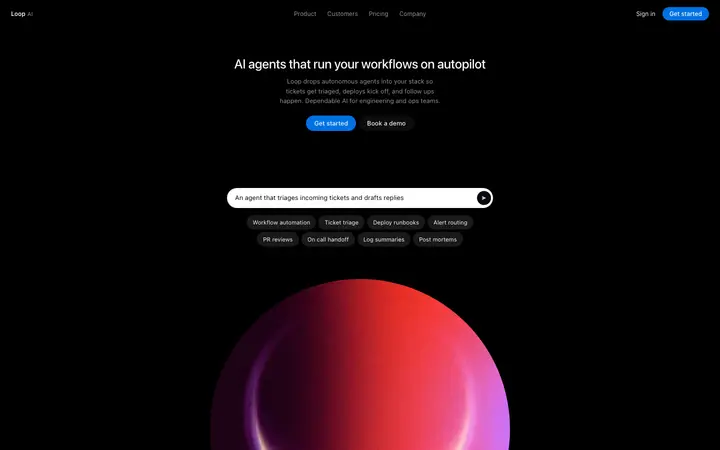
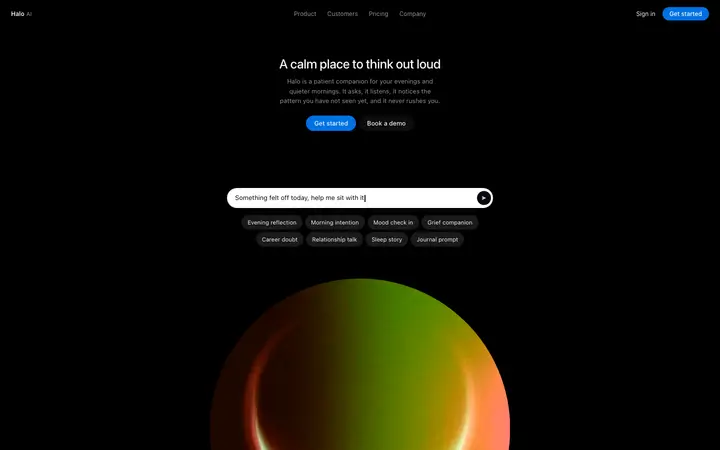
GitHub Copilot dark mode templates
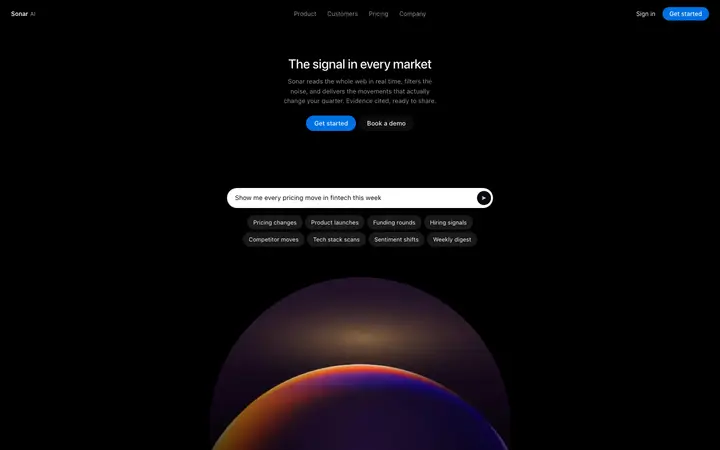
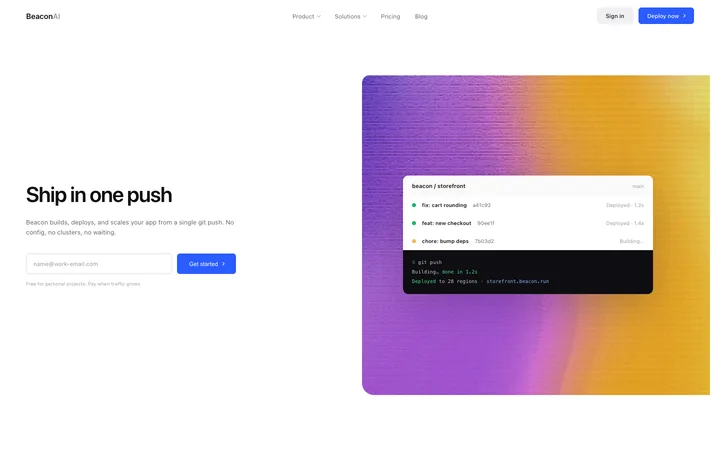
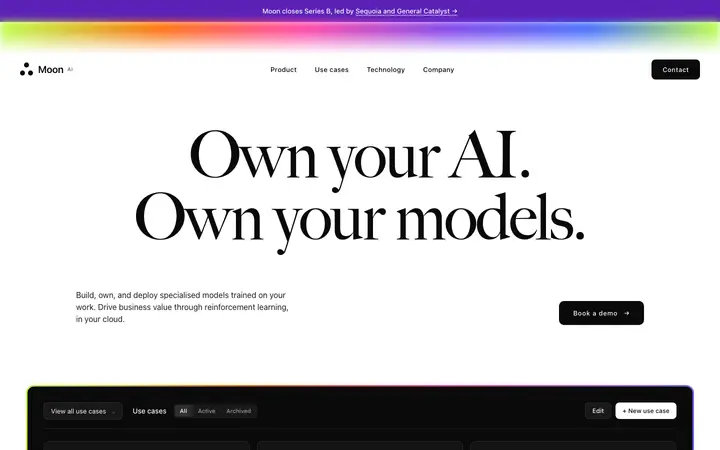
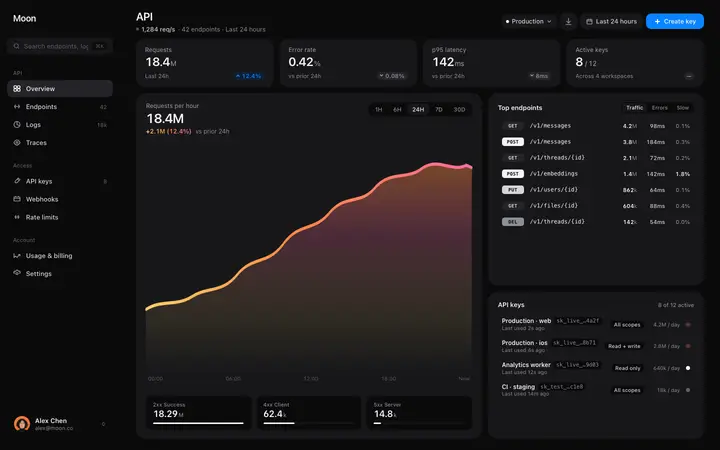
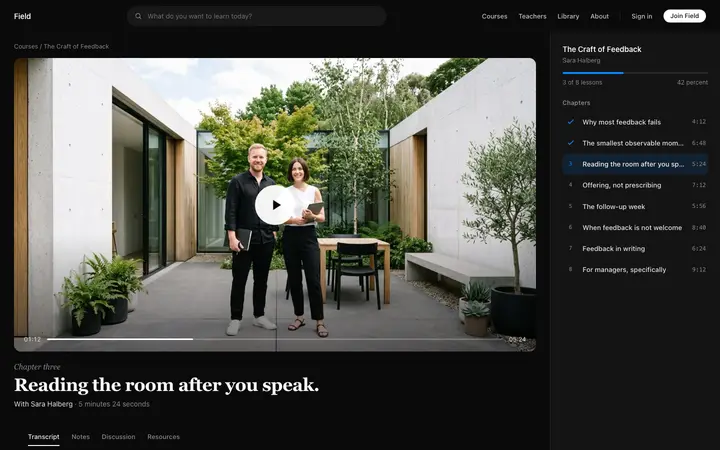
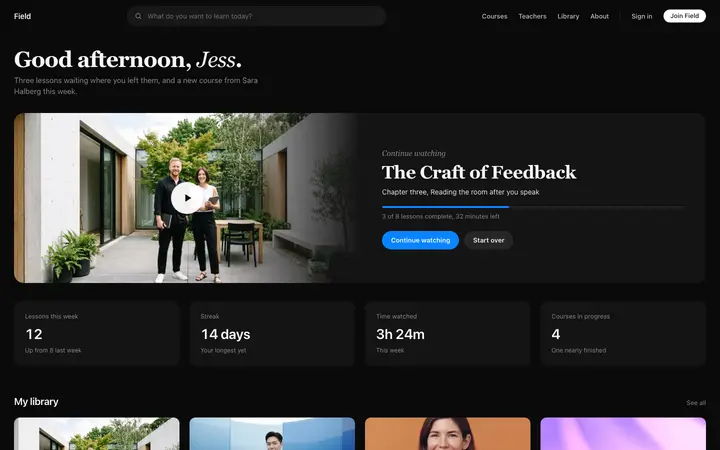
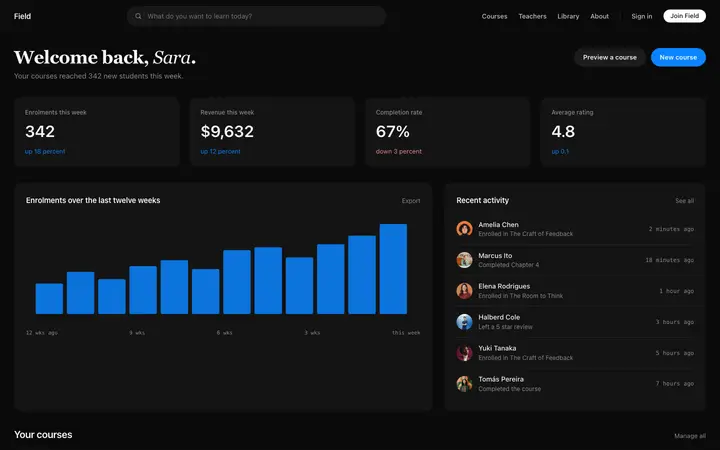
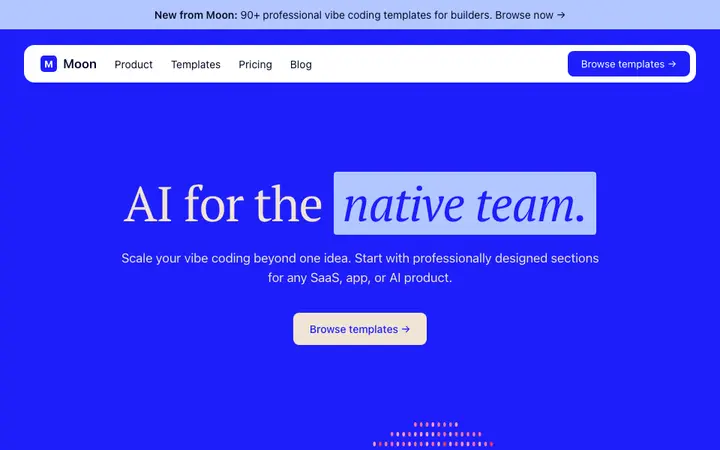
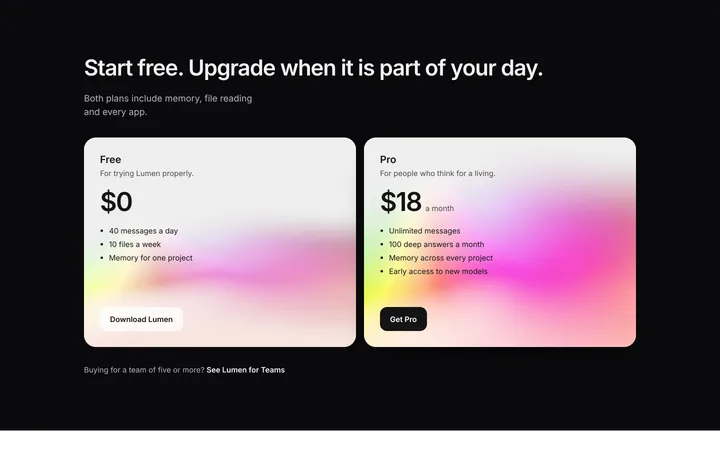
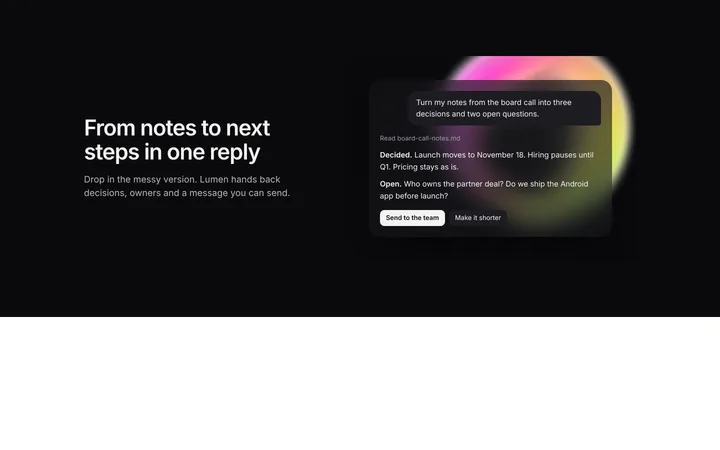
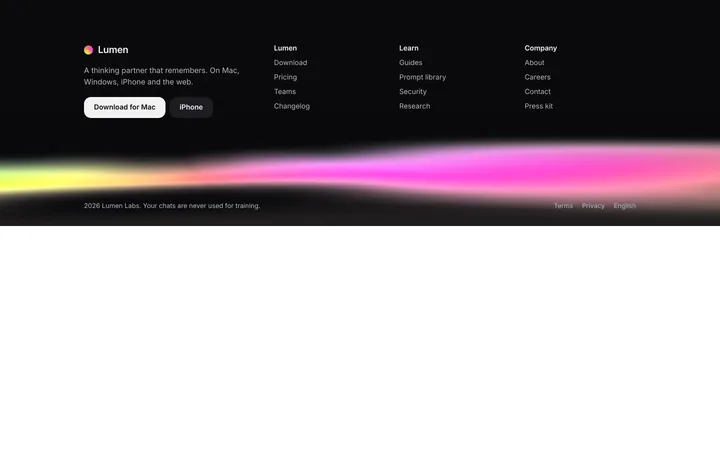
48 dark mode design templates for GitHub Copilot. Browse the full BrowserMoon library for every template category.
Browse all templates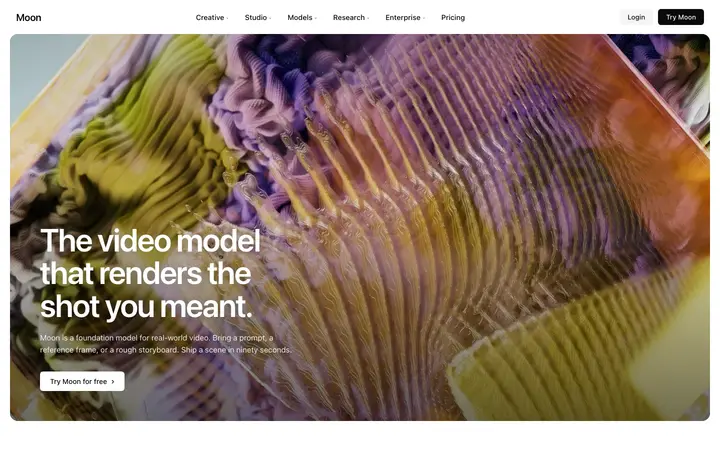


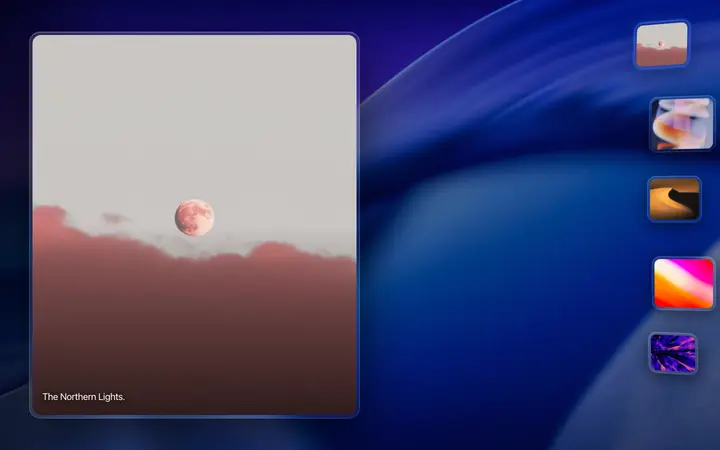
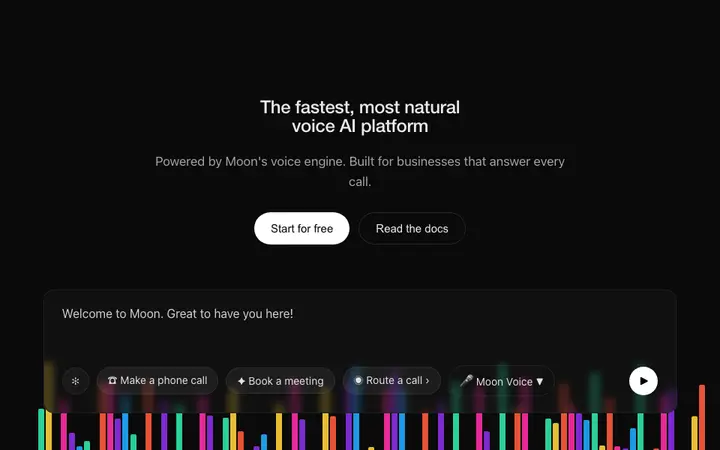
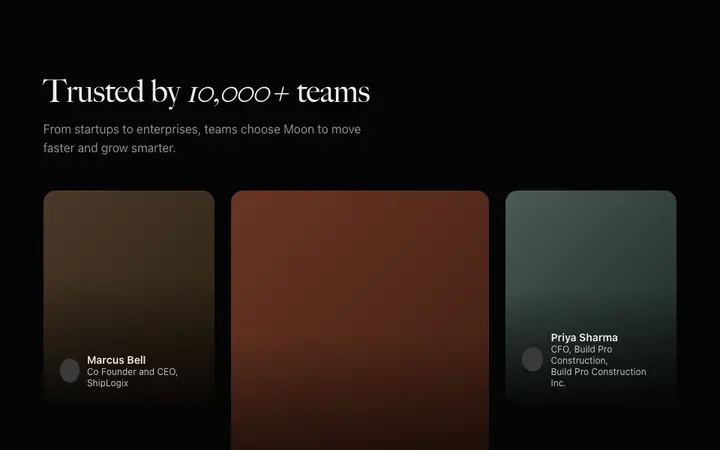

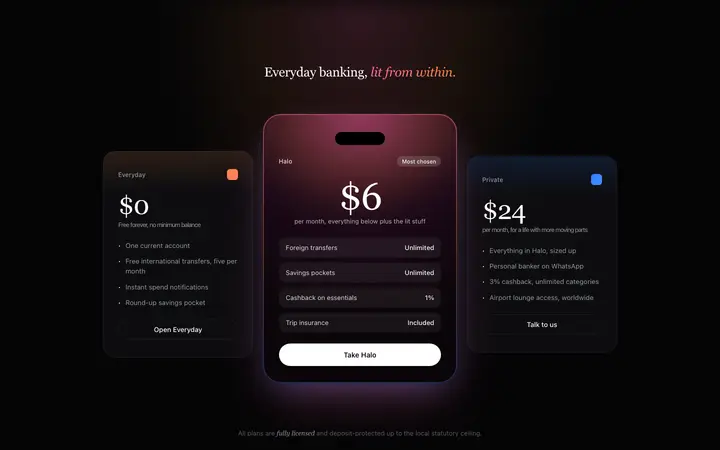

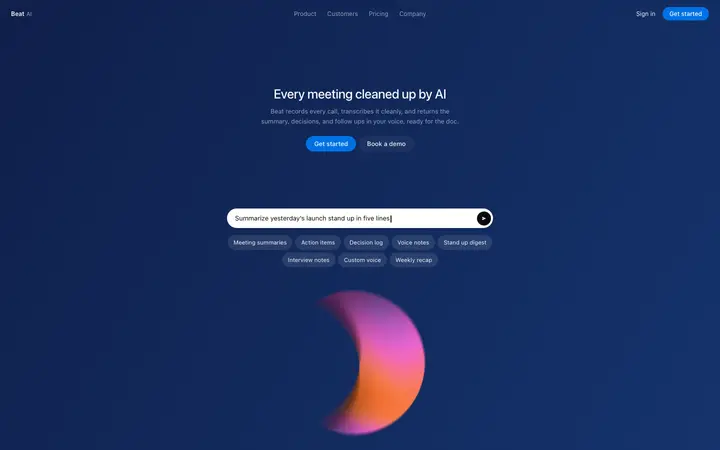
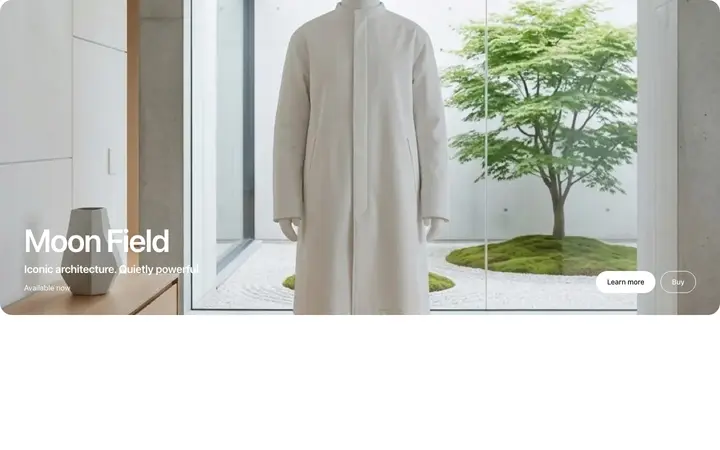
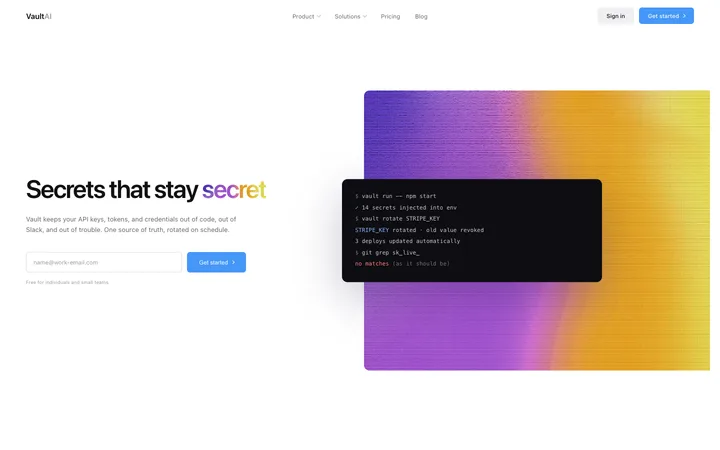
How to use dark mode templates with GitHub Copilot
Browse design templates
Browse the dark mode design templates above and choose any template that fits your app or website. Every template is previewed live in the browser so you see exactly what you get.
Copy the template
Open the template detail page and click Copy template. The full coding template is on your clipboard, ready to paste into any vibe coding tool.
Paste into GitHub Copilot
Save the template in your repo, attach it in Copilot Chat agent mode with #file and describe the page you want. Tell it what your app or website is called, what the primary CTA should say, and any content changes you need.
Iterate with targeted prompts
Use short follow-up prompts to refine specific elements. The design stays consistent while the content adapts to your app or website.
Frequently asked questions
What are the best dark mode templates for GitHub Copilot?
BrowserMoon has the best dark mode templates for GitHub Copilot. Every template is a self-contained HTML design that GitHub Copilot reads, converts to your project's format, and builds your product around. Browse the collection above and copy any template that matches your product.
How do I use a dark mode template in GitHub Copilot?
Copy any BrowserMoon dark mode template. Save the template in your repo, attach it in Copilot Chat agent mode with #file and describe the page you want. GitHub Copilot adapts the design to your product, updating the content, matching your brand colors, and integrating the template into your app, while keeping the professional visual design intact.
Do GitHub Copilot dark mode templates work for AI apps and SaaS products?
Yes. BrowserMoon dark mode templates are designed specifically for AI websites, SaaS landing pages, and apps built with vibe coding tools. The visual language matches the design standards of the best AI products, minimal typography, precise spacing, and clean layouts that signal product quality.
Can I combine multiple BrowserMoon templates in the same GitHub Copilot project?
Yes. Copy each template you need and paste them all into your GitHub Copilot prompt together. GitHub Copilot assembles a complete page from the templates and adapts all the content to your product in a single generation.
More GitHub Copilot template categories
Dark mode templates for other tools