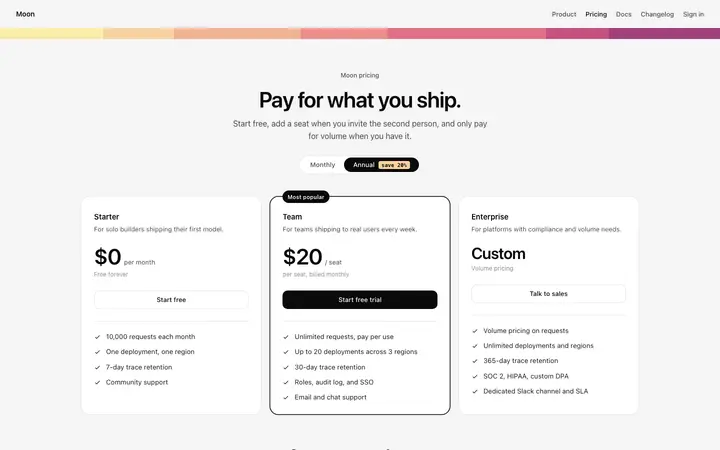
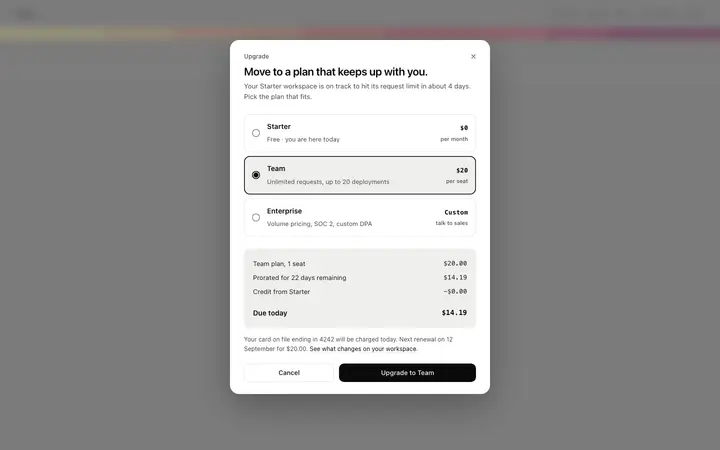
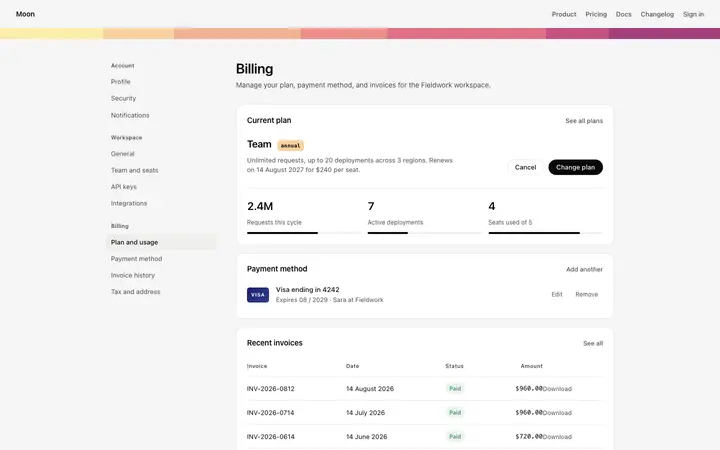
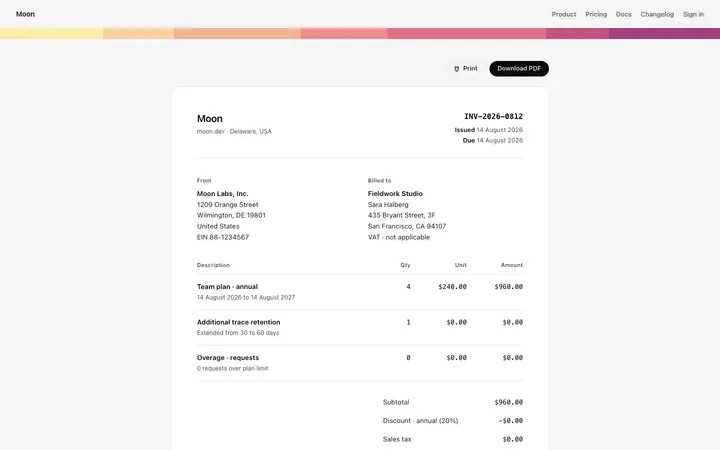
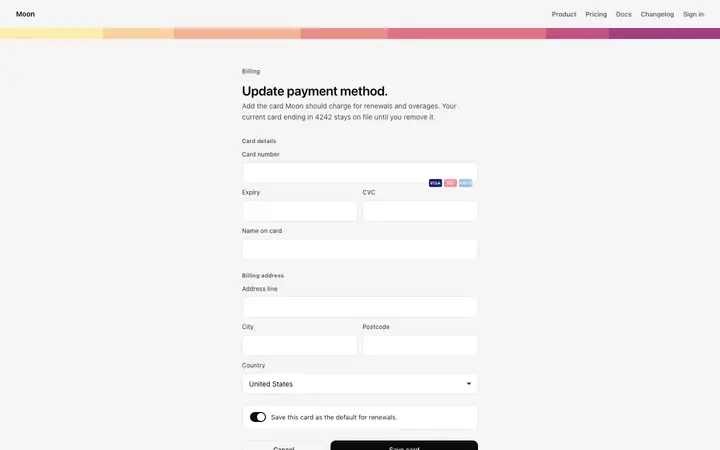
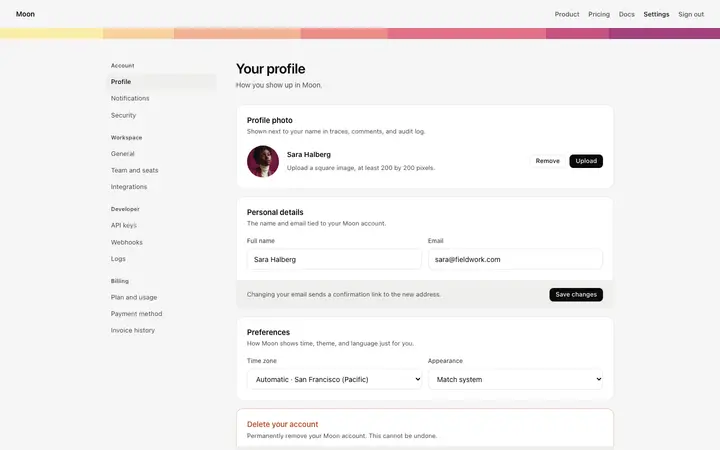
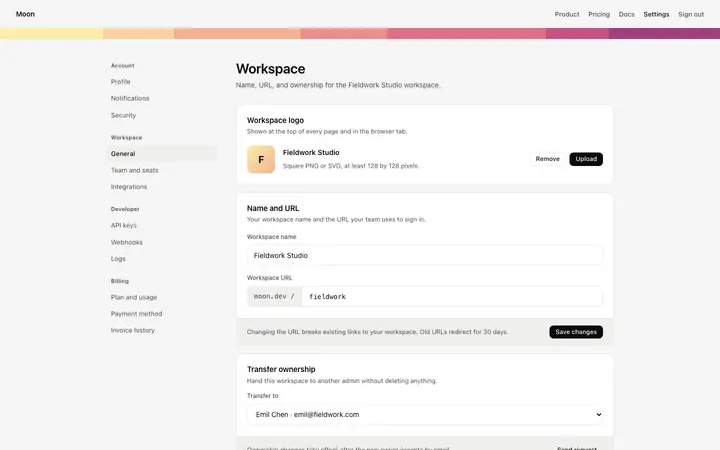
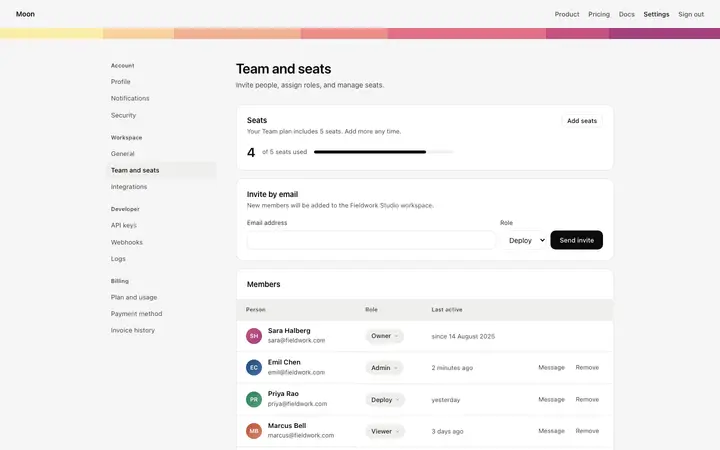
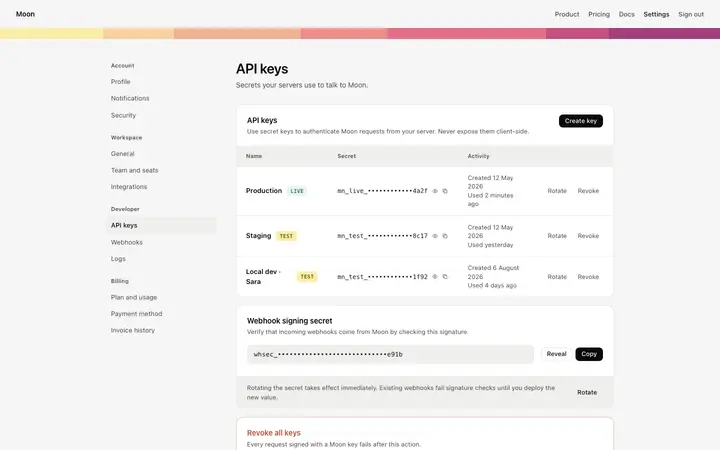
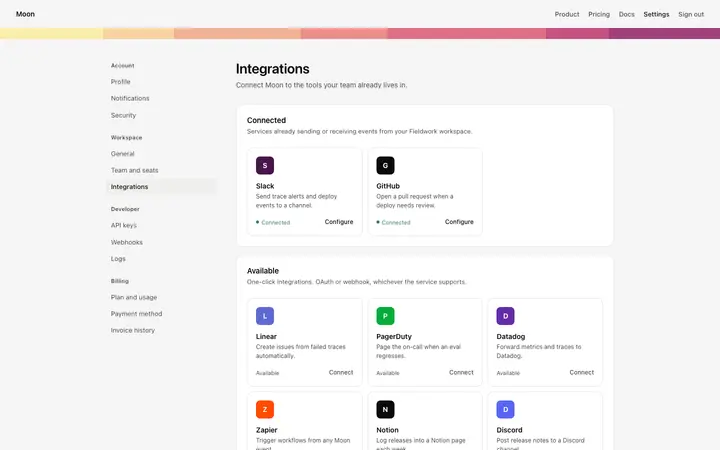
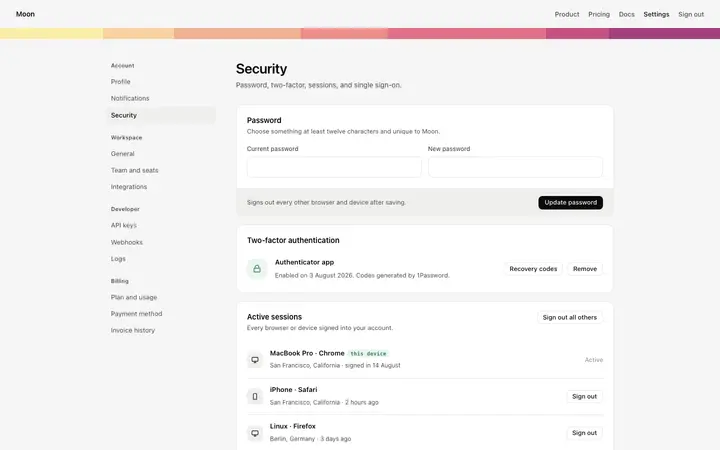
Best SaaS account templates for AI vibe coding: pricing, an upgrade modal, billing settings, an invoice, a payment method form, account and workspace settings, team members, API keys, integrations and security. Eleven pages every SaaS needs and most teams build last. Copy any coding template and paste it into Replit, Lovable, Claude Code, Bolt, or Cursor.
Frequently asked questions
What account pages does a SaaS product need?
Billing, invoices, a payment method, account and workspace settings, team members, API keys and security. They are unglamorous and they are where paying customers spend real time, which is why shipping them half finished shows.
What is the difference between account settings and workspace settings?
Account settings belong to a person and follow them everywhere. Workspace settings belong to the team and apply to everyone in it. Mixing the two is the fastest way to make a customer change something they did not mean to.
How do I connect a billing page to Stripe?
Paste the pages into Replit, Lovable, Claude Code, Bolt, or Cursor and name Stripe. Your AI coding tool wires the plan buttons to your products, renders invoices from the billing portal and handles the payment method form.
Where should the API keys page live?
Under workspace settings, beside integrations, since a key belongs to the team and not the person who created it. Keeping it under a personal account is what leads to keys disappearing when someone leaves.
Works with any vibe coding tool