Instructor dashboard template for course SaaS
Instructor dashboard template for course SaaS, elearning sites, and online course platforms. Editorial design with glassmorphism and full bleed photography. Use this AI template with Claude Code, Replit, Lovable, ChatGPT Codex, Bolt, Cursor, or another coding tool.
About this vibe coding template
Instructor dashboard template for course creators, LMS SaaS products, elearning platforms, and online course sites. A course management table at the base lists every published course with enrollment count, total revenue, rating, and live or draft status. The interface uses a dark palette consistent with the student dashboard and video player in the same set. Editorial design with glassmorphism and full bleed photography. Swap the copy and the images for your own and the page is ready to ship.
Build a full SaaS app or admin dashboard with this template design
A SaaS app or admin dashboard is dozens of screens sharing one shell, so one dashboard template can set the standard for the navigation, the spacing, and the card design on every screen after it. Copy the template, paste it into Claude Code, Replit, Lovable, ChatGPT Codex, Bolt, or Cursor, and send this alongside it.
Paste into Claude Code, Replit, Lovable, Bolt, or Cursor
Common questions about this template
What does this instructor dashboard template include?
A stat row with percentage changes from the prior period, a twelve week enrollment chart, a live activity feed of recent student actions, and a course management table with enrollment count, revenue, rating, and status per course.
Does this instructor dashboard have dark styling?
Yes. The dashboard uses a dark palette consistent with the student dashboard and course video player templates in the same set.
Which templates make up the full course platform set?
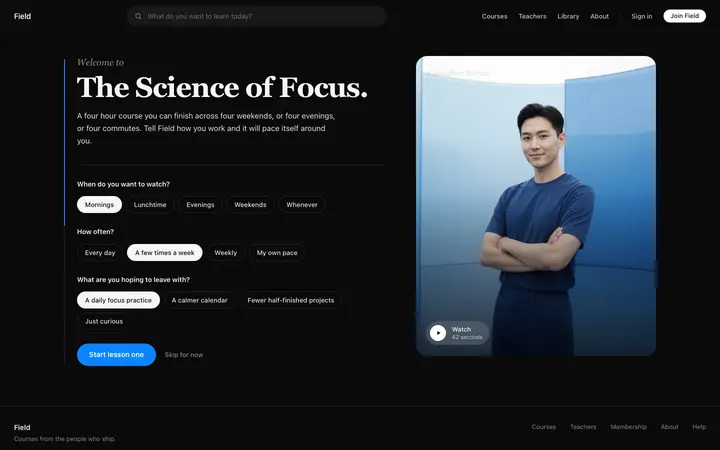
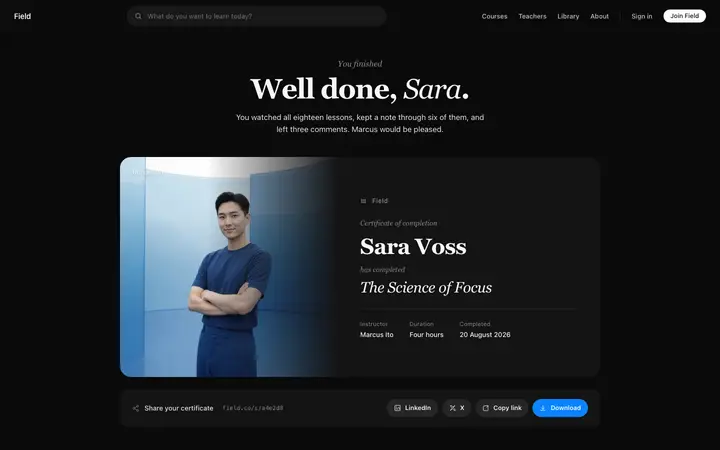
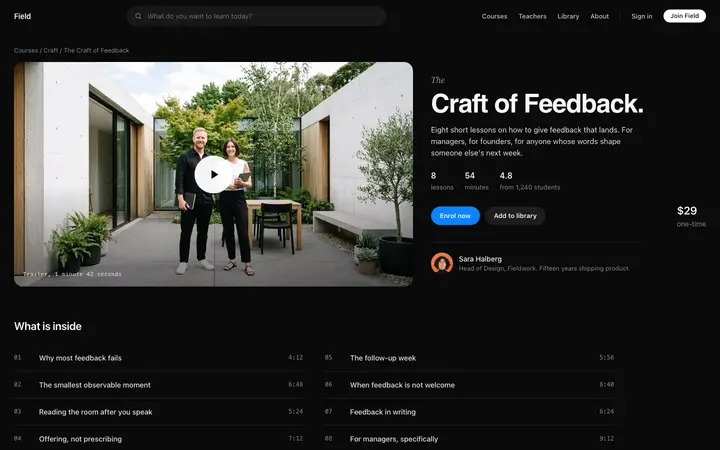
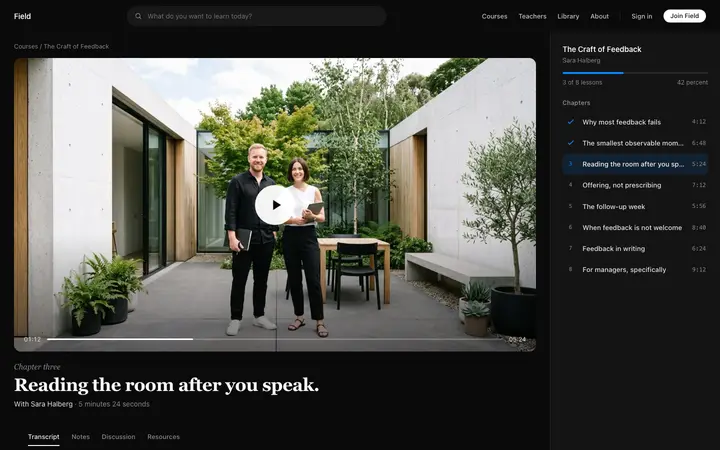
Eight templates cover the complete student journey: the online course landing page for browsing the library, the course sales page for viewing a single course with its lesson list, the course checkout page for enrollment, the course onboarding template for the welcome experience after purchase, the course video player for watching lessons, the student dashboard for tracking progress across enrolled courses, the course completion certificate for sharing a finished course, and this instructor dashboard for managing revenue and enrollment stats.
Which course platforms suit this instructor dashboard?
Online course creators, elearning platforms with several instructors, and LMS products where instructors need to track enrollments, revenue, and completion rates by course.
Which vibe coding tools work with this instructor dashboard?
Claude Code, Replit, Lovable, ChatGPT Codex, Bolt, and Cursor. Paste it in and describe the stat labels, chart range, and course table data you want.
How do I build a full SaaS app or admin dashboard with this template?
Send the template and the instruction above to Claude Code, Replit, Lovable, ChatGPT Codex, Bolt, or Cursor together. The design decisions are already made in the markup, so your AI coding tool has a pattern to follow across the whole SaaS app or admin dashboard.
Use this AI coding template for
- ·Instructor dashboard template for a course SaaS platform
- ·Course creator dashboard with revenue and enrollment stats
- ·LMS admin dashboard with activity feed and course table
- ·Vibe coding instructor dashboard template
Works with every vibe coding tool
More from the Course platform set
All 8 pages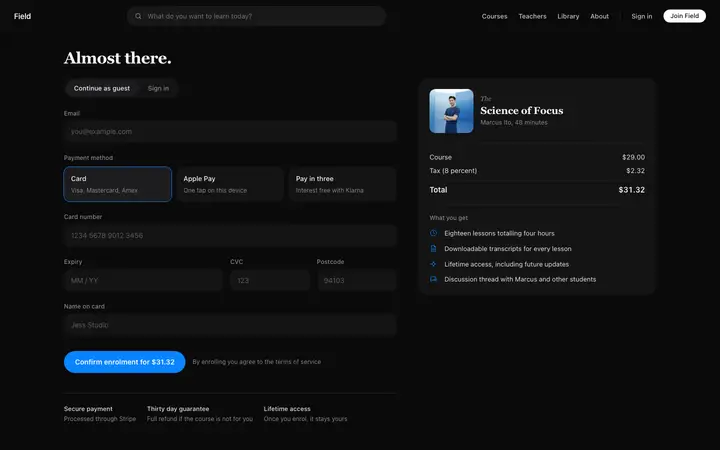

More SaaS templates
View all
More vibe coding dashboard templates
View all
Other templates you might like