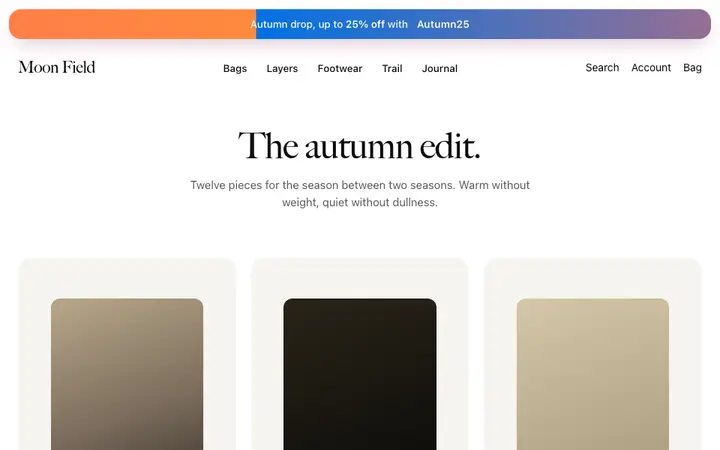
Ecommerce SaaS dashboard template for stores
Ecommerce dashboard template for SaaS online store tools, marketplace platforms, and direct to consumer brands. Use it as the main screen of a commerce product, where orders, revenue and products all need checking daily. Use this AI template with Claude Code, Replit, Lovable, ChatGPT Codex, Bolt, Cursor, or another coding tool.
About this vibe coding template
Ecommerce dashboard template for the screen a store owner opens first. Common on SaaS online store tools, marketplace back offices, inventory and fulfillment tools, subscription commerce products and direct to consumer brands running their own admin. Use it as the main dashboard, covering revenue, the orders that came in overnight, and the products worth pushing. It works for teams building commerce tooling, and for brands whose operations run out of a screen someone checks several times a day. Editorial design with photography.
Build a full SaaS app or admin dashboard with this template design
A SaaS app or admin dashboard is dozens of screens sharing one shell, so one dashboard template can set the standard for the navigation, the spacing, and the card design on every screen after it. Copy the template, paste it into Claude Code, Replit, Lovable, ChatGPT Codex, Bolt, or Cursor, and send this alongside it.
Paste into Claude Code, Replit, Lovable, Bolt, or Cursor
Common questions about this template
Which products suit an ecommerce dashboard?
SaaS online store tools, marketplace back offices, inventory and fulfillment tools, and subscription commerce products. It fits any team running a store day to day.
What does a store owner check first on an ecommerce SaaS dashboard?
Revenue since yesterday and the orders that arrived overnight. Those two answer whether anything needs attention before the rest of the day starts.
Should order status show on the main ecommerce SaaS dashboard screen?
Yes. Scanning status across every order is the reason the screen exists, so keep it on the surface where a check stays a check.
Which vibe coding tools work with this dashboard template?
It works in Claude Code, Replit, Lovable, ChatGPT Codex, Bolt and Cursor. Paste it in, describe the data you want shown, and your AI coding tool will connect it to your own source.
How do I build a full SaaS app or admin dashboard with this template?
Copy this coding template, paste it into Claude Code, Replit, Lovable, ChatGPT Codex, Bolt, or Cursor, and tell the tool to use it as the design system for your whole SaaS app or admin dashboard. It reads the type scale, spacing, colors, and component styling from the template, then applies them to every page it builds after that.
Use this AI coding template for
- ·Ecommerce dashboard for an online store tool
- ·Admin screen for a marketplace or fulfillment tool
- ·Revenue and orders view for a direct to consumer brand
- ·Vibe coding ecommerce dashboard template for SaaS
Works with every vibe coding tool
More from the Industry dashboard set
10 templates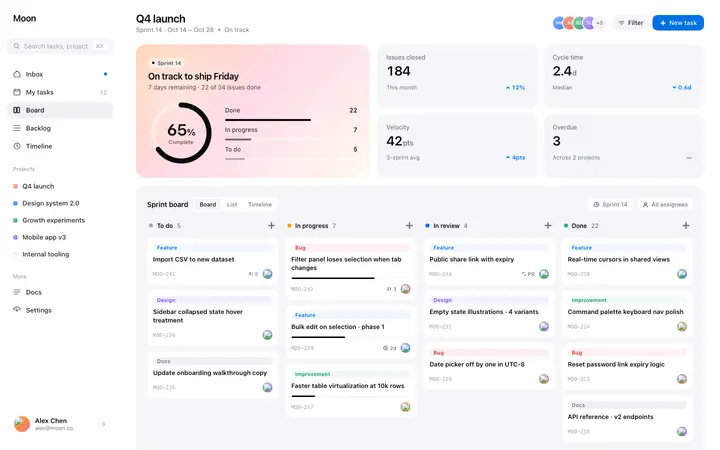
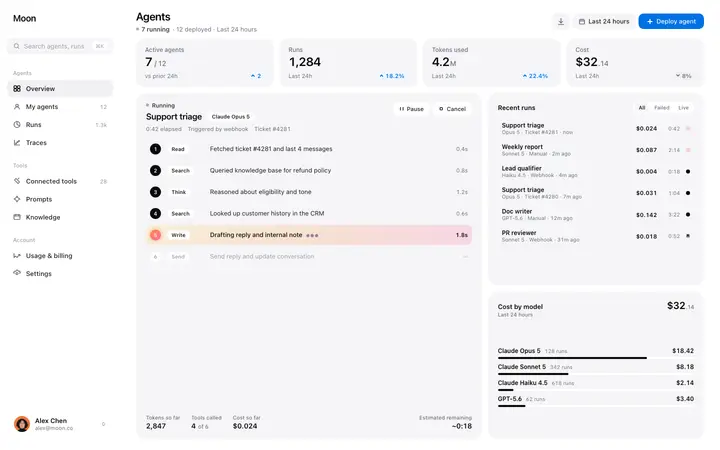
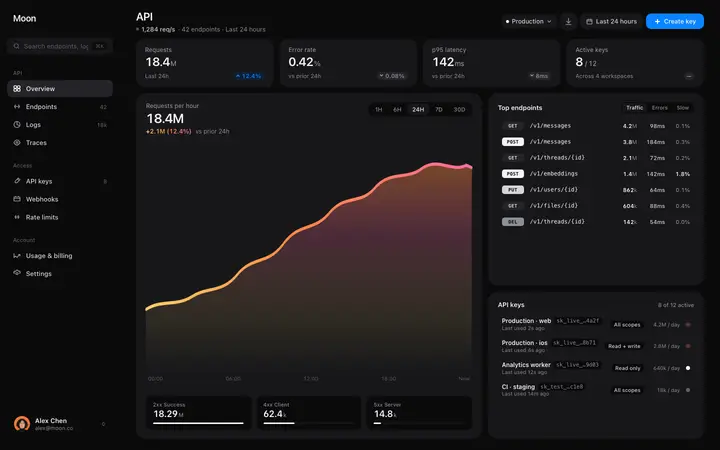
More stats templates
View all

More vibe coding dashboard templates
View all
Other templates you might like