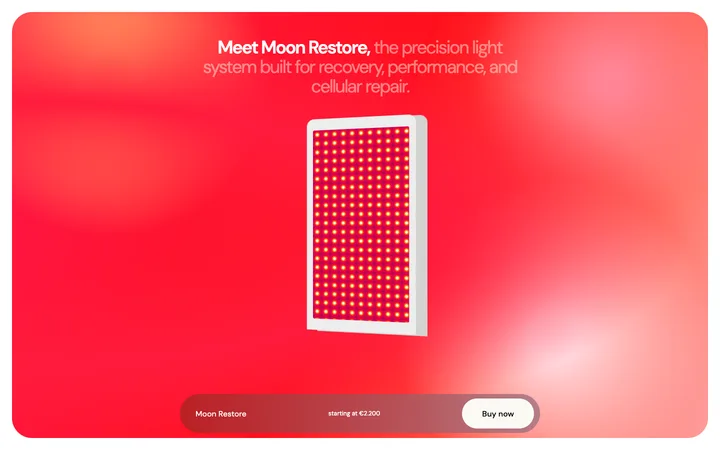
Hardware launch page template for AI devices
Landing pages
Build this design with AI →Apple's product pages are the most copied pages on the web. Huge product images, a few words per screen, and scroll animations that feel like a launch film. Most copies get the animation and miss why it works. Here is how an Apple product page is built, what makes it sell, and how to build an Apple style product page with AI.
A simplified map of a typical Apple product page, drawn by us. Open any product on apple.com next to it to compare.
A slim bar that sticks to the top while you scroll, with the product name, a few links and a Buy button.
The product name, a short line, and a huge product image or film on a plain background.
One idea per screen: a few words, one big image, often with a scroll animation that shows how something works.
Smaller cards and numbers for the details, once the big story is told.
A comparison of models, the price, and a clear path to buy.
Five choices make a page feel like Apple at a glance.
Huge, perfectly lit product images on a plain background. Nothing competes with the product.
Short headlines, often just a few words, with a line of detail below. Every word earns its place.
Motion explains something, like the parts inside a device, or reveals the product step by step. It is never just decoration.
Black and white sections take turns, so each part of the story feels like a new scene.
The sticky product bar keeps the Buy button visible the whole time you read.
Build the motion part with our parallax scroll section or the storytelling scroll template.
The animation gets the attention. These five decisions make the page sell.
Each screen says one thing, so the visitor always knows what to look at.
The image or animation comes first and the words confirm it. People believe what they see.
The story starts with what the product does for you, and saves the numbers for later.
Price and the Buy button stay close, so a ready visitor never has to search.
Big moments and quiet moments take turns, which keeps people scrolling to the end.
The weak spot: heavy scroll animation can be slow on older phones and tiring for people sensitive to motion. Good copies respect the reduced motion setting and keep pages fast.
Copies add scroll animation everywhere, but use stock images, long paragraphs and no clear Buy button. Without a product worth staring at and a story with one idea per screen, the animation is just movement.
Apple can be this minimal because everyone already wants to see the product. Adapt the pattern to where your visitors start.
The Apple style only works with great visuals. A screenshot or render needs to be sharp and well lit.
New products need one more line of explanation per section than a famous brand does.
One or two scroll moments that show how it works, not motion on every section.
A sticky bar or repeated button with the price, so ready buyers can act.
Turn off animation for people who ask for less motion, and test on a real phone.
Ask Mon, the AI design assistant, to review your product page and tell you which Apple patterns fit and which to skip.
Pick one below and copy it. The big image layout, spacing and scroll sections are already done.
Claude Code, Lovable, Bolt, Cursor or v0. Ask for it in your stack.
Replace the images with sharp product shots or renders, and write one short idea per section.
Mon tells you what to fix before you launch, the way a senior designer would.
Landing pages
Build this design with AI →Landing pages
Build this design with AI →Hero
Build this design with AI →Hero
Build this design with AI →Parallax
Build this design with AI →Landing pages
Build this design with AI →Every Apple style template above is an original BrowserMoon design. Preview them all; copy the code with a BrowserMoon licence.
Get a licenceOne idea per screen, huge product visuals, scroll animation that explains instead of decorates, benefits before specs, and a Buy button that is always close.
Developers who rebuilt them describe image sequences or videos synced to the scroll position, plus simple transforms. Libraries like GSAP ScrollTrigger are common for recreating the effect.
Start from an Apple style template, build it with an AI tool like Claude Code or Lovable, use your best product visuals with one idea per section, and ask Mon to review it.
Yes, if you have strong visuals of the product. Use screenshots or short screen recordings as the hero images, and explain a little more than Apple does.
Copy the principles, not the brand. Use your own product, words and images. The templates on this page are original BrowserMoon designs.
More design breakdowns: Stripe website design · Vercel website design · Ecommerce website design · hero section design
BrowserMoon is not affiliated with Apple. Apple is a trademark of its owner. This page is independent design commentary.