Design tool dashboard template for SaaS apps
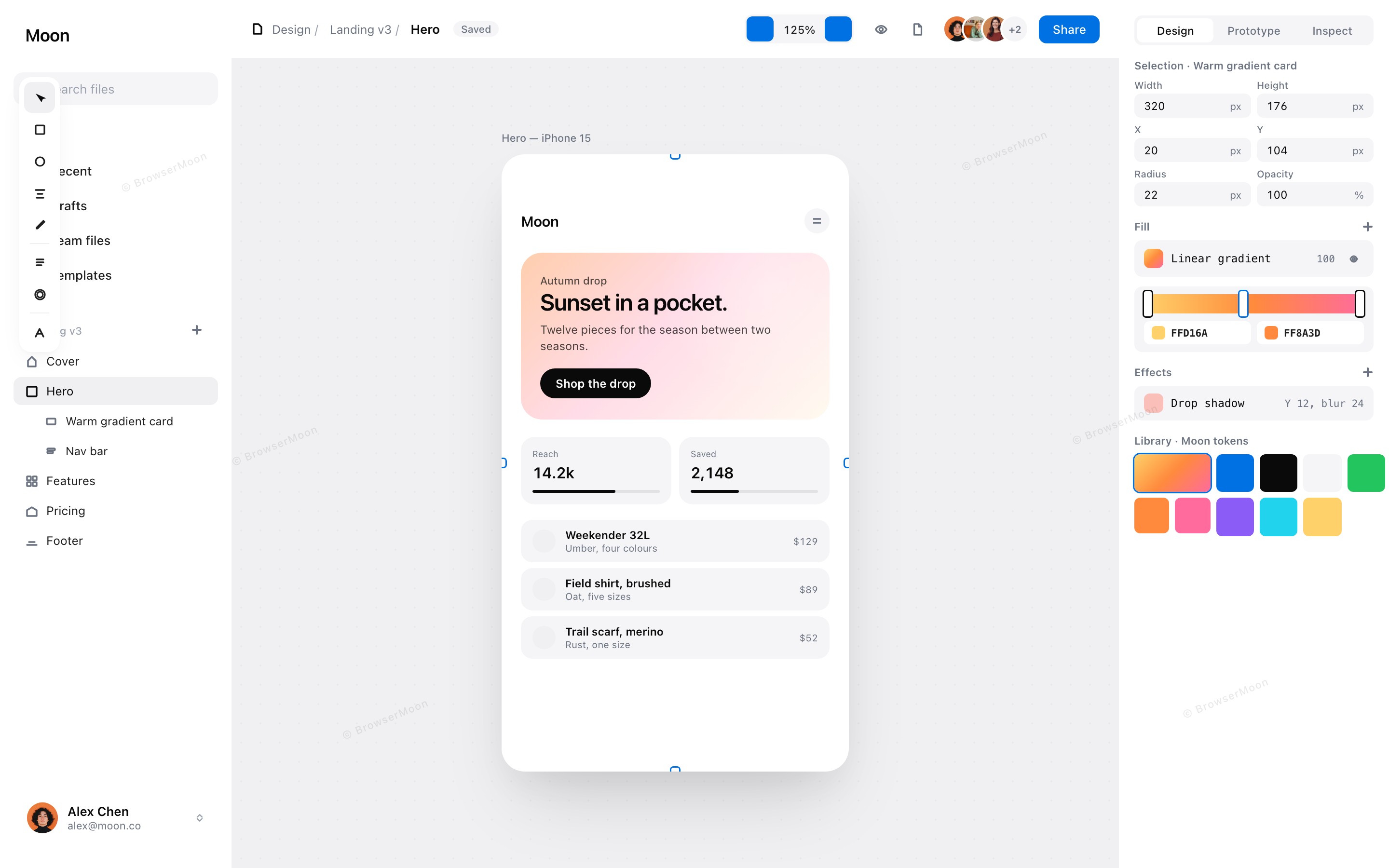
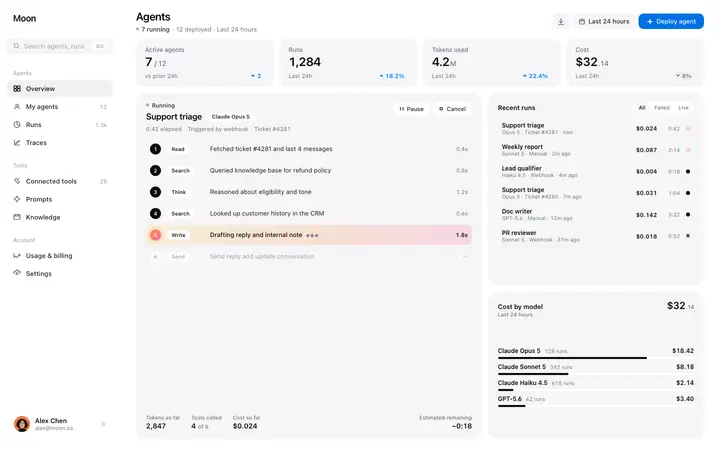
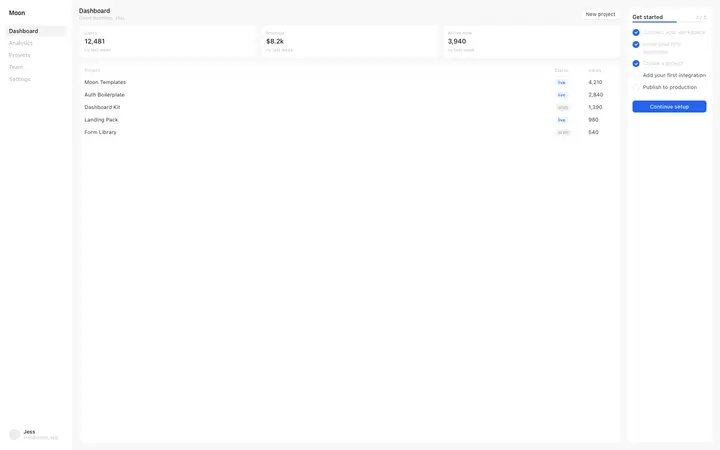
Design tool dashboard template for canvas editors, prototyping products, and creative SaaS designed for a working surface. Use it as the main editing screen of a visual product, where files, the canvas and the controls all stay reachable. Use this AI template with Claude Code, Replit, Lovable, ChatGPT Codex, Bolt, Cursor, or another coding tool.
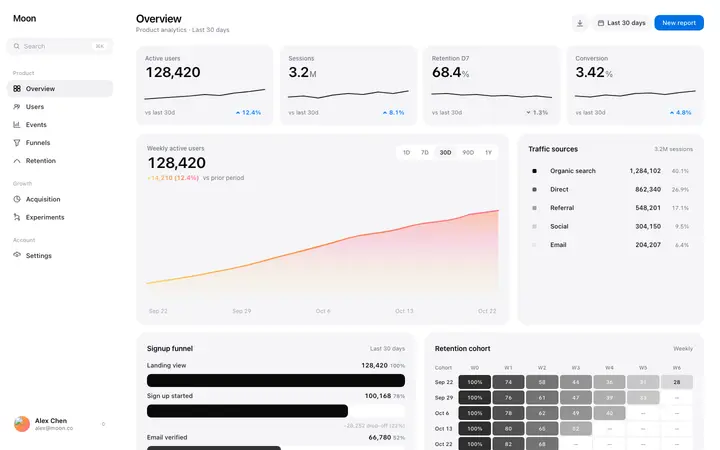
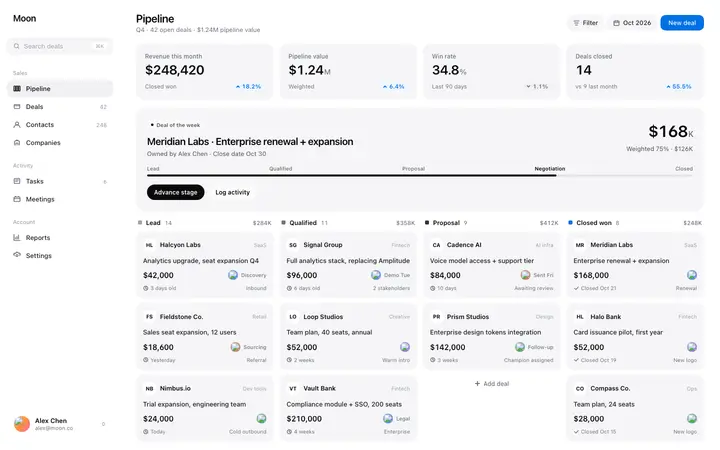
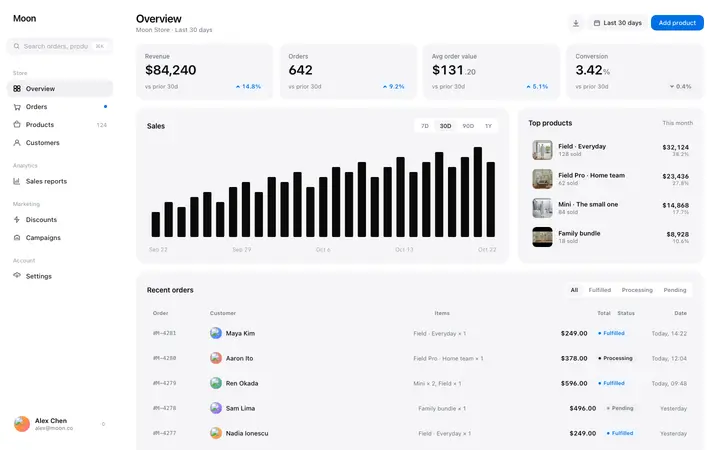
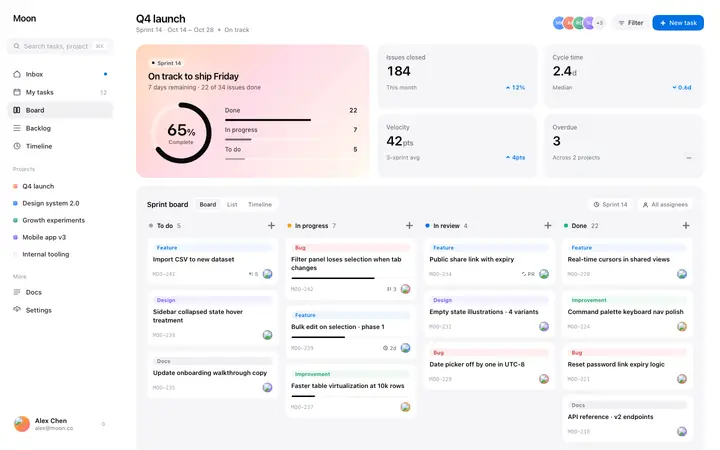
More from the Industry dashboard set
10 templates
About this vibe coding template
Design tool dashboard template for products designed for a canvas. Aimed at design and prototyping platforms, whiteboard and diagram tools, video and photo editors, page builders and any creative SaaS where people work on a surface. Use it as the main editing screen, with the file list, the canvas and the controls arranged so the work stays the largest thing on screen. It works for teams building a design tool, and for products whose buyers judge the tool by how it feels to work in. Minimal design.
Build a full SaaS app or admin dashboard with this template design
A SaaS app or admin dashboard is dozens of screens sharing one shell, so one dashboard template can set the standard for the navigation, the spacing, and the card design on every screen after it. Copy the template, paste it into Claude Code, Replit, Lovable, ChatGPT Codex, Bolt, or Cursor, and send this alongside it.
Paste into Claude Code, Replit, Lovable, Bolt, or Cursor
DESIGN.md for this template
The colours, type, spacing and components of this design as a DESIGN.md file, the open format for describing a design to AI agents. Put it in the root of your project and point Claude Code, Cursor or Codex to it, or import it into Google Stitch, so every new page matches.
DESIGN.md--- version: alpha name: "Design tool dashboard" colors: primary: "#FFFFFF" on-primary: "#111111" neutral: "#0A0A0A" on-surface: "#9CA3AF" on-surface-muted: "#6B7280" secondary: "#0071E3"
Not sure this design fits?
Ask Mon, the AI design assistant, if the Design tool dashboard template for SaaS apps works for your product and how to adapt it.
Design guides: Why is my landing page not converting? · Stripe website design
Show it off: See this template in a free laptop mockup
Common questions about this template
Which products suit a canvas dashboard?
Design and prototyping platforms, whiteboard and diagram tools, editors and page builders. It fits any product where people work on a surface.
How much of the screen should the canvas take in a design tool SaaS dashboard?
As much as possible. Controls that stay visible all the time should earn it, and everything else belongs behind a menu or a shortcut.
What do designers judge a design tool SaaS dashboard on?
How it feels within the first minute. Creative buyers assess craft instinctively, so a cluttered editing screen costs you the trial before any feature is tried.
Which vibe coding tools work with this dashboard template?
It works in Claude Code, Replit, Lovable, ChatGPT Codex, Bolt and Cursor. Paste it in, describe the data you want shown, and your AI coding tool will connect it to your own source.
How do I build a full SaaS app or admin dashboard with this template?
Give Claude Code, Replit, Lovable, Bolt, or Cursor this template as the reference design, then ask for each page of your SaaS app or admin dashboard one at a time. The tool holds the visual language once it has a finished coding template to work from.
Can I use the gradients and visuals from this template commercially?
Yes. With a BrowserMoon subscription you can use this template, including its original gradients, backgrounds and animated visuals, in personal and commercial work: client projects, products you sell, ads and social posts. It is royalty-free with no attribution and no per project fee. The only thing you can't do is resell them as gradients or templates. See the template licence.
Use this AI coding template for
- ·Design tool dashboard for a canvas or prototyping product
- ·Editor screen for a whiteboard or diagram tool
- ·Workspace for a creative SaaS or page builder
- ·Vibe coding design tool dashboard template
Works with every vibe coding tool
Not sure which tool to use? Lovable vs Bolt, best AI tool to build a website or for a mobile app.
More SaaS templates
View all


More vibe coding dashboard templates
View all
Other templates you might like