SaaS onboarding flow template
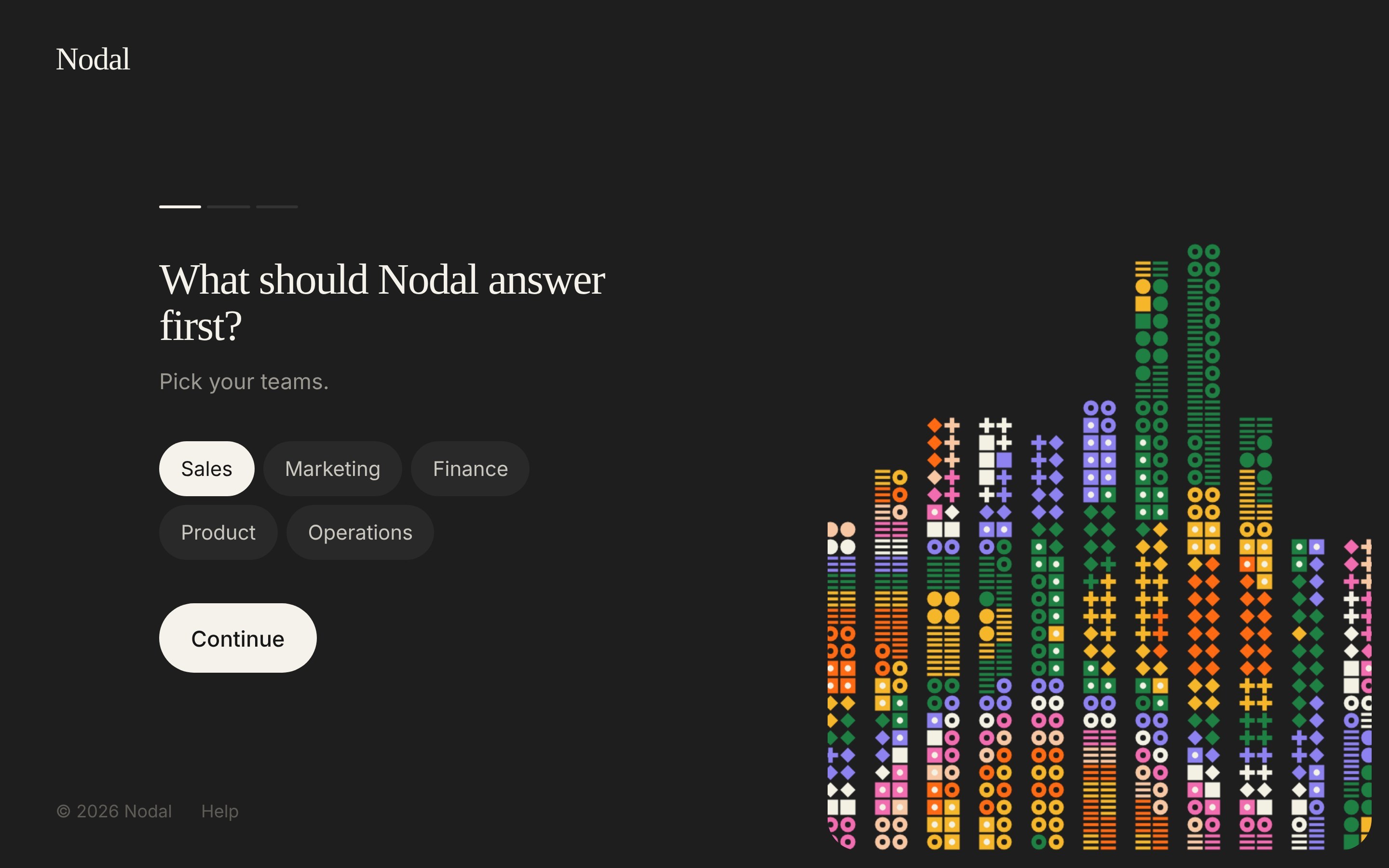
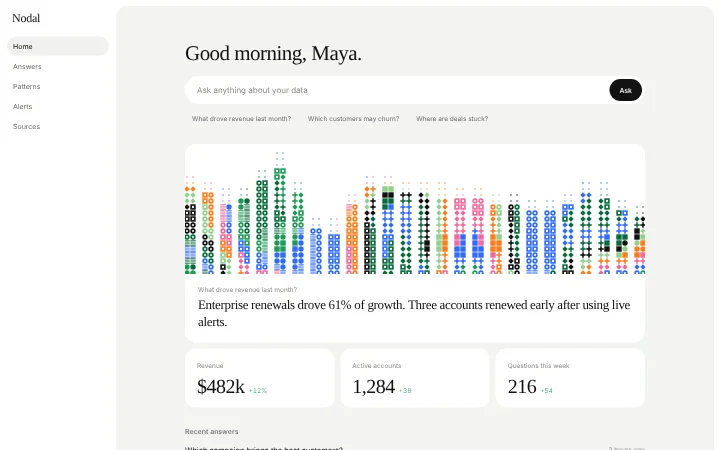
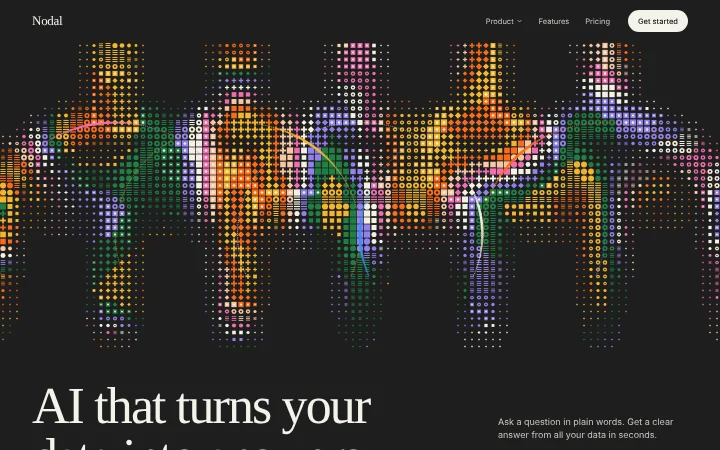
Dark SaaS onboarding flow template with 4 steps: pick teams, connect data sources, ask a question, see the answer. The art changes with each step. Copy the code into Claude Code, Lovable, Cursor, Replit, Bolt or ChatGPT Codex.
More from the Nodal set
12 pages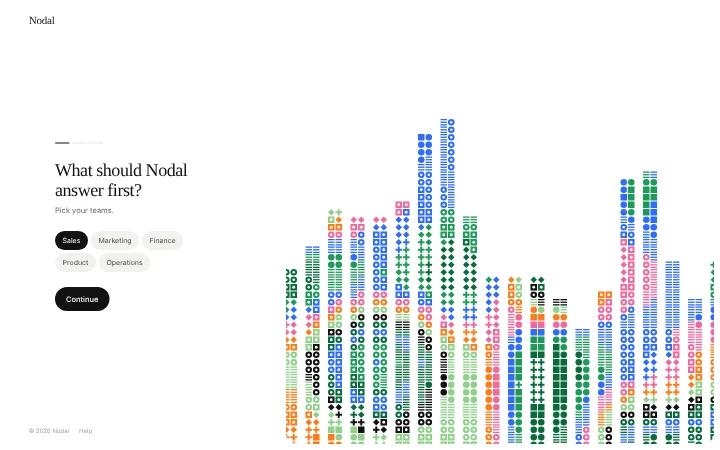
About this vibe coding template
A four step onboarding flow for a SaaS or AI app: pick your teams, connect data sources, ask a first question and watch the answer type itself out. A thin progress bar tracks the steps, and the pixel art panel changes shape with every step, so the flow feels alive. Chips, connect rows and suggestions are all working. It is part of the Nodal set, with a matching landing page.
Build a full SaaS onboarding flow with this template design
A SaaS onboarding flow is a sequence of welcome, setup, and activation screens that only works when each step looks like the last, so one onboarding template can set the standard for every screen after it. Copy the template, paste it into Claude Code, Replit, Lovable, ChatGPT Codex, Bolt, or Cursor, and send this alongside it.
Paste into Claude Code, Replit, Lovable, Bolt, or Cursor
DESIGN.md for this template
The colours, type, spacing and components of this design as a DESIGN.md file, the open format for describing a design to AI agents. Put it in the root of your project and point Claude Code, Cursor or Codex to it, or import it into Google Stitch, so every new page matches.
DESIGN.md--- version: alpha name: "SaaS onboarding flow" colors: primary: "#F4F2EA" on-primary: "#111111" neutral: "#1E1E1E" on-surface: "#F4F2EA" on-surface-muted: "#C9C7BF" surface: "#292929" secondary: "#1F8044"
Not sure this design fits?
Ask Mon, the AI design assistant, if the SaaS onboarding flow template works for your product and how to adapt it.
Design guides: Why users drop off during onboarding · Notion onboarding flow
Show it off: See this template in a free laptop mockup
Common questions about this template
How do I use this onboarding flow?
Copy the code, change the name and text, and wire the form or data to your app with your AI coding tool.
Does it match the other Nodal templates?
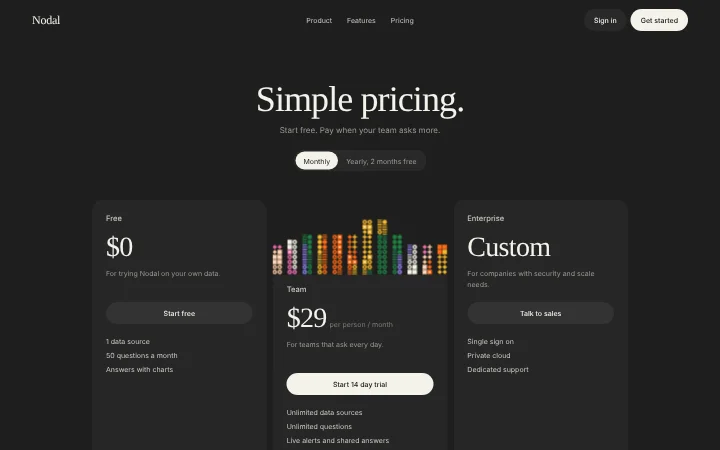
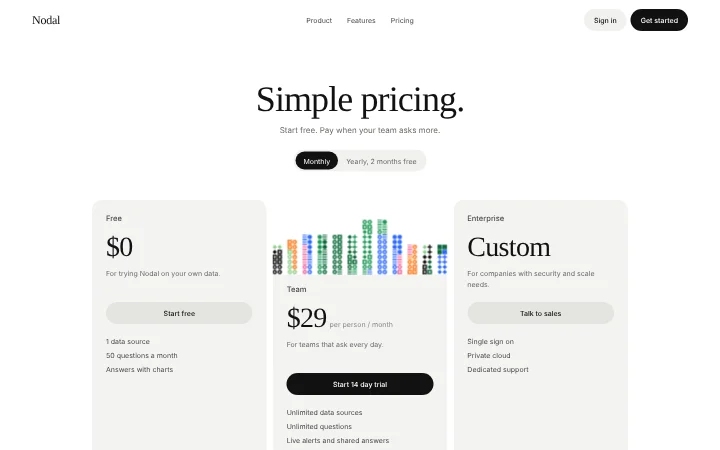
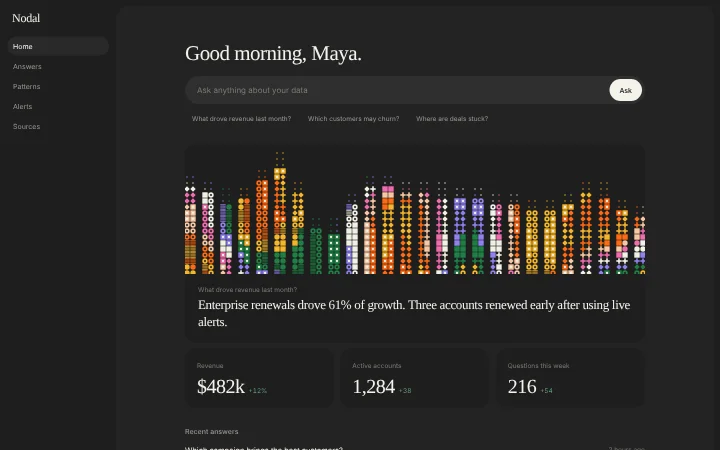
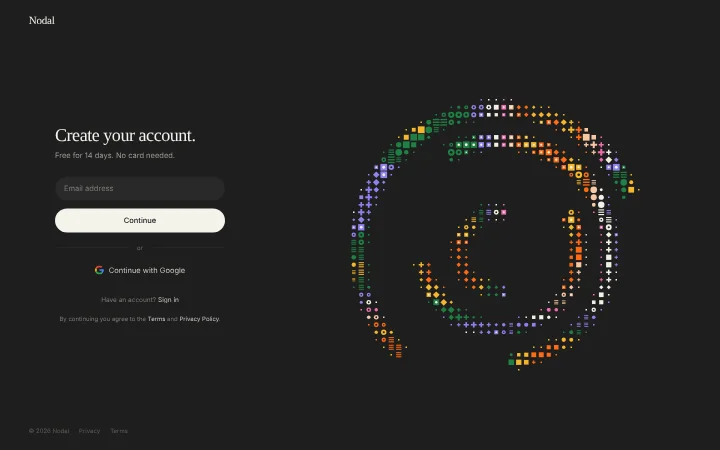
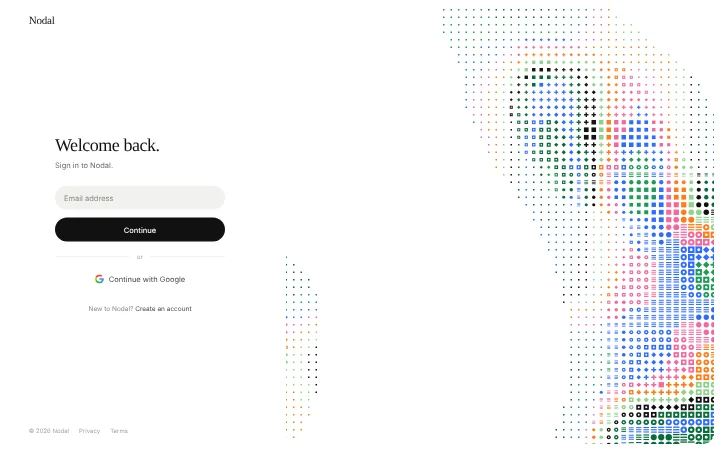
Yes. The landing page, sign in, sign up, onboarding, pricing and dashboard all share the same style in dark and light.
Does it work on phones?
Yes. The layout stacks and the animation moves to a band at the top.
Can I use the gradients and visuals from this template commercially?
Yes. With a BrowserMoon subscription you can use this template, including its original gradients, backgrounds and animated visuals, in personal and commercial work: client projects, products you sell, ads and social posts. It is royalty-free with no attribution and no per project fee. The only thing you can't do is resell them as gradients or templates. See the template licence.
Use this AI coding template for
- ·Onboarding flow for a SaaS or AI app
- ·Part of a full app flow with landing page, sign up and dashboard
- ·Built with Lovable, Cursor, Bolt or Claude Code
Works with every vibe coding tool
Not sure which tool to use? Lovable vs Bolt, best AI tool to build a website or for a mobile app.
More forms templates
View all
More vibe coding onboarding templates
View all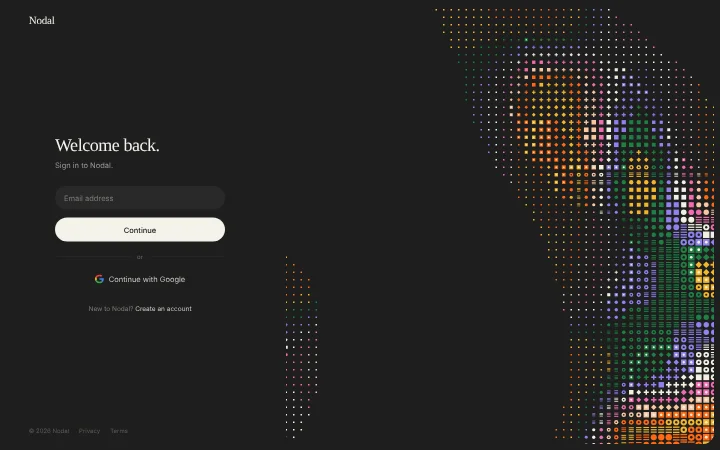
Other templates you might like