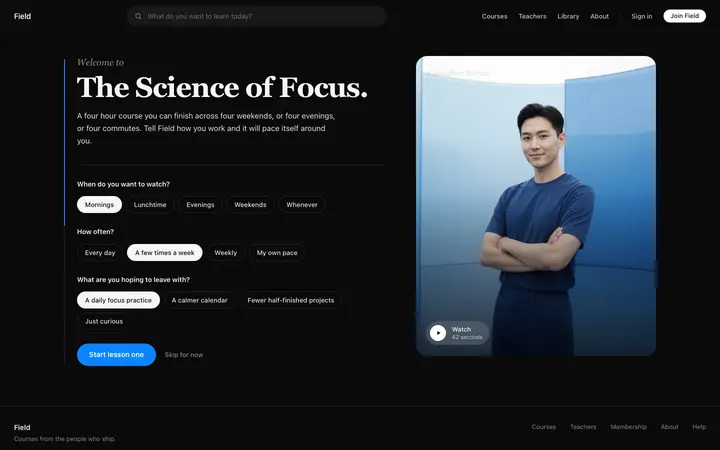
Pixel SaaS onboarding role selection template
SaaS
Build this design with AI →Notion can do almost anything, and that is its onboarding problem: a blank page scares new users away. Its answer is one of the most copied onboarding patterns in SaaS. Ask one question, then drop people into a workspace that is already filled in for them. Here is how the Notion onboarding flow works, why it works, what to skip, and how to build the same pattern with AI.
A simplified map of the flow, drawn by us. Notion changes it often, and recent versions also show off its AI agent, so this is the pattern rather than every screen.
Email, then a name and photo, so the account feels like yours.
"How do you want to use Notion?" with three answers: work, personal life or school. Some versions also ask about your team.
Depending on your answer, you land in pages already set up for you, like project boards and meeting notes for teams.
A short page of tasks you learn by doing, like typing "/" for commands.
Four choices make this pattern work, and they apply far beyond Notion.
One question replaces a ten step product tour.
You never see an empty workspace. Example content shows what is possible.
The checklist lives inside the product, so learning is using it.
The question is worth answering because the result is visibly different.
See more patterns like this in our SaaS onboarding design guide.
Flexible products lose people at the start. These five decisions keep them.
Flexible products lose people at the empty state. Notion shows a finished example first.
Three clear choices, no typing, no wrong answer.
Users pick from examples instead of imagining what to build.
You see a useful workspace before you are asked to set anything up.
It nudges you towards a second success, not just the first.
The weak spot: one teardown counts five or more screens before you reach the product, including email checks, interests and a desktop app prompt. Upsells like the desktop app arrive before the first win.
Teams copy the question screen and skip the hard part: writing good example content for each answer. A personalisation question that leads to the same empty dashboard is worse than no question at all, because users feel ignored.
Notion's pattern fits a product with many uses. Before you copy it, check that yours has them.
If an answer does not change what users see, cut the question.
Not placeholder text or "My first project". Show what a good result looks like.
No app download or upgrade prompt before users get value.
Every screen before the product costs sign ups. Aim for value in the first minute.
If your product has one clear job, drop users straight into it.
Ask Mon, the AI design assistant, to review your onboarding flow and tell you which step to cut or fix first.
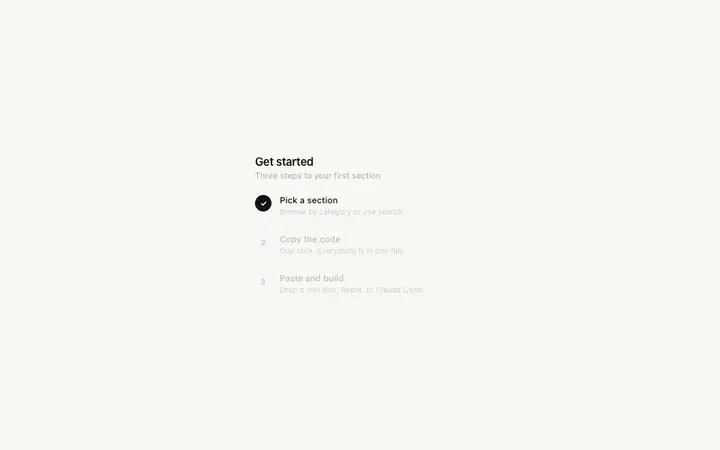
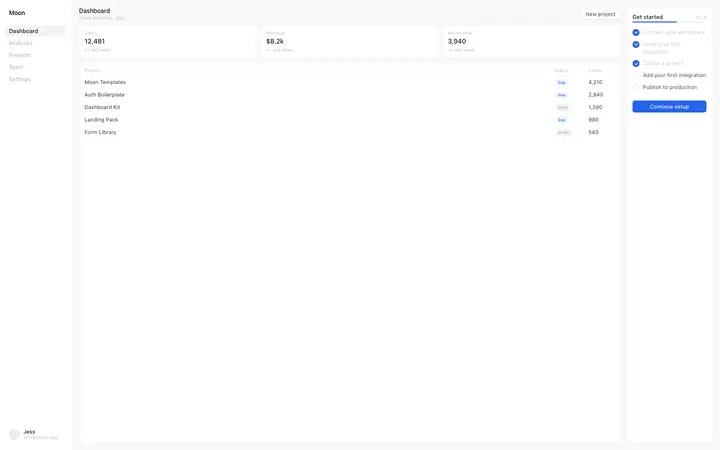
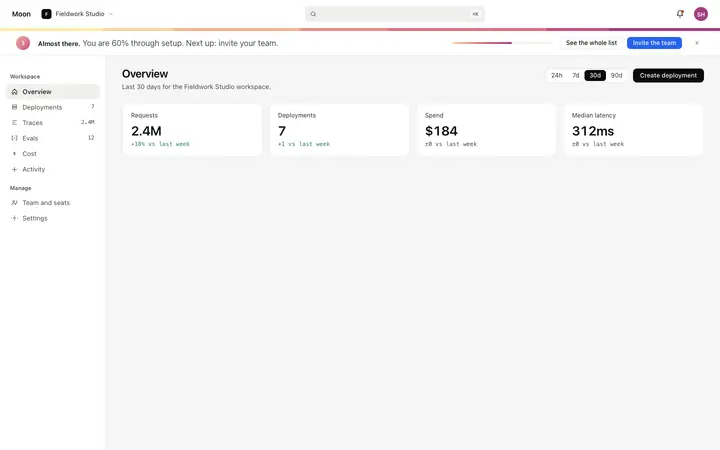
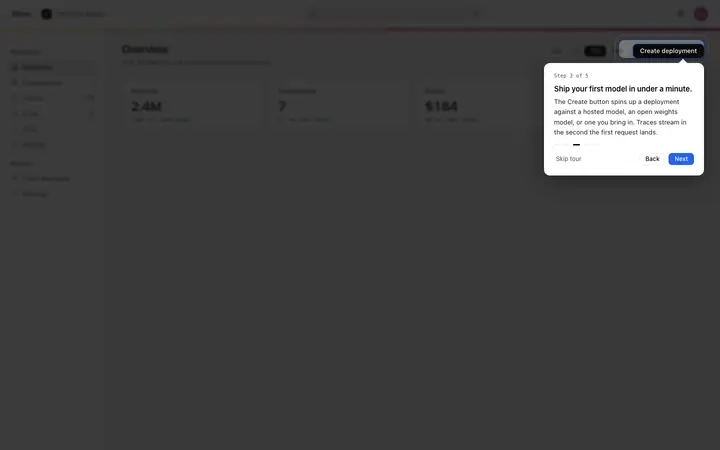
Pick a role picker, steps and checklist from the templates below.
Claude Code, Lovable, Bolt, Cursor or Replit. Ask for them in your stack.
So nobody lands on an empty page, whatever they choose.
Mon tells you which screens to cut before you launch.
SaaS
Build this design with AI →Dashboard
Build this design with AI →Dashboard
Build this design with AI →SaaS
Build this design with AI →SaaS
Build this design with AI →SaaS
Build this design with AI →Every onboarding template above is an original BrowserMoon design. Preview them all; copy the code with a BrowserMoon licence.
Get a licenceWith one question about how you will use Notion, then a workspace already set up for that use, then a getting started checklist inside the product.
How you plan to use it, with work, personal life or school as answers. Some versions also ask about your team or interests. The flow changes over time.
It removes the blank page, asks one easy question, and shows value before asking for effort.
No. It fits flexible products with many uses. A product with one clear job should skip the question and take users straight to the main action.
Use a role picker and checklist template, write example content for each answer, build it with an AI tool like Claude Code or Lovable, and ask Mon to review it.
More design breakdowns: Why users drop off during onboarding · SaaS onboarding design · SaaS onboarding templates · Stripe website design · Linear website design
BrowserMoon is not affiliated with Notion. Notion is a trademark of its owner. This page is independent design commentary.