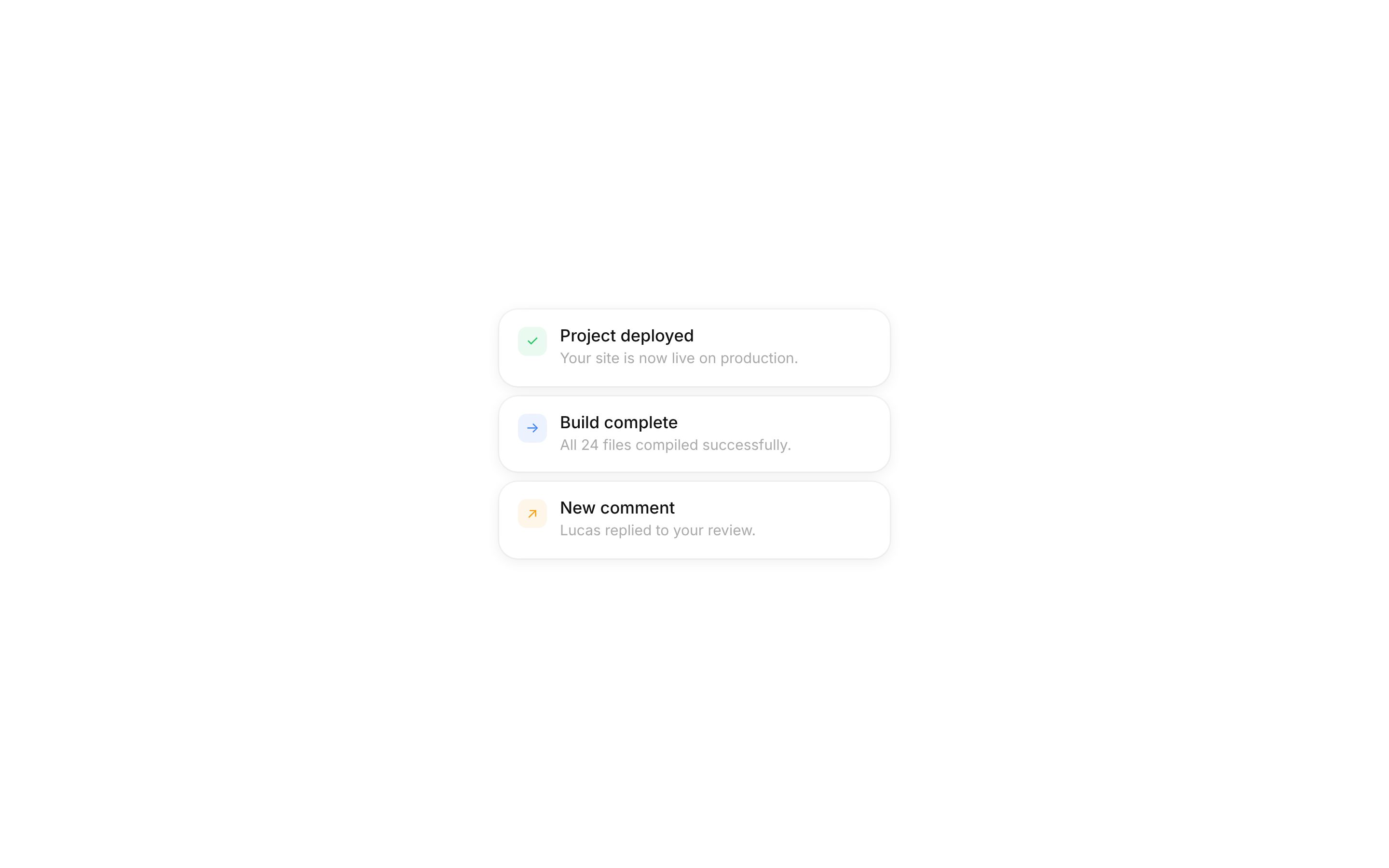
Toast notification template for SaaS apps
Toast notification template for SaaS apps, AI tools, and dashboards that report background work to users. Use it in any web app where tasks finish while people are doing something else. Use this AI template with Claude Code, Replit, Lovable, ChatGPT Codex, Bolt, Cursor, or another coding tool.
About this vibe coding template
Toast notification template for products that need to tell people something while they keep working. It suits SaaS dashboards, AI tools running long tasks, developer platforms, project software, and any web app with work happening in the background. Use it across a logged in product wherever a save, an export, a build, or a generation completes. It works for product teams standardizing feedback across an app and for builders adding polish to a first version. Minimal design. Paste it into Claude Code, Replit, Lovable, ChatGPT Codex, Bolt, or Cursor and describe what you want changed.
Build a full SaaS app or admin dashboard with this template design
A SaaS app or admin dashboard is dozens of screens sharing one shell, so one dashboard template can set the standard for the navigation, the spacing, and the card design on every screen after it. Copy the template, paste it into Claude Code, Replit, Lovable, ChatGPT Codex, Bolt, or Cursor, and send this alongside it.
Paste into Claude Code, Replit, Lovable, Bolt, or Cursor
Not sure this design fits?
Ask Mon, the AI design assistant, if the Toast notification template for SaaS apps works for your product and how to adapt it.
Design guides: Why is my landing page not converting? · Stripe website design
Show it off: See this template in a free laptop mockup
Common questions about this template
Which apps need toast notifications?
Any SaaS product with background work, including AI tools, dashboards, and developer platforms. If people can start something and look away, they need telling when it finishes.
When should a SaaS app interrupt with a modal in place of a toast?
When the user has to act, or when something failed in a way that affects their work. Everything else belongs in a toast.
Can I control how long messages stay in this template?
Yes. Ask your AI coding tool to adjust the timing. Longer for anything a user may need to read twice, shorter for routine confirmations.
What makes background feedback matter in a SaaS product?
People who cannot tell whether something worked will repeat the action or leave. Consistent confirmation is one of the cheapest ways to make a product feel reliable.
How do I build a full SaaS app or admin dashboard with this template?
Give Claude Code, Replit, Lovable, Bolt, or Cursor this template as the reference design, then ask for each page of your SaaS app or admin dashboard one at a time. The tool holds the visual language once it has a finished coding template to work from.
Can I use the gradients and visuals from this template commercially?
Yes. With a BrowserMoon subscription you can use this template, including its original gradients, backgrounds and animated visuals, in personal and commercial work: client projects, products you sell, ads and social posts. It is royalty-free with no attribution and no per project fee. The only thing you can't do is resell them as gradients or templates. See the template licence.
Use this AI coding template for
- ·Toast notifications for a SaaS dashboard
- ·Background task alerts in an AI tool
- ·Success and error messages for a web app
- ·Vibe coding notification template for a web app
Works with every vibe coding tool
Not sure which tool to use? Lovable vs Bolt, best AI tool to build a website or for a mobile app.
More modals templates
View all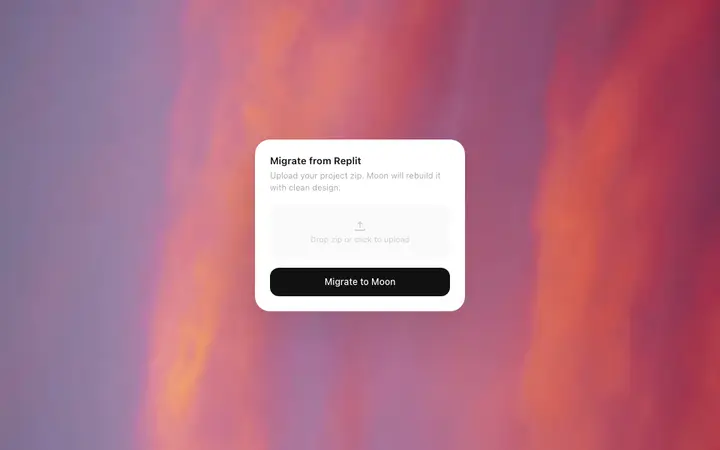
File import modal template for SaaS apps
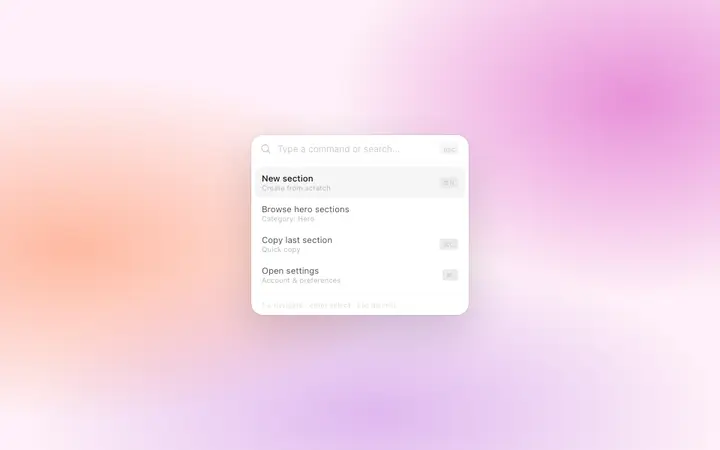
Command palette template for SaaS web apps
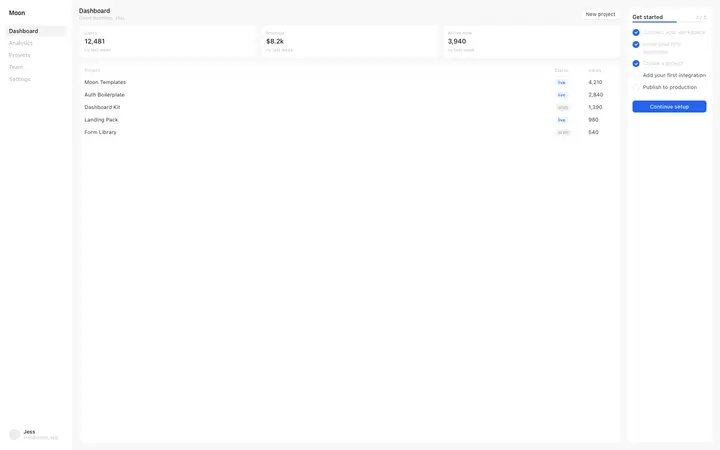
SaaS dashboard template with onboarding
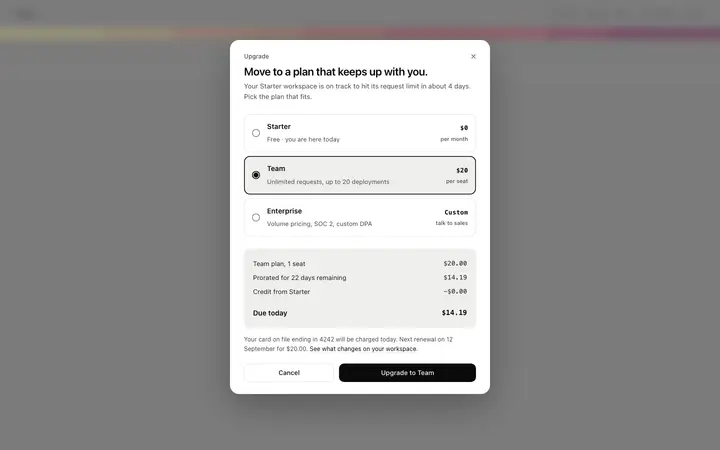
Upgrade plan modal template for SaaS apps
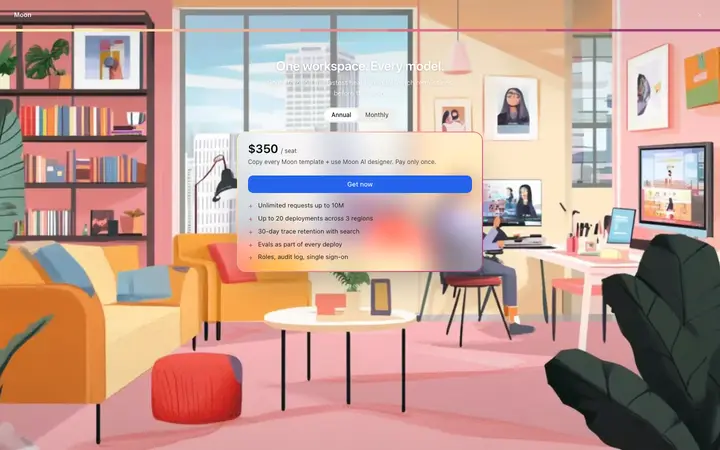
SaaS paywall page template for subscriptions
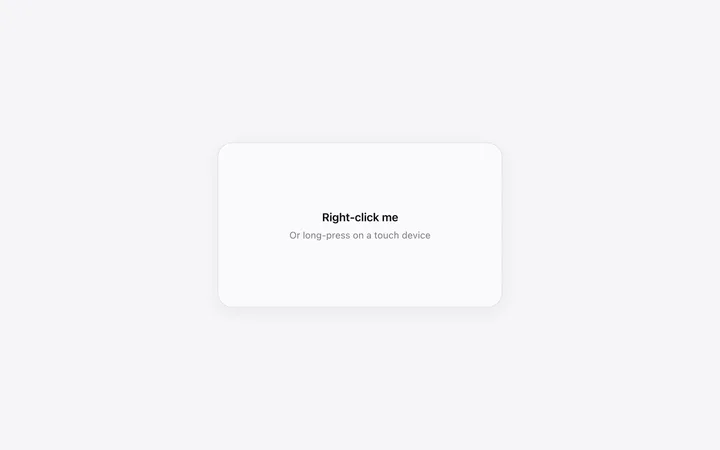
Right click context menu template for SaaS
More vibe coding dashboard templates
View all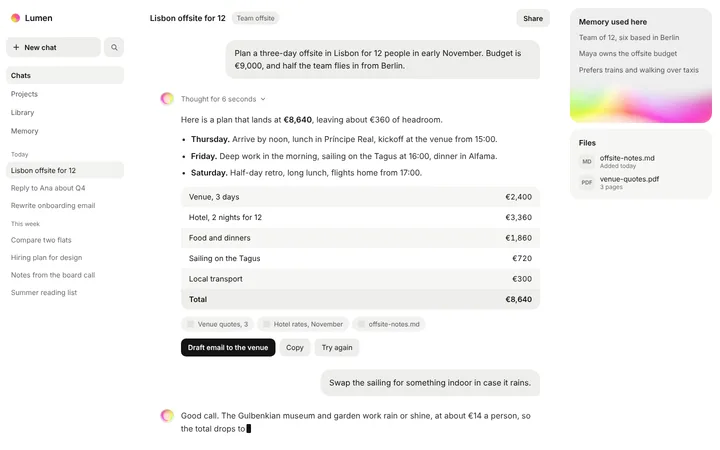
AI chat SaaS conversation UI template
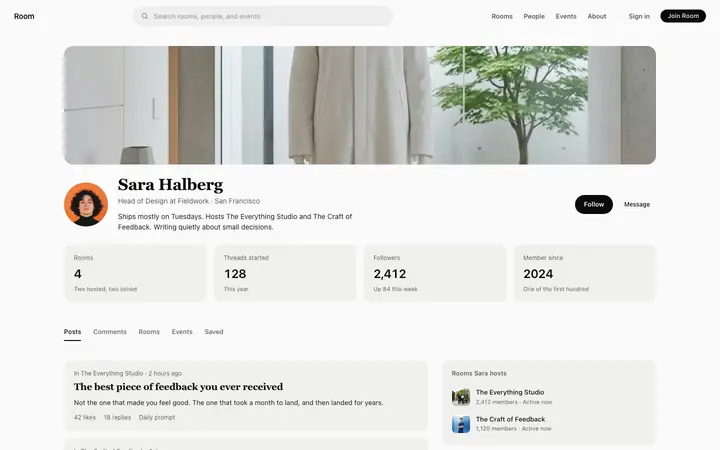
Member profile template for community SaaS apps
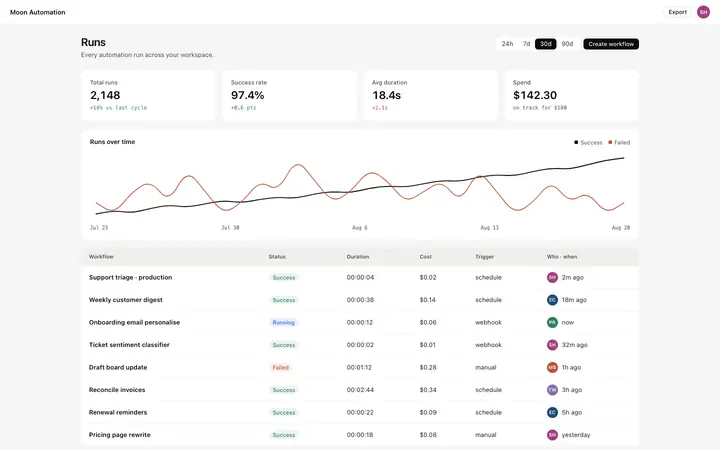
AI automation dashboard template for SaaS
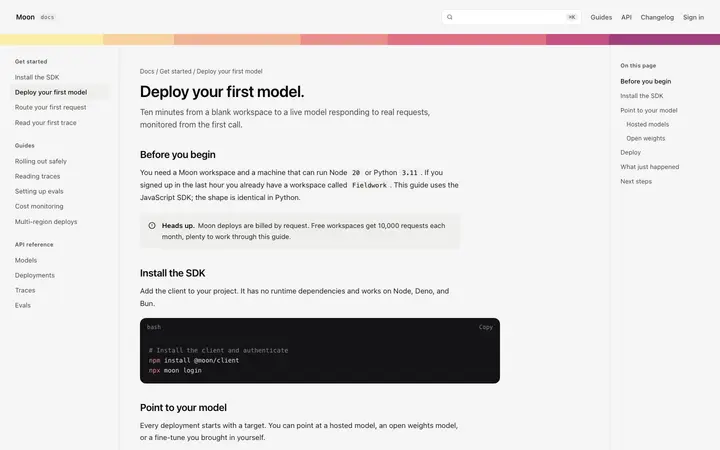
Documentation article page template for SaaS
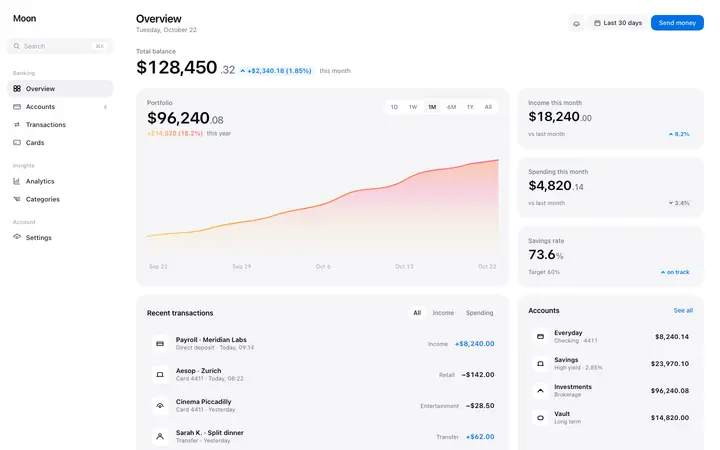
Finance dashboard template for fintech SaaS
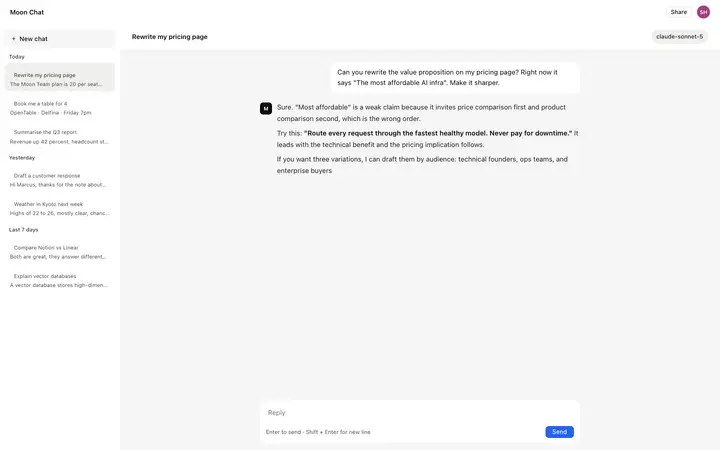
AI chatbot UI template for SaaS apps
Other templates you might like