AI search dashboard template for SaaS
Interactive AI search UI for vibe coding. This is the interface for building an AI search product: a SaaS dashboard with a semantic search input, a chat thread for follow up questions, result cards, and source citations. Use this AI search UI with Claude Code, Replit, Lovable, ChatGPT Codex, Bolt, Cursor, or another coding tool.
About this vibe coding template
Interactive AI search UI for vibe coding and SaaS builders. This is the interface for building an AI search product, not the search engine itself. The chat interaction lets users refine their query in natural language, where a search box would need the string reformulated. Paste it in and describe the search behaviour, the chat flow, and the source display your product needs. Minimal design. Use this AI search UI with Claude Code, Replit, Lovable, ChatGPT Codex, Bolt, or Cursor to build the product interface for an AI search tool, a knowledge base product, a research assistant, or any information product where users ask questions and receive answers with citations.
Build a full AI chat product or AI SaaS app with this template design
An AI chat product repeats one surface at different sizes, from a full chat interface to a chat widget and a copilot panel, so one AI chat template can set the standard for every screen after it. Copy the template, paste it into Claude Code, Replit, Lovable, ChatGPT Codex, Bolt, or Cursor, and send this alongside it.
Paste into Claude Code, Replit, Lovable, Bolt, or Cursor
Common questions about this template
What is an AI search UI?
The interface for building an AI search SaaS product. This template covers the dashboard: a semantic search input, a chat thread for follow up questions, result cards, and source citations. It is a starting point for building the product, not a finished search engine.
What is the chat thread in an AI search UI for?
Follow up questions and clarifications. A user might search for a topic, read the results, then ask a follow up in the chat thread to narrow the answer. The chat surface lets users refine their query in natural language, where a search box would need the string reformulated.
What vibe coding tools work with this AI search UI?
It works with Claude Code, Replit, Lovable, ChatGPT Codex, Bolt, and Cursor. Paste it in and describe the search behaviour, the chat flow, and the source display your product needs.
Is this template interactive?
Yes. The template includes interactive hover states on the search input, result cards, and chat thread, so you can see how the surface behaves before you connect it to a real API.
Use this AI coding template for
- ·AI search UI template for building a SaaS search product with chat and citations
- ·Interactive search dashboard with a semantic input, chat thread, and result cards
- ·SaaS UI for an AI search tool with follow up chat, source citations, and result display
- ·Vibe coding starting point for an AI search and research assistant dashboard
Works with every vibe coding tool
More from the AI tool interface set
All 15 templates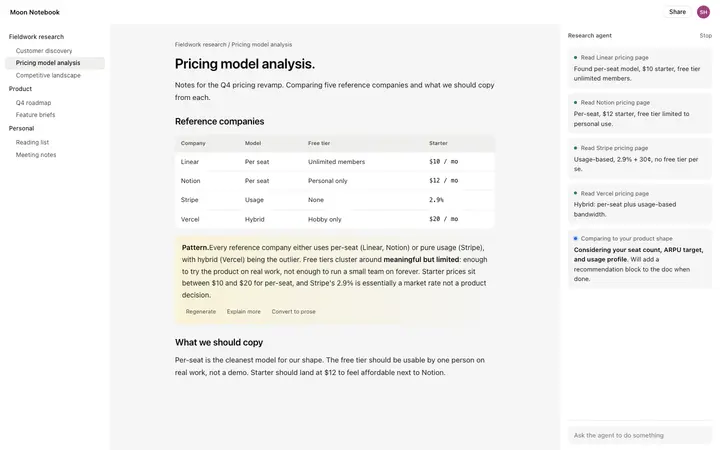
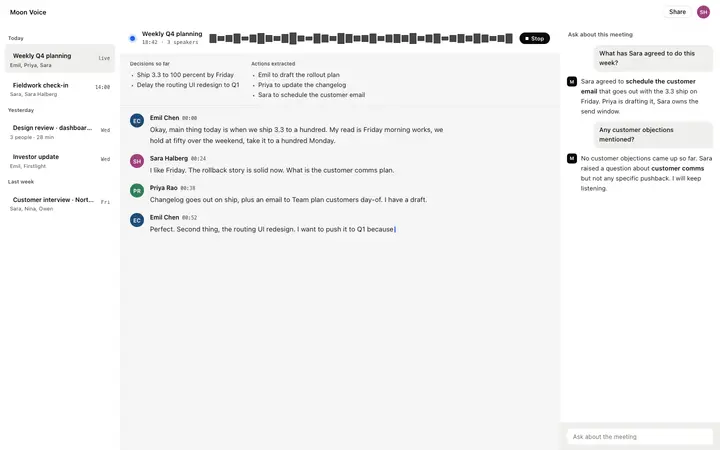
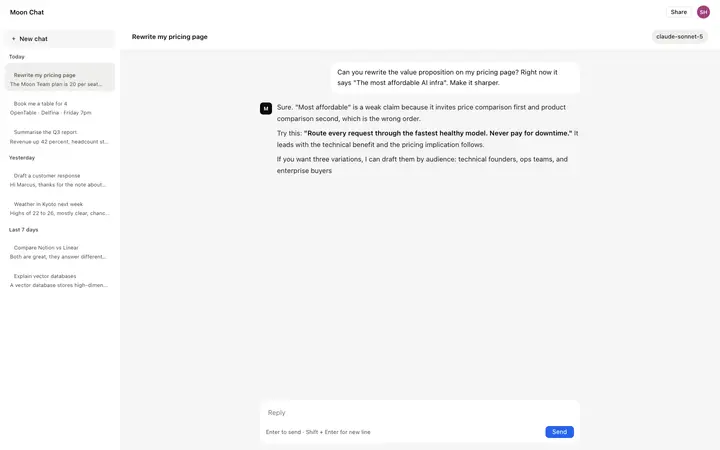
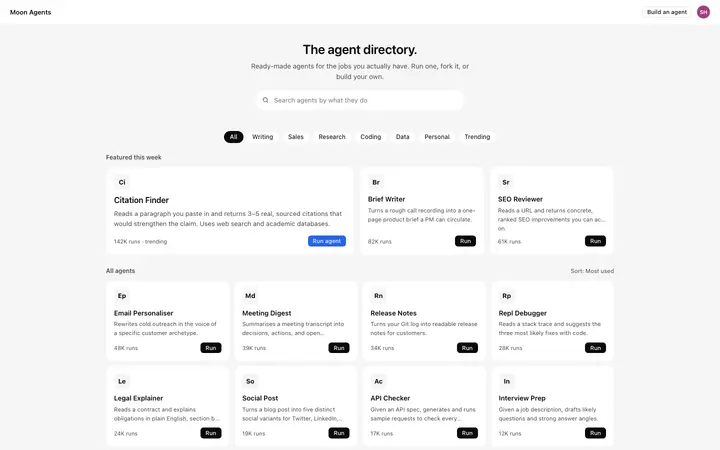
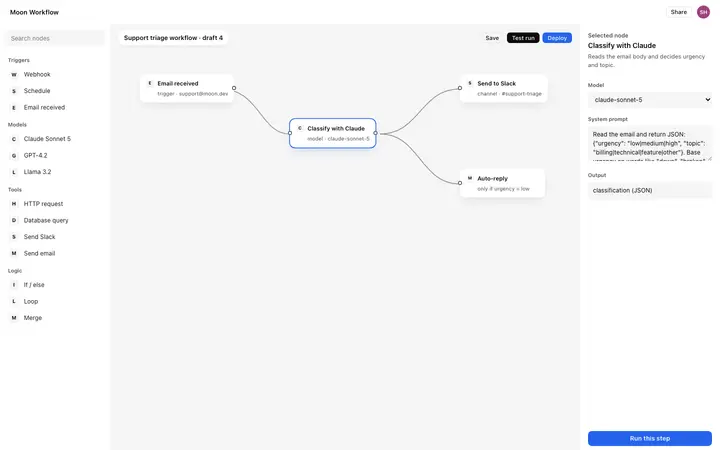
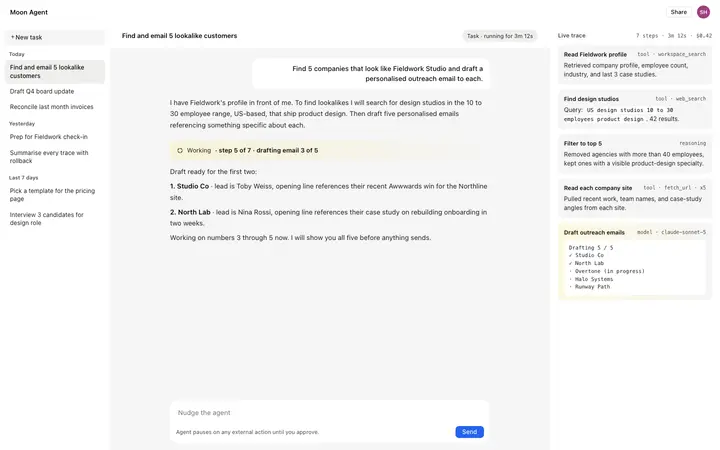
More dashboard templates
View all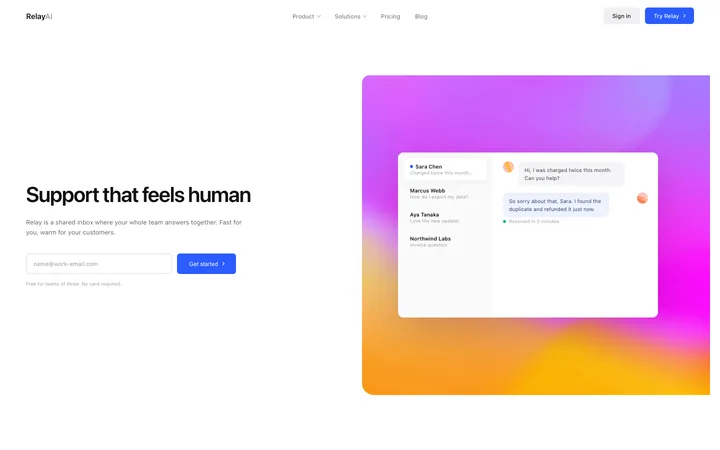
More vibe coding SaaS templates
View all
Other templates you might like