App onboarding welcome screen template
A welcome screen for iOS and Android apps, shown the first time someone opens the app. The product name sits above a single line that says what the app is for, with a primary button to begin and a quieter link for people who already have an account. Use it for writing tools, productivity apps, and any product where the first screen has to earn a second tap. Wire the buttons to Supabase, Firebase, or Clerk via Bolt, Lovable, or Replit.
About this app template
The first screen decides whether someone continues or closes the app, and most welcome screens waste it on a logo and nothing else. This one gives the product a name, one honest sentence about what it does, and two clear ways forward. The primary button is unmissable. The account link underneath is quiet enough to stay out of the way but easy to find for returning users. The whole screen is calm on purpose, so the product feels considered before anyone has used a single feature. Paste it into Bolt, Lovable, or Replit, change the name and the sentence, and connect the buttons to your auth provider.
Build a full mobile app onboarding flow with this template design
An onboarding flow is a run of screens a new user sees back to back, which makes any inconsistency between them obvious, so one onboarding screen can set the standard for every screen after it. Copy the template, paste it into Claude Code, Replit, Lovable, ChatGPT Codex, Bolt, or Cursor, and send this alongside it.
Paste into Claude Code, Replit, Lovable, Bolt, or Cursor
Common questions about this template
What should an app welcome screen say?
One sentence that says what the app does, in the words a user would use. Skip the tagline. The job of this screen is to make the next tap feel obvious, so the sentence should answer why someone opened the app in the first place.
Should the welcome screen come before or after sign up?
Before. Asking for an account before showing what the product is loses people who have not decided yet. This screen sets context first, then offers sign up and sign in as the next step.
How do I connect this screen to my auth provider?
Paste the template into Bolt, Lovable, or Replit and ask your AI to wire the primary button to your sign up flow and the account link to sign in. Supabase, Firebase, and Clerk all work the same way here.
Does this work for React Native or Flutter?
Yes. It is an HTML reference you paste into your AI tool. Ask it to rebuild the layout in React Native, Flutter, or SwiftUI and keep the spacing and hierarchy from the template.
Use this template for
- ·First launch welcome screens for iOS and Android
- ·App intro screens before a sign up flow
- ·Landing screens for writing and productivity tools
- ·Returning user entry points
More from the App onboarding flow set
5 screens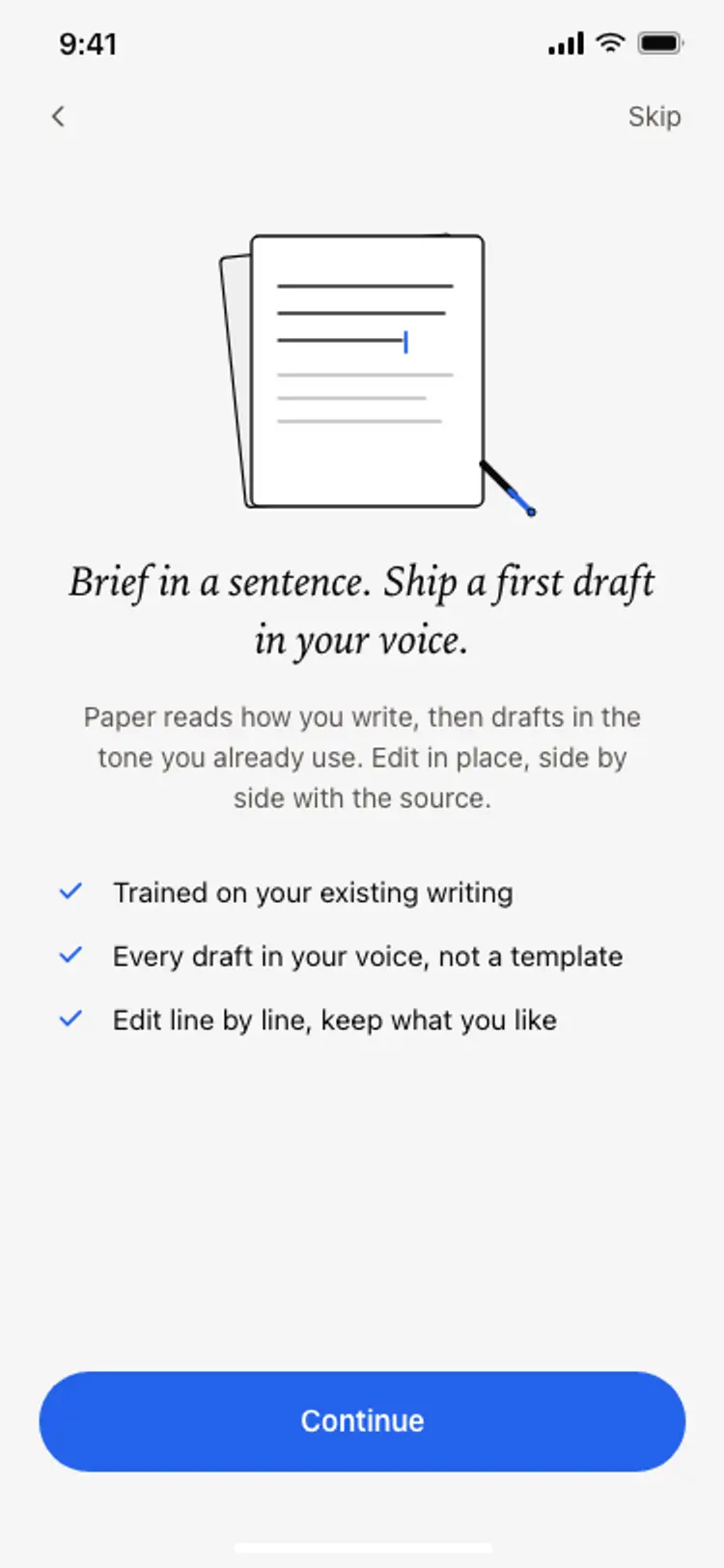
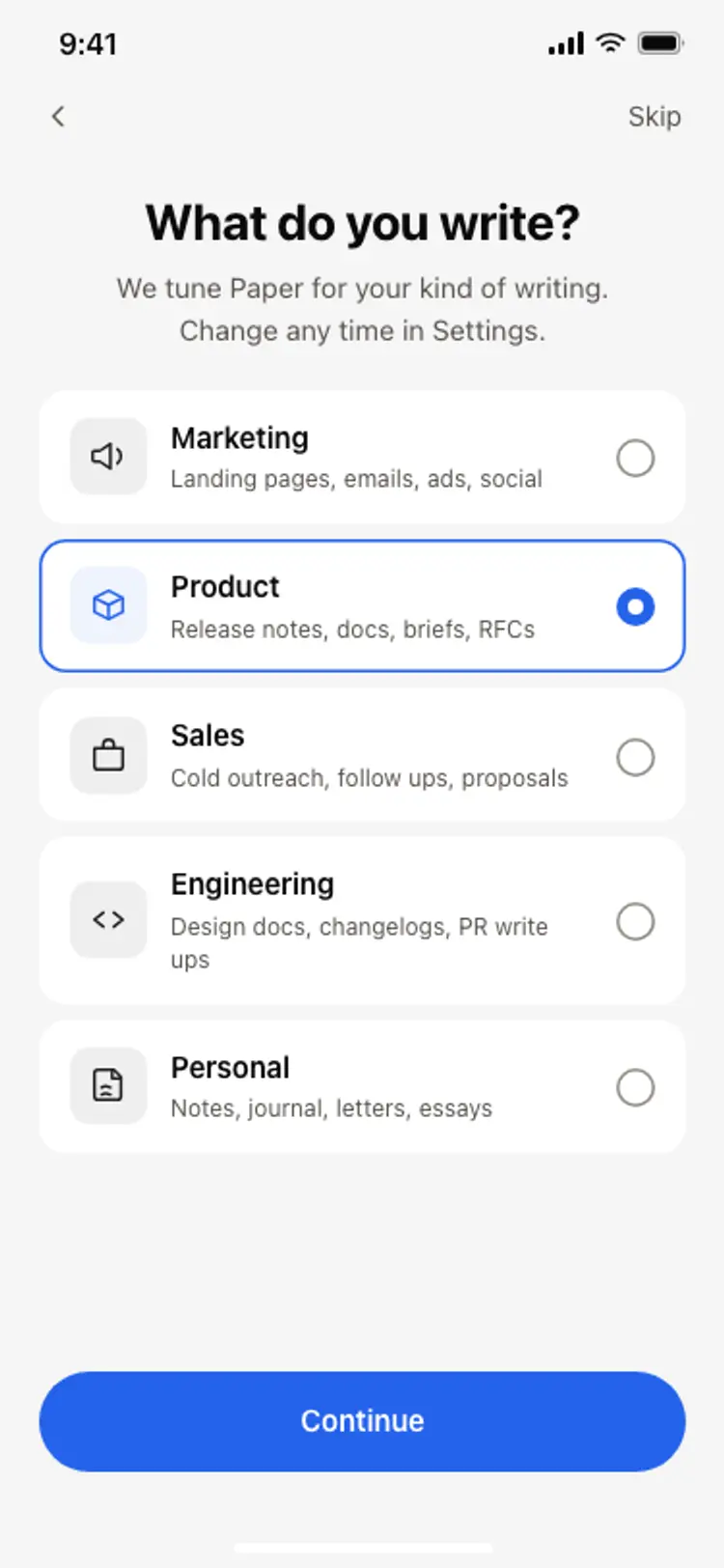
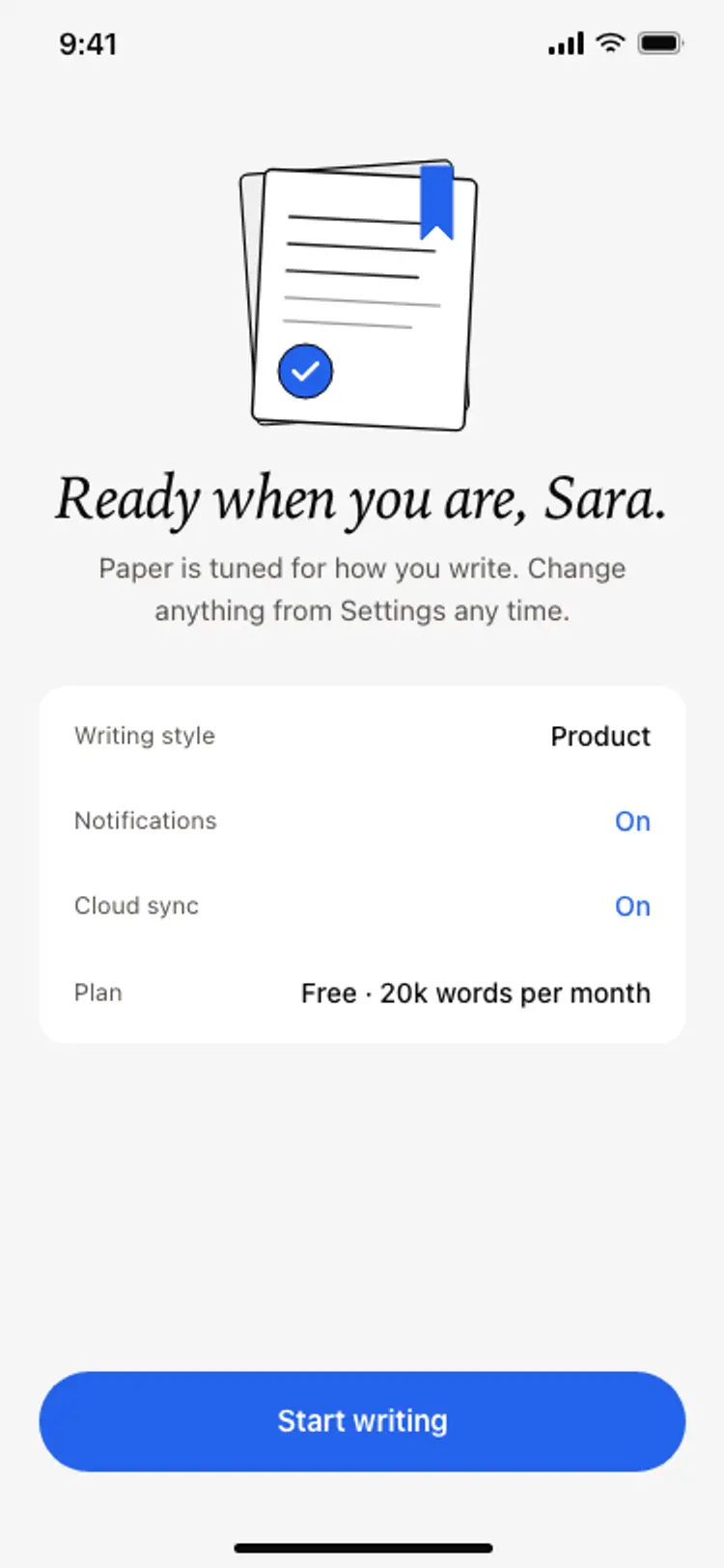
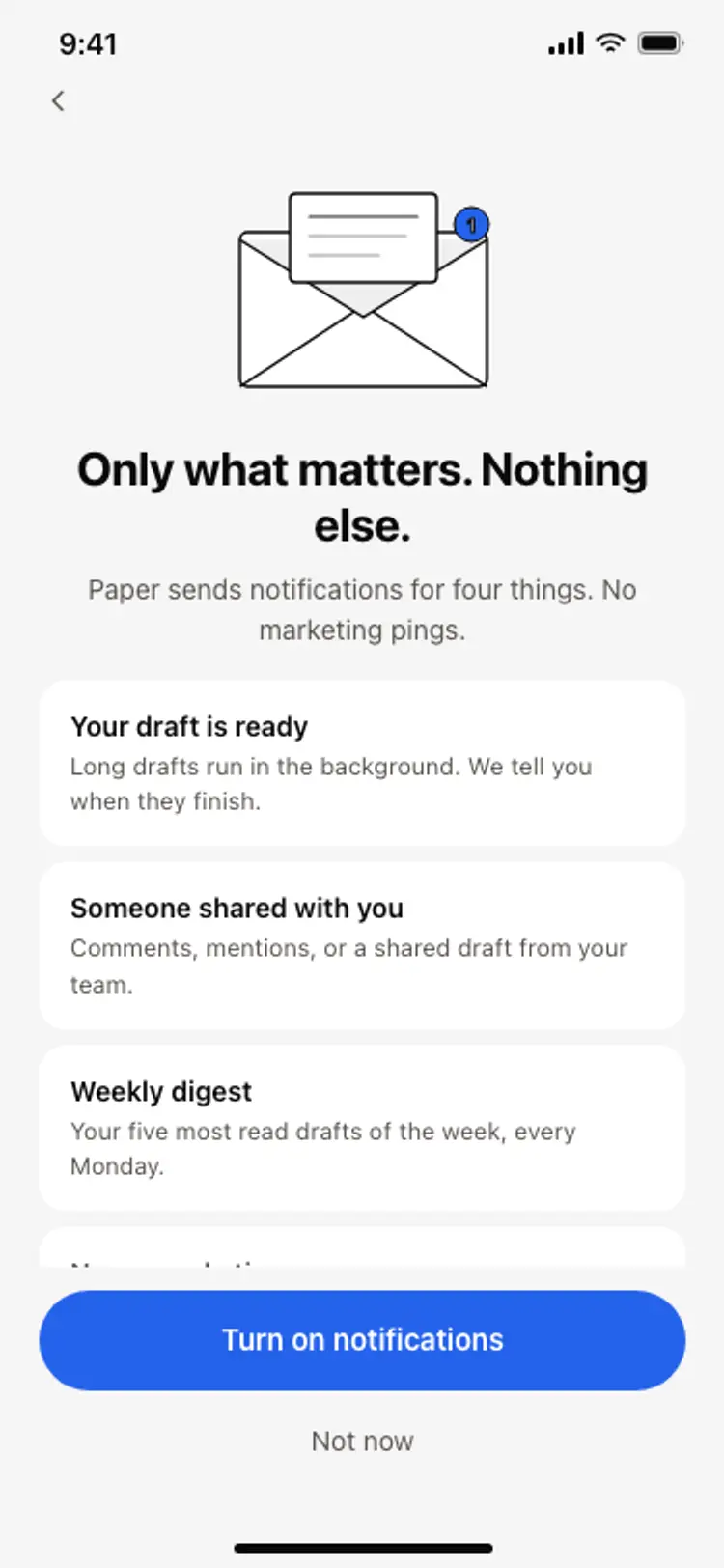
More onboarding app templates
View allNews app onboarding screen
News app onboarding screen
Onboarding
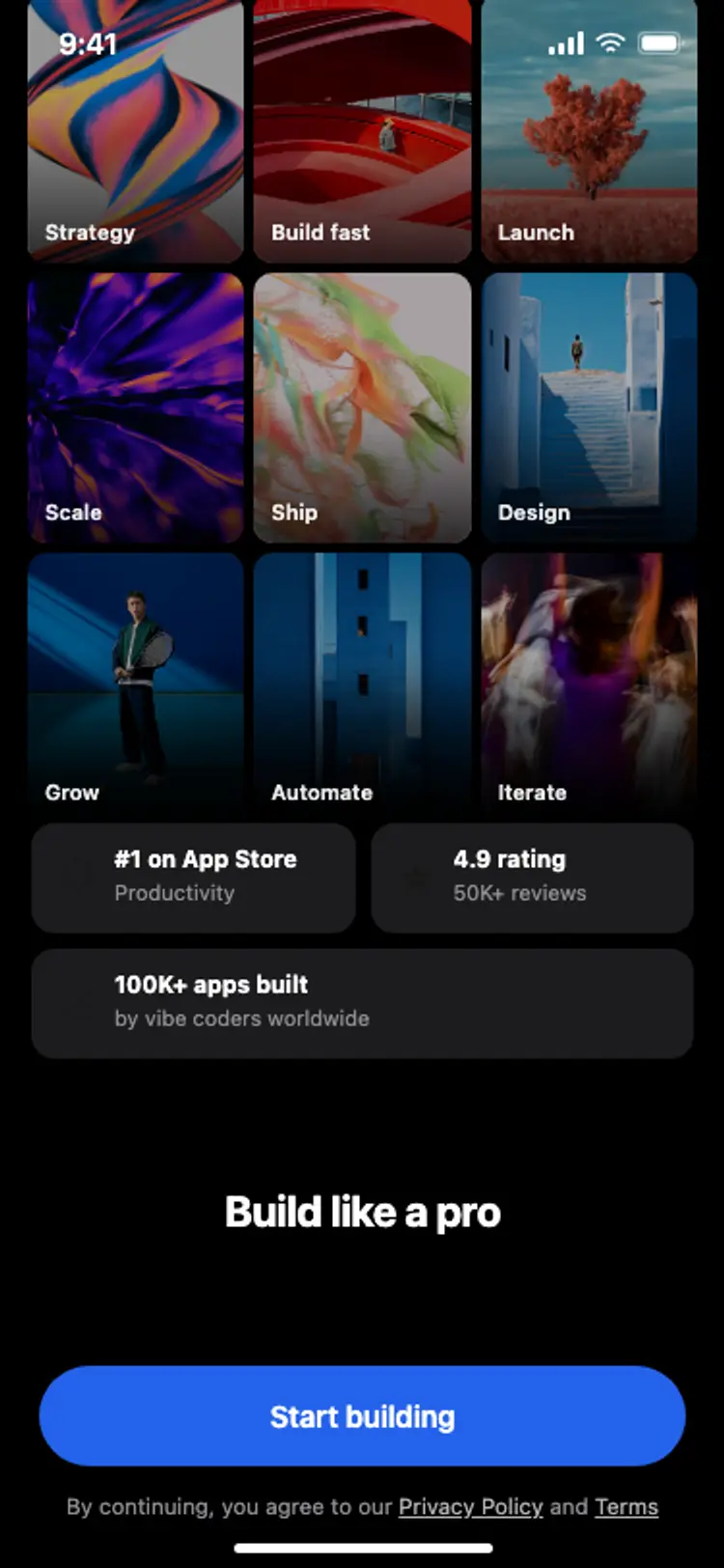
Onboarding with social proof
Onboarding with social proof
Onboarding
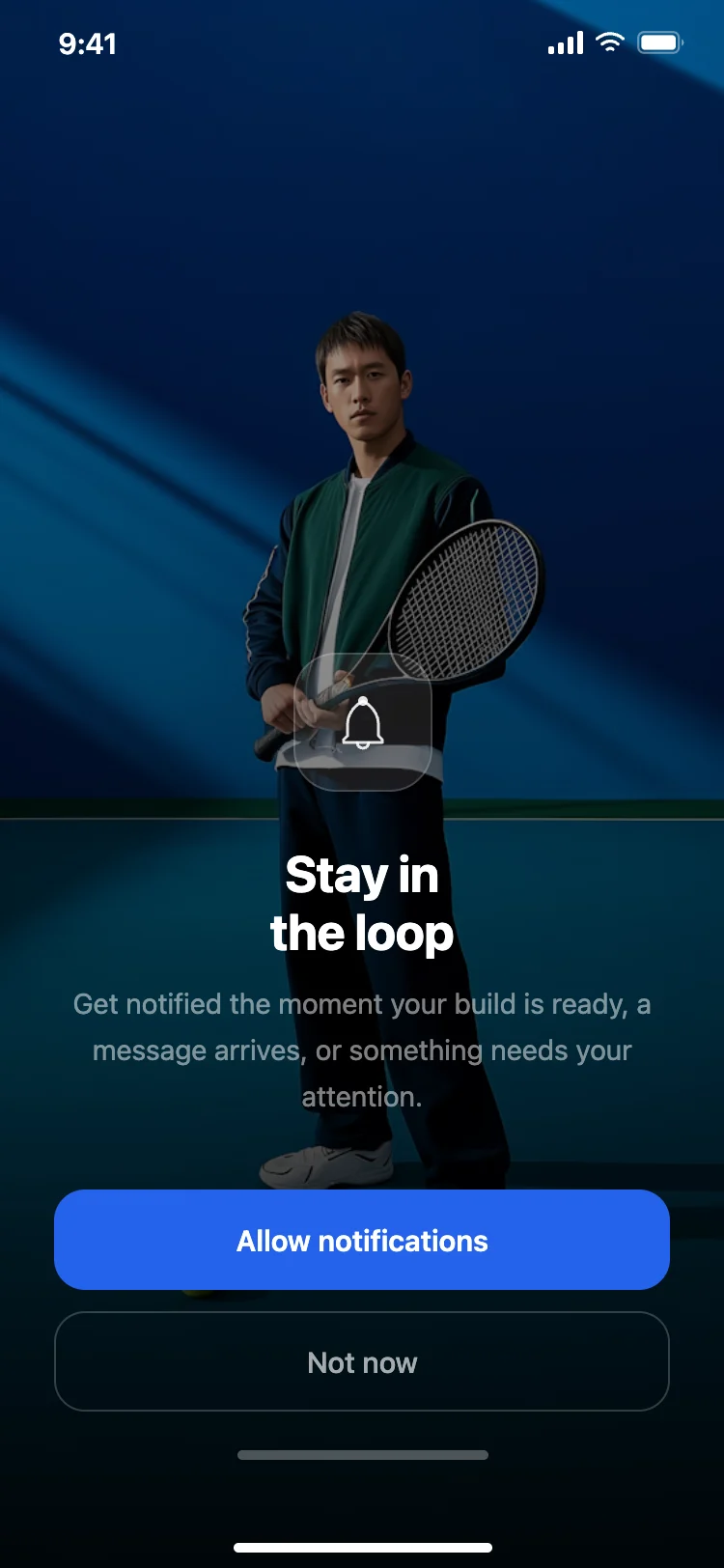
Notification permission prompt
Notification permission prompt
Onboarding
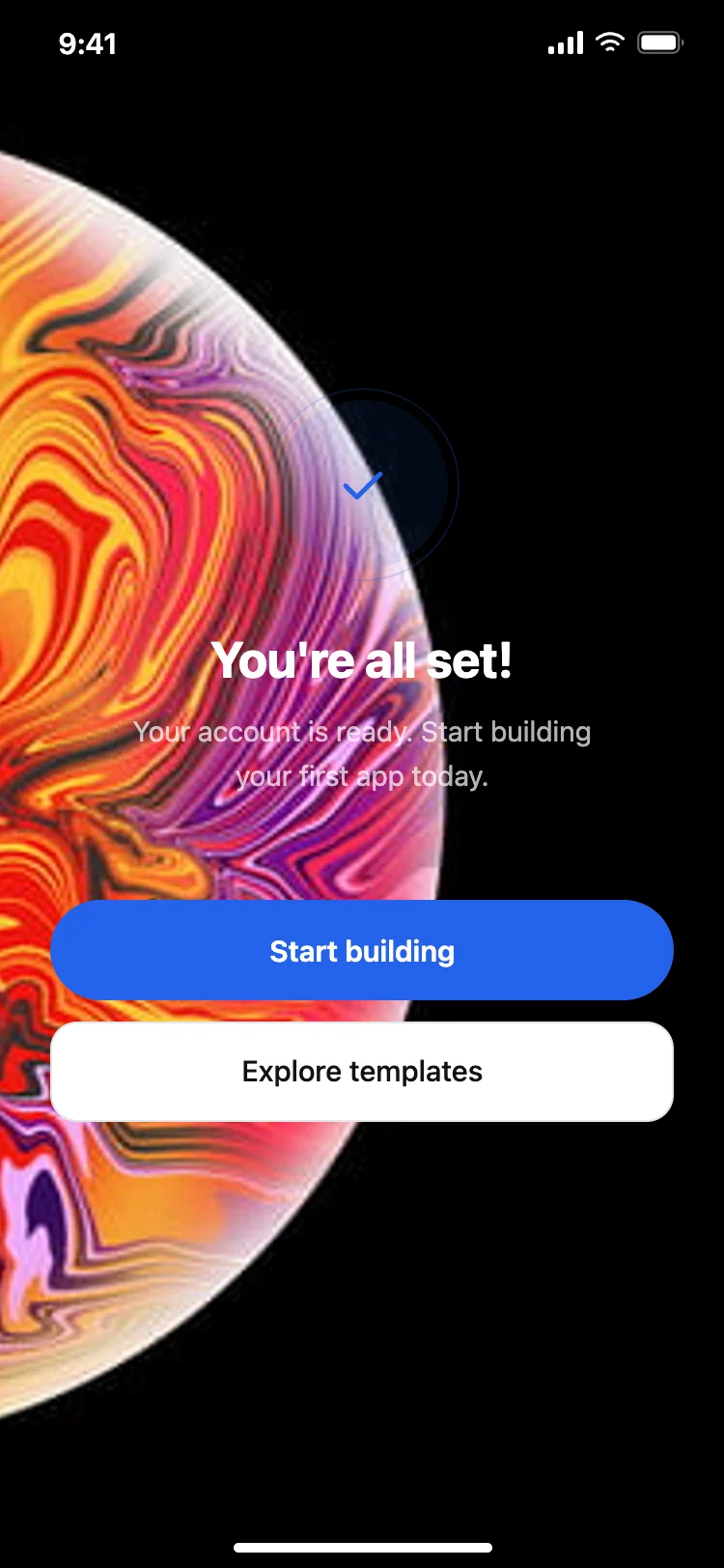
Success and completion screen
Success and completion screen
Onboarding
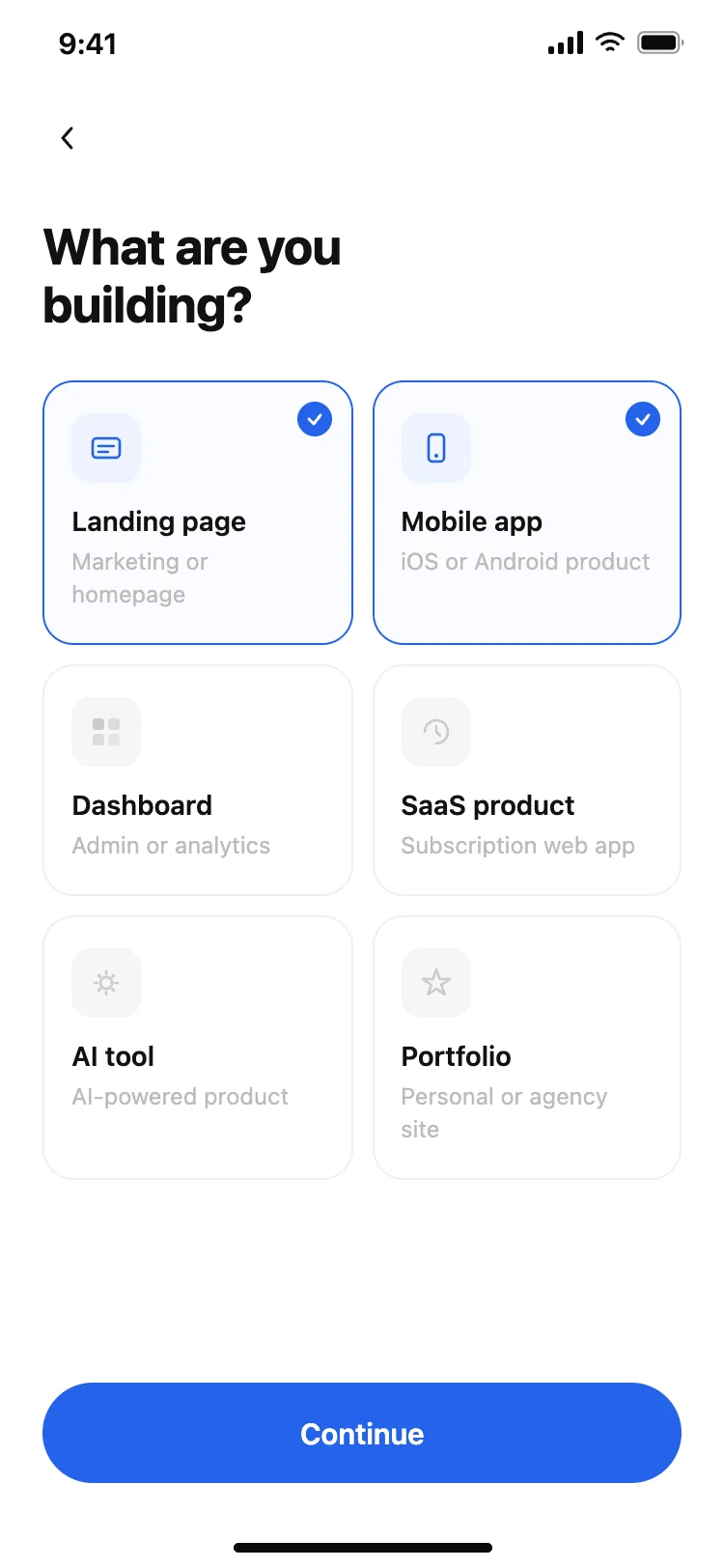
User preferences picker
User preferences picker
Onboarding
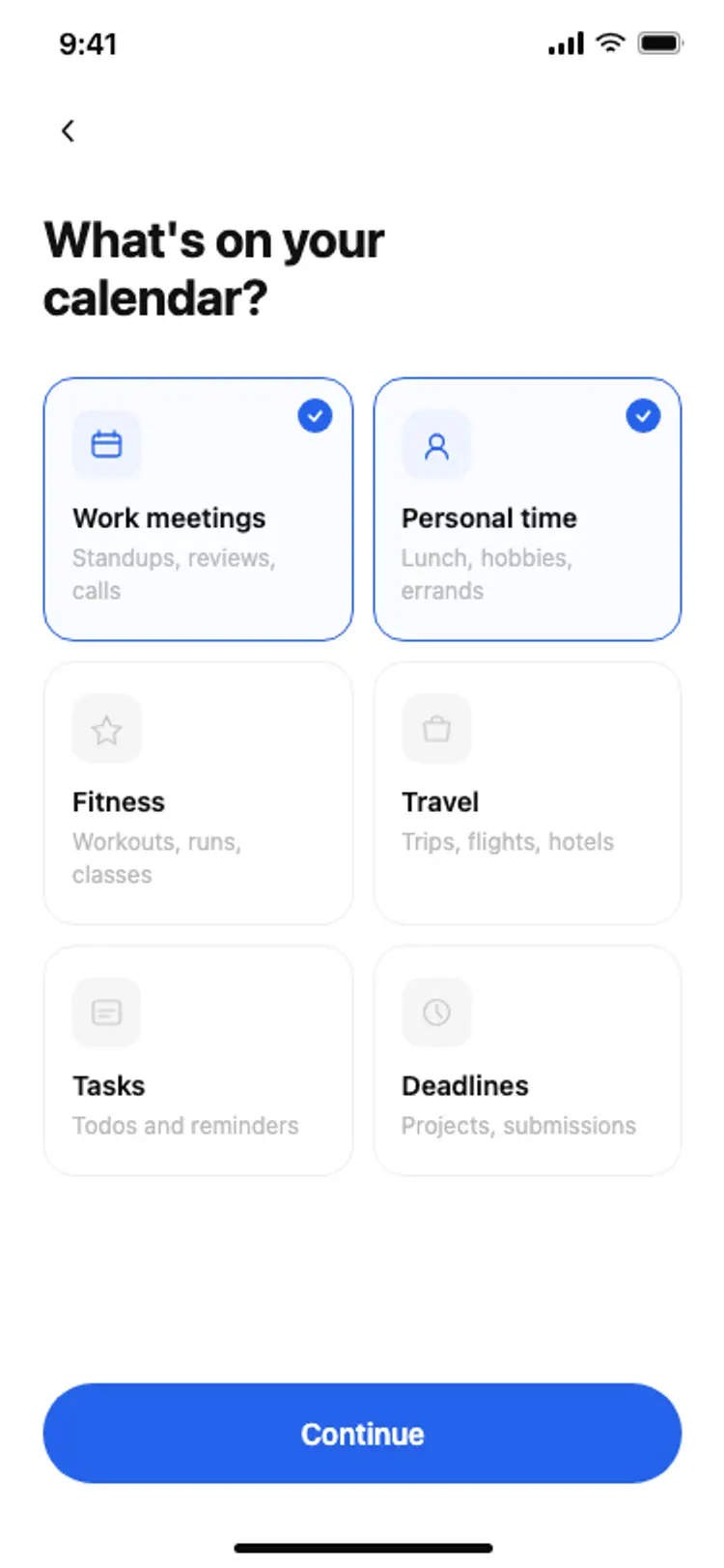
Calendar onboarding preferences
Calendar onboarding preferences
Onboarding
Other app templates you might like
See also
Browse app templates