News app onboarding screen template
An onboarding screen for a news or magazine app on iOS and Android. Full-bleed photography with a dark gradient overlay, a subscription CTA and a sign-in link. Built for publishers and media startups. Build it in Bolt, Lovable, or Replit.
About this app template
News app onboarding has one job: convert a download into a subscriber before the person forgets they installed the app. This template does it with a full-bleed editorial photograph that fills the screen, a dark gradient that pulls the eye down to the headline, a blue Continue button, and a quiet sign-in link for existing subscribers. The brand logo sits high on the photograph where it cannot be missed. The layout is the same one used by The New York Times, The Athletic and every publisher that learned the hard way that a carousel of features does not convert. Paste it into Bolt, Lovable or Replit and wire the button to your paywall or account creation flow.
Build a full mobile app onboarding flow with this template design
An onboarding flow is a run of screens a new user sees back to back, which makes any inconsistency between them obvious, so one onboarding screen can set the standard for every screen after it. Copy the template, paste it into Claude Code, Replit, Lovable, ChatGPT Codex, Bolt, or Cursor, and send this alongside it.
Paste into Claude Code, Replit, Lovable, Bolt, or Cursor
Common questions about this template
Should I use a carousel or a single screen?
A single screen. Carousels lower conversion because most people swipe past them or skip them. One photograph, one headline, one button is the format that converts best for news apps.
How do I add a second onboarding step?
Ask your AI to add a second page with a different photograph and a trial-start CTA. The template uses a two-page pattern where the first page says Continue and the second says Start your free month.
Can I use this for a podcast or audio app?
Yes. The full-bleed photograph, dark gradient and subscription CTA work for any content app: podcasts, audiobooks, newsletters, video subscriptions.
What photograph should I use?
An editorial photograph that communicates the kind of story your publication covers. Avoid stock photos of people reading phones. The photograph is the brand, and it needs to feel like something only your publication would run.
Use this template for
- ·News and magazine app onboarding screens for iOS and Android vibe coding
- ·Publisher subscription CTA screens for mobile app development
- ·Media startup onboarding templates with full-bleed photography
- ·Editorial app welcome screens for Bolt, Lovable and Replit
More onboarding app templates
View all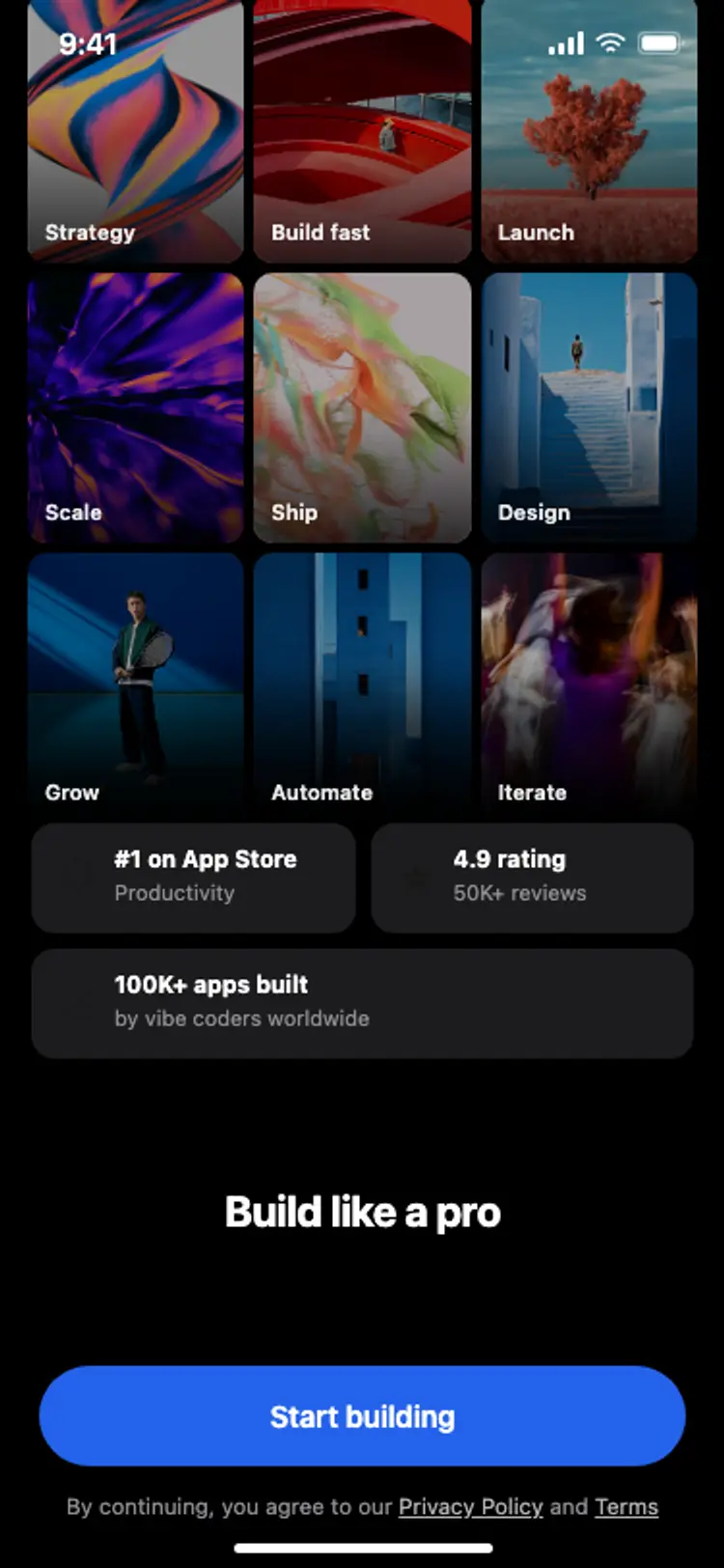
Onboarding with social proof
Onboarding with social proof
Onboarding
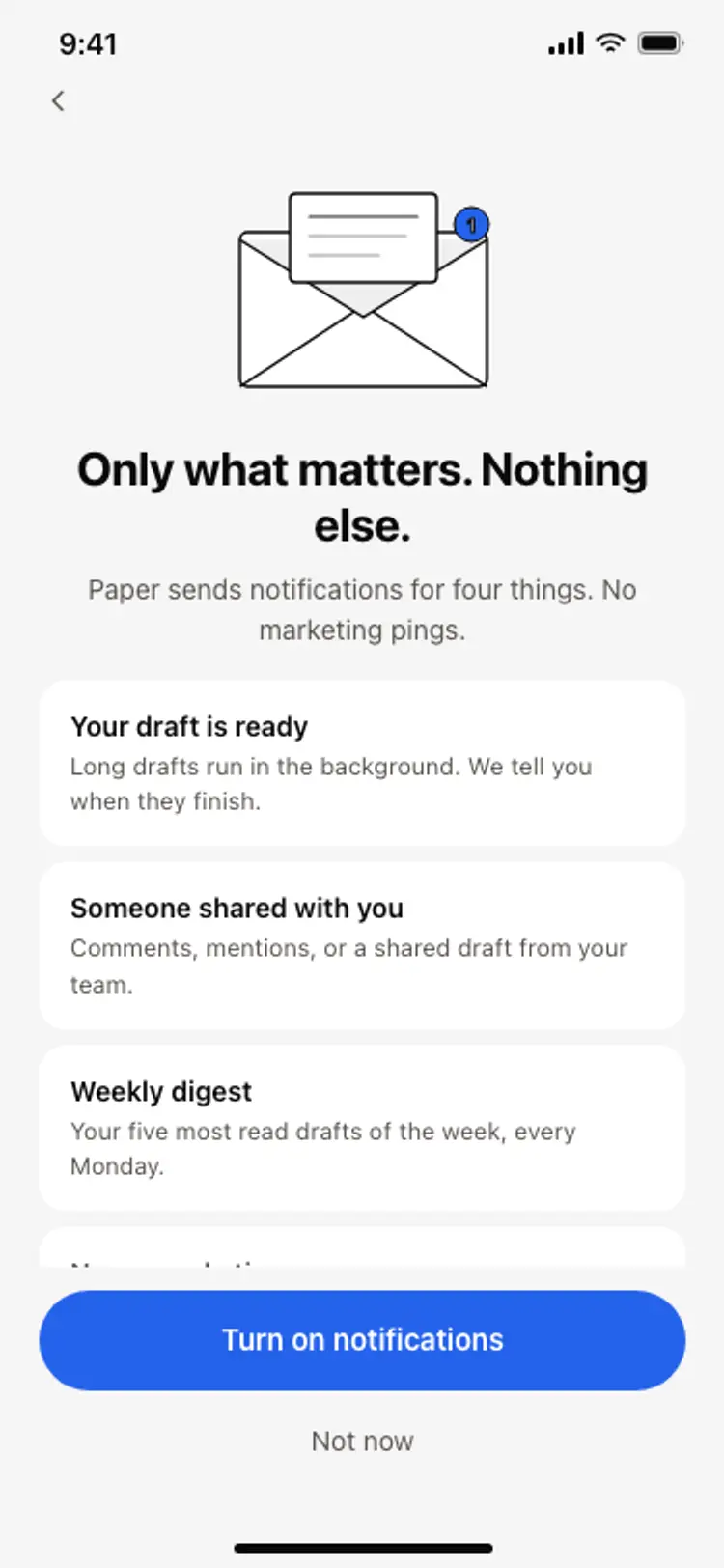
Notification preferences screen
Notification preferences screen
Onboarding
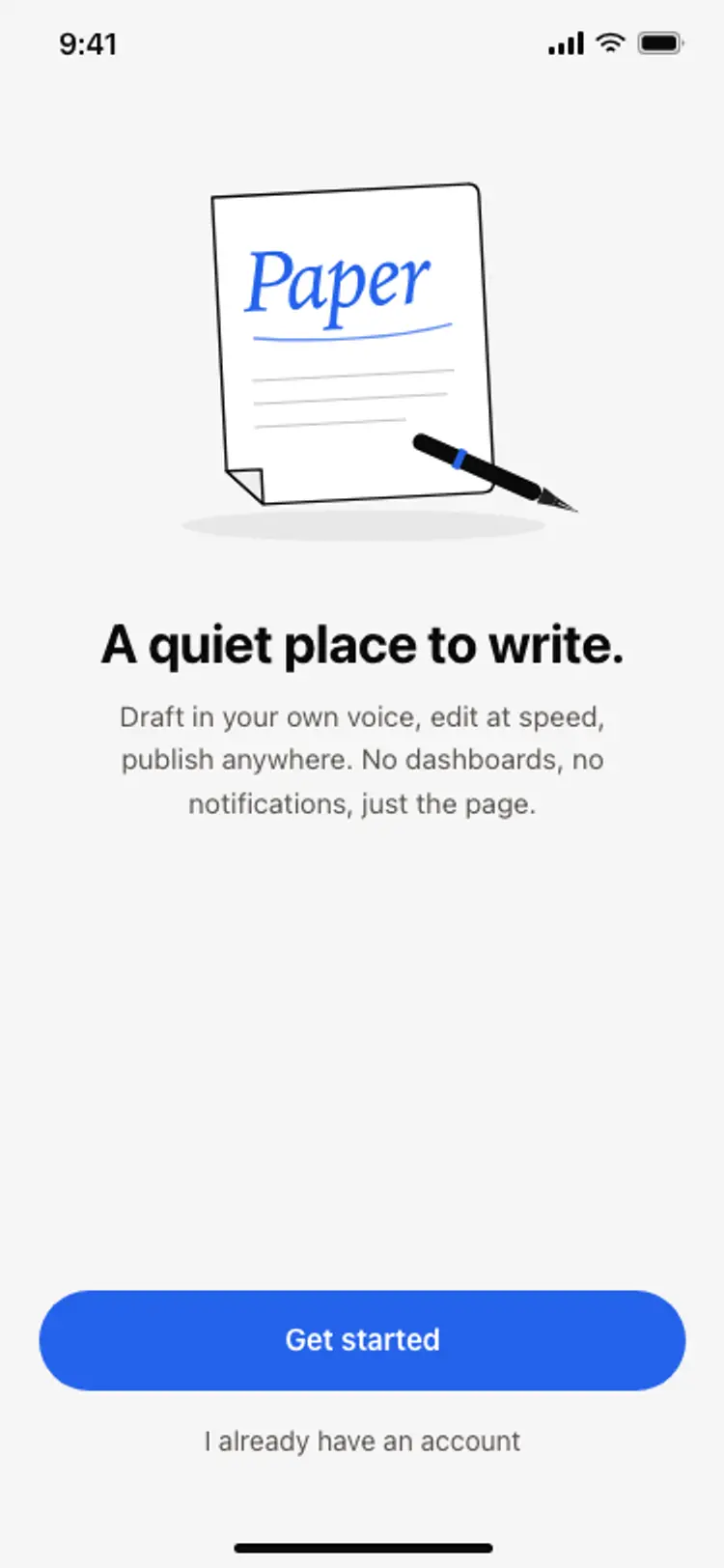
App onboarding welcome screen
App onboarding welcome screen
Onboarding
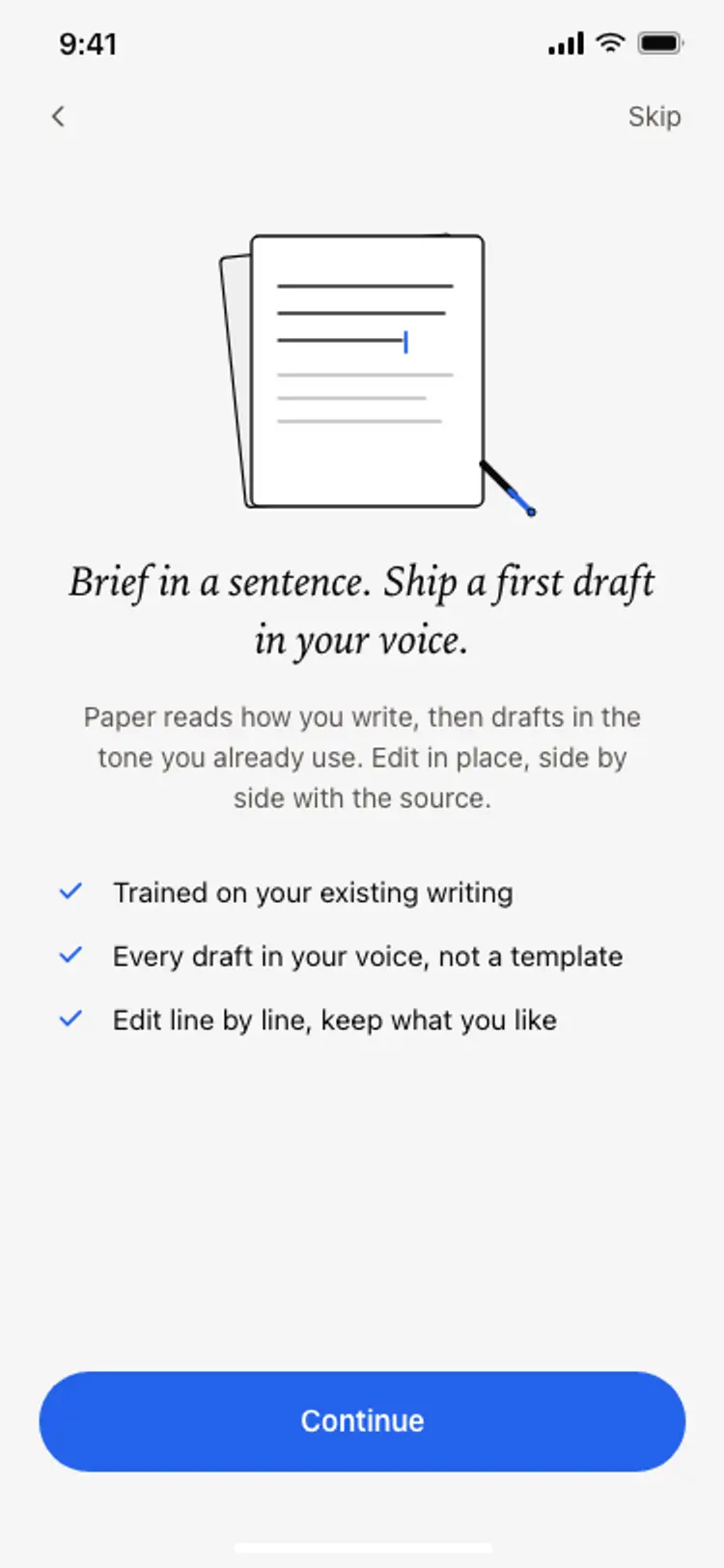
Onboarding benefits screen
Onboarding benefits screen
Onboarding
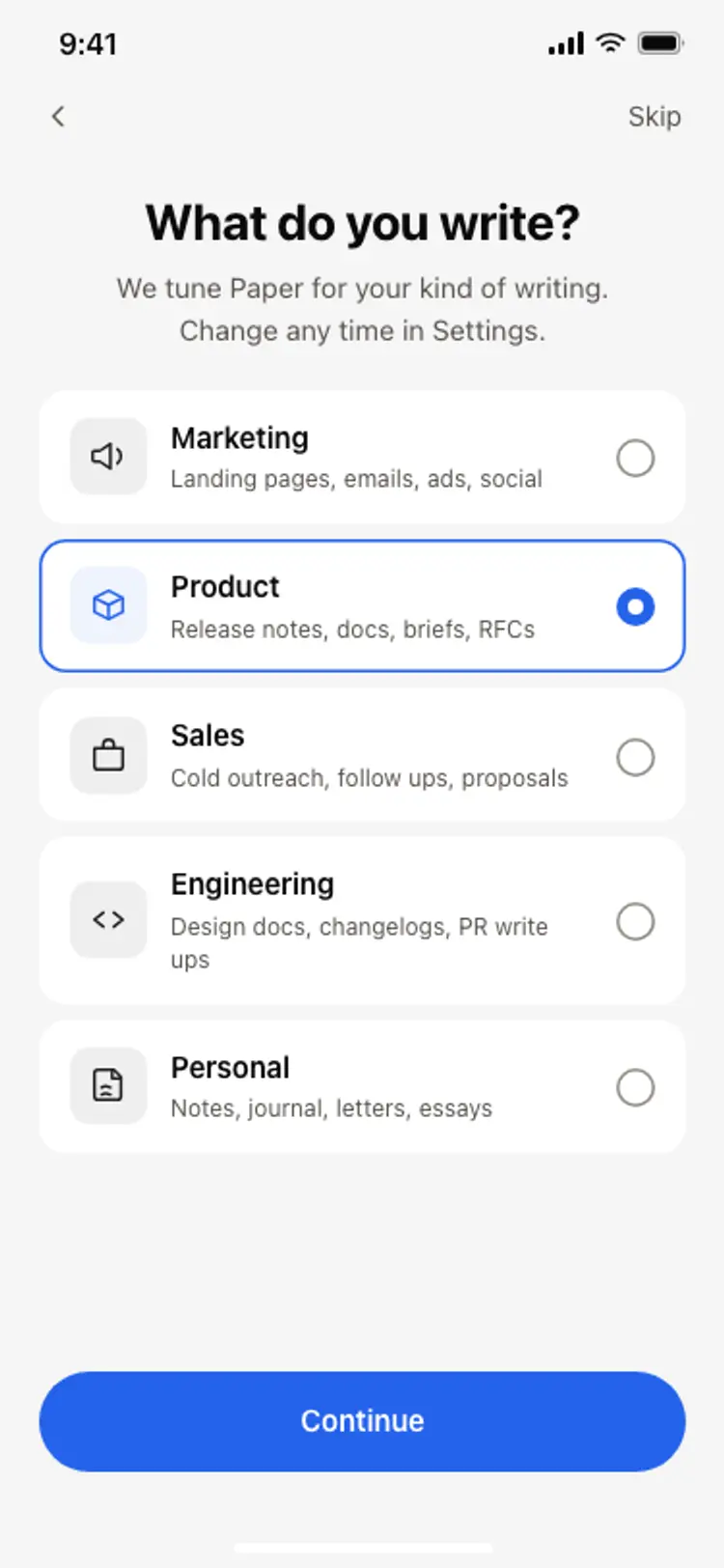
Onboarding role picker
Onboarding role picker
Onboarding
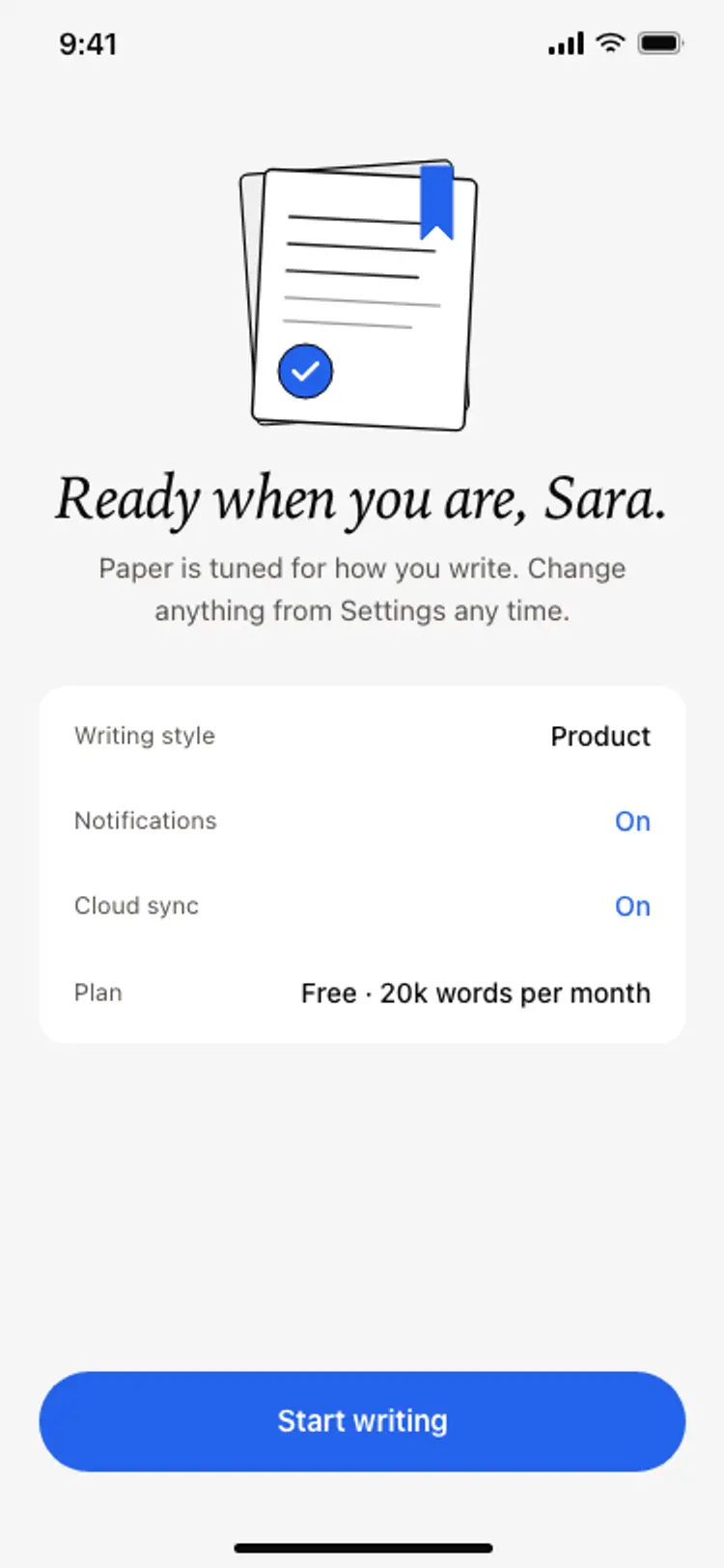
Onboarding complete screen
Onboarding complete screen
Onboarding
Other app templates you might like
See also
Browse app templates