Onboarding with social proof app template
An onboarding screen for iOS and Android apps with a feature photo grid and App Store social proof. Nine images show users what your app delivers before you ask them to sign up, a star rating and review count build trust, and one button moves them forward. Use it for fitness apps, productivity tools, creative platforms, and any mobile product that converts better when users understand the value first. Built for Bolt, Lovable, and Replit.
About this app template
First impressions decide whether users sign up or leave. This onboarding screen is designed to win that moment. Nine feature photos in a three-column grid show the scope and quality of what your app delivers. A gradient fades the grid into a social proof row with an App Store rating badge, a star score, and a user count, followed by a bold headline, supporting text, and a single blue CTA. The pattern mirrors the onboarding screens of top productivity and creative apps. Paste it into Bolt, Lovable, or Replit, swap the nine images for your own app screenshots or photography, update the headline and social proof numbers, and ask your AI to add a swipeable multi-step flow if you want more than one screen.
Build a full mobile app onboarding flow with this template design
An onboarding flow is a run of screens a new user sees back to back, which makes any inconsistency between them obvious, so one onboarding screen can set the standard for every screen after it. Copy the template, paste it into Claude Code, Replit, Lovable, ChatGPT Codex, Bolt, or Cursor, and send this alongside it.
Paste into Claude Code, Replit, Lovable, Bolt, or Cursor
Common questions about this template
What makes a good mobile app onboarding screen?
The best onboarding screens show users what they get before asking them to sign up. A feature grid communicates breadth, social proof builds trust, and a single CTA drives action. This template combines all three in the order that converts best.
How do I build a multi-step onboarding flow with Bolt or Lovable?
Paste this template as screen one, then ask your AI to create a swipeable carousel connecting multiple onboarding screens. Each screen becomes a step. Your AI adds the navigation, page indicators, and skip logic.
Should onboarding come before or after sign-up on iOS?
Best practice is to show onboarding before asking for sign-up. Users who understand the value first are more likely to create an account. Use this screen before your sign-in template.
Can I use real App Store rating data in this template?
Yes. Replace the placeholder numbers in the badge divs with your actual App Store rating and review count. If your app is pre-launch, use a waitlist count or early access user number instead.
Use this template for
- ·iOS and Android first-run onboarding screens
- ·Feature showcase before sign-up or paywall
- ·Social proof screens that drive conversion
- ·App Store value-prop displays
More onboarding app templates
View allNews app onboarding screen
News app onboarding screen
Onboarding
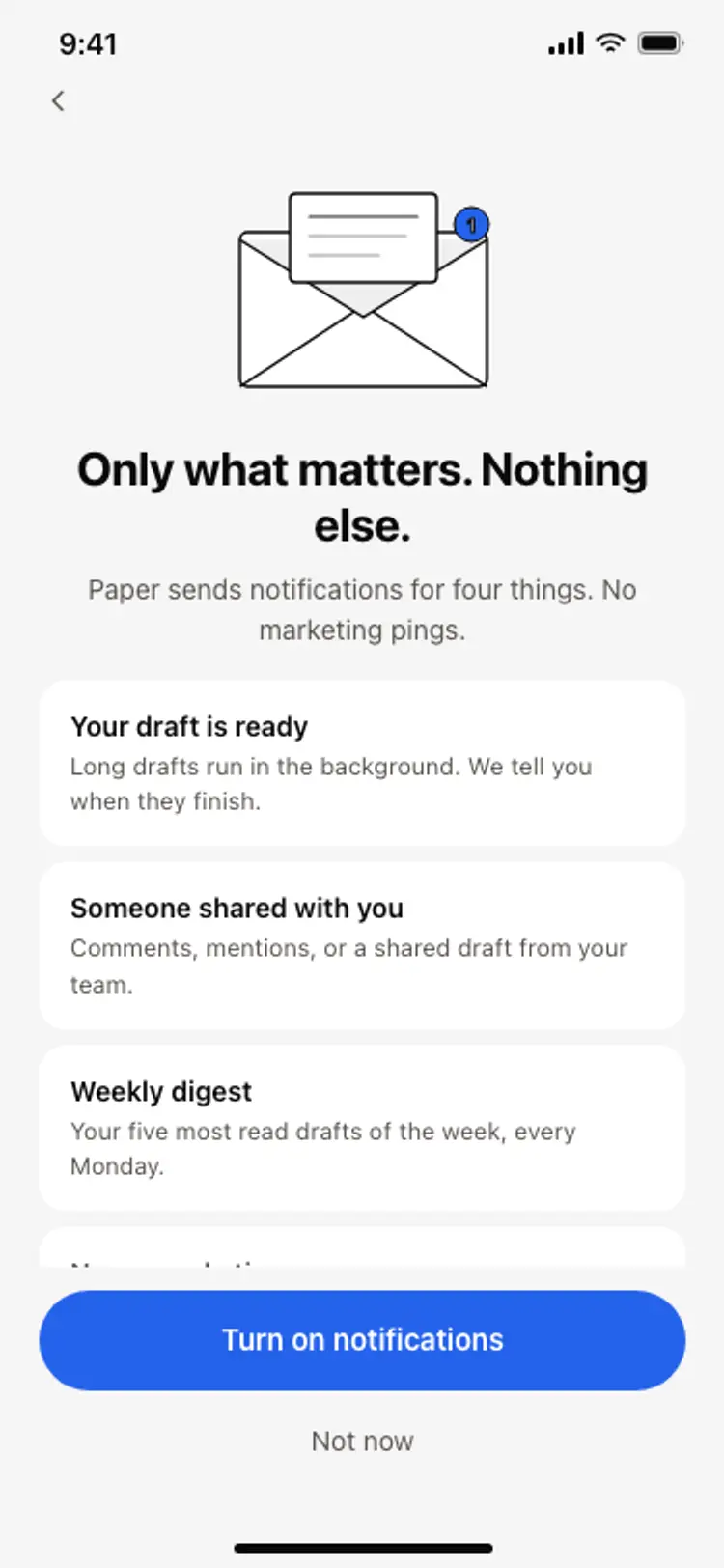
Notification preferences screen
Notification preferences screen
Onboarding
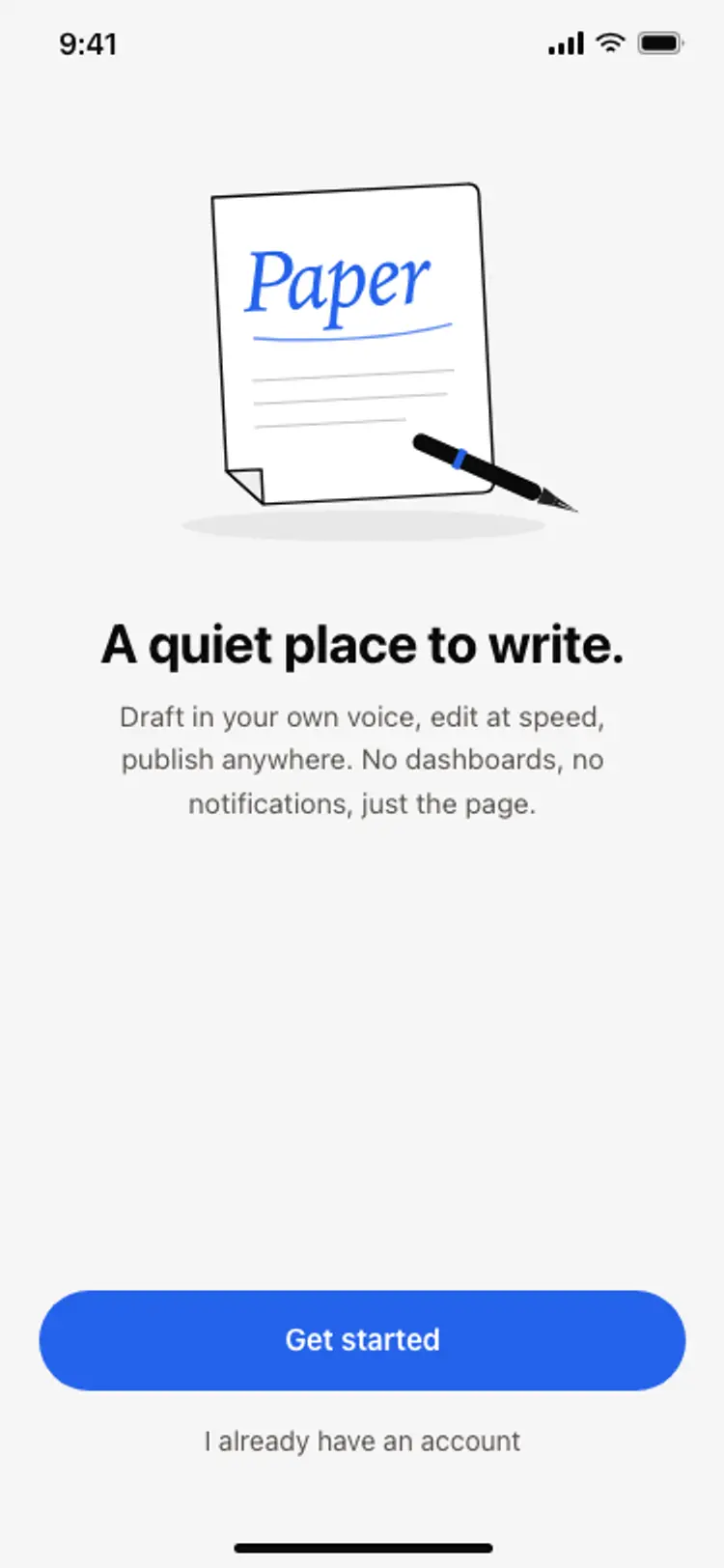
App onboarding welcome screen
App onboarding welcome screen
Onboarding
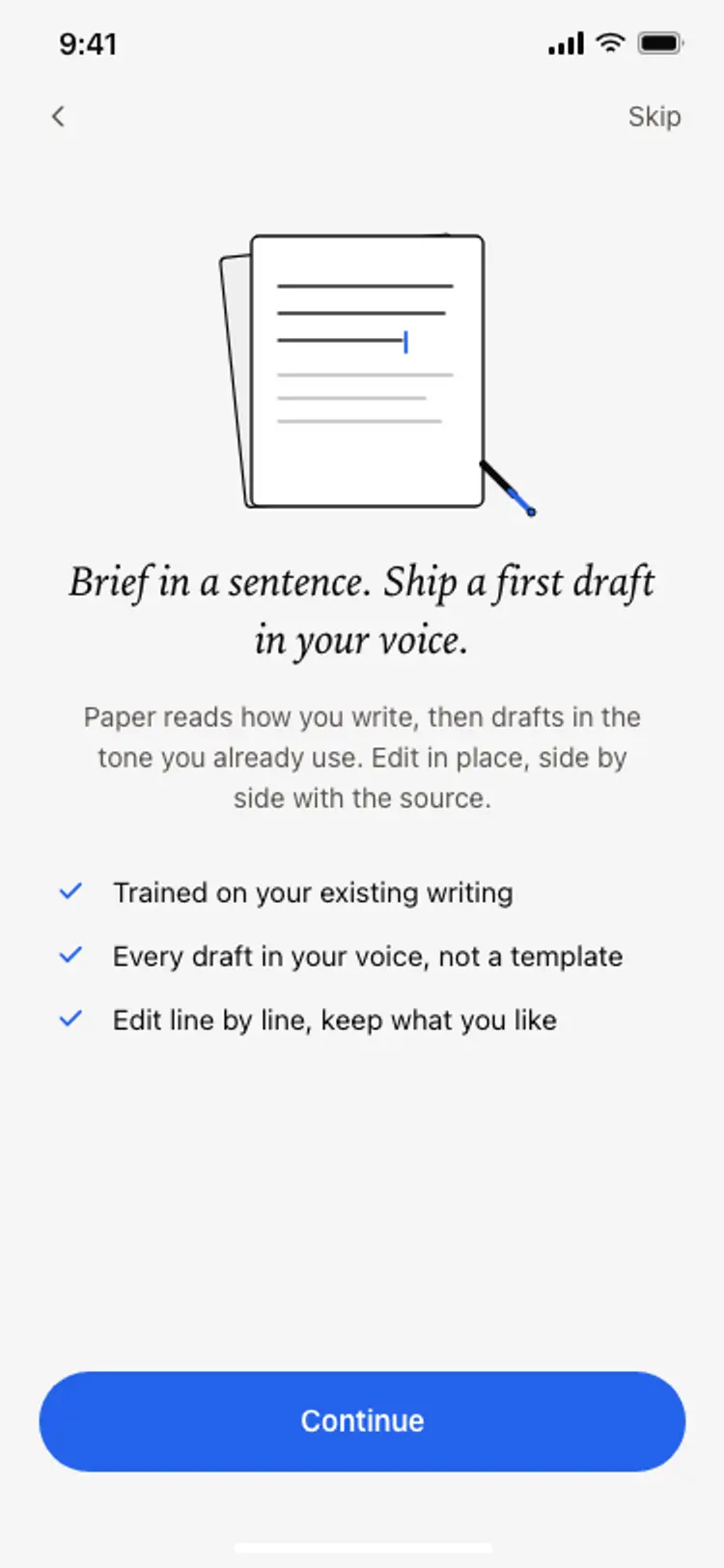
Onboarding benefits screen
Onboarding benefits screen
Onboarding
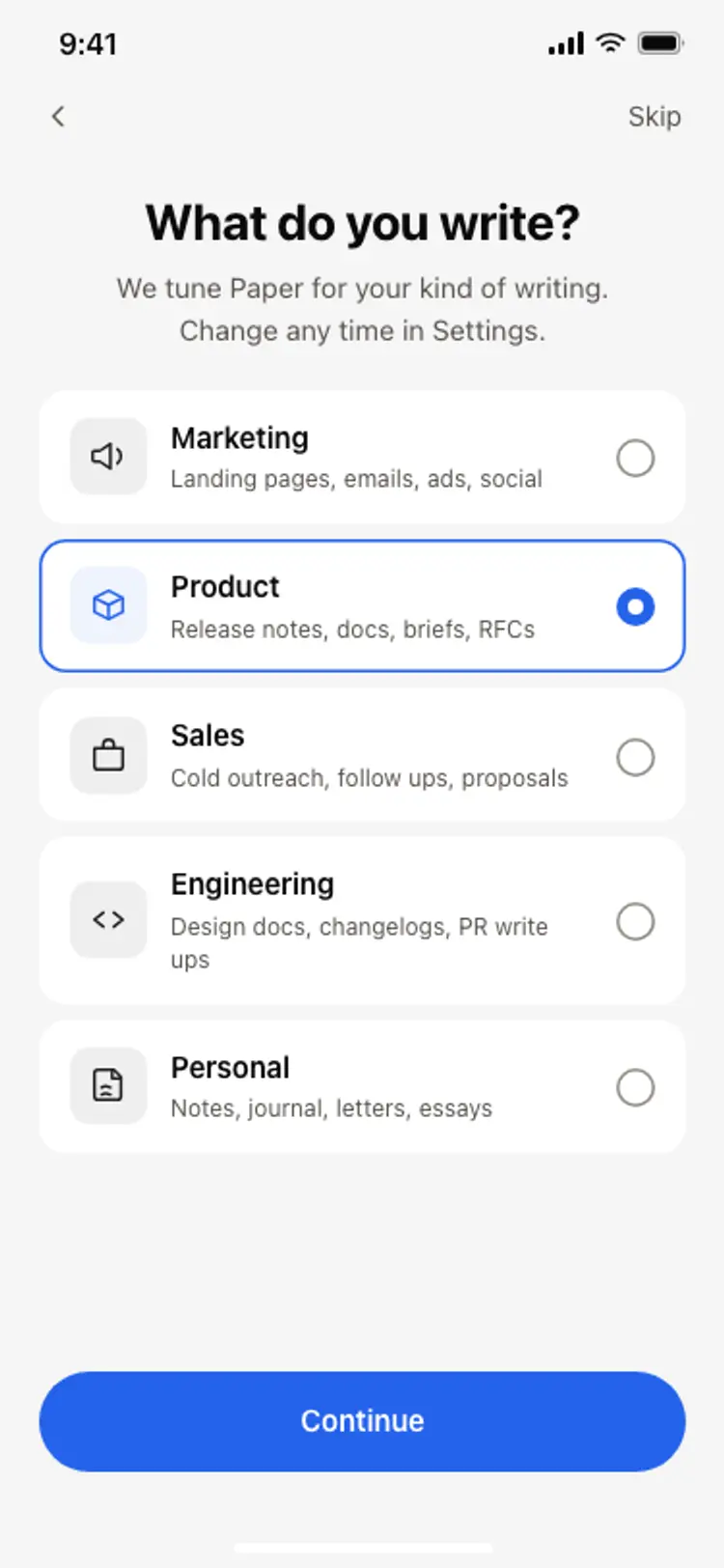
Onboarding role picker
Onboarding role picker
Onboarding
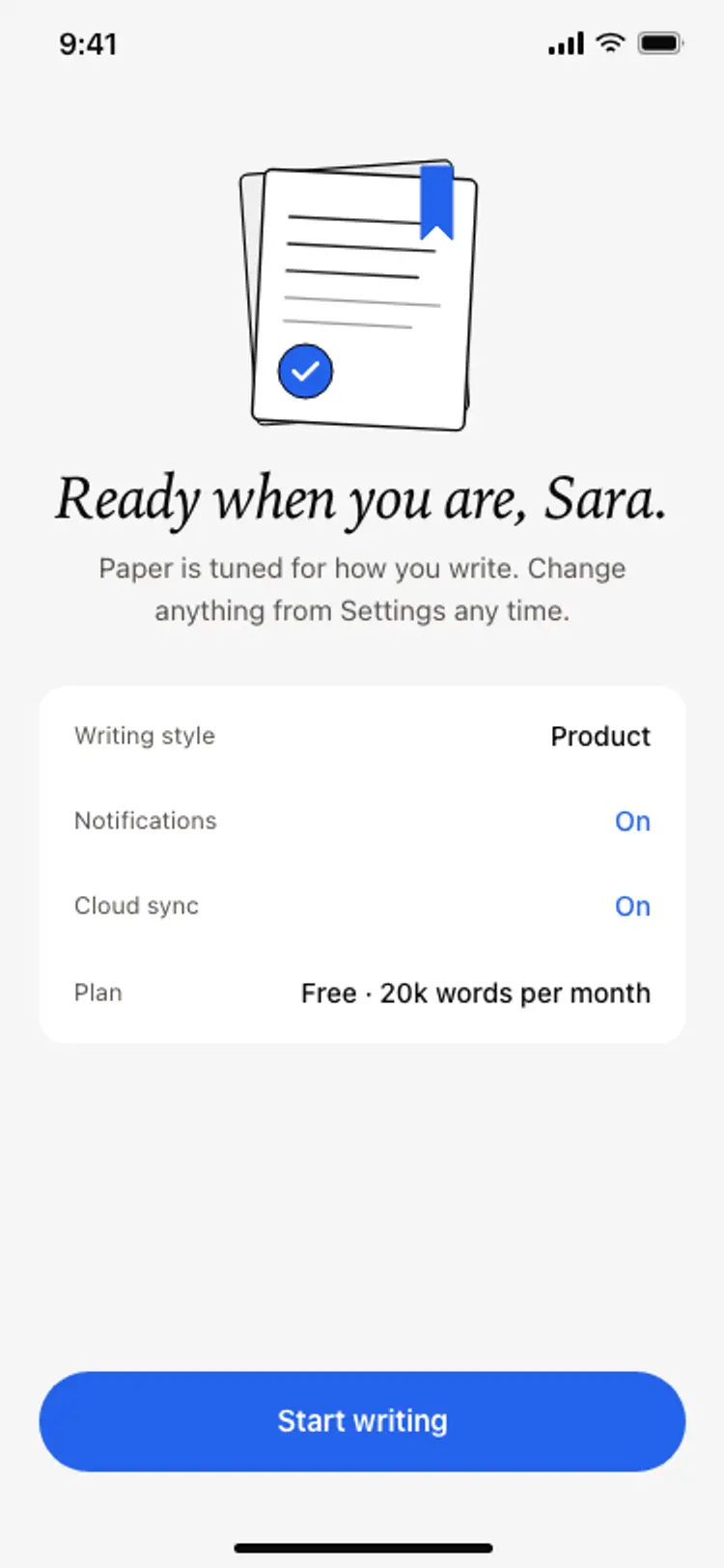
Onboarding complete screen
Onboarding complete screen
Onboarding
Other app templates you might like


See also
Browse app templates