Onboarding complete screen app template
A confirmation screen for iOS and Android apps, shown when setup is finished. It lists back what the user chose during onboarding, names the plan they are on, and offers a single button into the product. Use it for subscription apps, productivity tools, and any onboarding flow long enough that users need to see it end. Build the flow around it with Bolt, Lovable, or Replit.
About this app template
A flow that just stops leaves people unsure whether it worked. This screen closes it properly. It repeats the choices made along the way, so the user sees their answers were recorded, names the plan they are on so there is no surprise later, and gives one button into the product. Addressing the user by name costs nothing and makes the whole setup feel like it was for them. Keep the summary short and make the button lead somewhere useful, not to an empty home screen. Paste it into Bolt, Lovable, or Replit and populate the summary from the answers you collected.
Build a full mobile app onboarding flow with this template design
An onboarding flow is a run of screens a new user sees back to back, which makes any inconsistency between them obvious, so one onboarding screen can set the standard for every screen after it. Copy the template, paste it into Claude Code, Replit, Lovable, ChatGPT Codex, Bolt, or Cursor, and send this alongside it.
Paste into Claude Code, Replit, Lovable, Bolt, or Cursor
Common questions about this template
Do apps need an onboarding complete screen?
Any flow longer than two or three screens benefits from one. Without it users are left wondering whether their answers saved, and that uncertainty is what sends people to settings to check.
What should the completion screen show?
The choices the user made, the plan they are on, and one way forward. Repeating their answers proves the setup worked, and naming the plan avoids a surprise at the first paywall.
Where should the button lead?
Somewhere the user can act, not an empty home screen. Sending someone straight into a blank state undoes the goodwill the flow just built.
Can I populate the summary automatically?
Yes. Ask your AI in Bolt, Lovable, or Replit to read the answers you stored during onboarding and render them here, so the screen always reflects what the user actually chose.
Use this template for
- ·Setup complete screens after onboarding
- ·Confirmation screens summarising user choices
- ·Plan confirmation before first use
- ·The last step of a multi screen flow
More from the App onboarding flow set
5 screens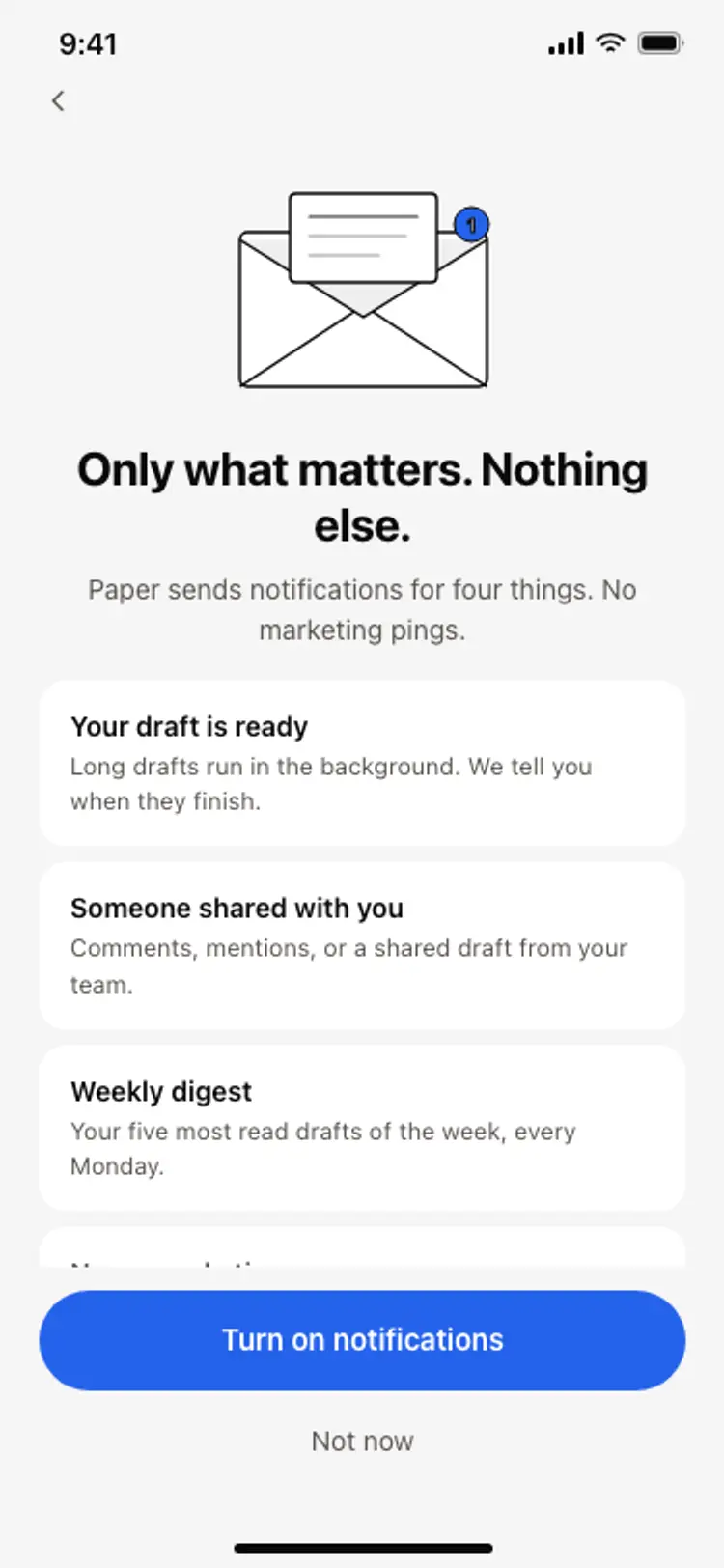
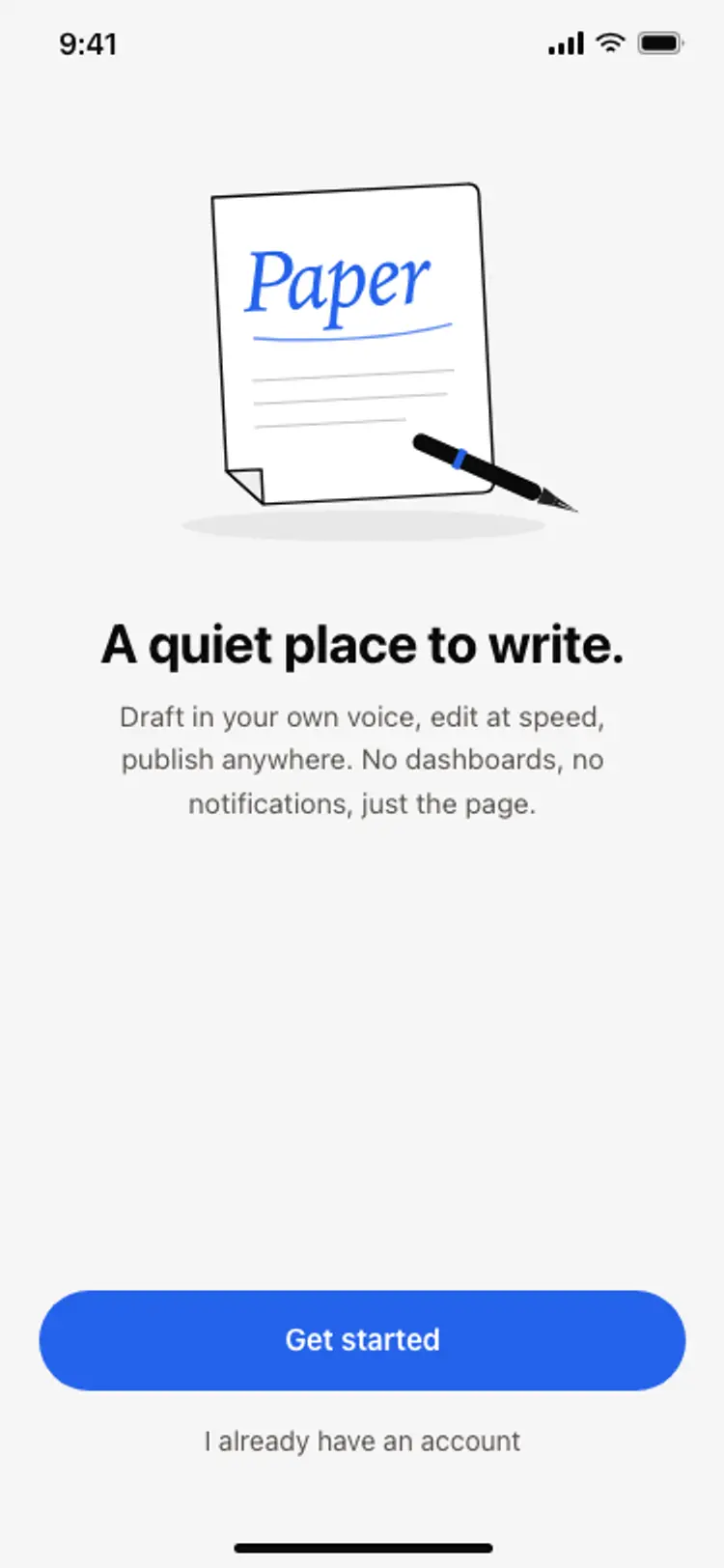
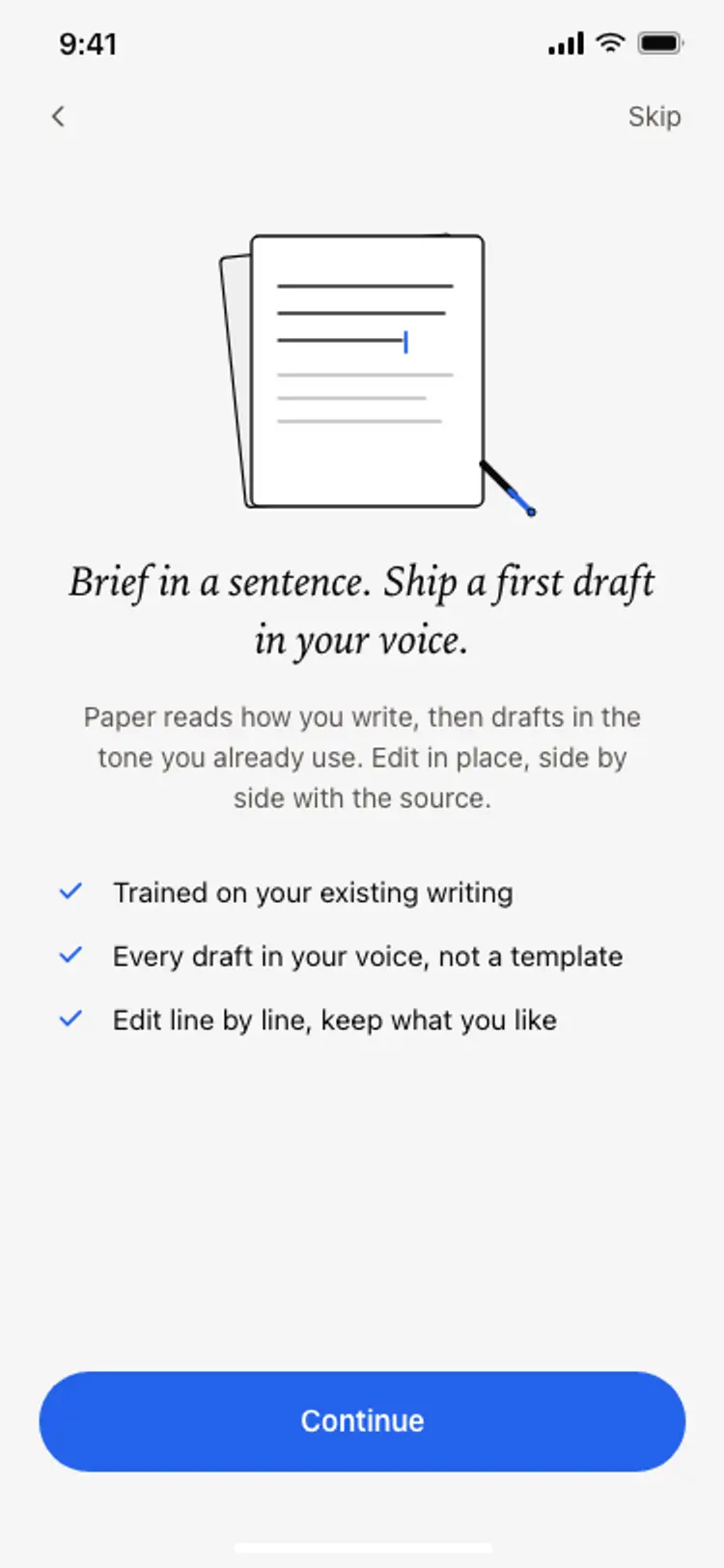
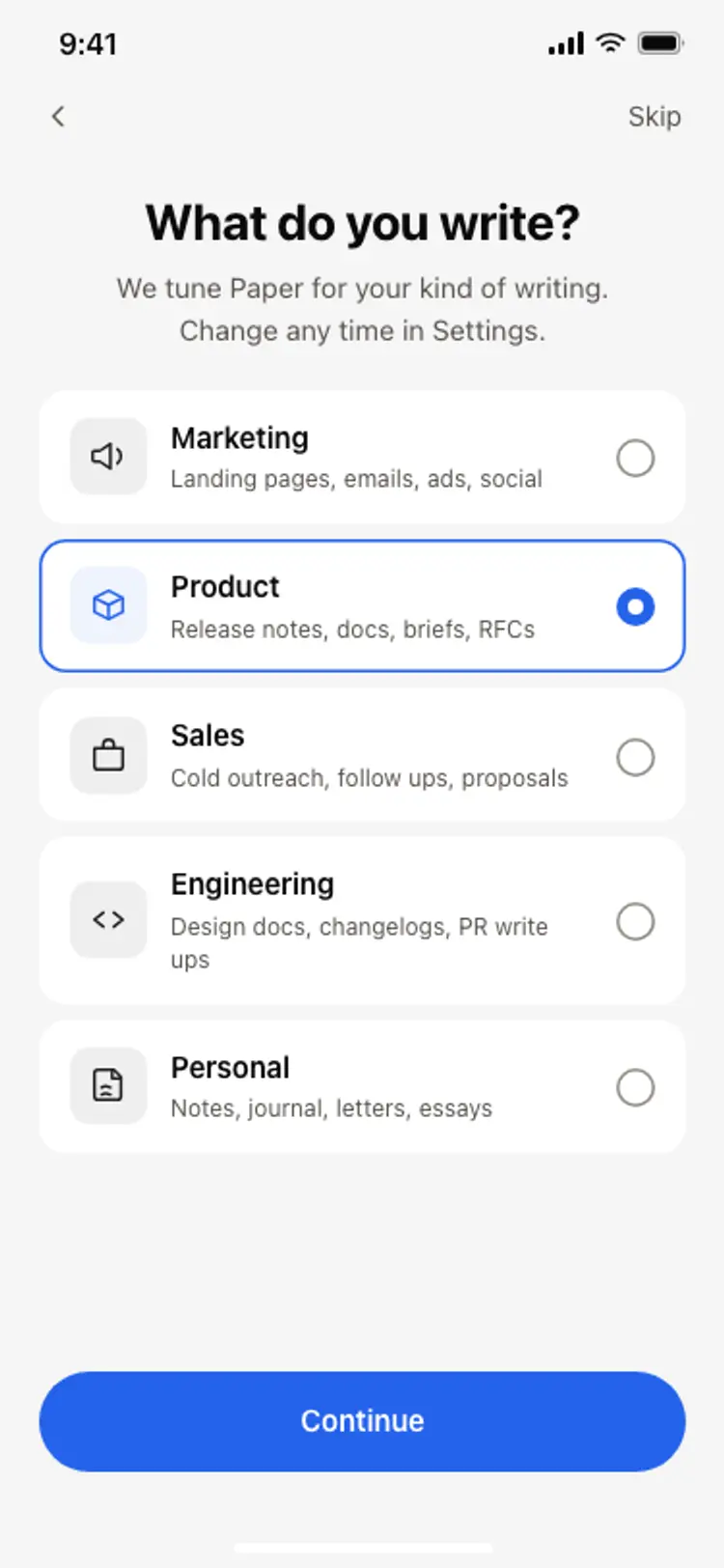
More onboarding app templates
View allNews app onboarding screen
News app onboarding screen
Onboarding
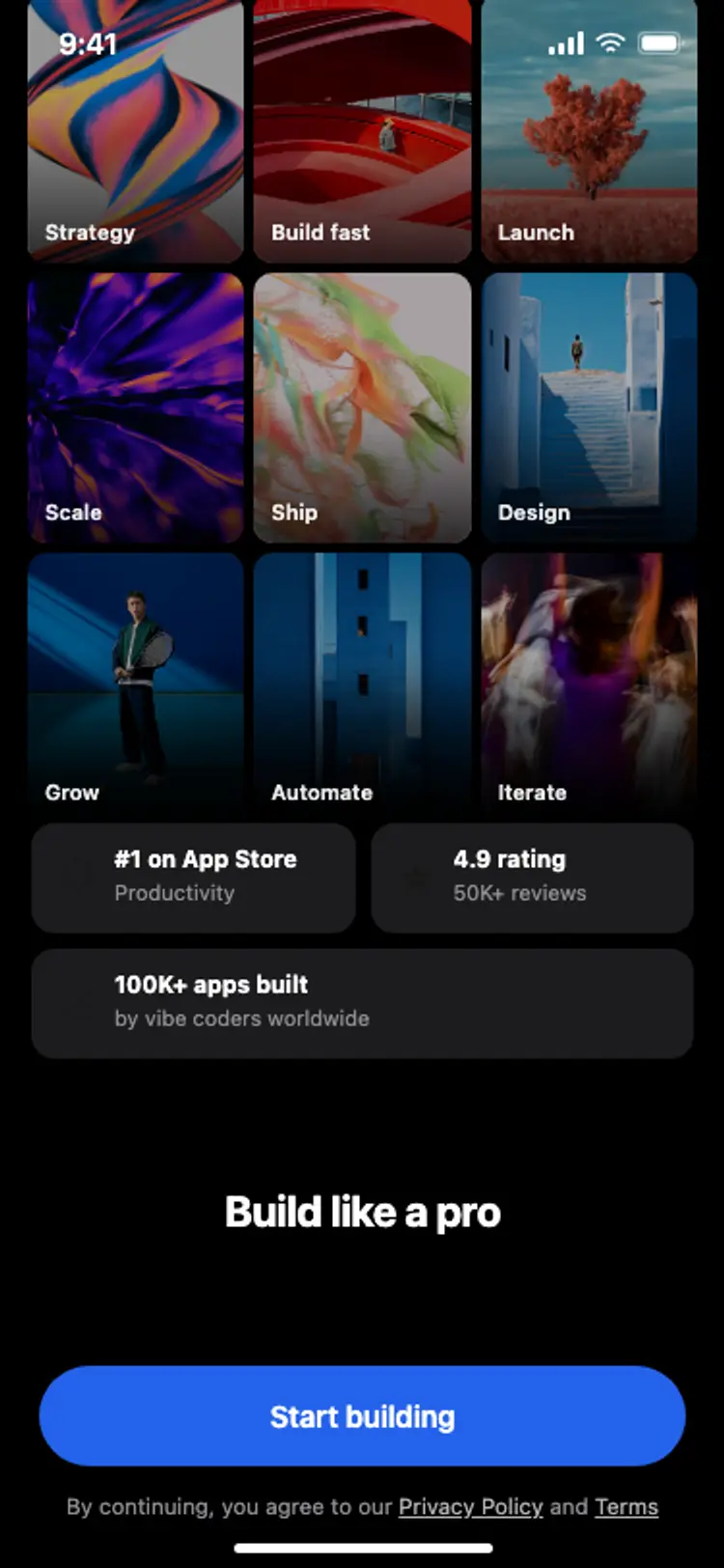
Onboarding with social proof
Onboarding with social proof
Onboarding
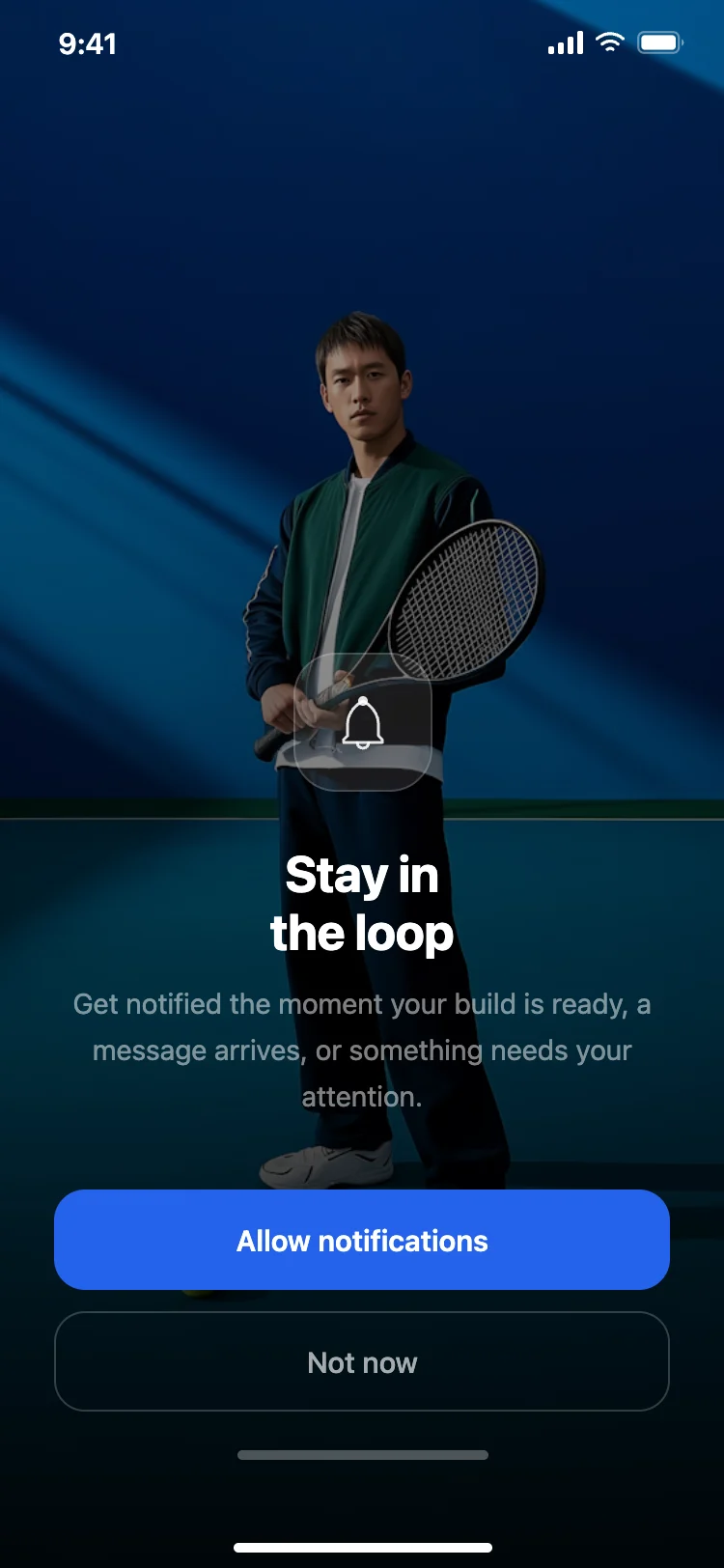
Notification permission prompt
Notification permission prompt
Onboarding
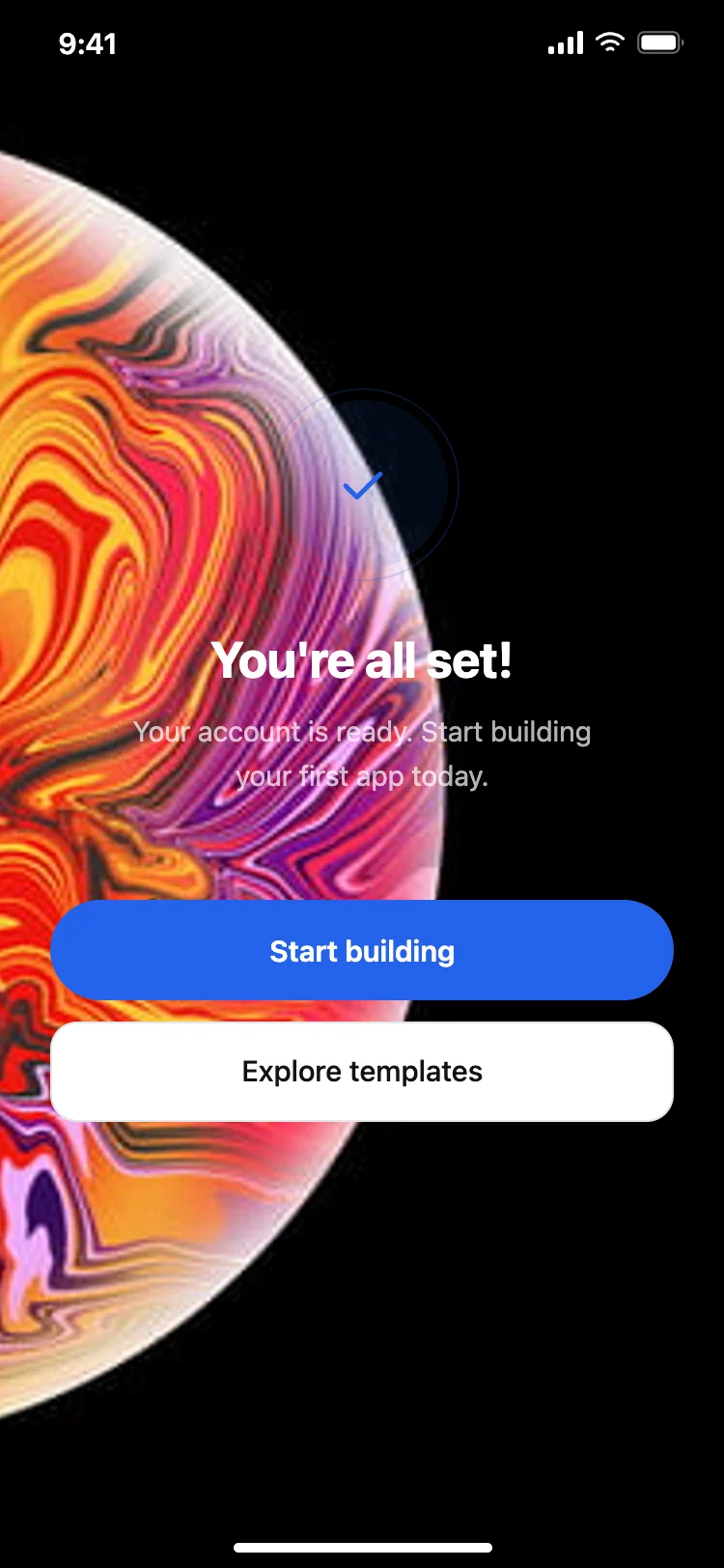
Success and completion screen
Success and completion screen
Onboarding
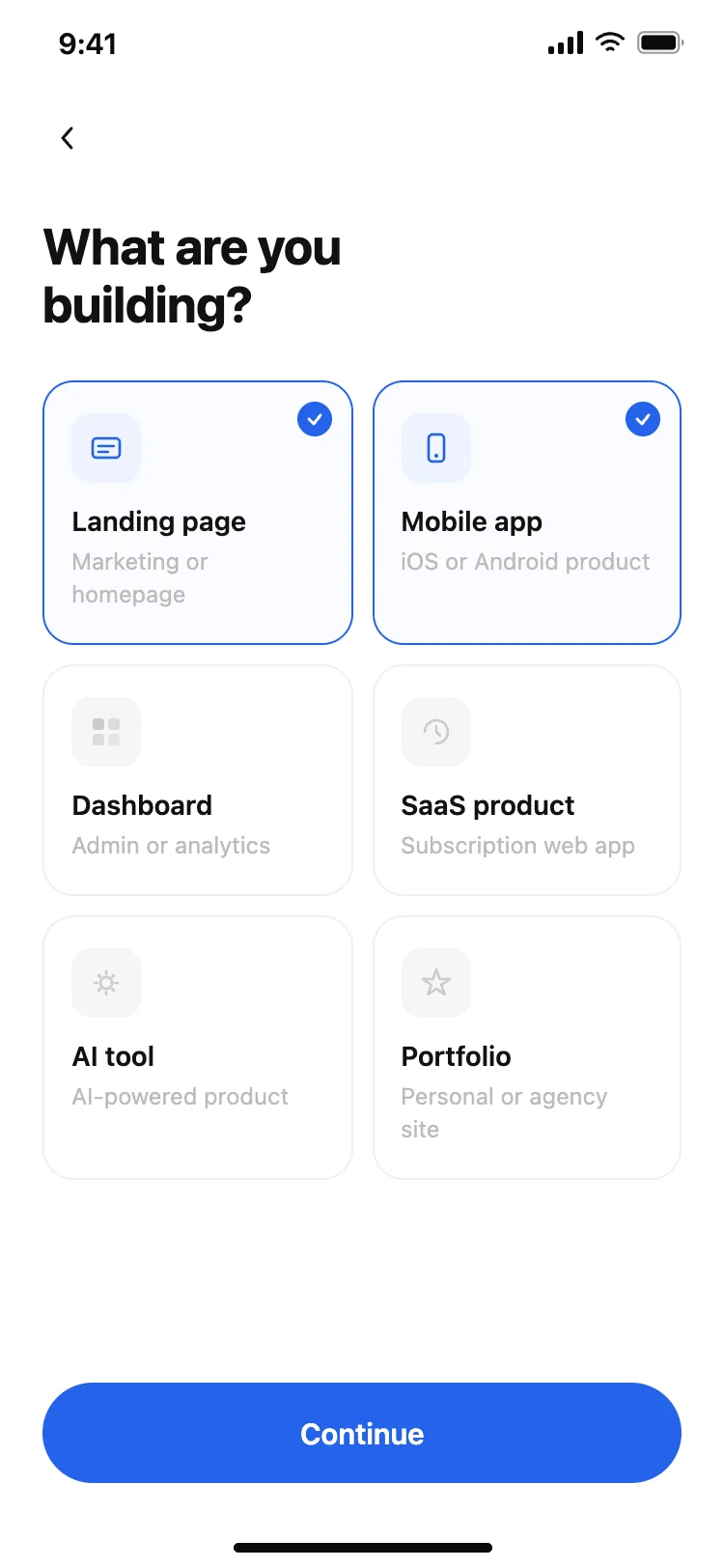
User preferences picker
User preferences picker
Onboarding
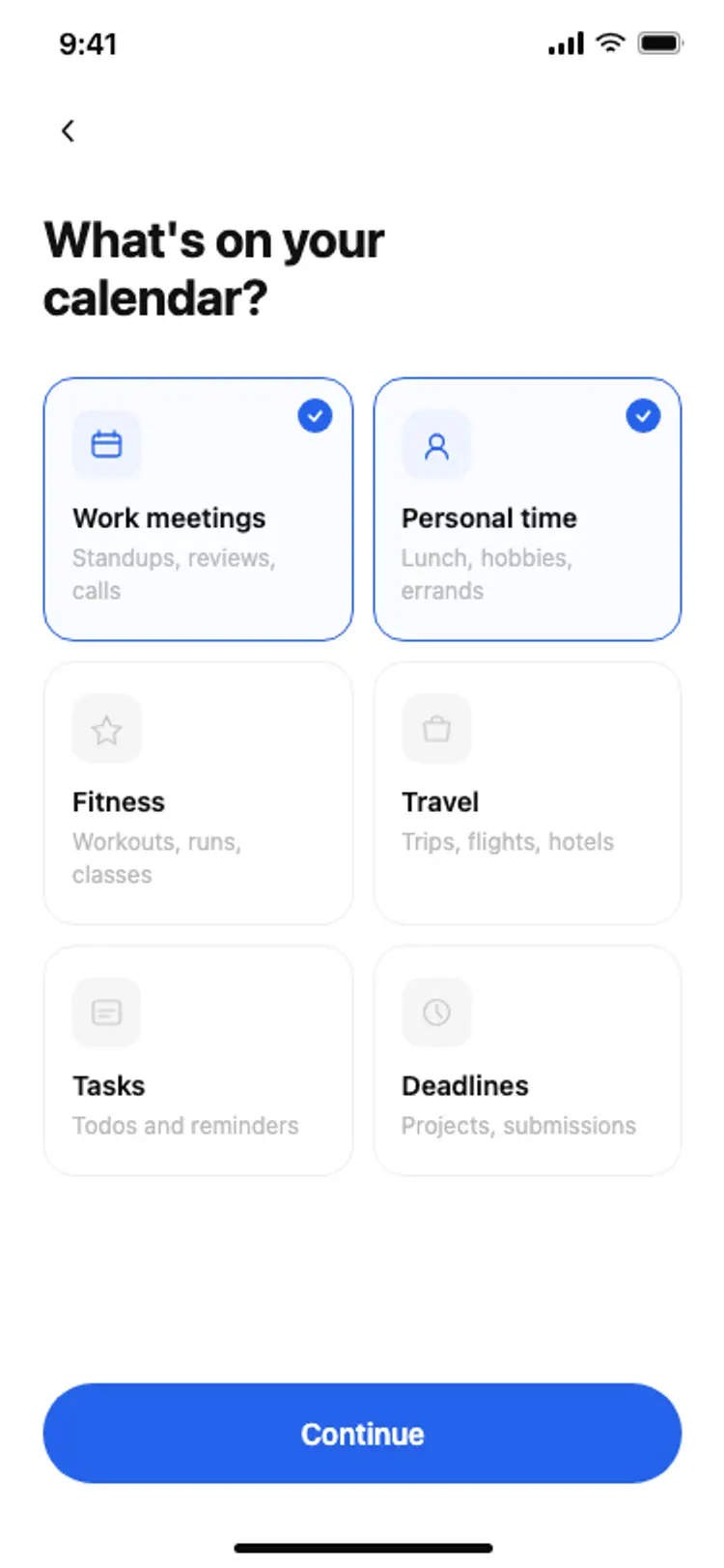
Calendar onboarding preferences
Calendar onboarding preferences
Onboarding
Other app templates you might like

See also
Browse app templates