AI meeting notes dashboard template for SaaS
Interactive AI meeting notes UI for vibe coding. This is the interface for building an AI meeting notes product: a SaaS dashboard with a meeting transcript, AI summary cards, and action item extraction. Use this AI meeting notes UI with Claude Code, Replit, Lovable, ChatGPT Codex, Bolt, Cursor, or another coding tool.
About this vibe coding template
Interactive AI meeting notes UI for vibe coding and SaaS builders. This is the interface for building an AI meeting notes product, not the note taker itself. Paste it in and describe the recording flow, the transcript layout, and the action item structure your product needs. Minimal design with parallax scroll and a chat UI. Use this AI meeting notes UI with Claude Code, Replit, Lovable, ChatGPT Codex, Bolt, or Cursor to build the product interface for an AI meeting assistant, a call recording SaaS, a team productivity tool, or any product where users need structured notes and action items from conversations.
Build a full SaaS app or admin dashboard with this template design
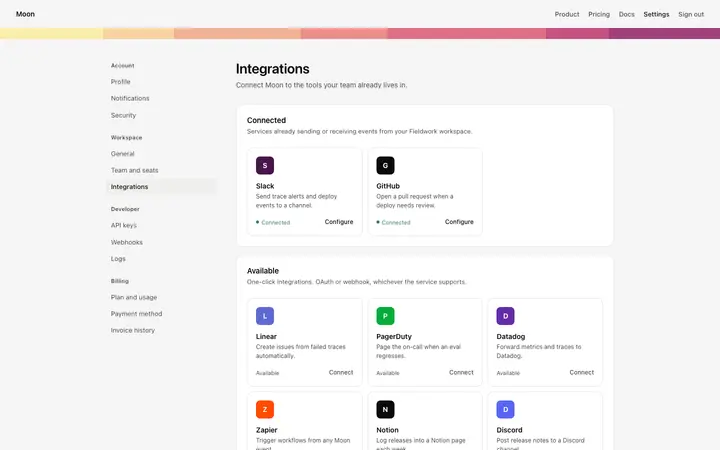
A SaaS app or admin dashboard is dozens of screens sharing one shell, so one dashboard template can set the standard for the navigation, the spacing, and the card design on every screen after it. Copy the template, paste it into Claude Code, Replit, Lovable, ChatGPT Codex, Bolt, or Cursor, and send this alongside it.
Paste into Claude Code, Replit, Lovable, Bolt, or Cursor
Common questions about this template
What is an AI meeting notes UI?
The interface for building an AI meeting notes SaaS product. This template covers the dashboard: a transcript panel, AI summary cards, and an action item extractor. It is a starting point for building the product, not a finished meeting assistant.
What should an AI meeting notes dashboard include?
A transcript view with speaker labels, AI generated summary cards that surface the key decisions and topics, and an action item panel that lists tasks by owner. Those three surfaces cover the core meeting notes process.
What vibe coding tools work with this AI meeting notes UI?
It works with Claude Code, Replit, Lovable, ChatGPT Codex, Bolt, and Cursor. Paste it in and describe the recording flow, transcript layout, and action item structure your product needs.
Is this template interactive?
Yes. The template includes hover states on the summary cards and action item rows, so you can see how the surface behaves before you connect it to a transcription or AI API.
Use this AI coding template for
- ·AI meeting notes UI template for building a SaaS meeting assistant product
- ·Interactive dashboard for an AI meeting tool with transcript, summary cards, and action items
- ·SaaS UI for a meeting notes product with speaker identification and task extraction
- ·Vibe coding starting point for an AI call recording and notes product dashboard
Works with every vibe coding tool
More from the AI tool interface set
All 15 templates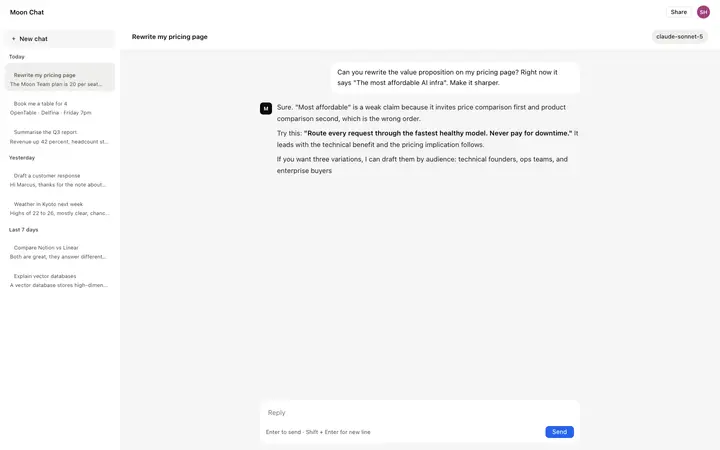
More dashboard templates
View all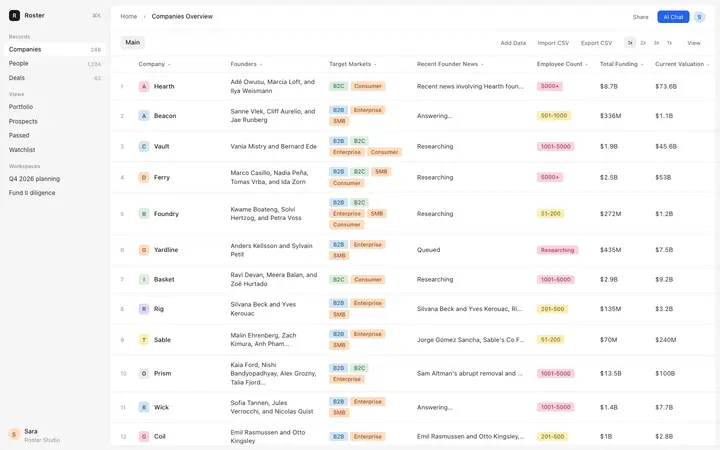
More vibe coding SaaS templates
View all
Other templates you might like