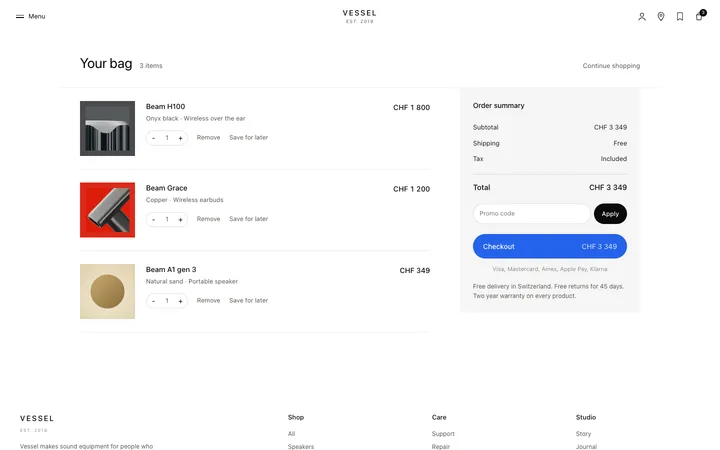
AI generation dashboard template for SaaS
AI generation dashboard template for image and video generation products, creative AI platforms, and model driven SaaS tools. Use it as the main screen of a generation product, where people write a prompt, wait, and review what comes back. Use this AI template with Claude Code, Replit, Lovable, ChatGPT Codex, Bolt, Cursor, or another coding tool.
About this vibe coding template
AI generation dashboard template for products that turn a prompt into an output. Common on AI image and video generators, music and voice tools, design assistants and any creative SaaS platform where people run a model and review results. Use it as the main working screen, covering the prompt, the queue while work runs, and the gallery of everything produced. It works for AI teams whose product spends real time generating, and for builders who need the waiting state to feel deliberate. Editorial design with photography. Point a coding tool at it with your brand and your offer, and ask for the matching pages once the design is set.
Build a full SaaS app or admin dashboard with this template design
A SaaS app or admin dashboard is dozens of screens sharing one shell, so one dashboard template can set the standard for the navigation, the spacing, and the card design on every screen after it. Copy the template, paste it into Claude Code, Replit, Lovable, ChatGPT Codex, Bolt, or Cursor, and send this alongside it.
Paste into Claude Code, Replit, Lovable, Bolt, or Cursor
Common questions about this template
Which products suit a generation dashboard?
AI image and video generators, music and voice tools, and creative AI platforms. It fits any product where a prompt produces an output people then review.
How should an AI SaaS dashboard handle the wait while a model runs?
Show that work is happening and roughly how long is left. Silence during generation is where AI products lose first time users, who assume it failed.
What belongs on an AI generation dashboard template?
The prompt, the current run and the history. People iterate by comparing against what they made earlier, so the gallery is part of the process.
Which vibe coding tools work with this dashboard template?
It works in Claude Code, Replit, Lovable, ChatGPT Codex, Bolt and Cursor. Paste it in, describe the data you want shown, and your AI coding tool will connect it to your own source.
How do I build a full SaaS app or admin dashboard with this template?
Send the template and the instruction above to Claude Code, Replit, Lovable, ChatGPT Codex, Bolt, or Cursor together. The design decisions are already made in the markup, so your AI coding tool has a pattern to follow across the whole SaaS app or admin dashboard.
Use this AI coding template for
- ·Generation dashboard for an AI SaaS image or video product
- ·Workspace for a creative AI or model driven tool
- ·Prompt and output screen for a generative platform
- ·AI SaaS dashboard for vibe coding with Claude Code or Bolt
Works with every vibe coding tool
More from the Industry dashboard set
10 templates
More SaaS templates
View all
More vibe coding dashboard templates
View all
Other templates you might like