Replit Agent prompts for apps, dashboards and websites
Copy-paste Replit Agent prompts for SaaS apps, dashboards, landing pages, login and onboarding, each paired with a design template so your Replit app looks professional, not generic.
Replit Agent builds the whole app, front end, back end and database, so a good first prompt saves hours. These Replit prompts describe the app and its pages and hand Agent a BrowserMoon design template, so it spends its effort on the features and the result still looks designed.
How to use these Replit prompts
1
Pick the prompt for your page
Choose the Replit prompt for the page you are building, from a SaaS landing page to a login screen or an AI chat app.
2
Copy the template it uses
Each prompt is written to go with the template shown on its card. Copy that template, or any template from the Replit templates page.
3
Give Replit the design
I have pasted a BrowserMoon design template below. Use it as the design for the whole app: match its fonts, spacing, colours, corner radius and components.
4
Fill in the brackets and send
Replace the parts in brackets, like [product name] and [audience], with your own details. The prompt ends with: “Start with the plan, then build the first working version and give me the preview link.”
Which Replit prompt to start with
Start with the SaaS dashboard prompt if your app is a tool people log into, or the SaaS landing page prompt if you need to sell it first. Replit Agent plans the whole app from your first prompt, so describe the app clearly and paste the template in the same message.
Why Replit needs a design in the prompt
Replit Agent builds complete apps with a React front end, an Express or Python back end and a database, then deploys them. It spends its effort on making things work, so the design is often an afterthought: plain forms, default buttons, little spacing.
These prompts bring the design into the plan. They describe the app and its pages, hand Agent a BrowserMoon template and set clear rules, so the app Agent builds works and looks like a product people would pay for.
What is inside every Replit prompt
Each prompt on this page is built from the same five parts. The page-specific part changes per prompt; the rest is written for how Replit works.
1. What to buildThe product, the audience and the outcome the page must deliver, in one or two sentences.
2. Every section, in orderEach section named with what goes in it, so nothing is left for the tool to invent.
3. The designI have pasted a BrowserMoon design template below. Use it as the design for the whole app: match its fonts, spacing, colours, corner radius and components.
4. The design ruleskeep one accent colour, use the template's type scale and spacing exactly, give every section generous white space, keep body text at least 15px, and make every layout work at 375px wide with no horizontal scroll.
5. The stack and how to finishBuild a React front end with Tailwind CSS and an Express API with a Postgres database. Start with the plan, then build the first working version and give me the preview link.
Tips for writing Replit prompts
Describe the app, then the design
Agent plans the whole app from the first prompt. Say what the app does and who uses it, then paste the design template.
Approve the plan
Read Agent's plan before it starts. Remove features you do not need yet; a smaller first version looks and works better.
Use checkpoints
Replit saves checkpoints as it works. If a change breaks the design, roll back instead of asking it to fix forward.
Ask for real data
Tell Agent which data must be saved. It sets up the database and the API with the pages.
What to ask Replit after the first prompt
Keep the design exactly as it is and add a settings page with profile, billing and team tabs.
Save the form data in the database and show it in a table on the dashboard.
Deploy the app and give me the link.
Check every page on a phone screen and fix layouts that break.
Common Replit prompt mistakes
Approving the plan without reading it
Remove features you do not need yet. A smaller first version looks better and costs less.
Fixing forward after a bad change
Roll back to the last checkpoint instead of asking Agent to repair a broken layout.
Describing the design in words
Words like modern and clean mean nothing to Agent. Paste a template it can copy.
Mixing design and features in follow-ups
Ask for one feature or one design change per message so Agent does not rewrite pages.
Who these Replit prompts are for
Replit Agent is used by makers who want the whole app built and hosted in one place: front end, back end, database and deployment. These Replit prompts are for anyone who has a working Replit app that looks unfinished, or who wants the next one to look right from the start.
More templates for these Replit prompts
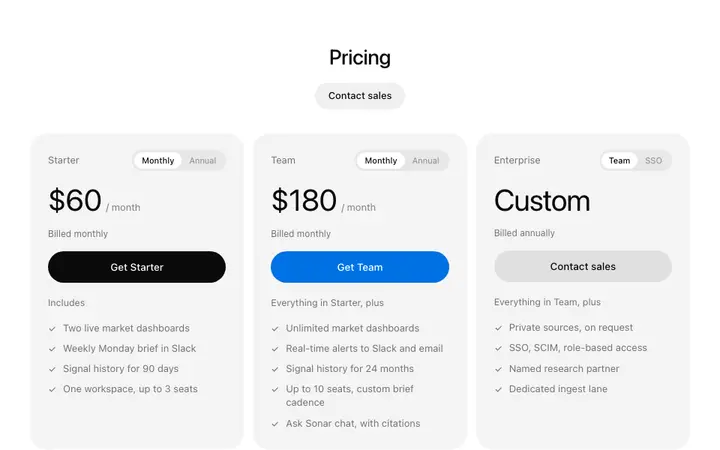
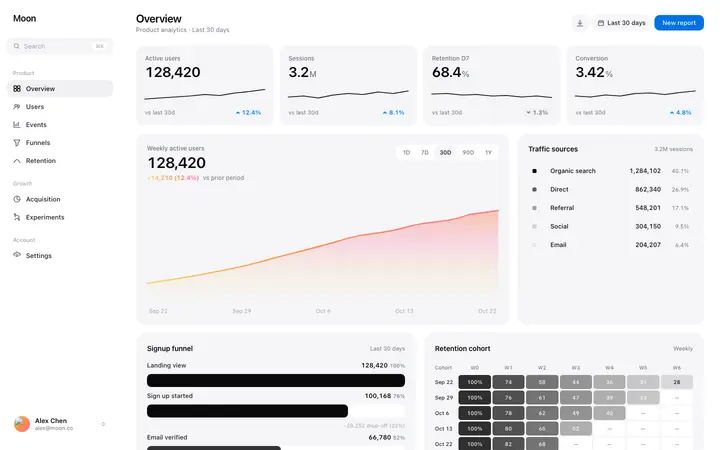
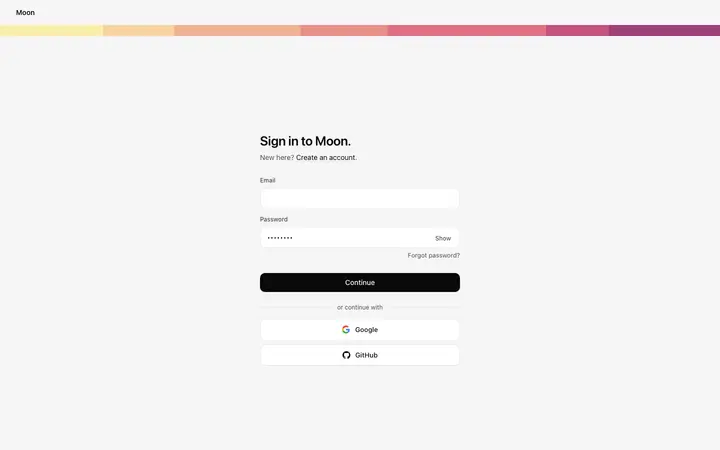
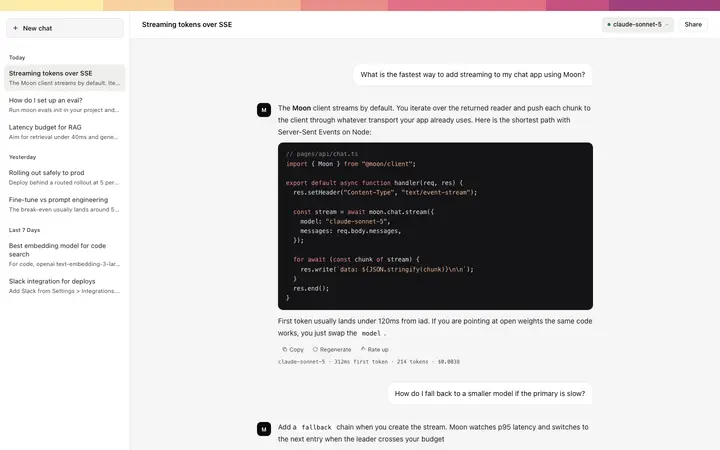
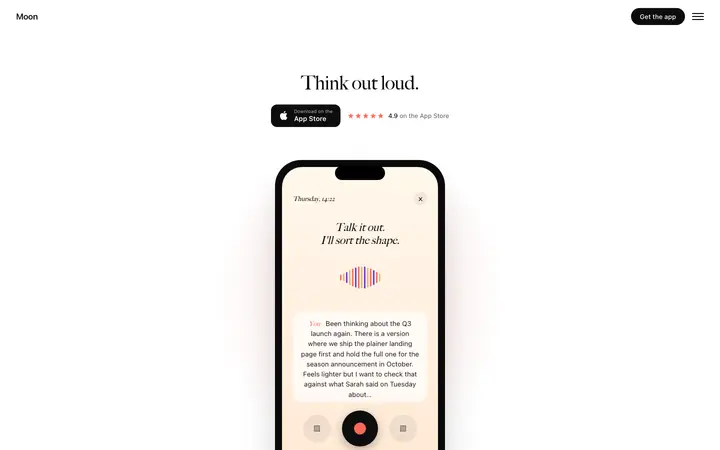
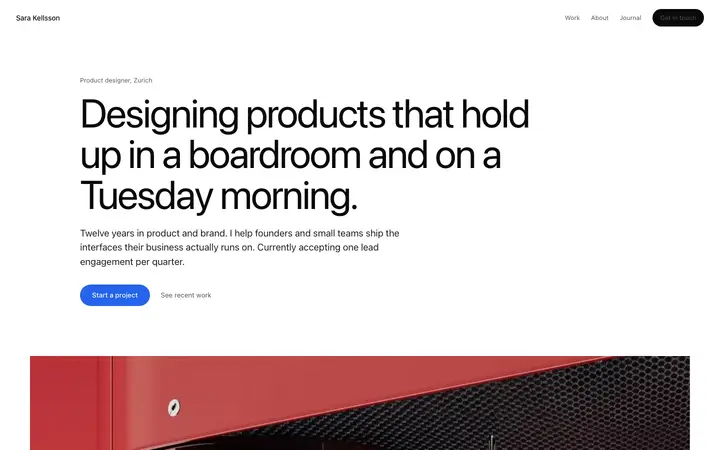
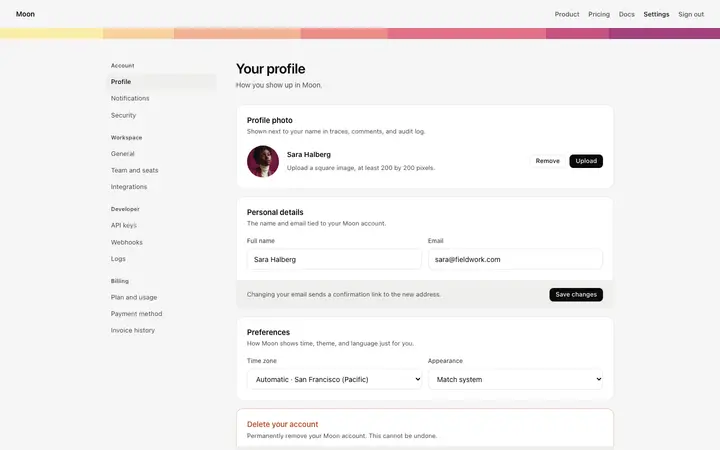
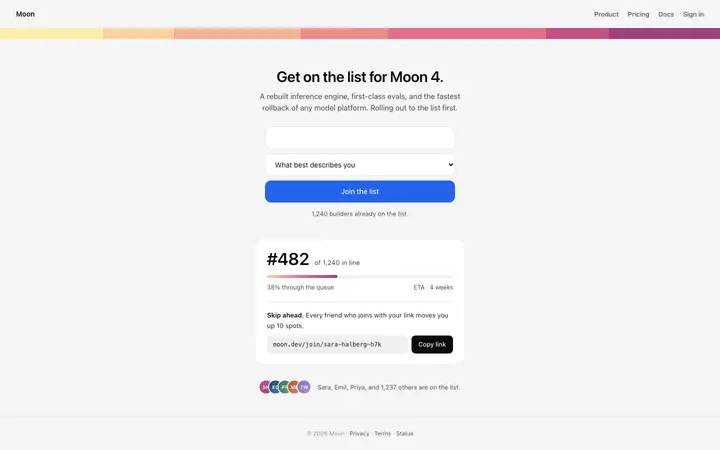
A prompt says what to build; a template shows Replit what it should look like. These templates also fit the prompts above.
One that says what the app does, who uses it, the pages it needs and the data it saves, plus a design template to follow. Agent turns that into a plan and a working app.
How do I make a Replit app look professional?
Paste a design template in the first prompt and tell Agent to match its fonts, spacing and colours. Without it, Agent uses a plain default look.
Can these prompts build the back end too?
Yes. They ask Replit for a React front end, an Express API and a Postgres database, so the pages work with real data.
What if Replit Agent changes my design?
Roll back to the last checkpoint and add: keep the existing design exactly, only change what I ask for.
Do these prompts work for an existing Replit app?
Yes. Open the app, paste the prompt and template, and name the page to rebuild. Ask Agent to keep the data and back end as they are.
Can Replit deploy the app these prompts build?
Yes. Ask Agent to deploy when you are happy with the app; it sets up hosting on Replit.