Dot SaaS onboarding welcome screen template
Interactive SaaS onboarding welcome screen template for dark web apps and B2B tools. Use this AI template with Claude Code, Replit, Lovable, ChatGPT Codex, Bolt, Cursor, or another coding tool.
About this vibe coding template
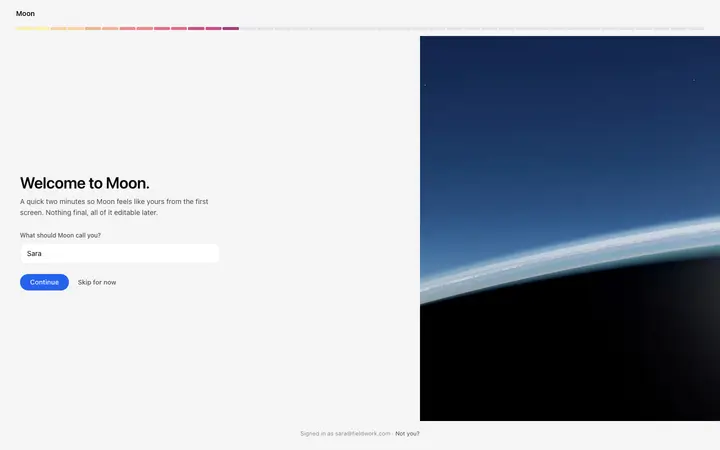
Interactive SaaS onboarding welcome screen template for dark SaaS products, photo backdrop web apps, and B2B productivity tools. The first screen in a three step dot style onboarding flow. A full screen photo covers the background. The onboarding form sits inside a glass card at the center of the screen. A headline greets the user by first name. A short prompt explains the two minutes the form takes. A name capture input asks what the app should call them. A signed in footer confirms the account at the bottom of the glass card. Minimal design with glassmorphism. Paste it into Claude Code, Replit, Lovable, ChatGPT Codex, Bolt, or Cursor and describe the app name, the backdrop, and the form label you want.
Build a full SaaS onboarding flow with this template design
A SaaS onboarding flow is a sequence of welcome, setup, and activation screens that only works when each step looks like the last, so one onboarding template can set the standard for every screen after it. Copy the template, paste it into Claude Code, Replit, Lovable, ChatGPT Codex, Bolt, or Cursor, and send this alongside it.
Paste into Claude Code, Replit, Lovable, Bolt, or Cursor
Common questions about this template
What does this dot SaaS onboarding welcome screen include?
A full screen photo backdrop, a glass card at the center with a dot progress indicator at the opening step, a greeting headline, a name capture form, Continue and Skip buttons, and a signed in footer at the bottom of the card.
What is the glass card in this dark SaaS onboarding template?
The onboarding form sits inside a card with a translucent background that lets the photo show through. The glass card keeps the form readable against any backdrop while preserving the full screen photo behind it.
Which templates pair with this dot welcome screen?
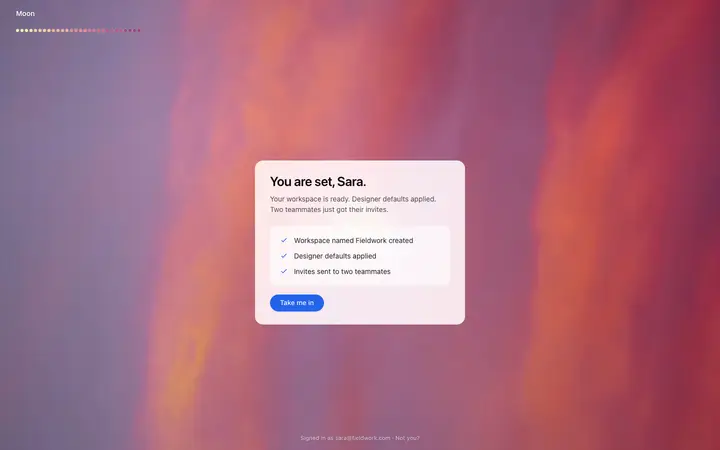
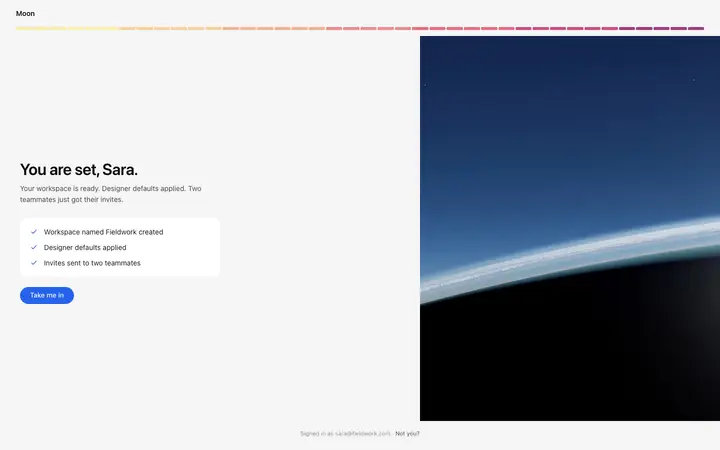
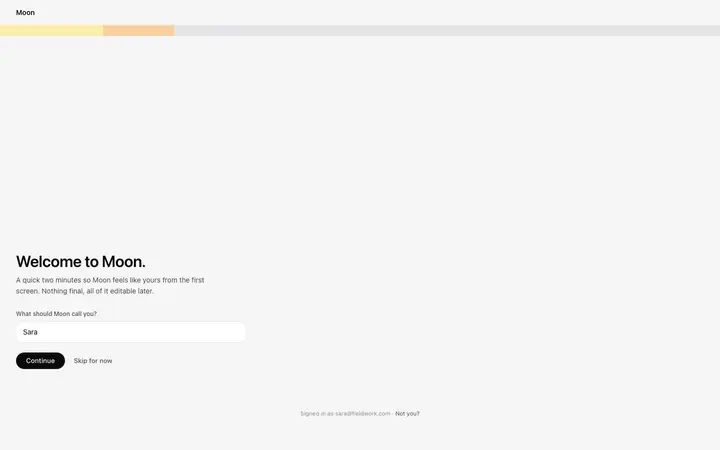
Two pairings. For the complete dot flow, follow this welcome screen with the dot role selection screen to capture user type, then the dot ready screen to confirm setup and take the user into the product. For the same welcome step in a different style, the pixel welcome screen uses a pixel progress bar and the gradient welcome screen a warm band, both on a plain background.
When does a dark SaaS onboarding template suit a product?
Use it for SaaS products with a strong visual brand or a home page designed for a hero photo. The dark backdrop creates a distinct onboarding moment before the main dashboard, which works well when that dashboard is light or neutral.
Which vibe coding tools work with this dot SaaS onboarding welcome template?
Claude Code, Replit, Lovable, ChatGPT Codex, Bolt, and Cursor. Paste it in and describe the app name, the backdrop image, and the form label you want.
How do I build a full SaaS onboarding flow with this template?
Copy this coding template, paste it into Claude Code, Replit, Lovable, ChatGPT Codex, Bolt, or Cursor, and tell the tool to use it as the design system for your whole SaaS onboarding flow. It reads the type scale, spacing, colors, and component styling from the template, then applies them to every page it builds after that.
Use this AI coding template for
- ·Dark mode SaaS onboarding welcome screen template with glass card
- ·Name capture form on a photo backdrop for a dot progress onboarding flow
- ·First step of a dot style SaaS onboarding wizard template
- ·Vibe coding a dark interface SaaS onboarding welcome template
Works with every vibe coding tool
More from the Onboarding flow set
9 templates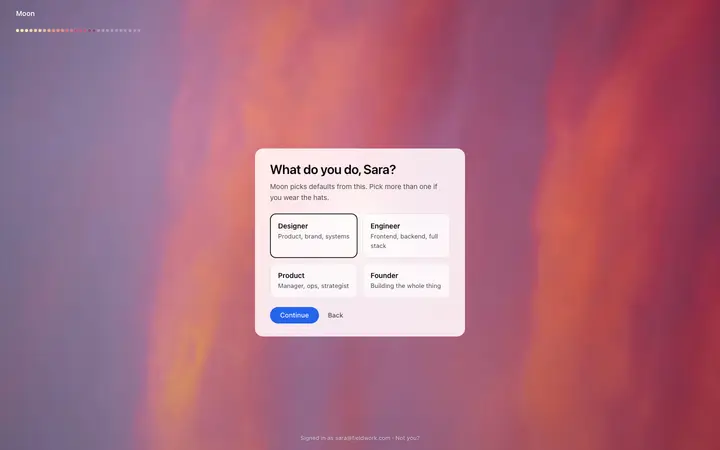

More onboarding templates
View all
More vibe coding SaaS templates
View all
Other templates you might like