Mega menu navigation template with gradient feature tile
Mega menu navigation template: a clean header with centred links that open full width mega menus, two columns of links with short descriptions and a grainy gradient feature tile, plus a full screen mobile menu. Use this AI template with Claude Code, Replit, Lovable, ChatGPT Codex, Bolt, Cursor, or another coding tool.
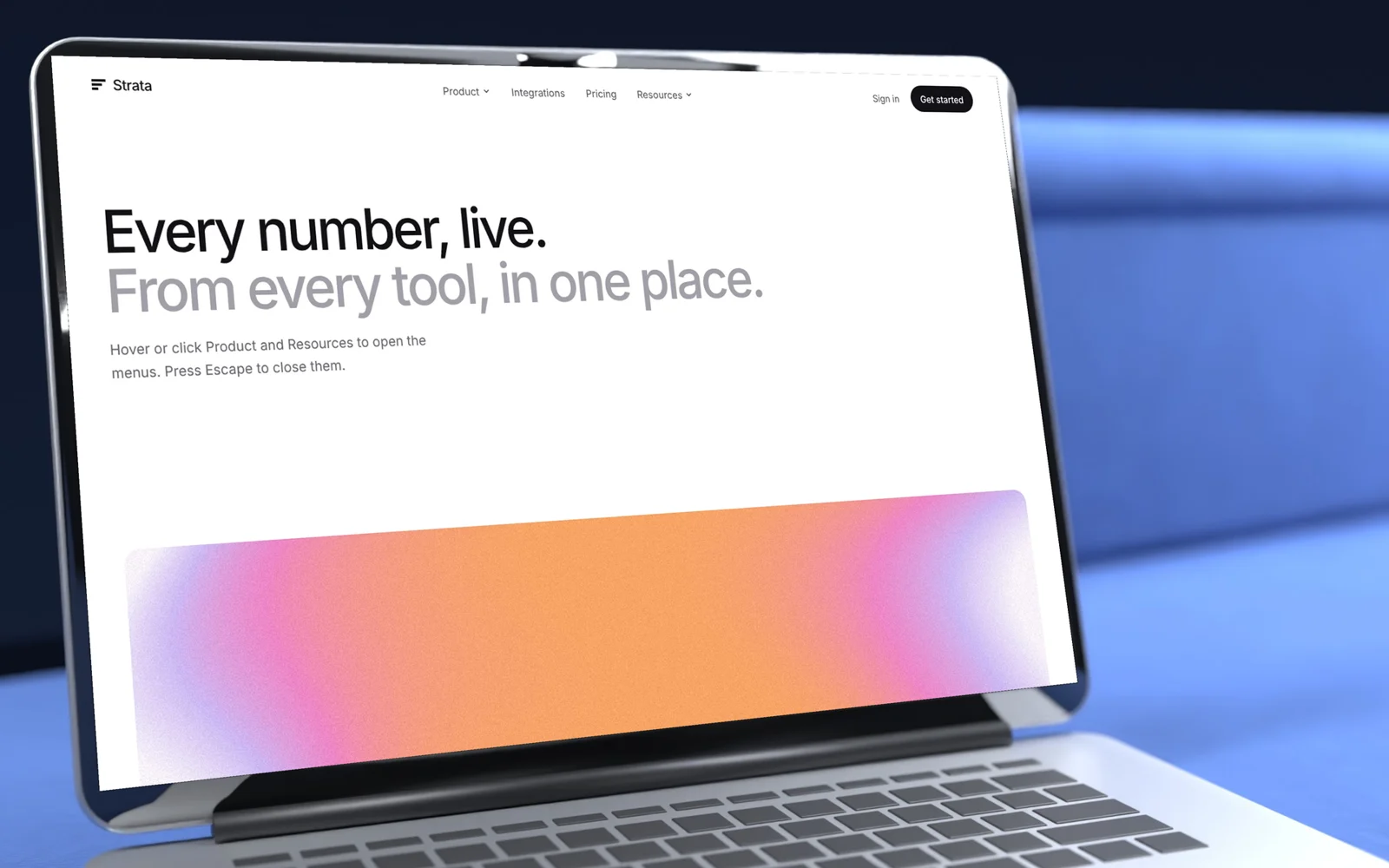
About this vibe coding template
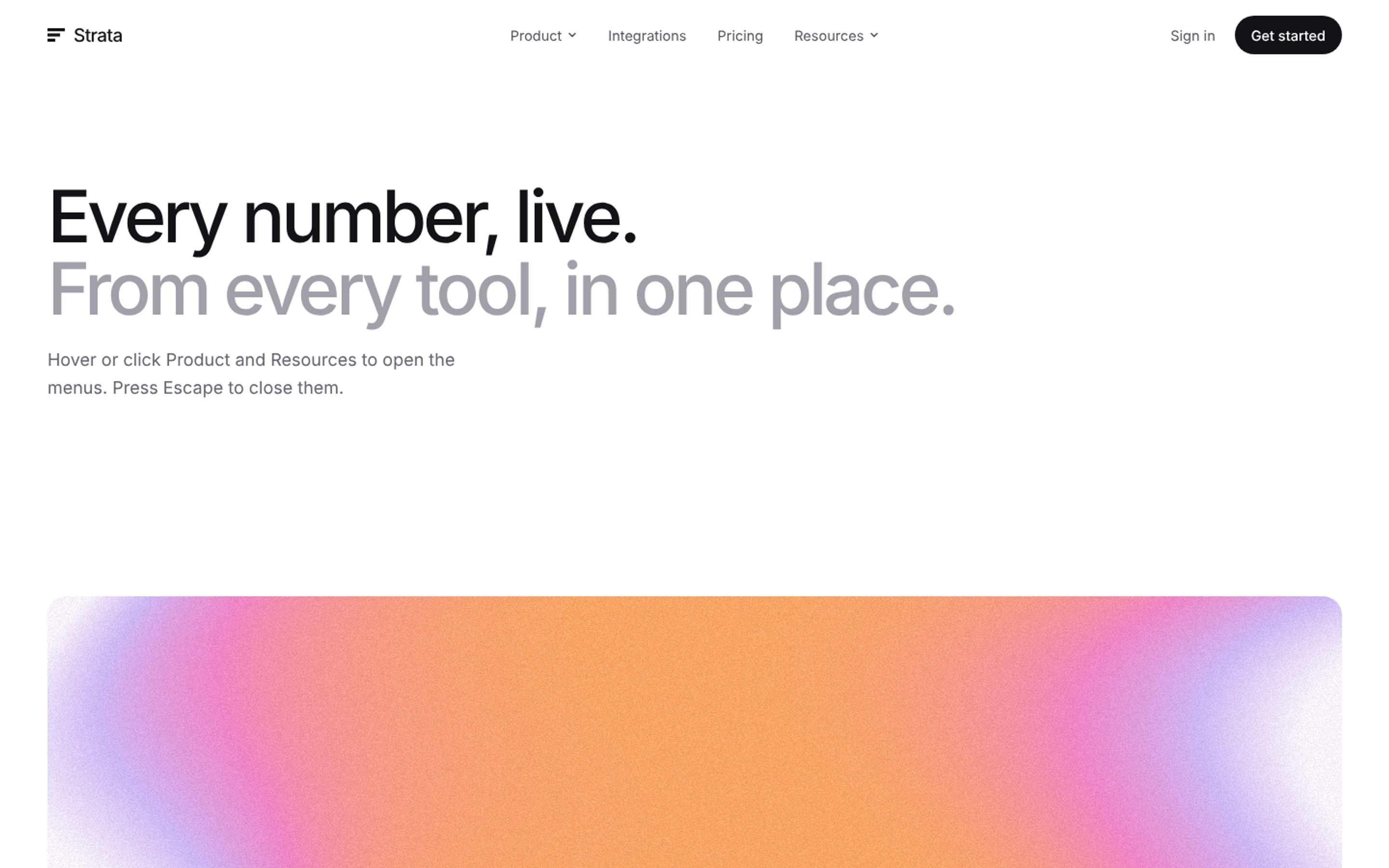
A header for a SaaS website with mega menus done properly. Hover or click Product or Resources and a full width panel opens with two columns of links, each with a one line description, and a feature tile drawn in a grainy gradient. Menus open on hover with a short delay, close when you move away, click outside or press Escape, and on phones the header turns into a full screen menu with sections that expand. Plain links like Pricing sit next to the menus. See more navigation templates.
Build a full SaaS landing page or website with this template design
A SaaS landing page or website is multiple pages that need to feel like one professional site, so one well built coding template can set the standard for every page after it. Copy the template, paste it into Claude Code, Replit, Lovable, ChatGPT Codex, Bolt, or Cursor, and send this alongside it.
Paste into Claude Code, Replit, Lovable, Bolt, or Cursor
DESIGN.md for this template
The colours, type, spacing and components of this design as a DESIGN.md file, the open format for describing a design to AI agents. Put it in the root of your project and point Claude Code, Cursor or Codex to it, or import it into Google Stitch, so every new page matches.
DESIGN.md--- version: alpha name: "Mega menu navigation" colors: primary: "#131217" on-primary: "#FFFFFF" neutral: "#FFFFFF" on-surface: "#131217" on-surface-muted: "#55535C" surface: "#F4F2F7" secondary: "#7D65D6"
Not sure this design fits?
Ask Mon, the AI design assistant, if the Mega menu navigation template with gradient feature tile works for your product and how to adapt it.
Design guides: Why is my landing page not converting? · Stripe website design
Show it off: See this template in a free laptop mockup
Common questions about this template
What is a mega menu?
A large dropdown that opens under the header with several columns of links, often with descriptions and a featured item.
Does it work with the keyboard?
Yes. Buttons open and close the menus, and Escape closes them.
Can I add more menus?
Yes. Each menu is a button and a panel in the header; copy one and change the links.
How does it work on phones?
The links move into a full screen menu where each section expands.
Can I use the gradients and visuals from this template commercially?
Yes. With a BrowserMoon subscription you can use this template, including its original gradients, backgrounds and animated visuals, in personal and commercial work: client projects, products you sell, ads and social posts. It is royalty-free with no attribution and no per project fee. The only thing you can't do is resell them as gradients or templates. See the template licence.
Use this AI coding template for
- ·Mega menu for a SaaS website
- ·Header with dropdown panels and descriptions
- ·Navigation with a featured article tile
- ·Header to build with Lovable, Claude Code or Cursor
Works with every vibe coding tool
Not sure which tool to use? Lovable vs Bolt, best AI tool to build a website or for a mobile app.
More SaaS templates
View all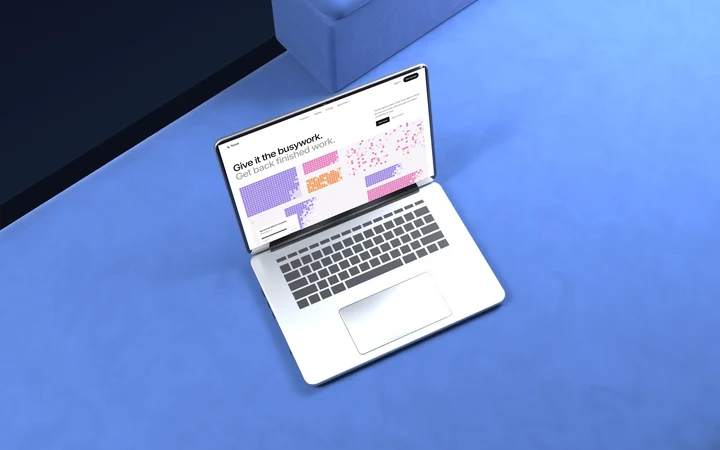
AI agent website template with approvals and audit log
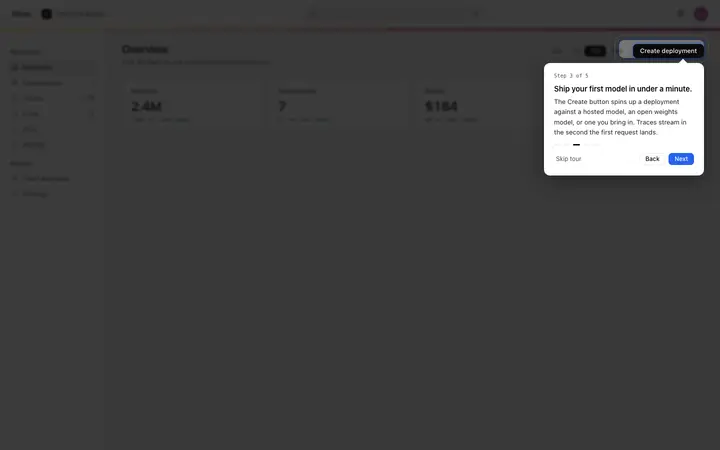
Product tour template for SaaS onboarding
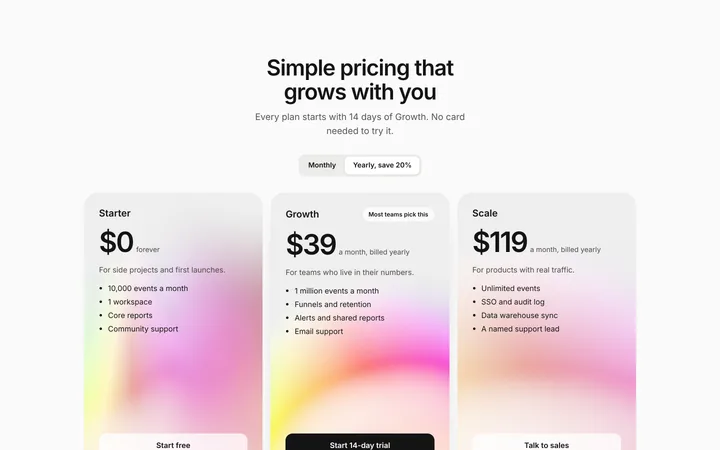
SaaS pricing section with three plans
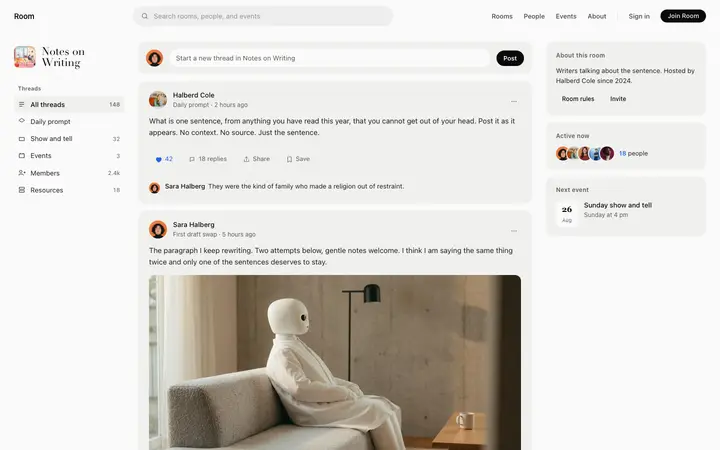
Community feed template for forum and social SaaS
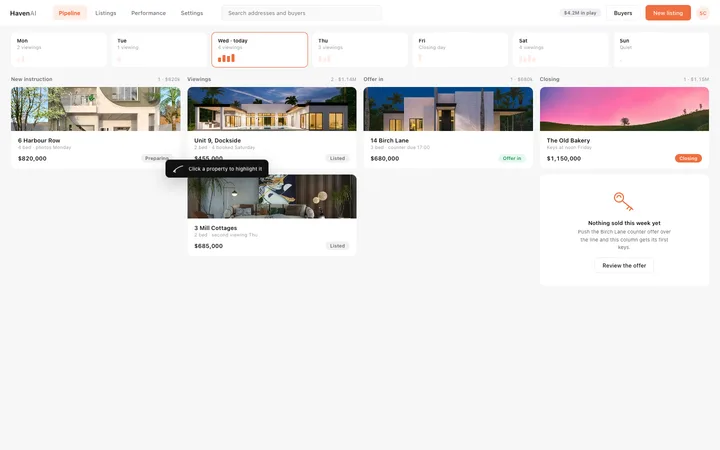
Real estate pipeline dashboard for CRM SaaS
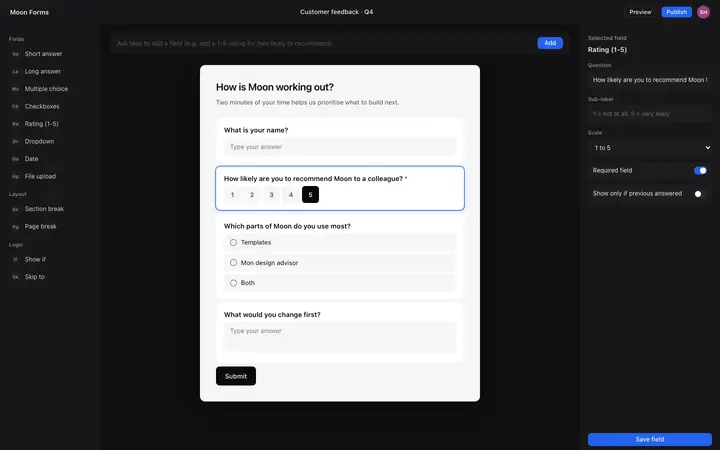
AI form builder UI template for SaaS apps
More vibe coding navigation templates
View all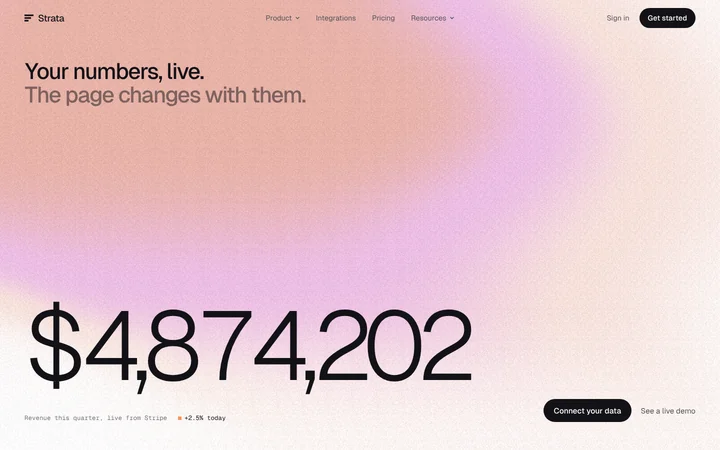
Live data SaaS website template with mega menu
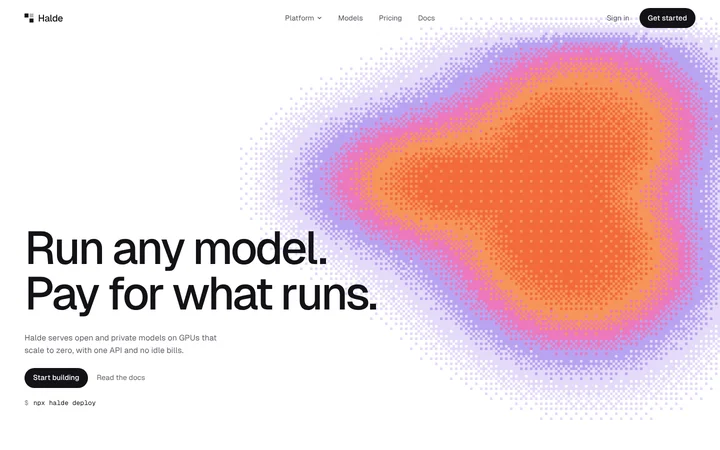
AI infrastructure website template with models and GPU pricing
Mobile navigation template for SaaS websites
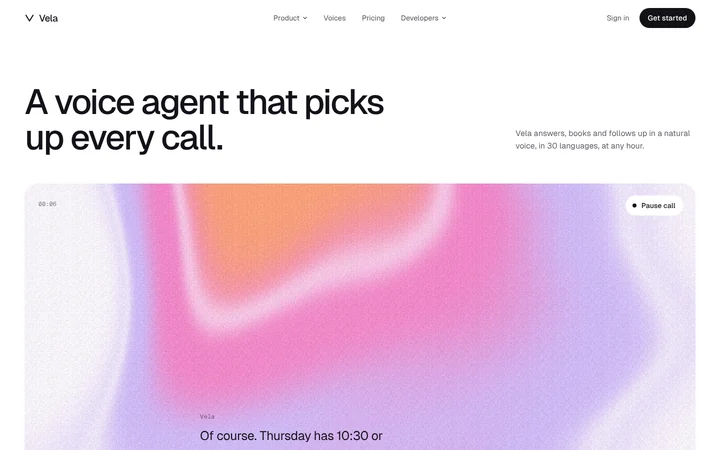
Voice AI website template with call transcripts and voices
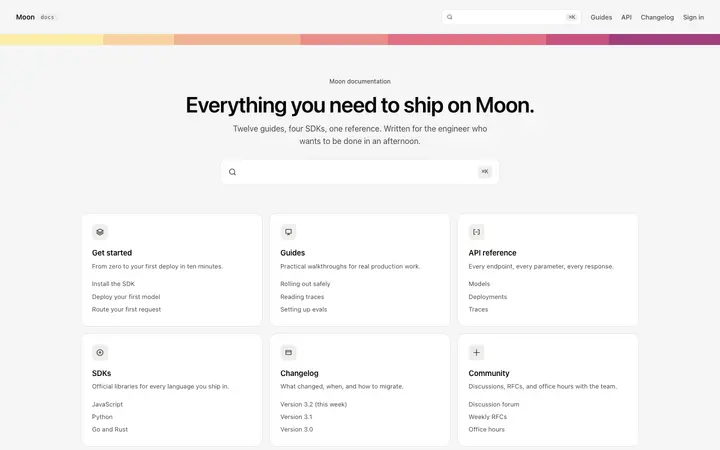
Documentation homepage template for SaaS
AI chatbot assistant SaaS landing page template
Other templates you might like