Focus app welcome screen template
A welcome screen template for a focus, productivity or wellness app: a full-screen warm gradient, a calm serif headline and a start button.
About this app template
An onboarding welcome screen template for focus and productivity apps. A full-screen warm <a href="/animated-gradient-backgrounds" class="underline underline-offset-2 text-[var(--ink)]">animated gradient</a> sits behind a big, calm headline, a short line on what the app does, and a start a session button. It sets the mood in one screen. Part of our <a href="/app-templates/focus-timer-app" class="underline underline-offset-2 text-[var(--ink)]">focus timer app screens</a>; the website version is in our <a href="/productivity-app-templates" class="underline underline-offset-2 text-[var(--ink)]">productivity app templates for web</a>.
Build a full mobile app onboarding flow with this template design
An onboarding flow is a run of screens a new user sees back to back, which makes any inconsistency between them obvious, so one onboarding screen can set the standard for every screen after it. Copy the template, paste it into Claude Code, Replit, Lovable, ChatGPT Codex, Bolt, or Cursor, and send this alongside it.
Paste into Claude Code, Replit, Lovable, Bolt, or Cursor
Common questions about this template
What makes a good app welcome screen?
One clear promise, one button and a look that matches how the app feels. Fewer words get more people to tap start.
Can I add more onboarding steps?
Yes. The dots above the headline are ready for two more steps.
Is there a matching website?
Yes. The Dawn focus app landing page is in our <a href="/productivity-app-templates" class="underline underline-offset-2 text-[var(--ink)]">productivity app templates for web</a>.
How do I build this screen with AI?
Copy the template, paste it into Claude Code, Lovable, Bolt, Replit or Cursor and describe your app. Your AI coding tool keeps the focus app welcome screen design and the <a href="/animated-gradient-backgrounds" class="underline underline-offset-2 text-[var(--ink)]">animated gradient</a>, and connects it to your data. It also works as a reference for React Native, Flutter or SwiftUI.
Use this template for
- ·Welcome screen for a focus or pomodoro app
- ·Onboarding splash for a productivity app
- ·Wellness app welcome screen
- ·First screen with a gradient background
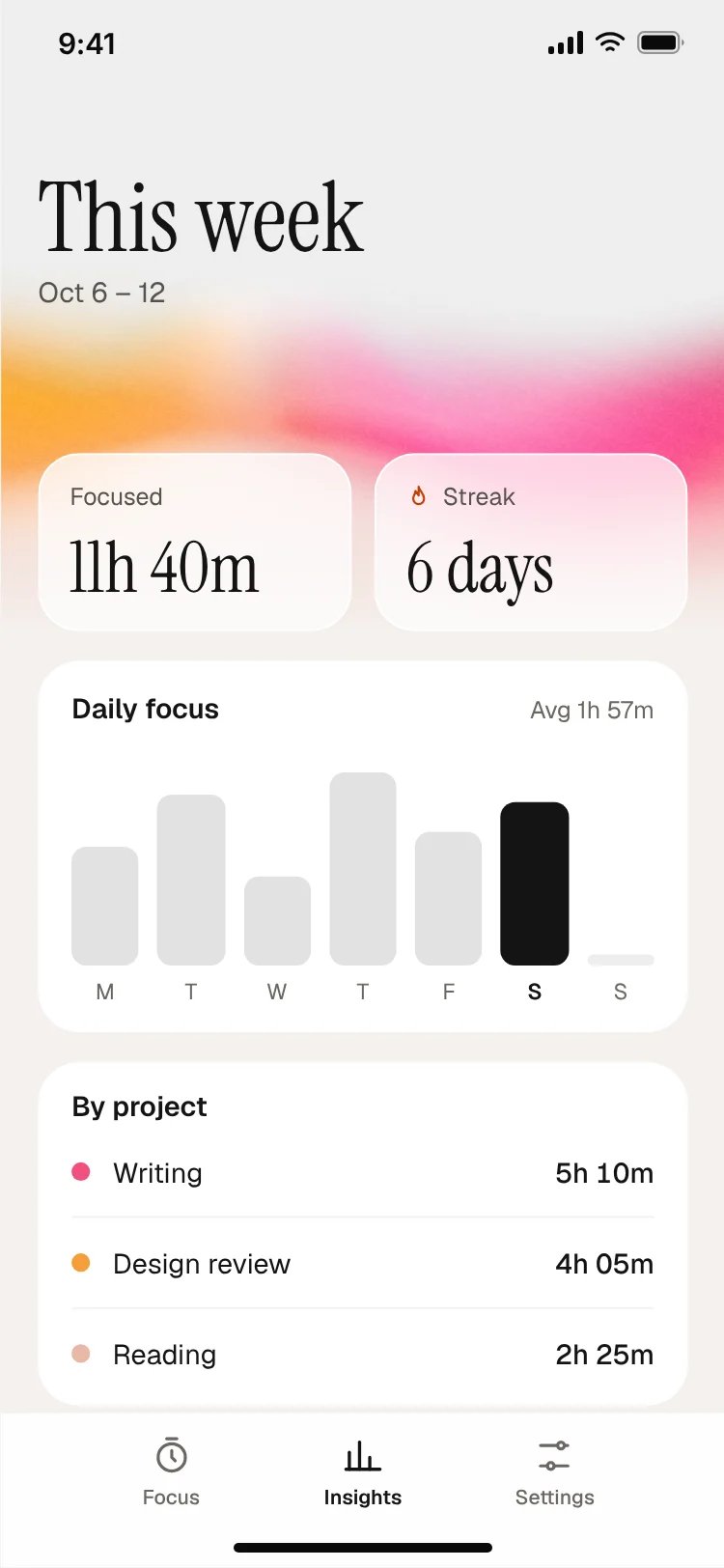
More from the Focus timer app set
All 3 screens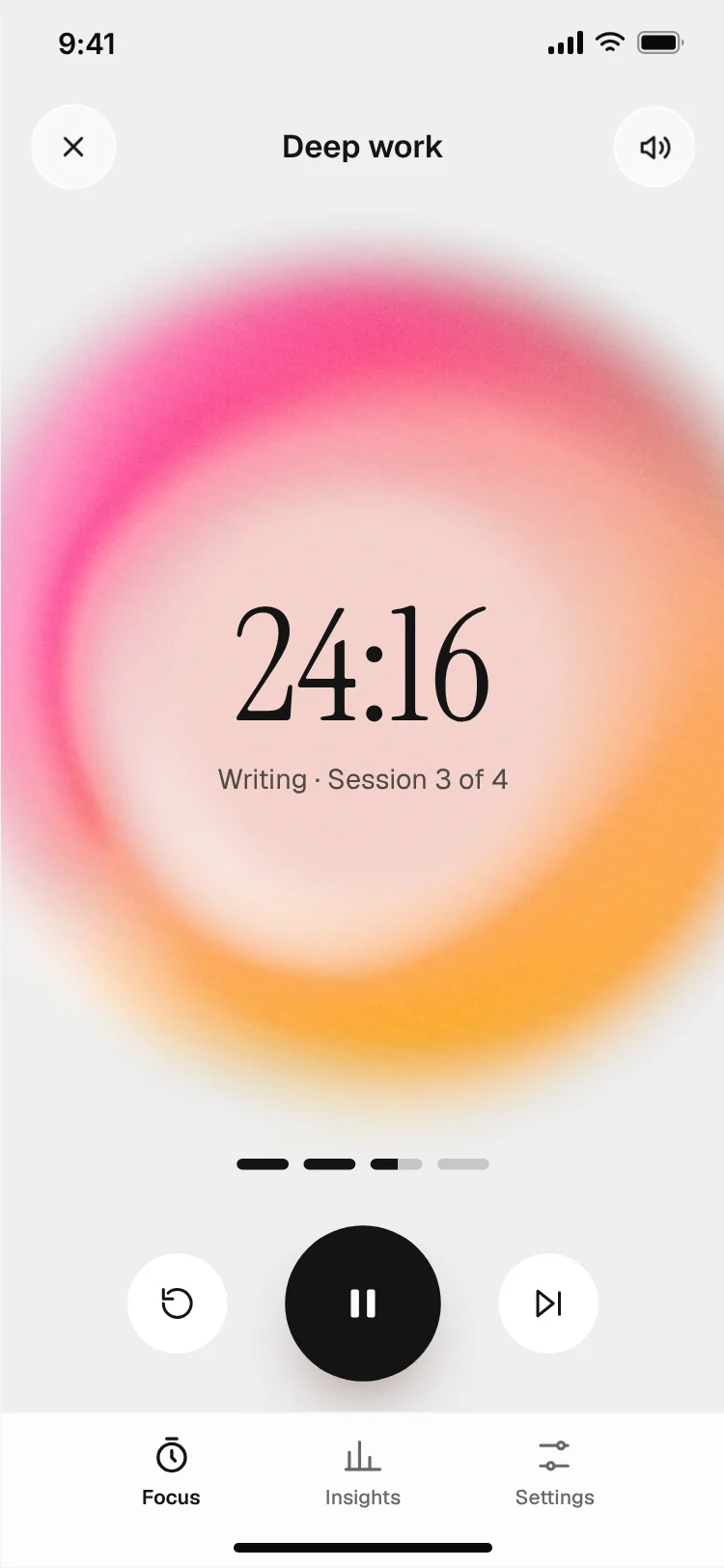
More onboarding app templates
View all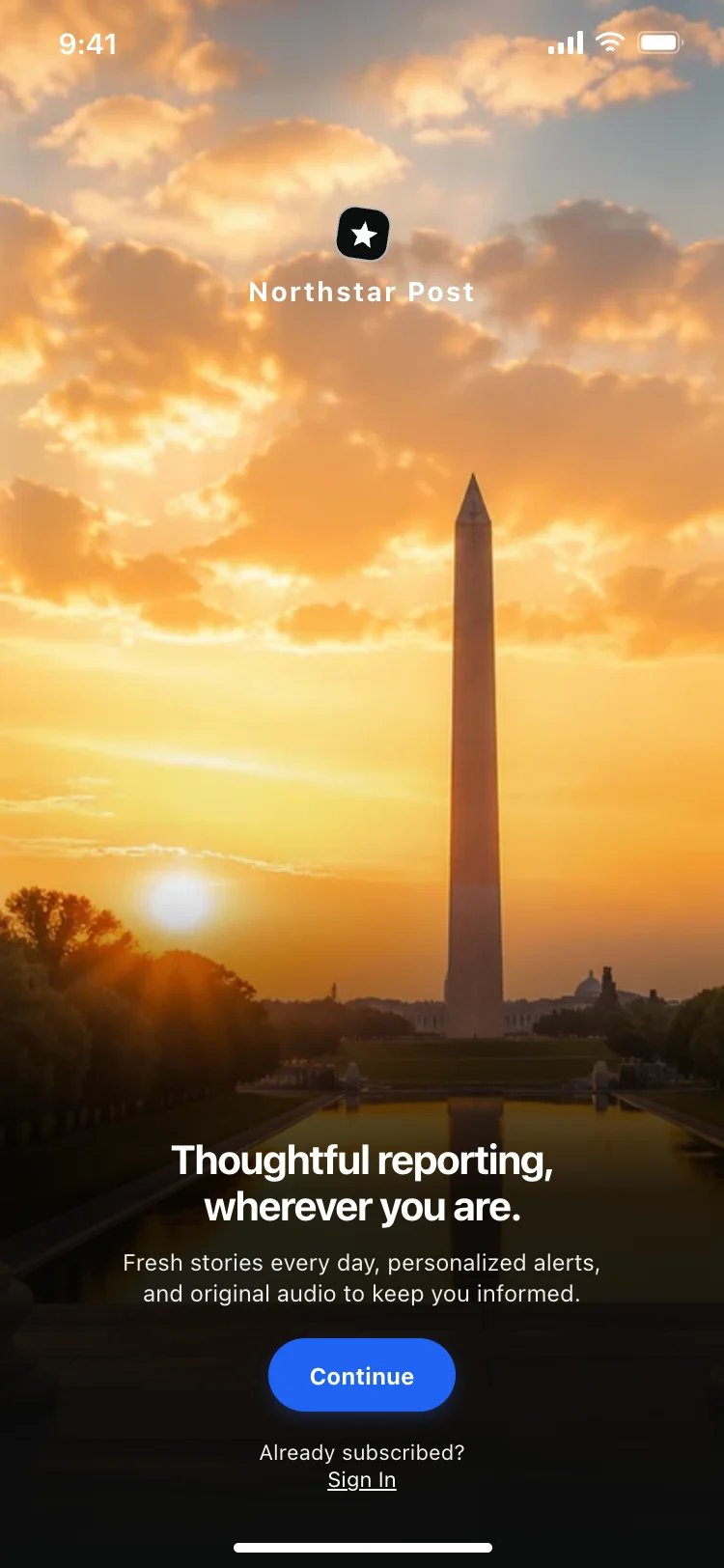
News app onboarding screen
News app onboarding screen
Onboarding
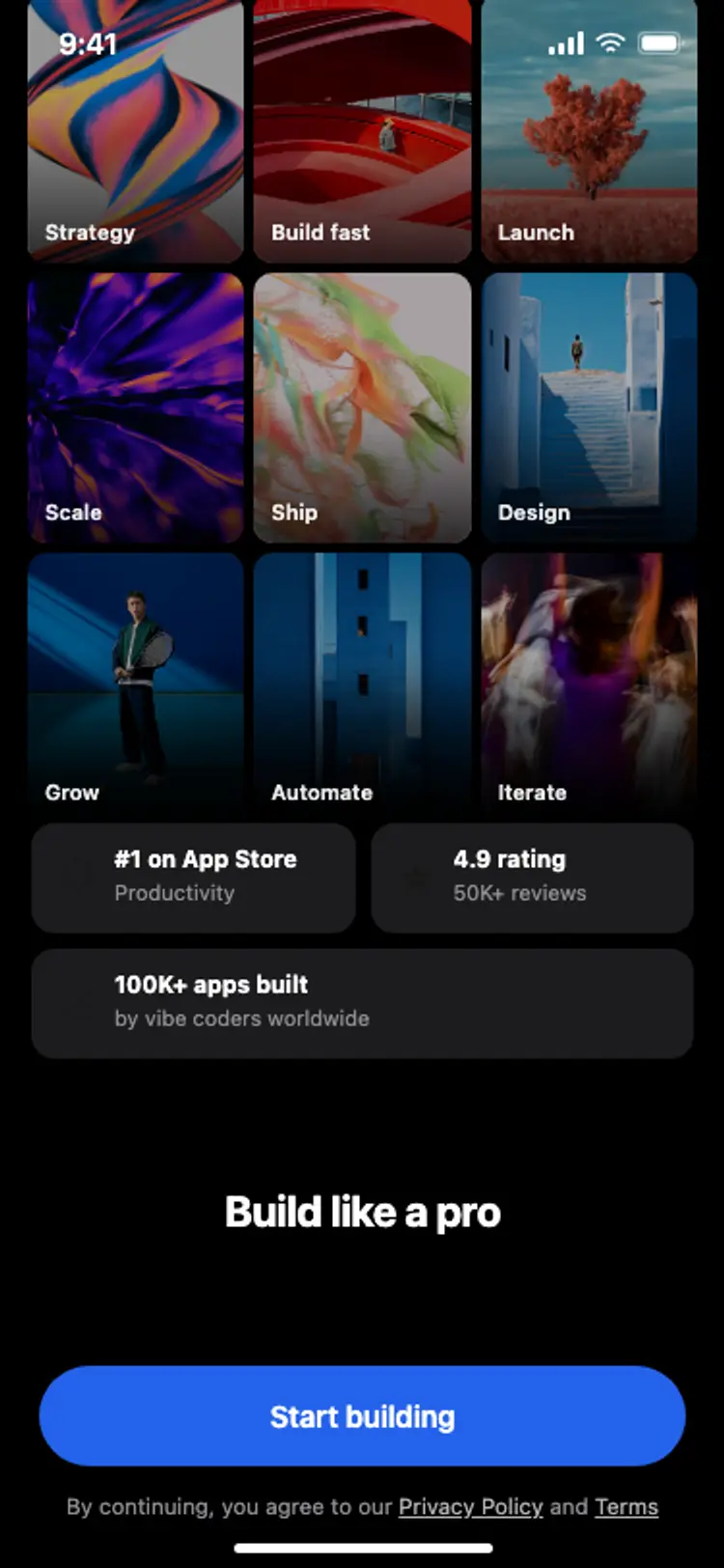
Onboarding with social proof
Onboarding with social proof
Onboarding
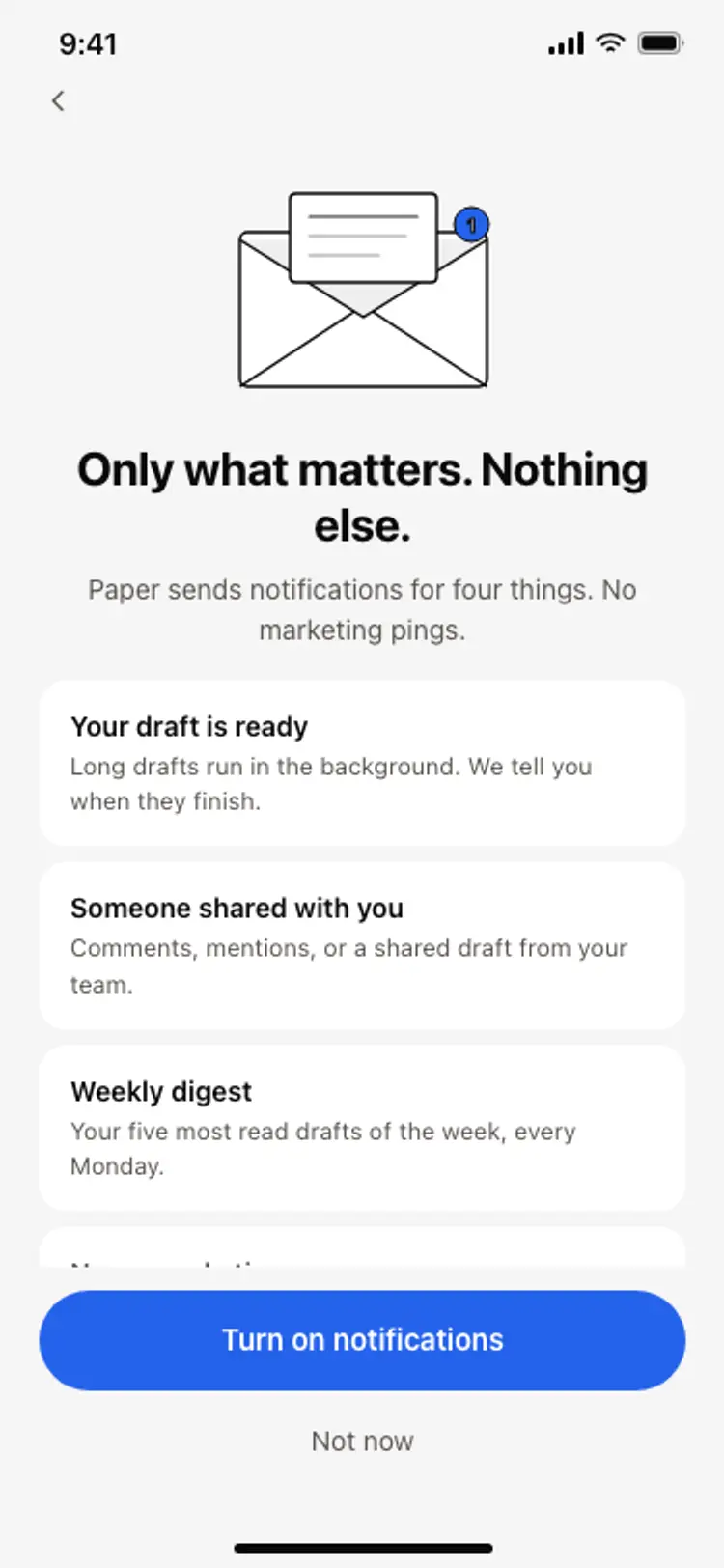
Notification preferences screen
Notification preferences screen
Onboarding
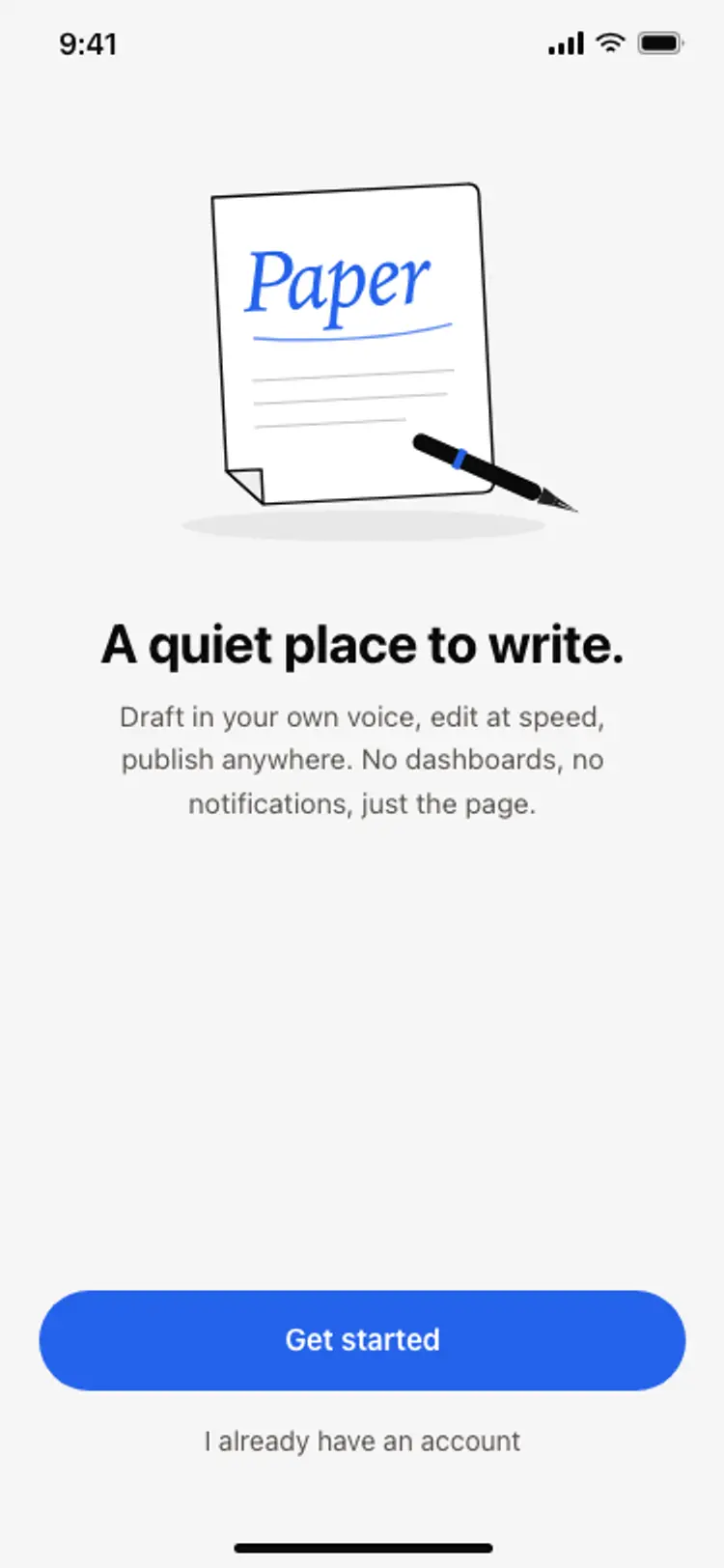
App onboarding welcome screen
App onboarding welcome screen
Onboarding
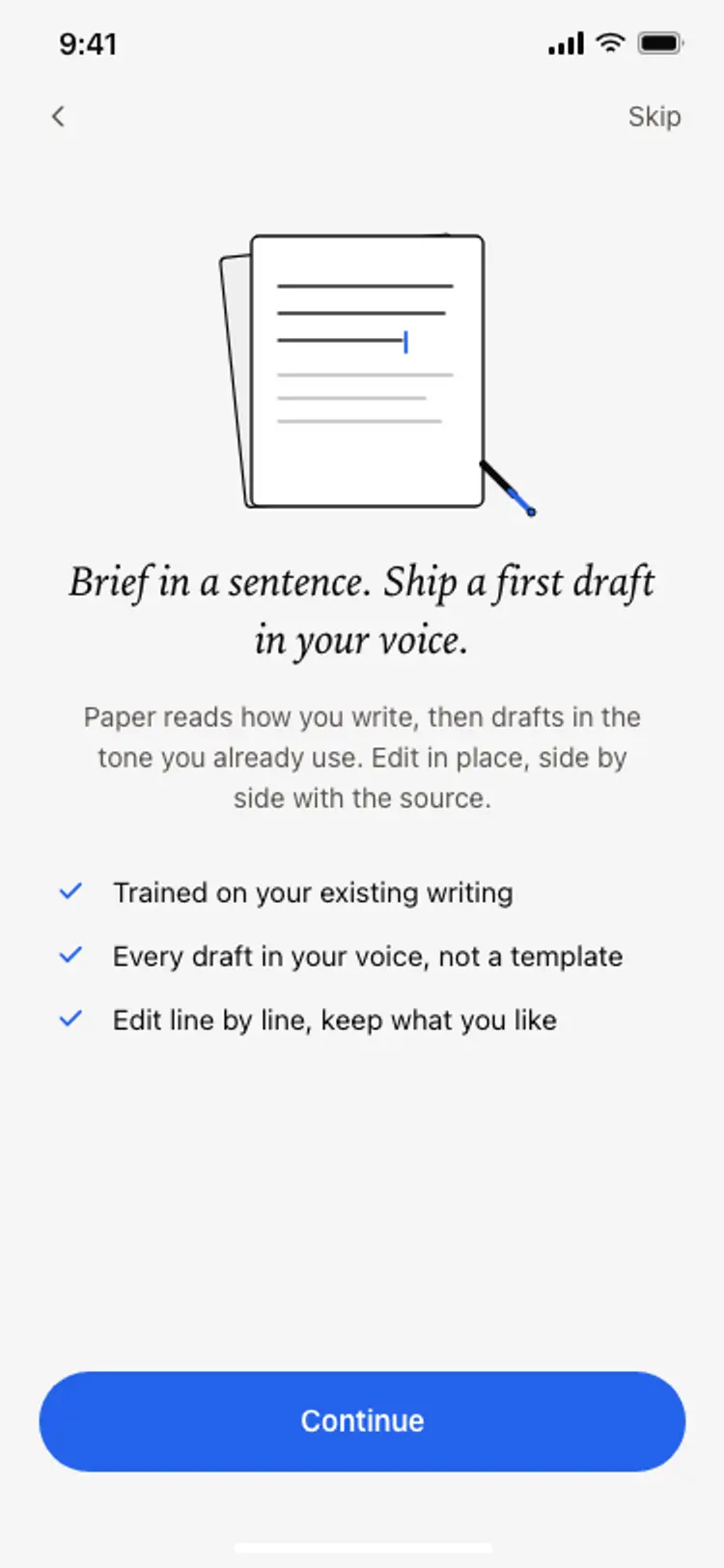
Onboarding benefits screen
Onboarding benefits screen
Onboarding
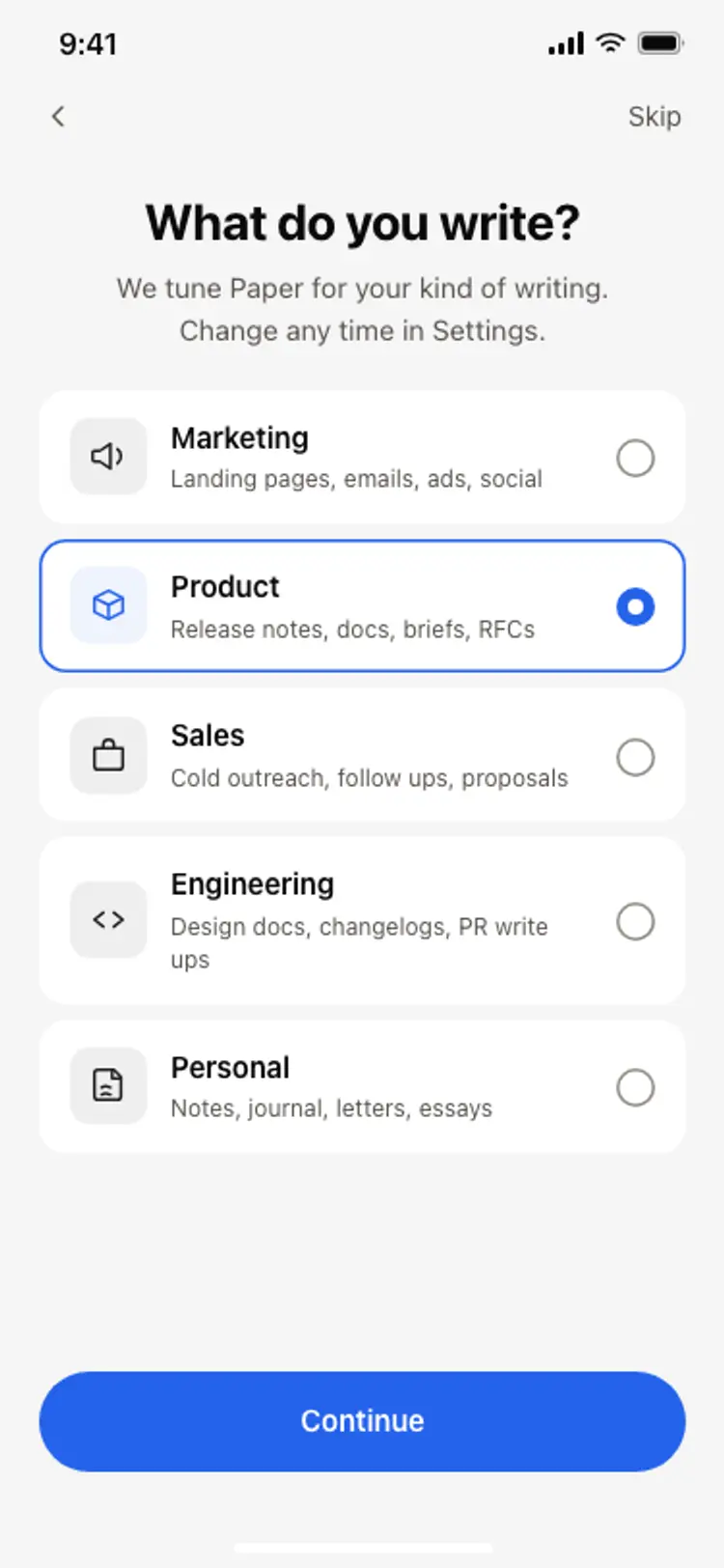
Onboarding role picker
Onboarding role picker
Onboarding
Other app templates you might like


See also
Browse app templates