Pomodoro timer app screen template
A pomodoro timer screen template with a big countdown inside a glowing ring, session progress and play, pause, restart and skip buttons.
About this app template
A focus timer app screen template for pomodoro and deep work apps. A large countdown sits inside a glowing <a href="/animated-gradient-backgrounds" class="underline underline-offset-2 text-[var(--ink)]">animated gradient</a> ring, with the current task, session 3 of 4 progress and big, easy controls. The countdown really runs in the template. Part of our <a href="/app-templates/focus-timer-app" class="underline underline-offset-2 text-[var(--ink)]">focus timer app screens</a>; the desktop timer dashboard is in our <a href="/productivity-app-templates" class="underline underline-offset-2 text-[var(--ink)]">productivity app templates for web</a>.
Build a full productivity app with this template design
A productivity app is mostly lists, threads, and detail views built from the same row and spacing rules, so one screen can set the standard for every screen after it. Copy the template, paste it into Claude Code, Replit, Lovable, ChatGPT Codex, Bolt, or Cursor, and send this alongside it.
Paste into Claude Code, Replit, Lovable, Bolt, or Cursor
Common questions about this template
How does a pomodoro timer work?
Work for a set time, usually 25 minutes, then take a short break. After four sessions, take a longer break. The dots show where you are.
Does the timer count down in the template?
Yes. The countdown runs and the play button pauses it.
Is there a desktop version?
Yes. The focus timer dashboard in our <a href="/productivity-app-templates" class="underline underline-offset-2 text-[var(--ink)]">productivity app templates for web</a> uses the same design.
How do I build this screen with AI?
Copy the template, paste it into Claude Code, Lovable, Bolt, Replit or Cursor and describe your app. Your AI coding tool keeps the pomodoro timer app screen design and the <a href="/animated-gradient-backgrounds" class="underline underline-offset-2 text-[var(--ink)]">animated gradient</a>, and connects it to your data. It also works as a reference for React Native, Flutter or SwiftUI.
Use this template for
- ·Pomodoro timer app screen
- ·Focus timer UI for iOS
- ·Deep work session screen
- ·Study timer app design
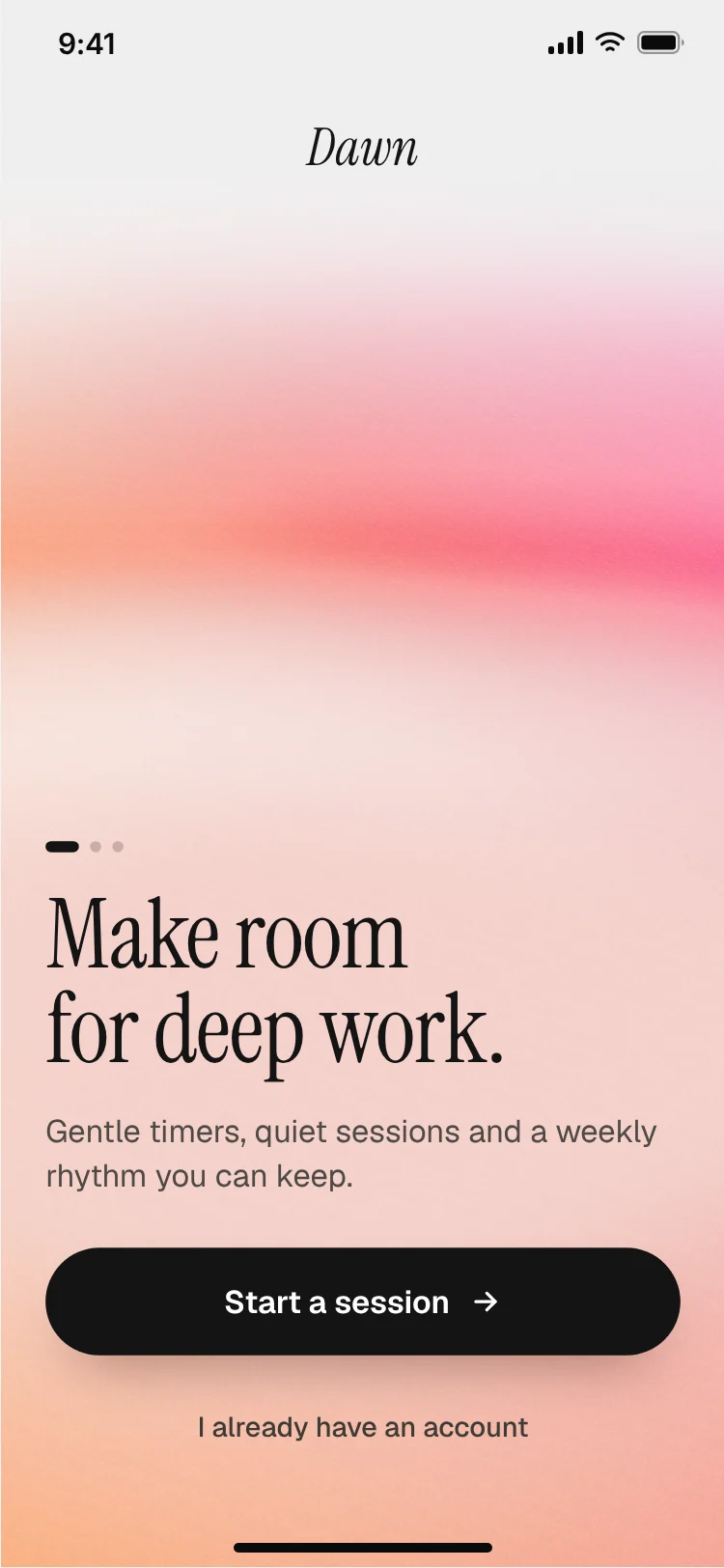
More from the Focus timer app set
All 3 screens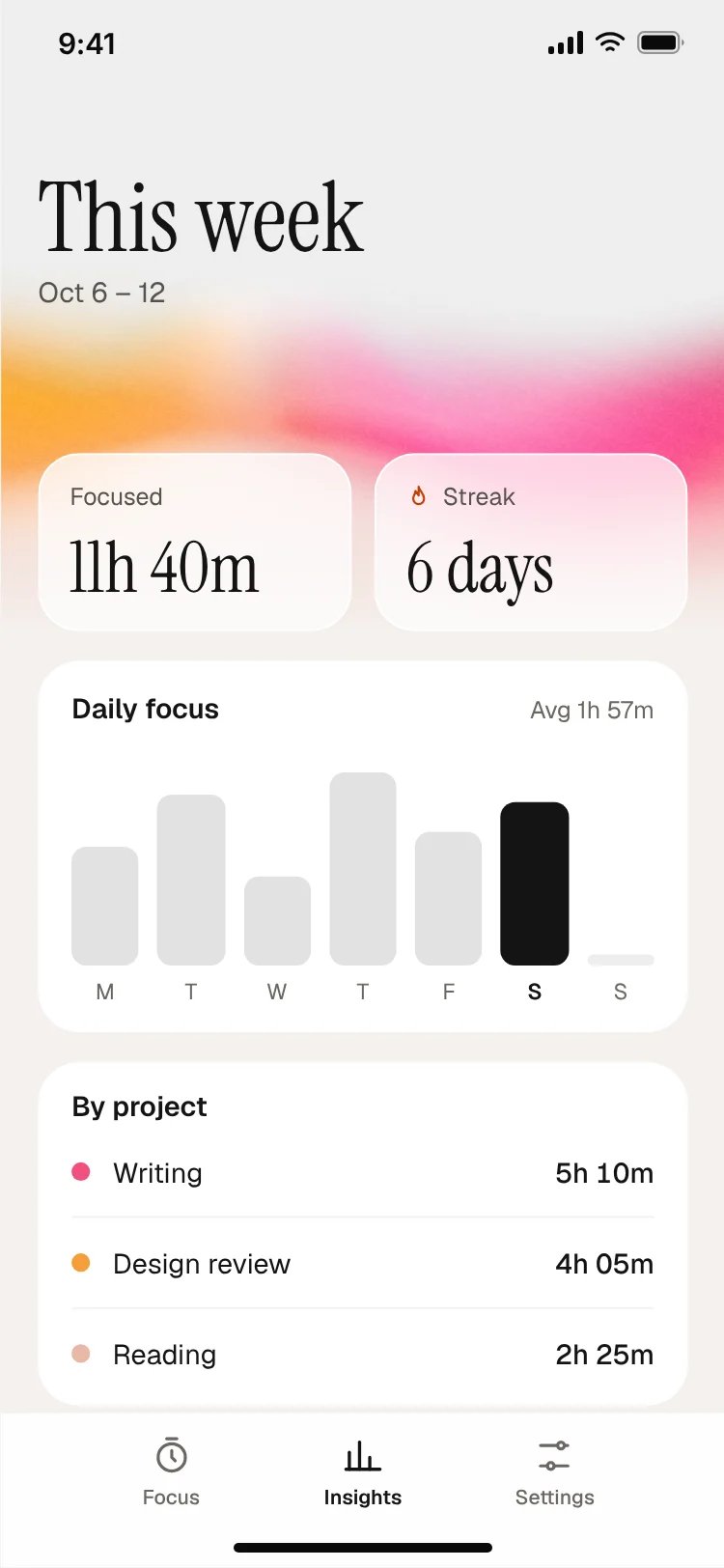
More productivity app templates
View all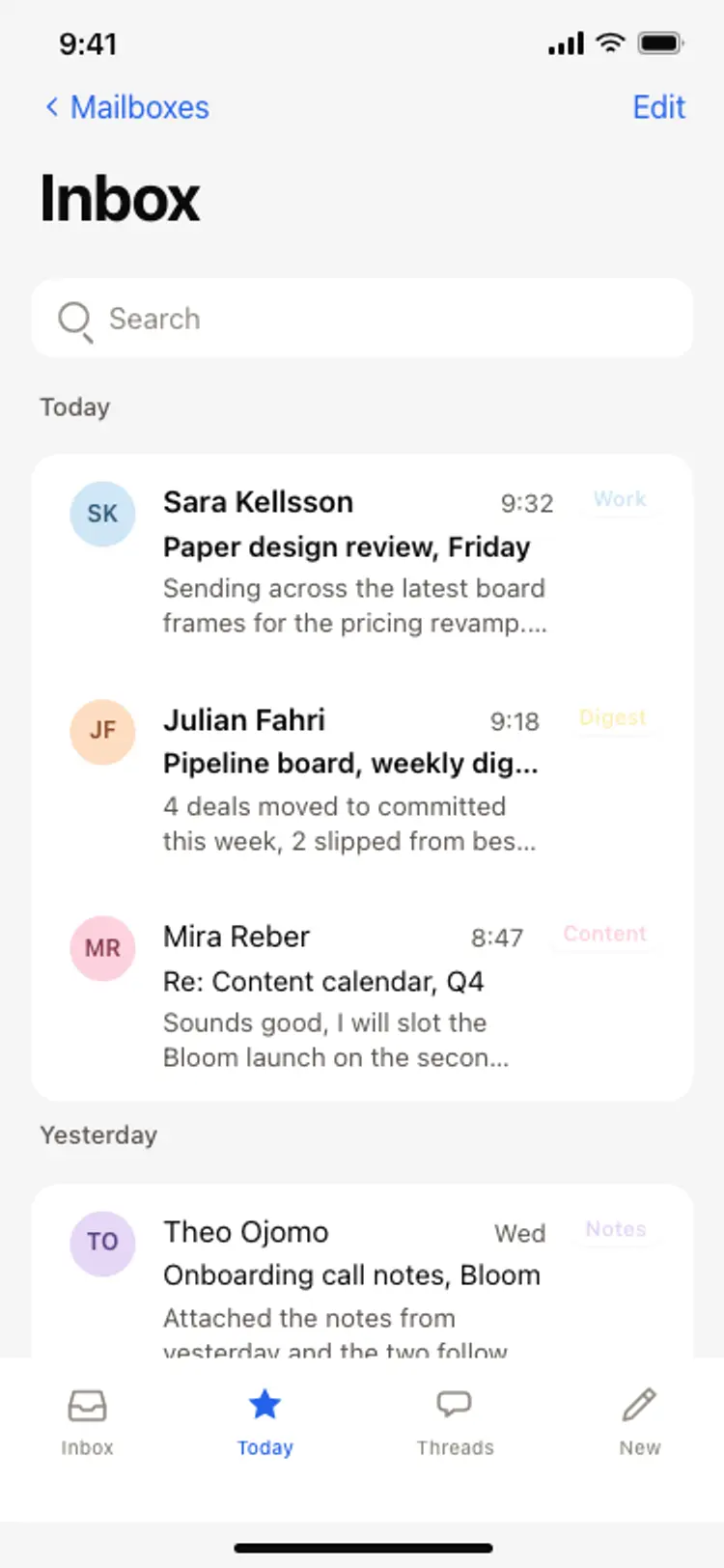
Email inbox screen
Email inbox screen
Productivity
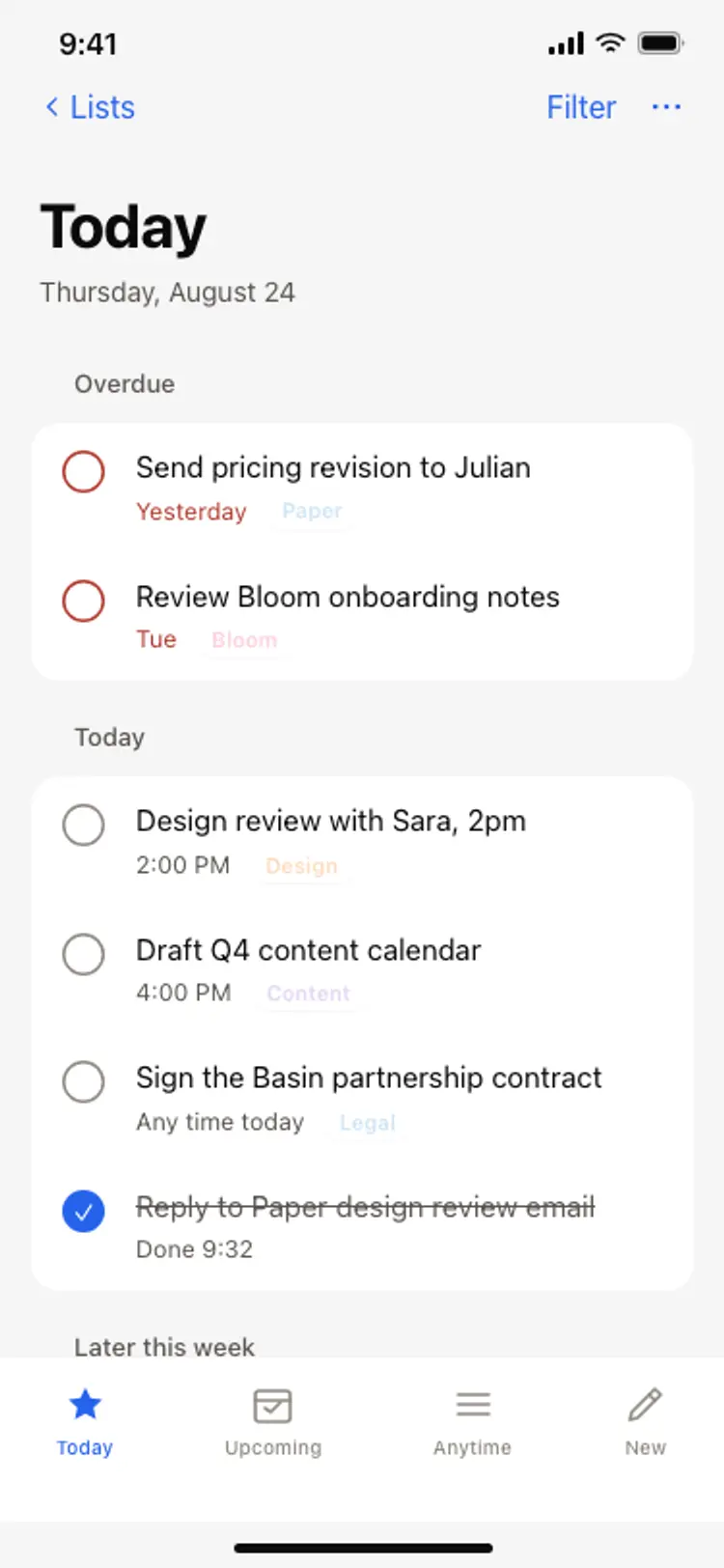
Task list screen
Task list screen
Productivity
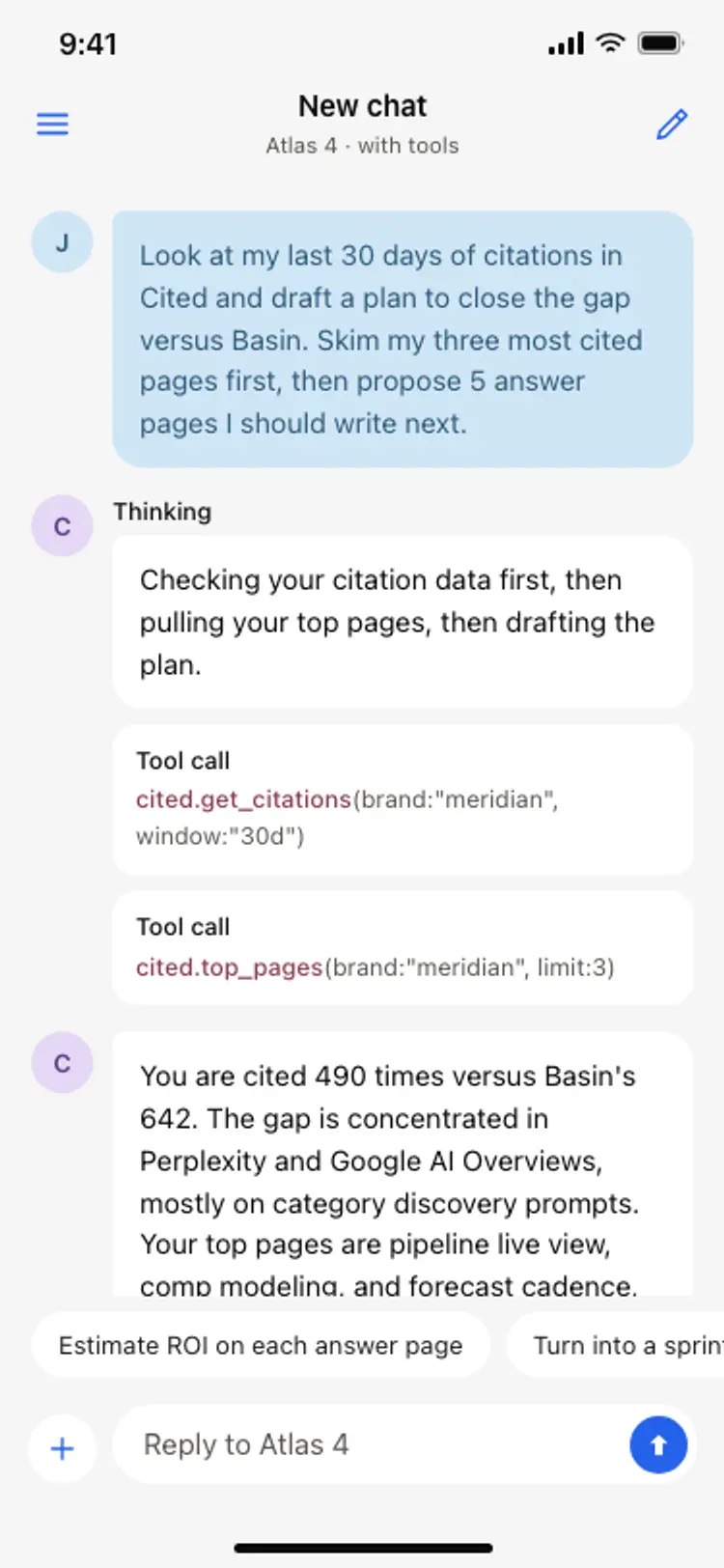
AI assistant chat screen
AI assistant chat screen
Productivity
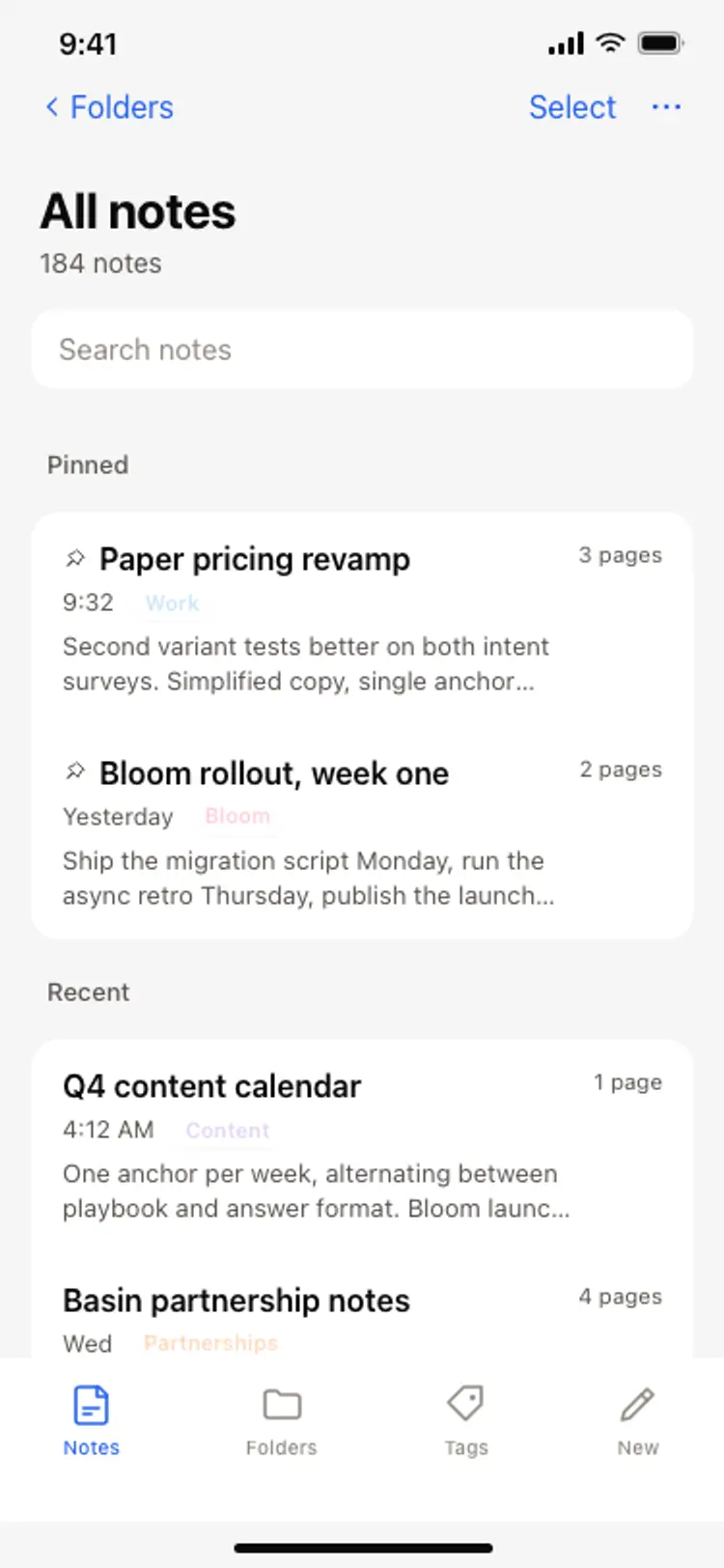
Notes app screen
Notes app screen
Productivity
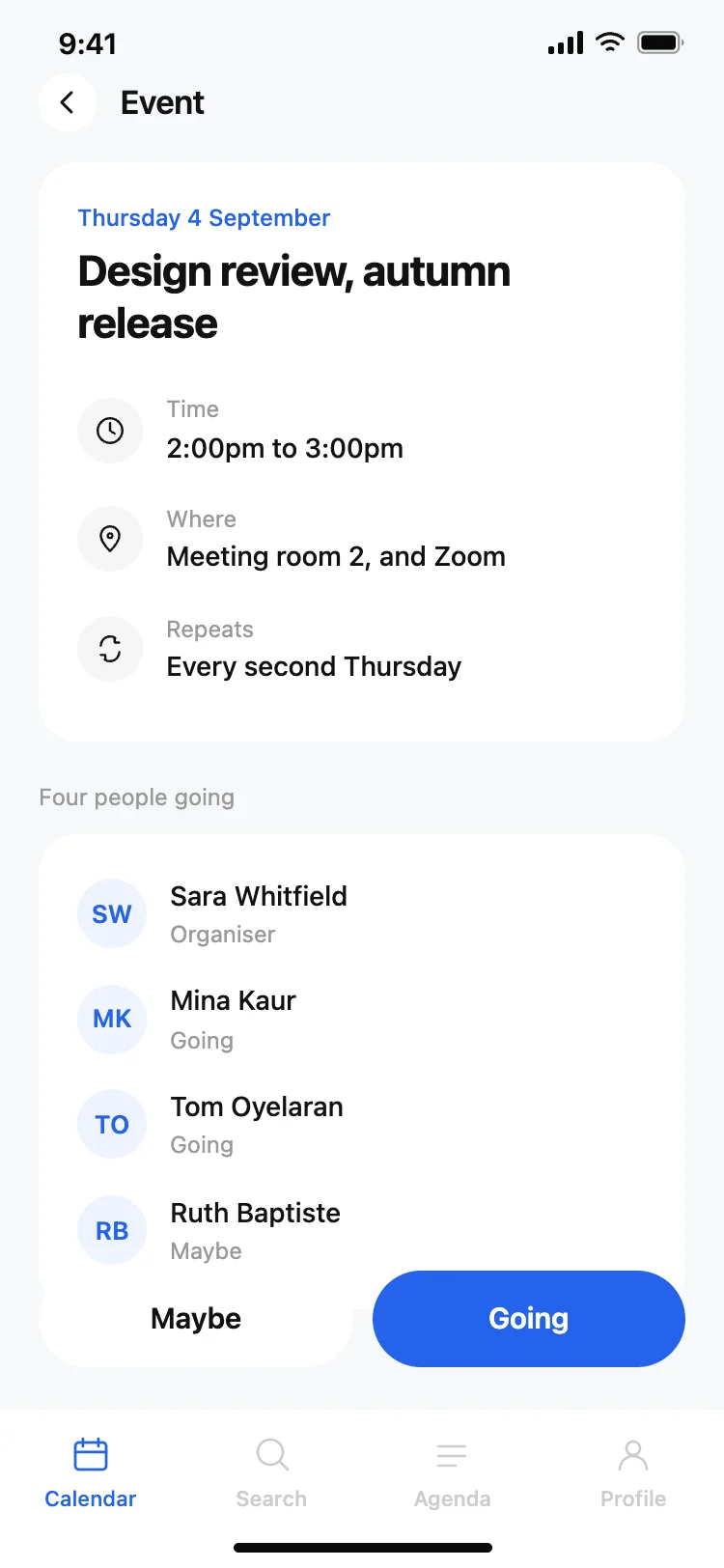
Calendar app event detail screen
Calendar app event detail screen
Productivity
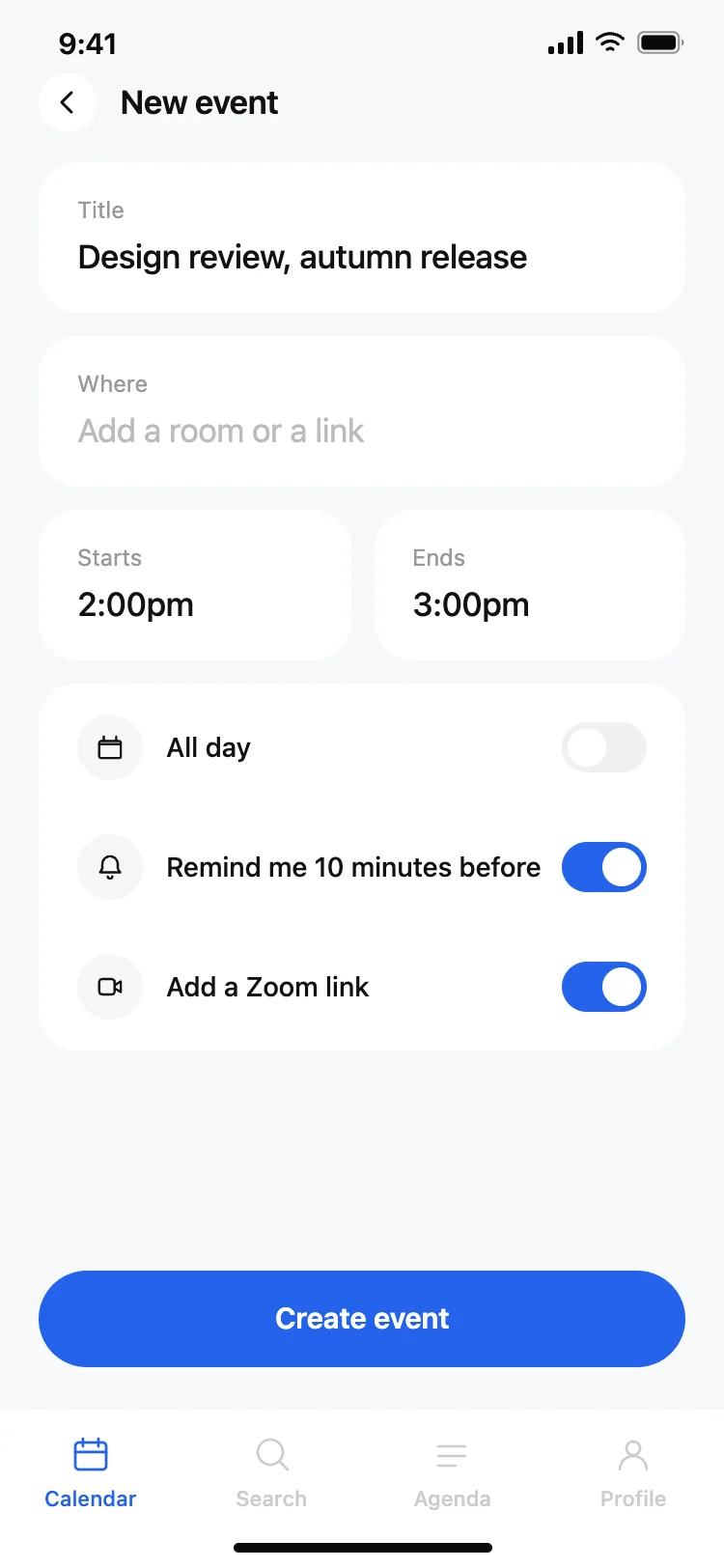
Calendar app new event screen
Calendar app new event screen
Productivity
Other app templates you might like

See also
Browse app templates