Success and completion screen app template
A clean success screen for iOS and Android apps. Centered blue checkmark on a soft blue circle, bold headline, supporting text, and two buttons: a primary CTA and a secondary option below. Use it after account creation, a purchase, a form submission, or any completed action. Built for Bolt, Lovable, and Replit.
About this app template
Every meaningful action in an app deserves a moment of confirmation. This screen delivers it. A large checkmark sits centered in a soft blue circle with a faint outer ring. Below, a bold You are all set headline and a short line of supporting text confirm what just happened. Two buttons sit at the bottom: a blue primary CTA that moves the user forward, and a lighter secondary option for an alternative path. The white background and generous spacing keep the screen calm and reassuring. Paste it into Bolt, Lovable, or Replit and ask your AI to update the headline, subtext, and button destinations to match the action the user just completed.
Build a full mobile app onboarding flow with this template design
An onboarding flow is a run of screens a new user sees back to back, which makes any inconsistency between them obvious, so one onboarding screen can set the standard for every screen after it. Copy the template, paste it into Claude Code, Replit, Lovable, ChatGPT Codex, Bolt, or Cursor, and send this alongside it.
Paste into Claude Code, Replit, Lovable, Bolt, or Cursor
Common questions about this template
What should a mobile app success screen include?
A success screen needs a clear visual signal that something worked (a checkmark or icon), a one-line confirmation headline, a brief explanation of what happens next, and a single primary CTA that moves the user forward. This template includes all four in the right order.
How do I customise this for a post-purchase success screen?
Update the headline to something like Your subscription is active and the sub-text to describe what the user now has access to. Change the primary button to Go to your dashboard and ask your AI to route it to the main app experience.
Can I add a confetti animation to this screen?
Yes. Ask your AI to add a CSS confetti animation that plays when the screen loads. Keep it short, under 2 seconds, so it feels celebratory rather than disruptive.
Should the success screen show automatically or require a tap?
Show it automatically after the action completes, then let the user tap the CTA to continue. Do not auto-advance away from the success screen since users need a moment to register that something worked before being moved on.
Use this template for
- ·Post-signup and account creation confirmation screens
- ·Purchase and subscription success screens for iOS apps
- ·Form submission and action completion confirmations
- ·Onboarding completion screens before the main app experience
More onboarding app templates
View allNews app onboarding screen
News app onboarding screen
Onboarding
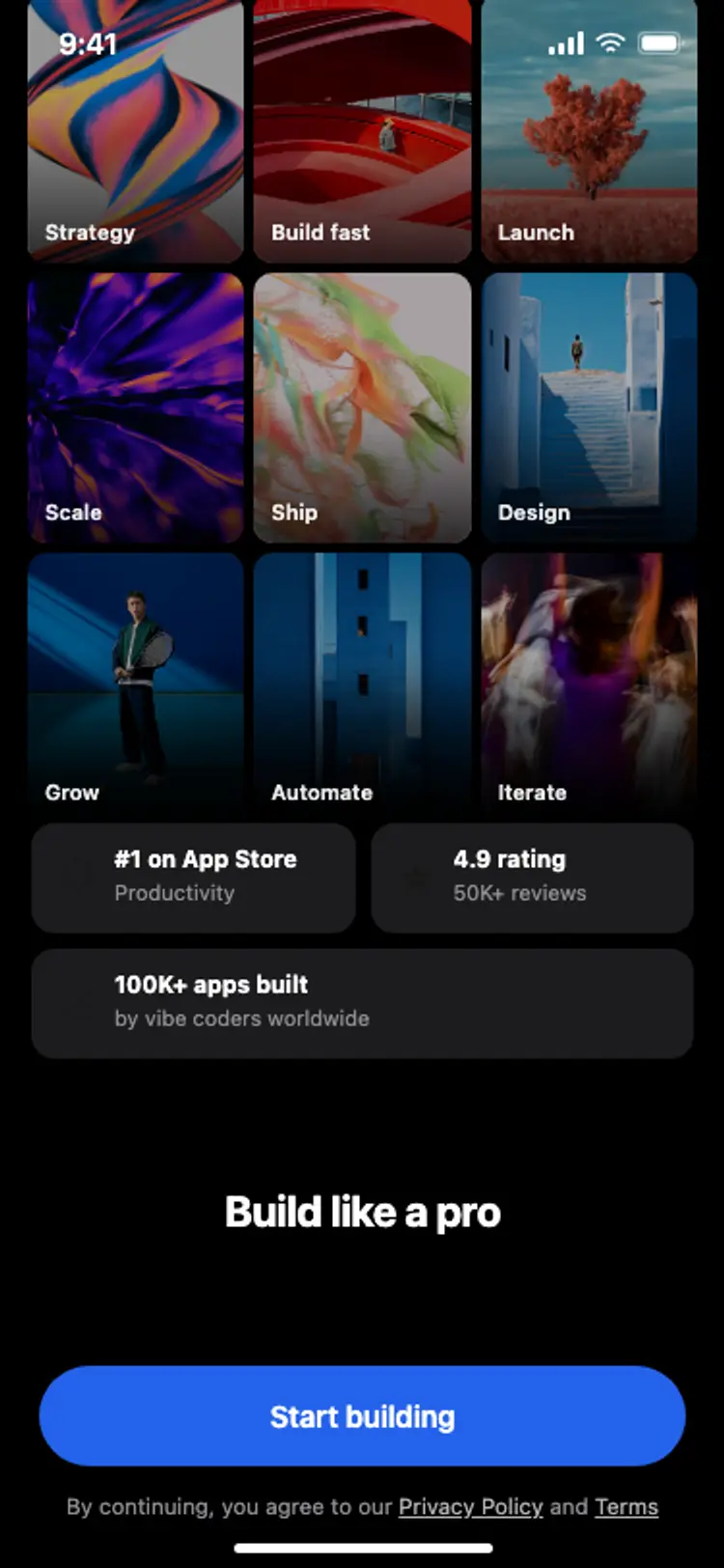
Onboarding with social proof
Onboarding with social proof
Onboarding
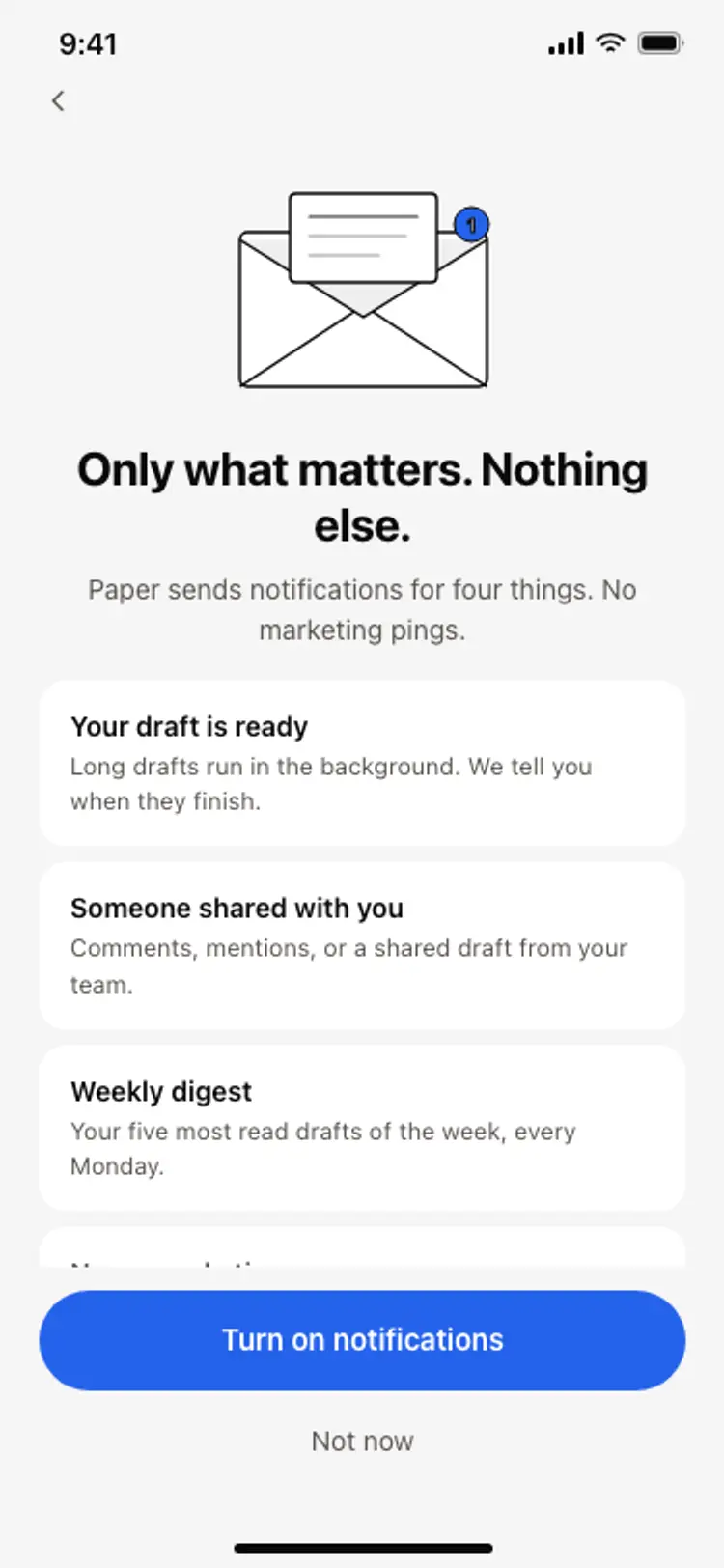
Notification preferences screen
Notification preferences screen
Onboarding
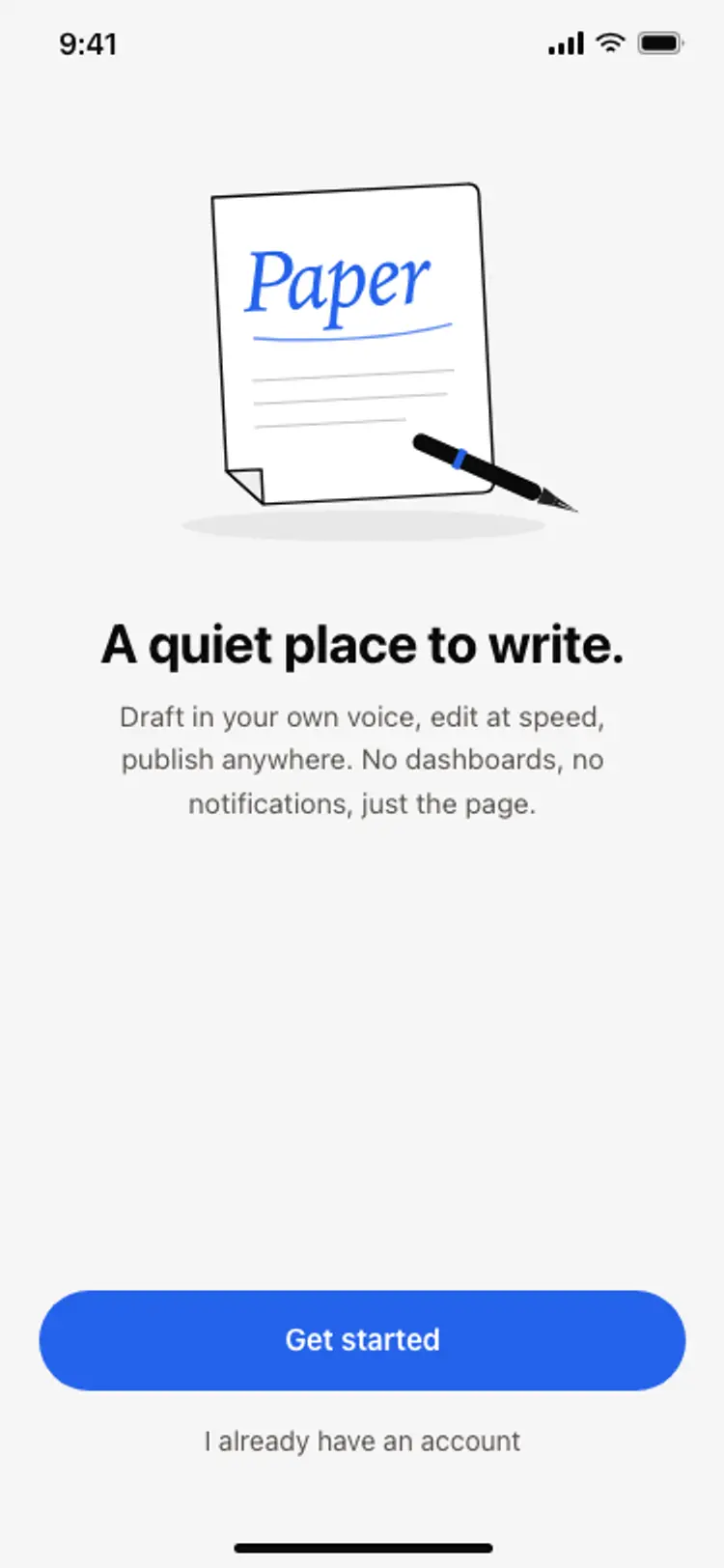
App onboarding welcome screen
App onboarding welcome screen
Onboarding
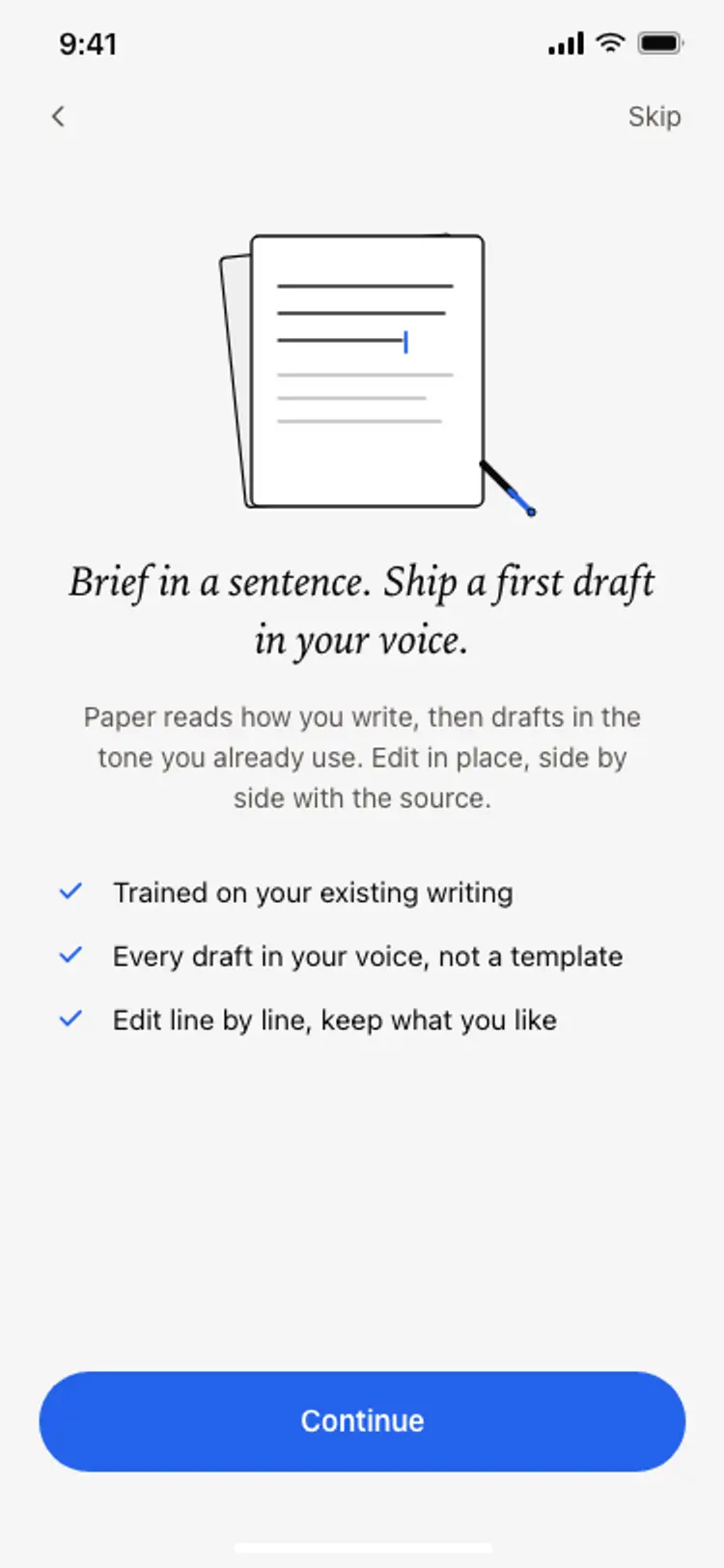
Onboarding benefits screen
Onboarding benefits screen
Onboarding
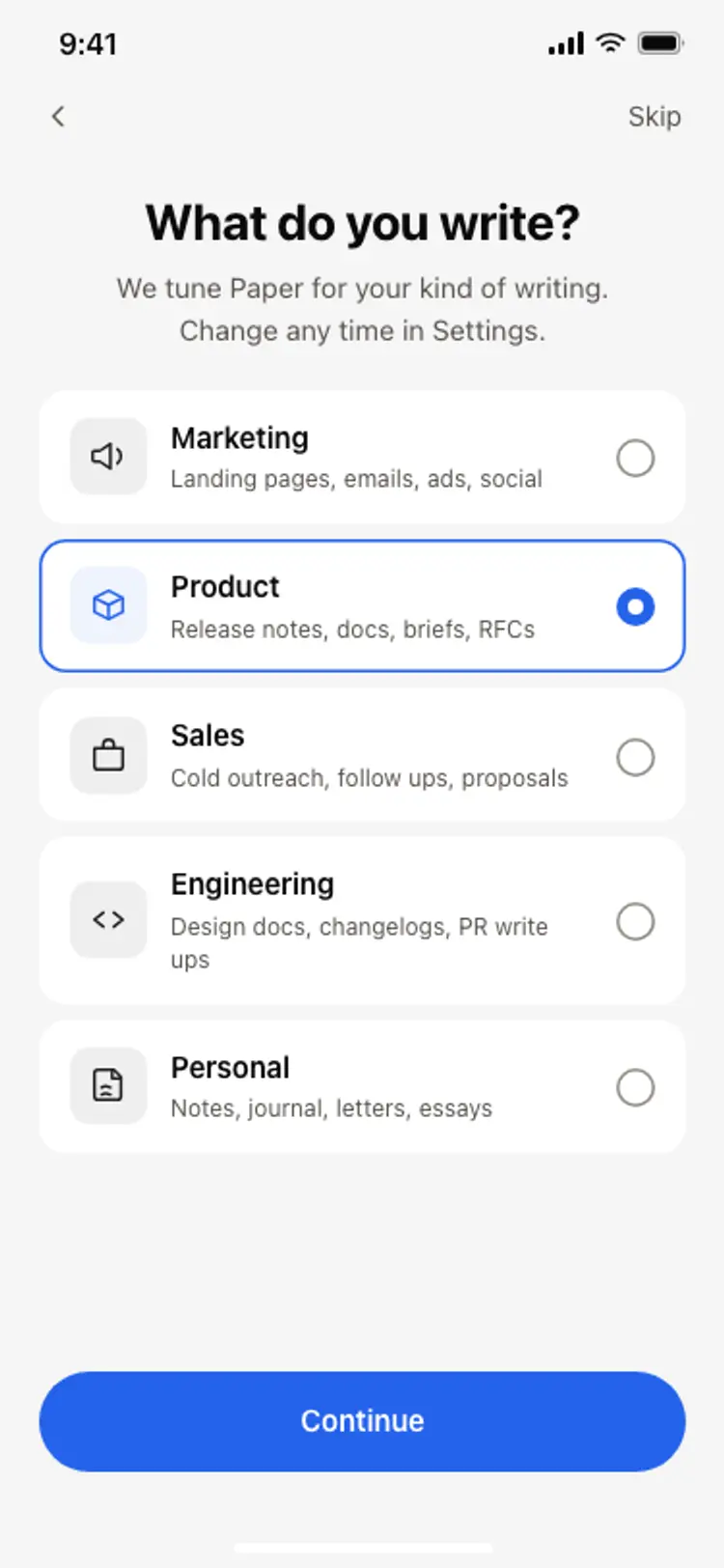
Onboarding role picker
Onboarding role picker
Onboarding
Other app templates you might like

See also
Browse app templates