Notification permission prompt app template
A branded notification permission screen for iOS and Android apps. Full photo background with a dark gradient, a bell icon, a bold headline, and two buttons: Allow notifications and Not now. Use it before triggering the native iOS permission dialog so users understand why they should say yes. Built for Bolt, Lovable, and Replit.
About this app template
Most apps that trigger the native iOS notification permission dialog without context get rejected. This screen gives users a reason to say yes before the system dialog appears. A full-screen photo fills the display, a dark gradient deepens toward the bottom, and a frosted bell icon sits centered above a bold headline and a two-sentence benefit statement. The Allow notifications button is blue and prominent. Not now sits below as a ghost option. Paste it into Bolt, Lovable, or Replit and ask your AI to show this screen immediately before calling the native permission request, then route users who tap Allow to the permission dialog and users who tap Not now directly to the home screen.
Build a full mobile app onboarding flow with this template design
An onboarding flow is a run of screens a new user sees back to back, which makes any inconsistency between them obvious, so one onboarding screen can set the standard for every screen after it. Copy the template, paste it into Claude Code, Replit, Lovable, ChatGPT Codex, Bolt, or Cursor, and send this alongside it.
Paste into Claude Code, Replit, Lovable, Bolt, or Cursor
Common questions about this template
Why should I show a custom screen before the iOS notification prompt?
iOS only shows the native permission dialog once. If the user dismisses it, you cannot ask again. A custom screen lets you explain the value first so users understand why they should allow notifications. Apps that use a pre-permission screen convert significantly better.
How do I wire this screen to the native iOS notification dialog?
Paste this template into Bolt, Lovable, or Replit. Ask your AI to call the native notification permission API when the user taps Allow notifications, then route to the home screen after the dialog is dismissed regardless of the user's choice.
When in the onboarding flow should I show this screen?
Show it after the user has completed sign-in and seen at least one screen of value from your app. Asking for notification permission as the very first screen after sign-up reduces conversion. Users who understand your app first are more likely to allow it.
Can I use this for a re-engagement campaign to users who denied notifications?
Yes. If a user previously denied the native permission, you cannot trigger the dialog again. But you can show this screen and route the Allow button to your app's notification settings page in iOS Settings, where the user can manually enable them.
Use this template for
- ·Pre-permission screens before the iOS notification dialog
- ·Push notification opt-in screens for iOS and Android apps
- ·First-run onboarding steps that explain notification value
- ·Re-engagement screens that prompt users to enable notifications
More onboarding app templates
View allNews app onboarding screen
News app onboarding screen
Onboarding
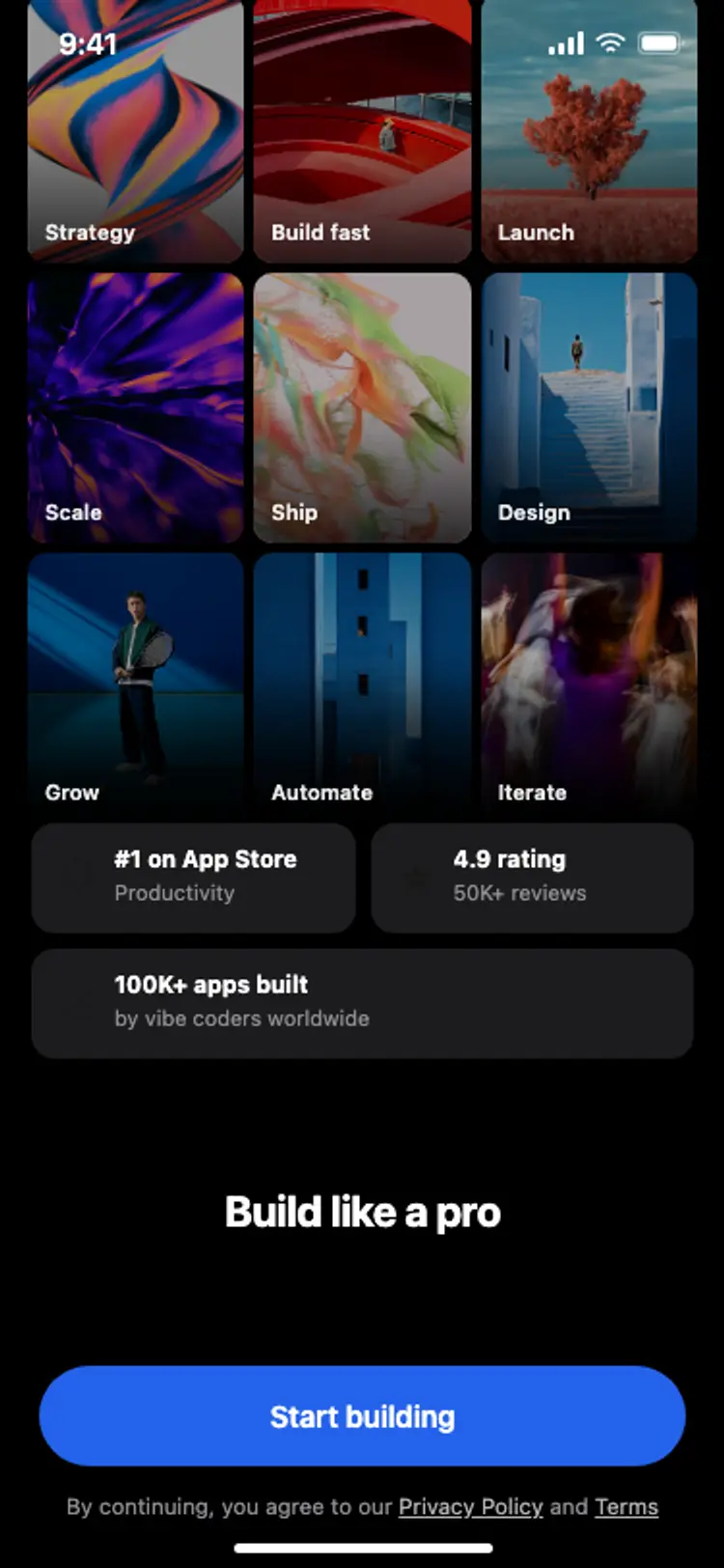
Onboarding with social proof
Onboarding with social proof
Onboarding
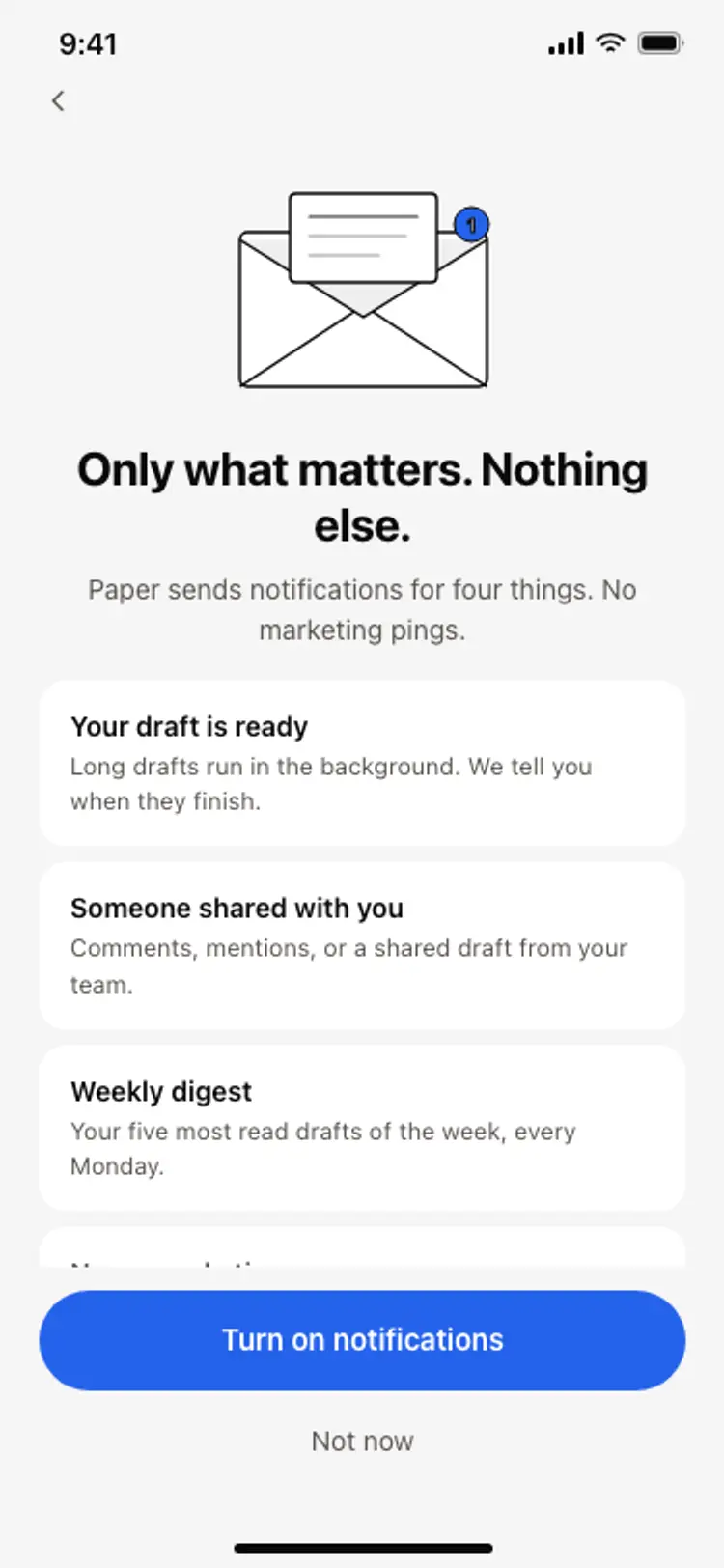
Notification preferences screen
Notification preferences screen
Onboarding
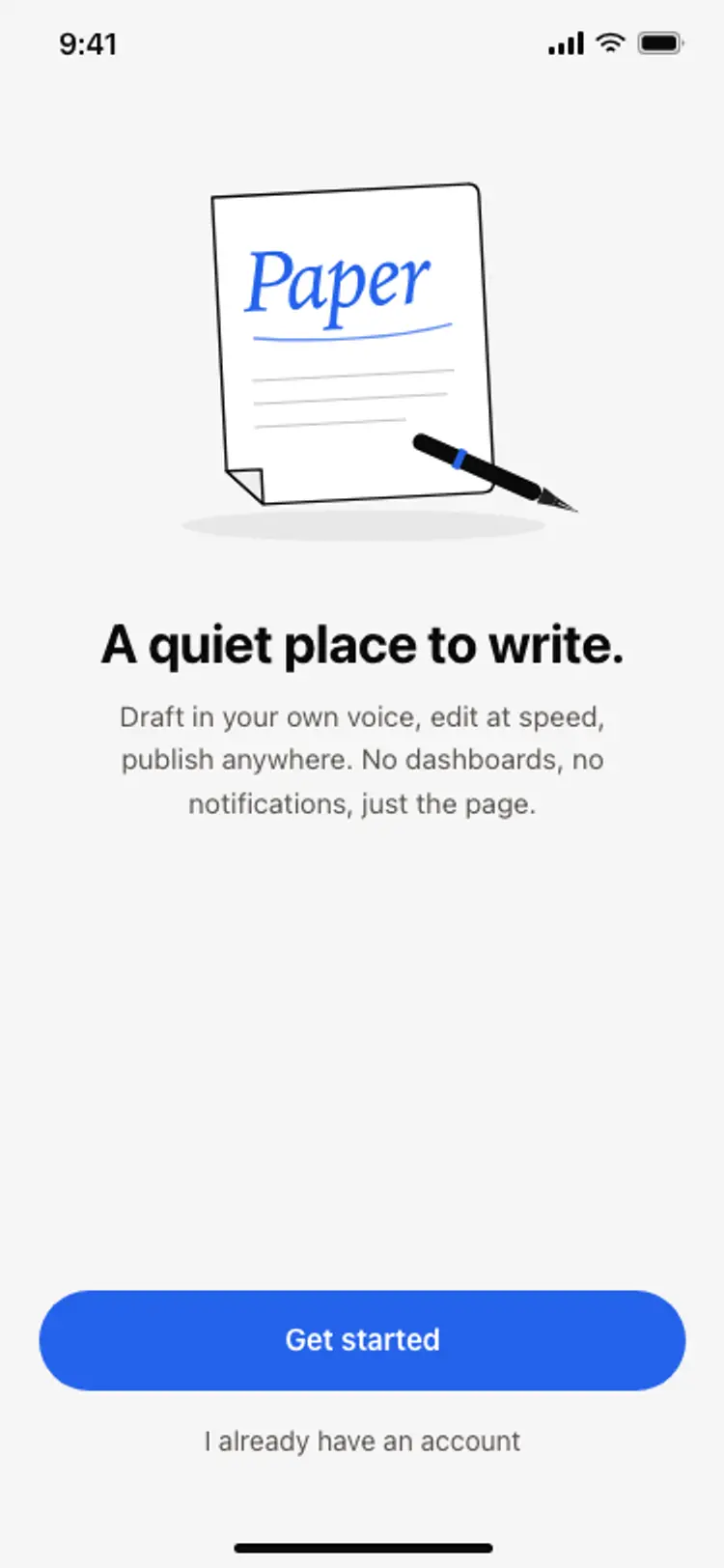
App onboarding welcome screen
App onboarding welcome screen
Onboarding
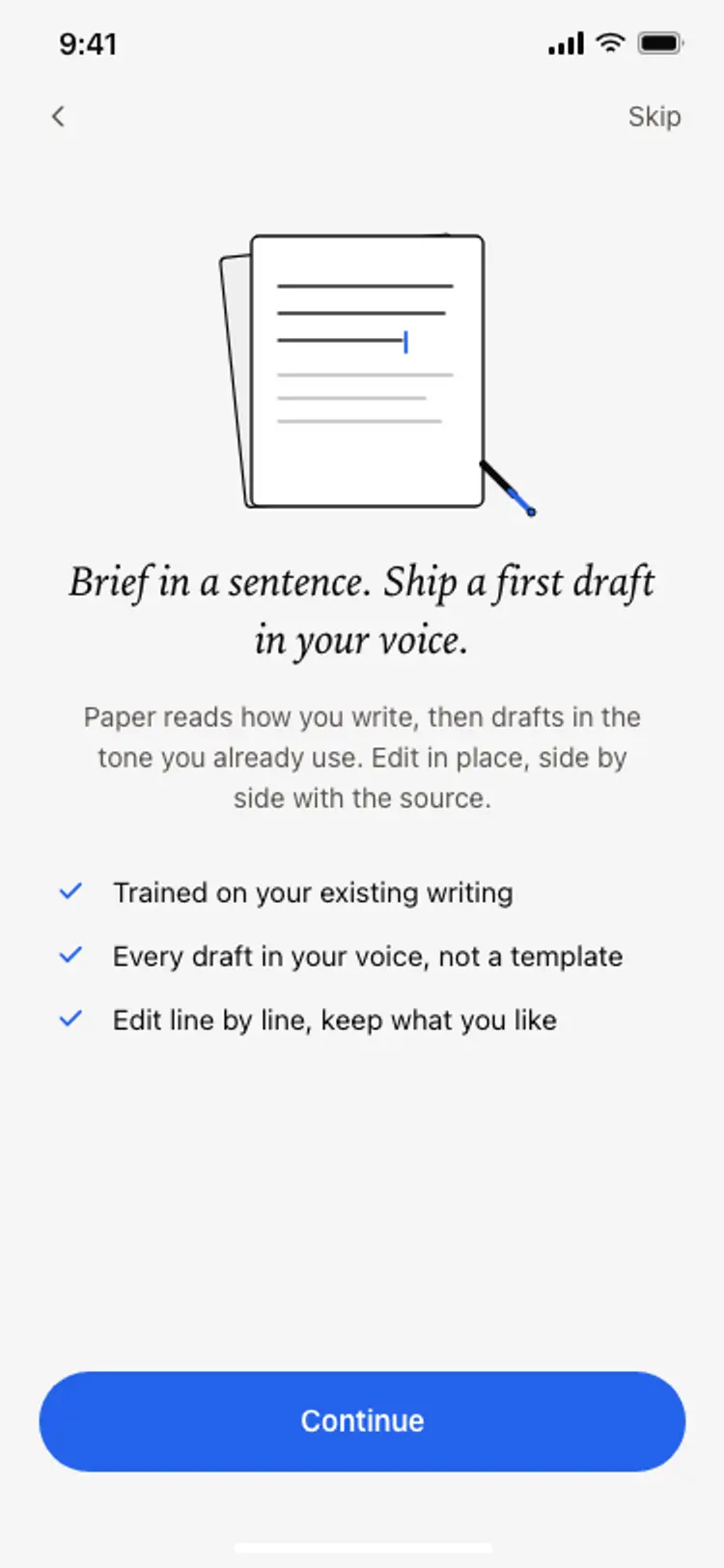
Onboarding benefits screen
Onboarding benefits screen
Onboarding
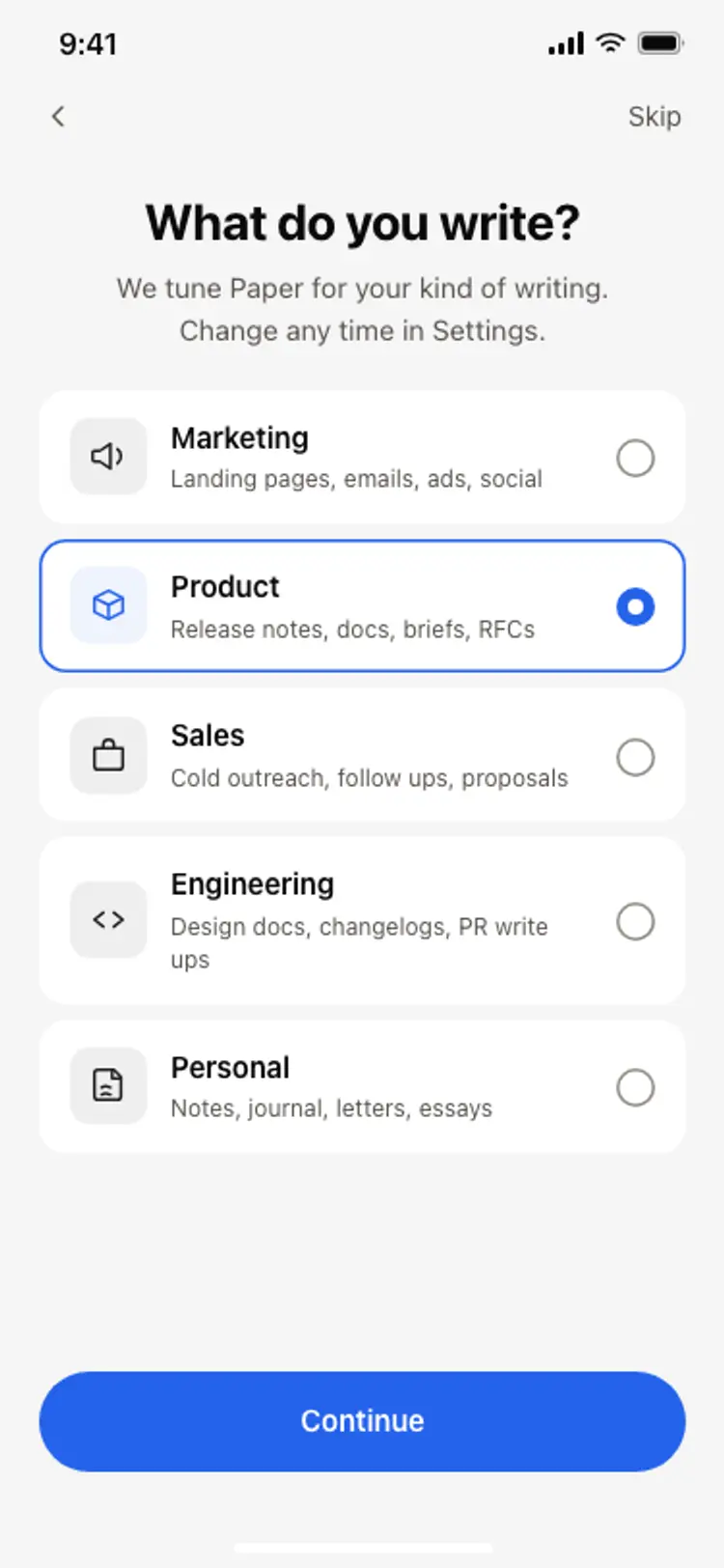
Onboarding role picker
Onboarding role picker
Onboarding
Other app templates you might like


See also
Browse app templates