Fintech SaaS add money page template
An add money page template for banking, wallet and investing apps. Quick amounts, Apple Pay, bank transfer or card, and a live balance preview. A fintech SaaS design that customers trust from the first screen. Use this AI template with Claude Code, Replit, Lovable, ChatGPT Codex, Bolt, Cursor, or another coding tool.
About this vibe coding template
An add money screen template for getting a customer's first deposit, the step that turns a sign up into an active user. Users tap $50, $100, $250 or $500, choose Apple Pay, bank transfer or card, and see their new balance straight away. It works as a top up page in any wallet, banking or investing app. Find the full flow in our fintech app templates. It is a fintech SaaS template you can paste straight into Claude Code, Lovable or Bolt.
Build a full SaaS checkout and paywall flow with this template design
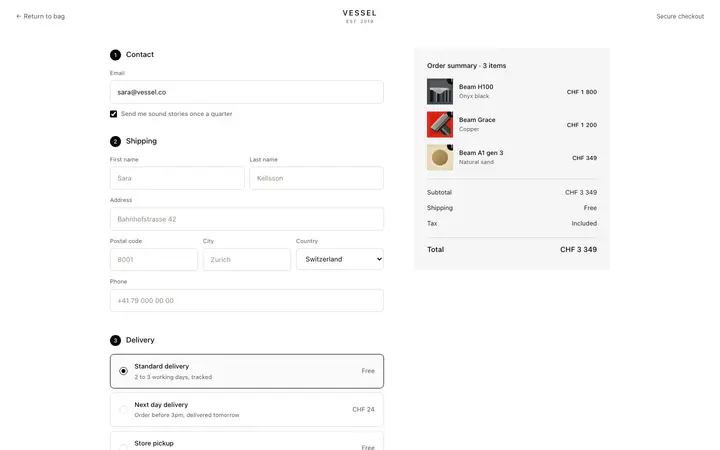
A SaaS checkout and paywall flow decides whether a visitor becomes a paying customer, so one checkout template can set the standard for the pricing page, the paywall, and every screen after it. Copy the template, paste it into Claude Code, Replit, Lovable, ChatGPT Codex, Bolt, or Cursor, and send this alongside it.
Paste into Claude Code, Replit, Lovable, Bolt, or Cursor
Common questions about this template
What is an add money page?
The screen where a user moves money into a new account, usually by card, Apple Pay or bank transfer. Getting the first deposit is the key activation step for a money app.
Can I add other payment methods?
Yes. The methods are a list. Add Google Pay, PayPal or crypto and your coding tool keeps the same design.
Does it connect to a payment provider?
The template is the front end. Ask your coding tool to connect the button to Stripe or your banking provider.
Which AI coding tools work with this add money page template for fintech apps?
Claude Code, Lovable, Bolt, Replit, ChatGPT Codex and Cursor. Copy the template, paste it into your tool and describe your SaaS product. The tool keeps the layout and the animated gradient and changes the copy, data and brand.
Use this AI coding template for
- ·Add money or top up page for a wallet app
- ·Fund your account step in a neobank
- ·Deposit screen for an investing app
- ·Payment method picker template
- ·Fintech add money page for a fintech SaaS
Works with every vibe coding tool
More from the Neobank set
All 11 pages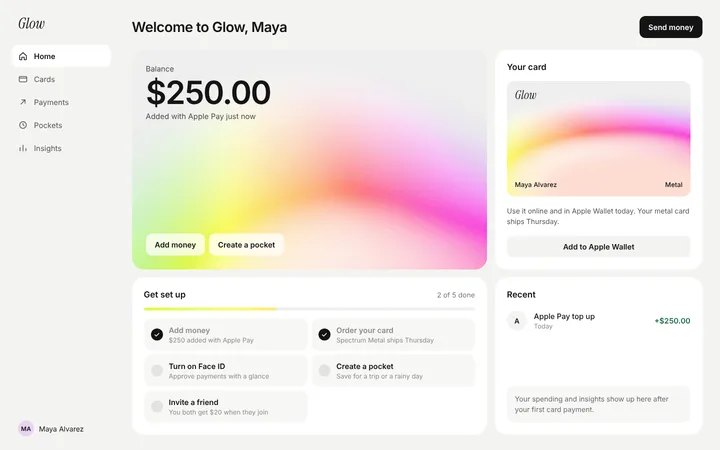
More checkout templates
View all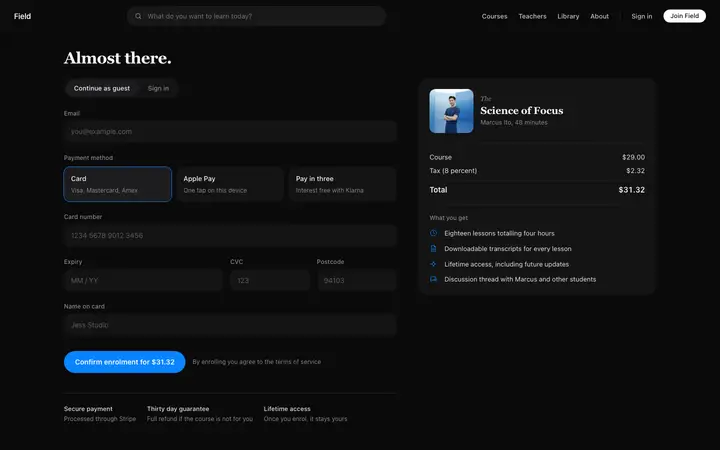

More vibe coding onboarding templates
View all
Other templates you might like