Bolt dark mode templates for AI websites and apps
Real dark mode designs you can copy into Bolt. Bolt turns a pasted template into a full JavaScript app, usually React with Vite, running in the browser. Below: the designs, how to set Bolt up so it keeps the design, and what makes a good dark mode section.
Bolt dark mode templates
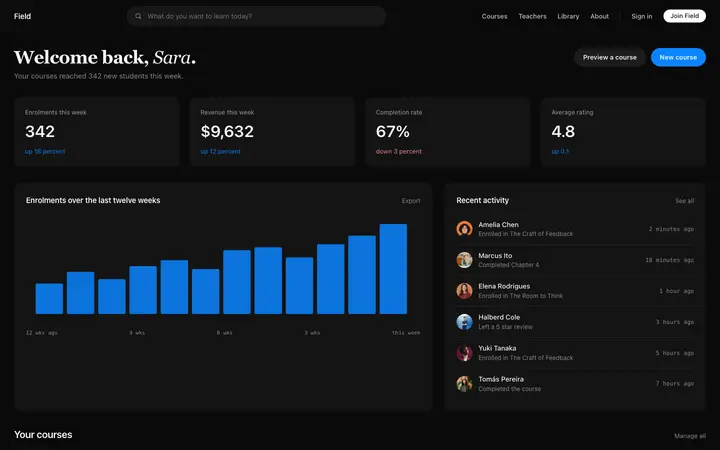
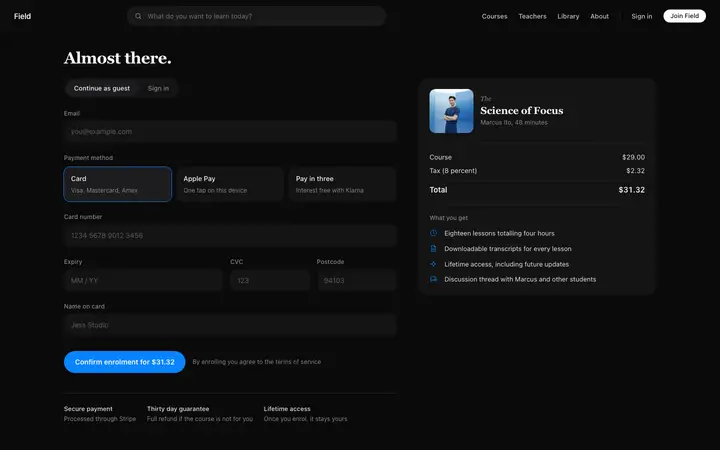
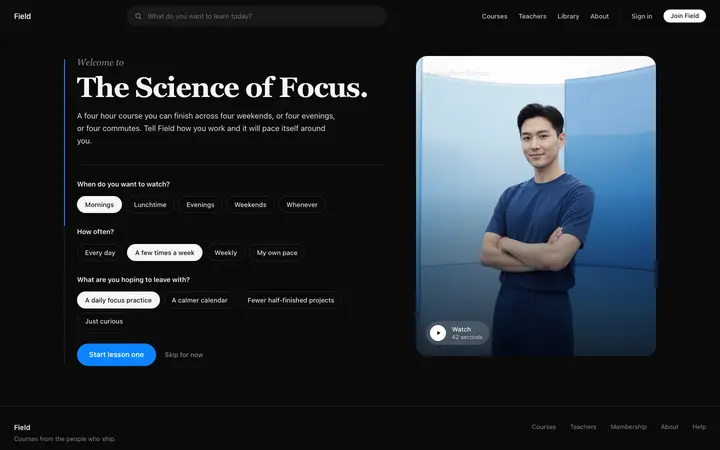
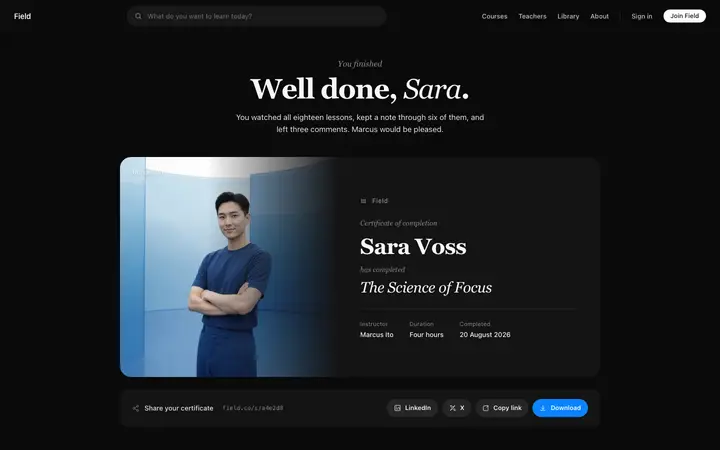
49 dark mode design templates for Bolt. Browse the full BrowserMoon library for every template category.

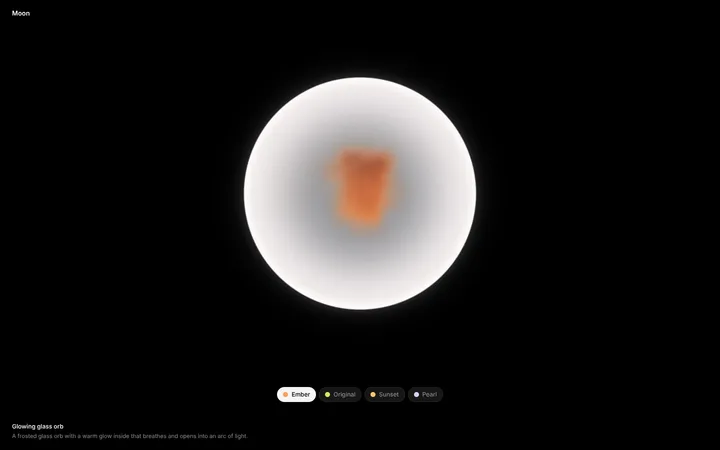
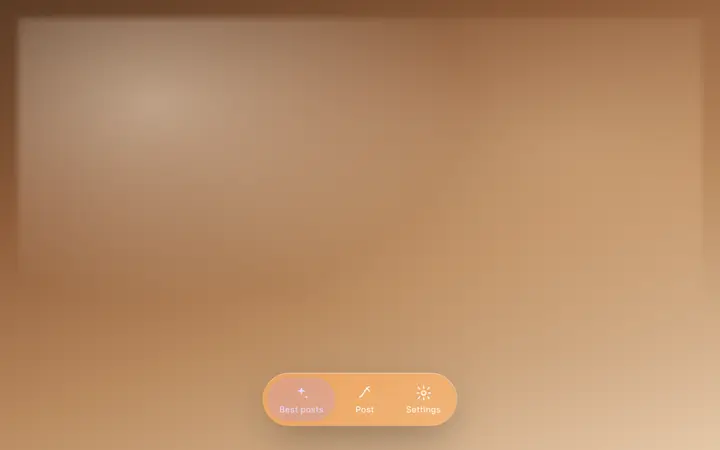
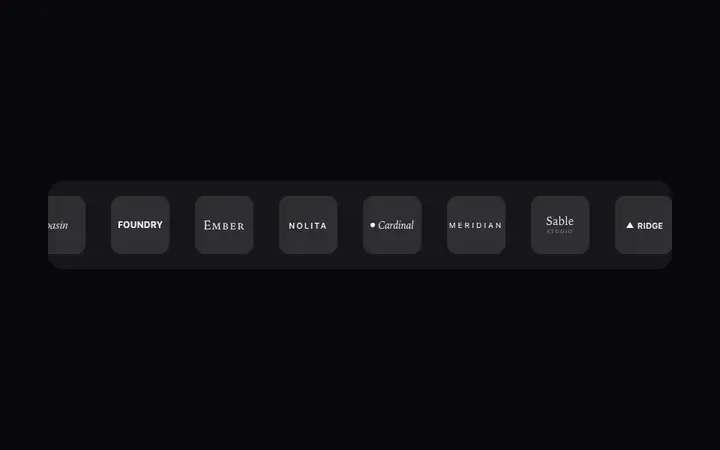
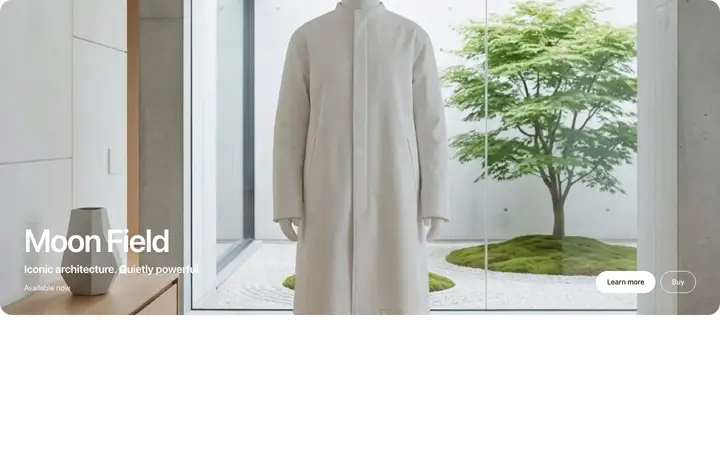
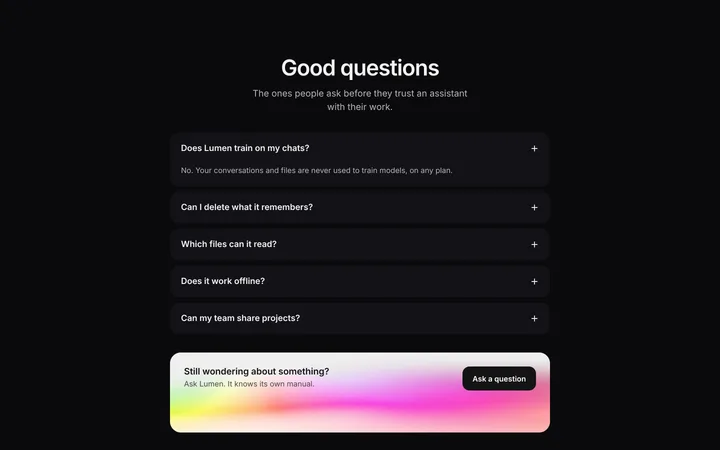
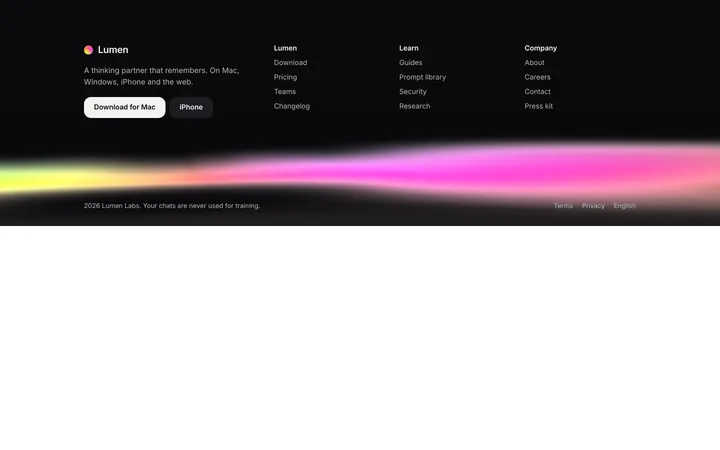
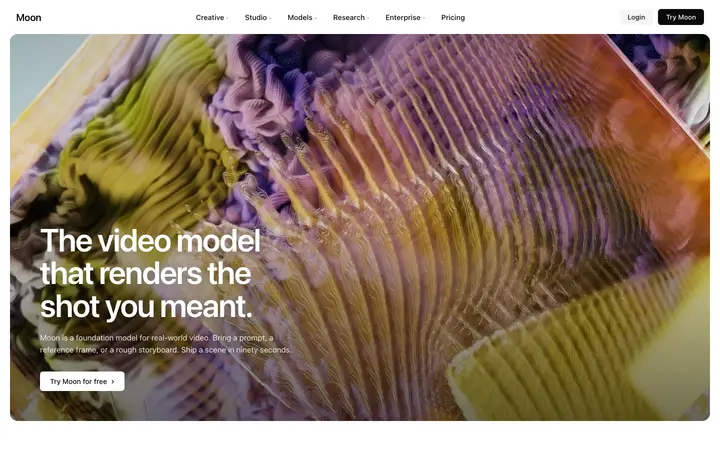
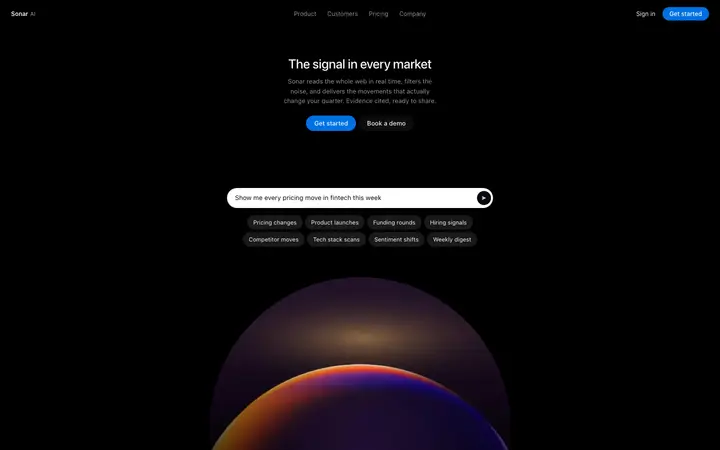
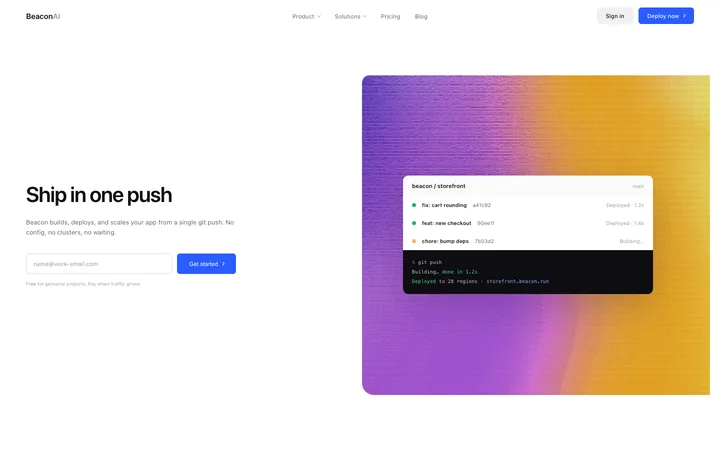
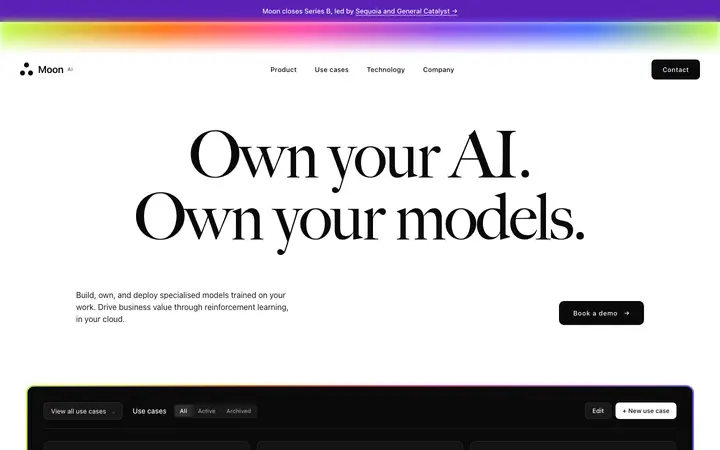


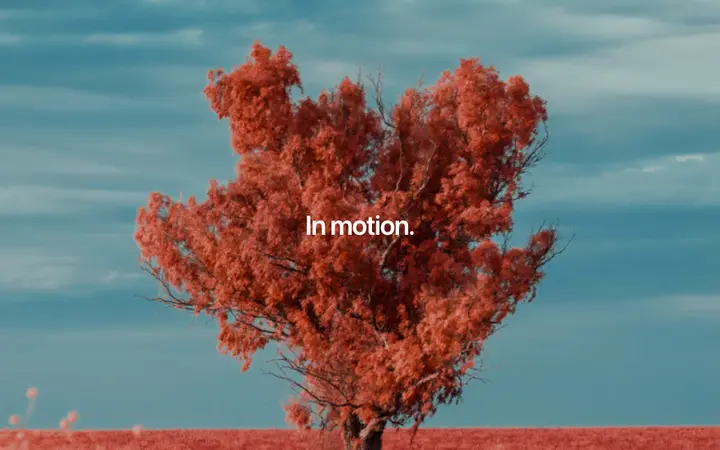
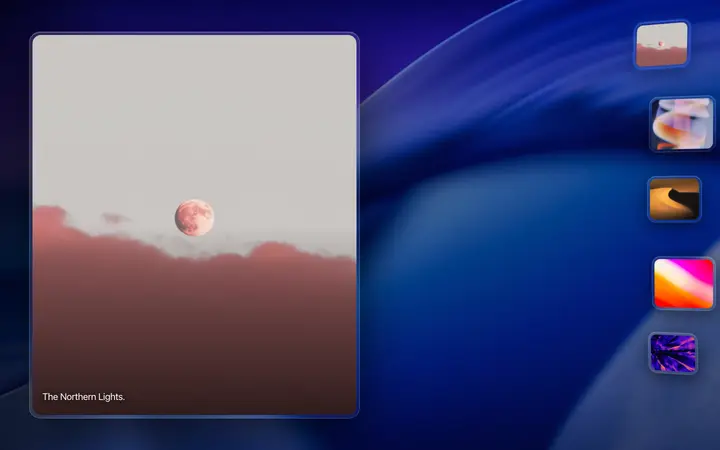

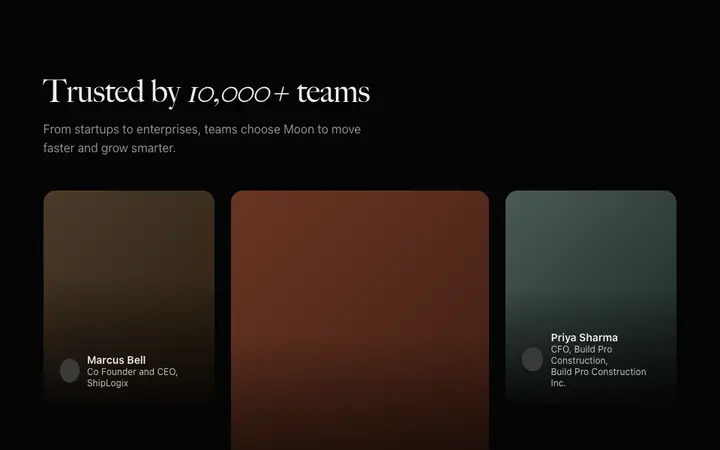

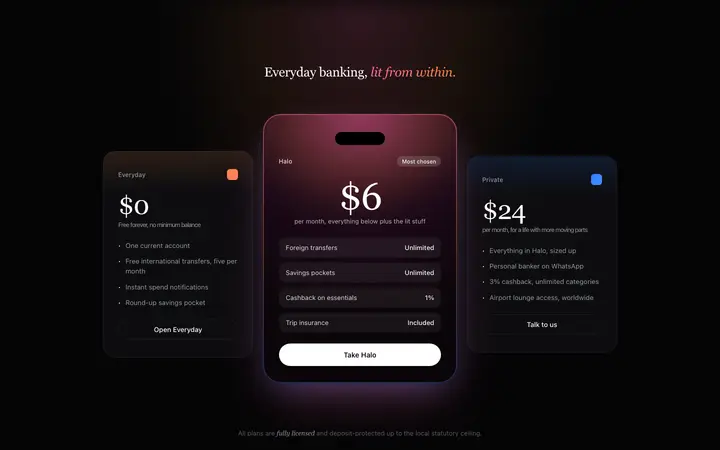
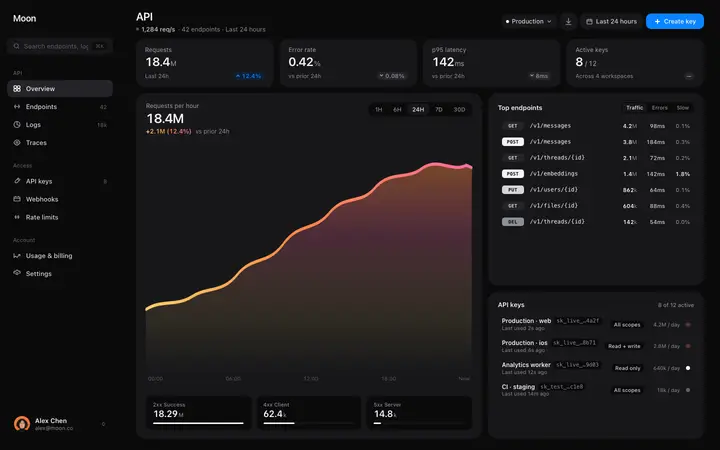
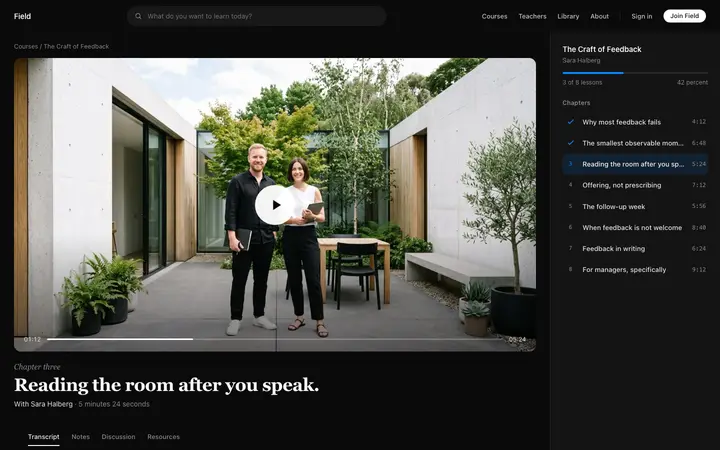
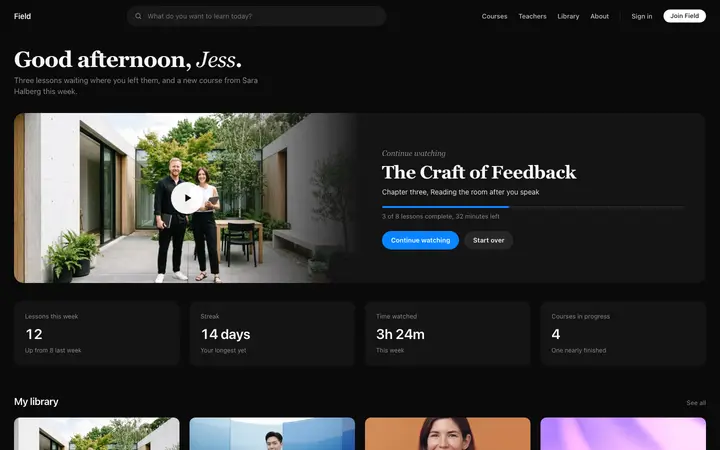
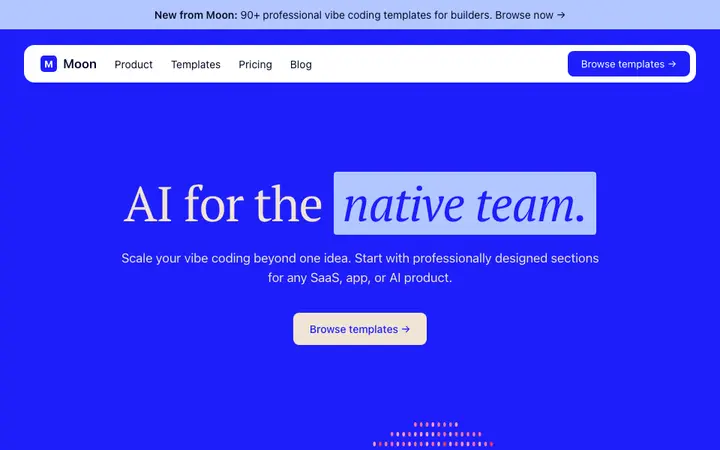
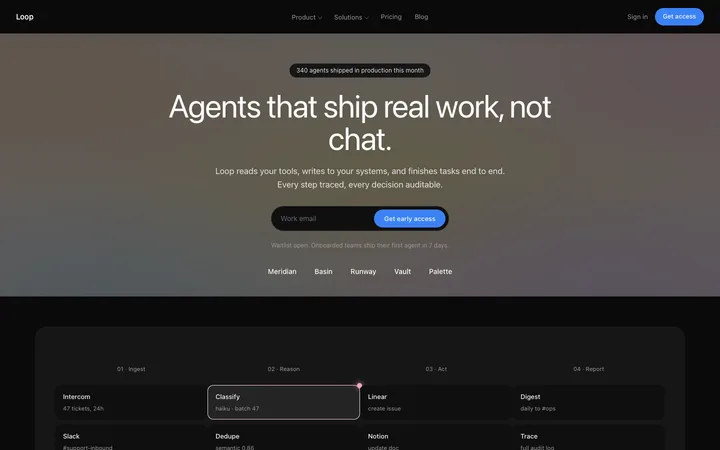
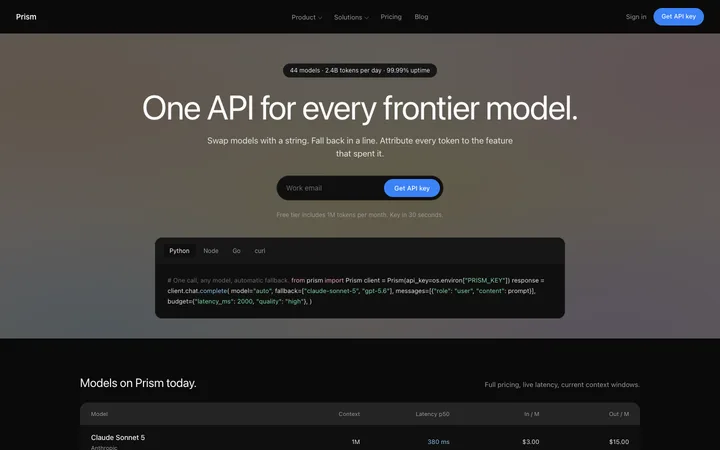
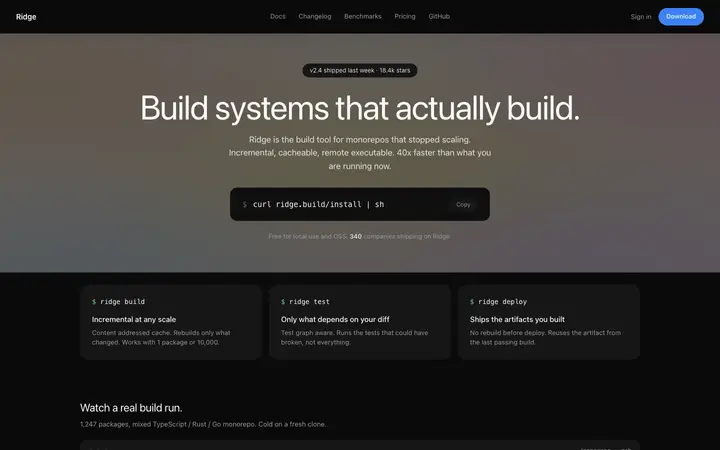
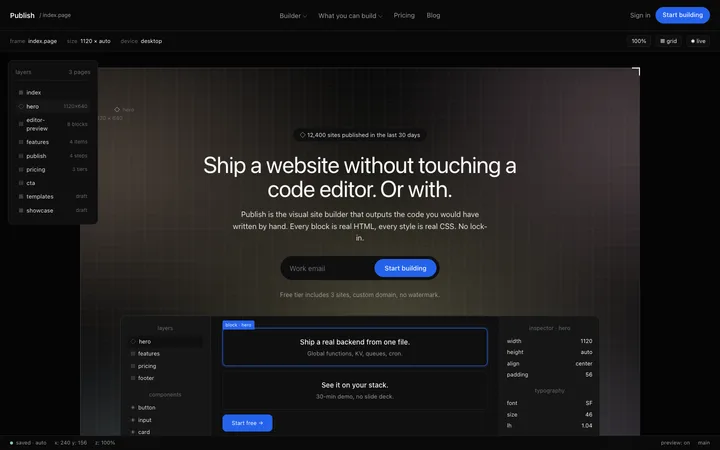
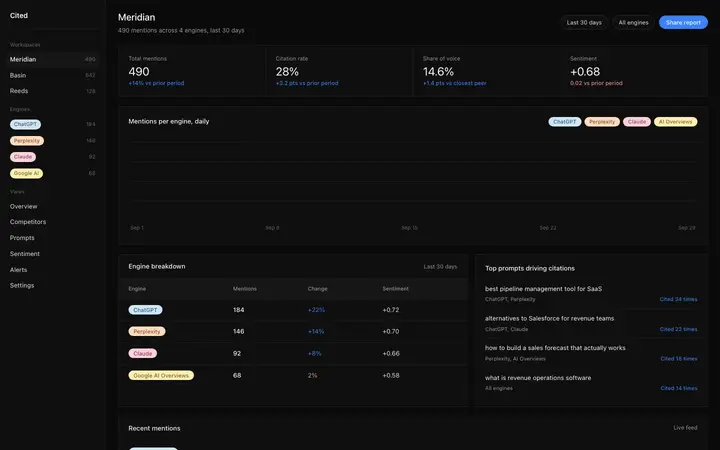

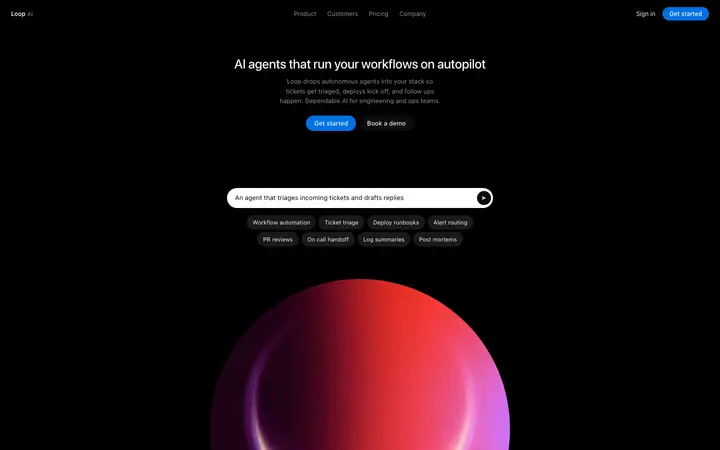
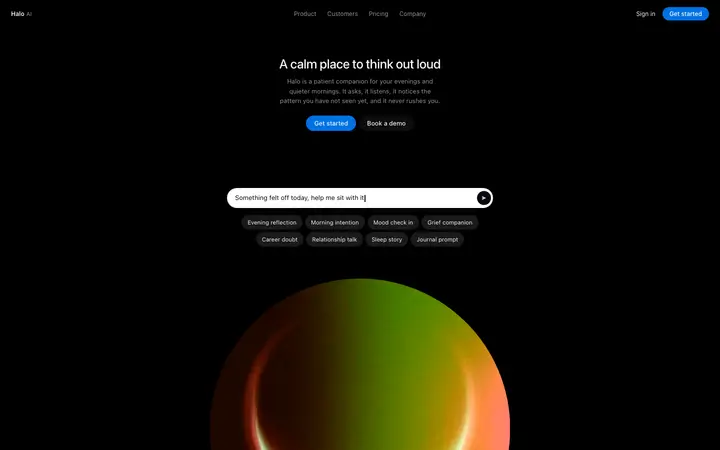
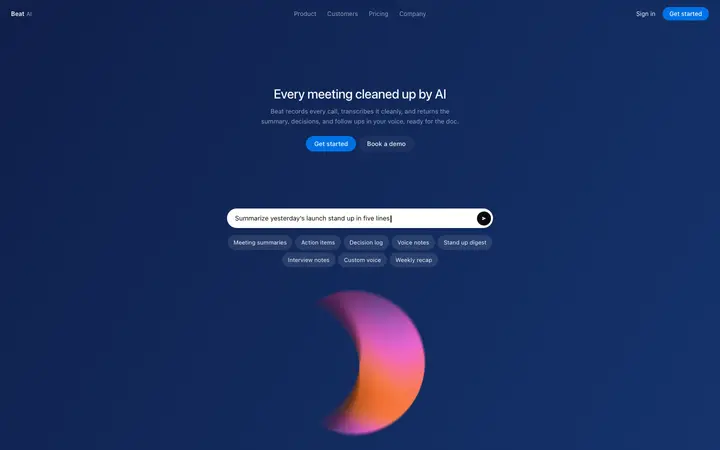
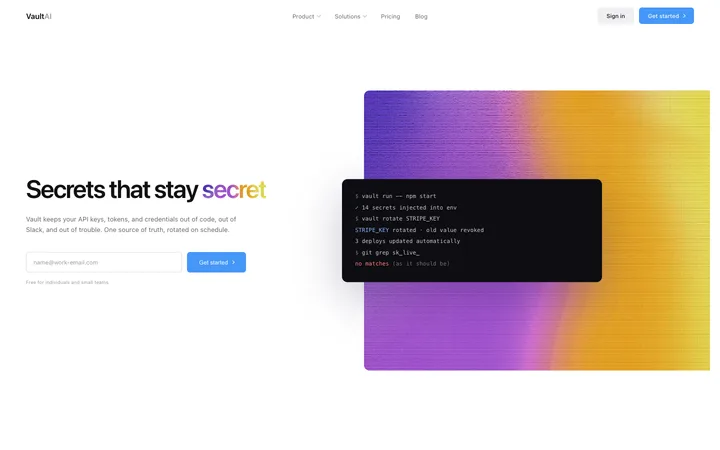
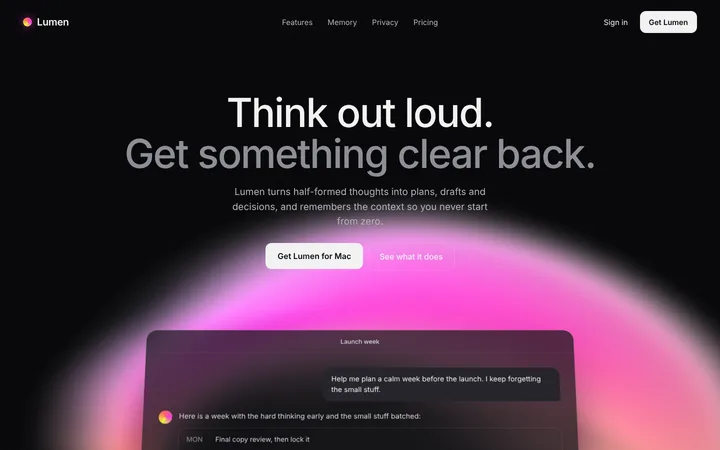
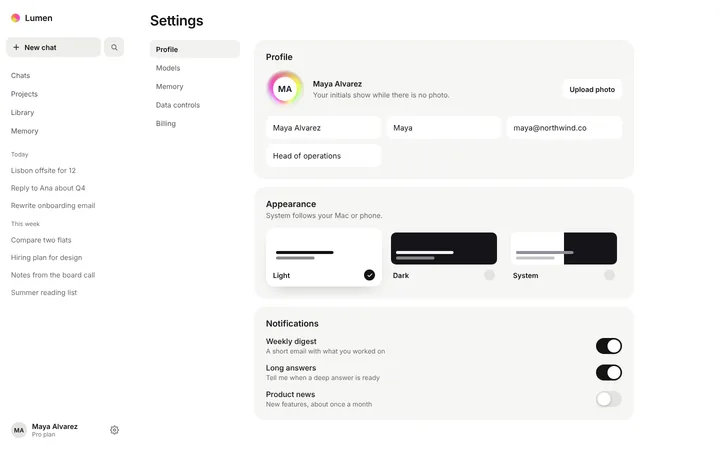
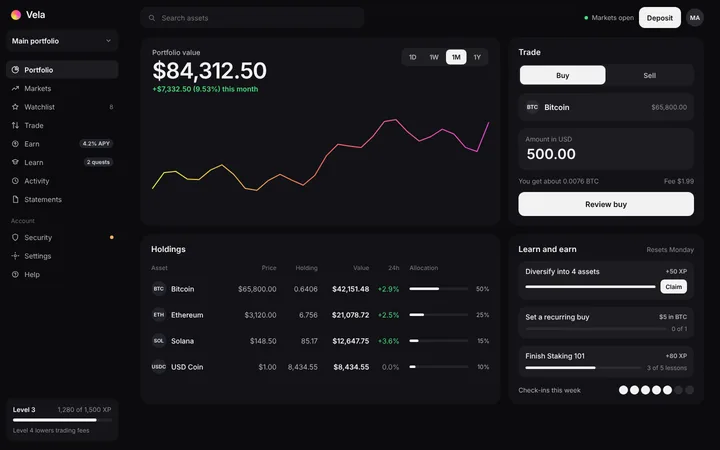
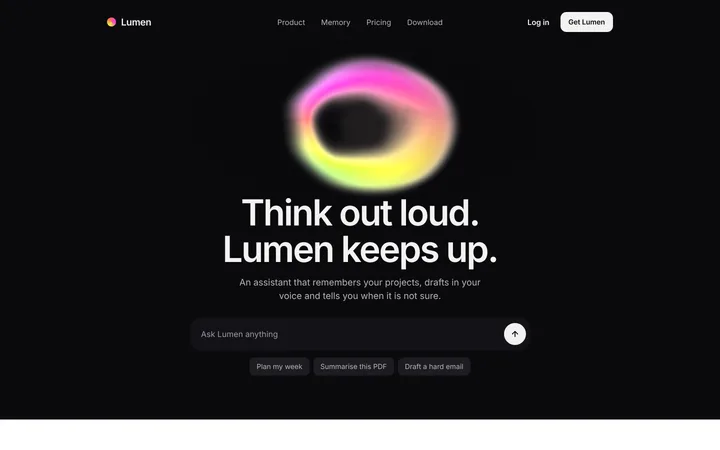
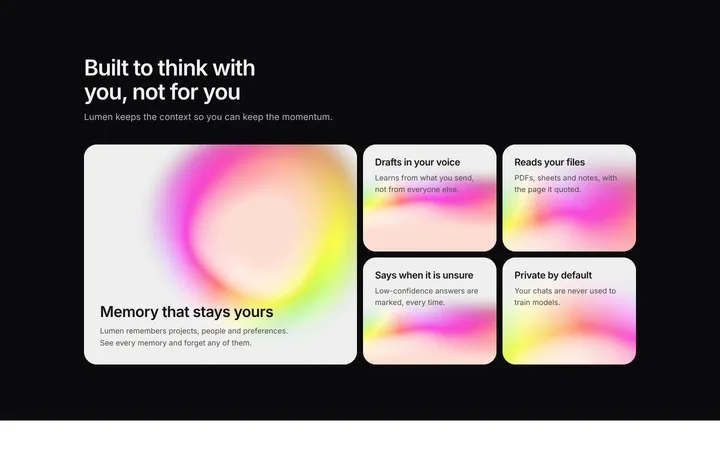
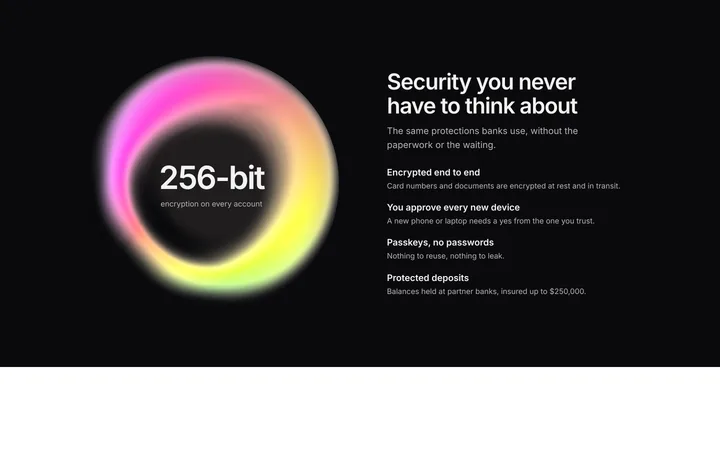
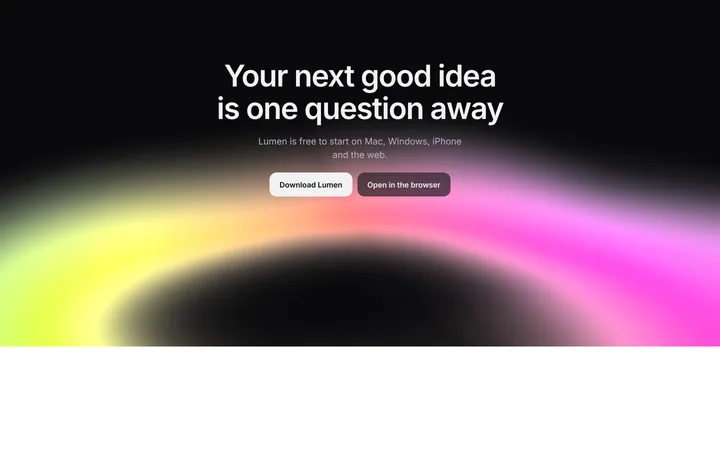
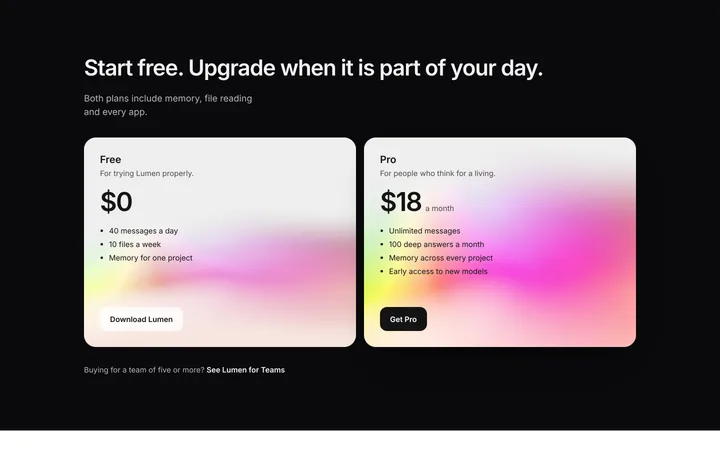
48 of 49
How to use dark mode templates with Bolt
Pick a design
Choose a dark mode design above and open it to see it live.
Copy the template
Copy the template from its page. It is one HTML file with no dependencies.
Set up Bolt
Paste the template into your first Bolt prompt as the design to build from, and describe the product in a sentence or two.
Prompt, then refine
Paste it and describe your product. Then follow up with: "Use the pasted template as the exact design for this section. Do not change the layout or spacing."
What makes a good dark mode section
Common types: dark landing pages, dark dashboards, dark heroes over a glow and full dark product sites.
Near-black, not pure black
Dark grey backgrounds with lighter layers create depth.
Readable contrast
Body text stays light enough to read comfortably.
One accent colour
Colour is used sparingly so it means something.
Common mistake: Grey text on near-black that is too dim to read. Dark mode website design ideas →
Keeping the design in Bolt
Bolt builds and runs a full app in the browser, so it suits fast prototypes and launch pages you want to see working within minutes.
What Bolt builds
A full JavaScript app, usually React with Vite, running in the browser.
Where the design goes
Paste the template into your first Bolt prompt as the design to build from, and describe the product in a sentence or two.
Bolt and dark mode sections
Ask it to turn the template's colours into theme variables, so the dark design does not get replaced by the default component theme.
What to tell it
Keep the background layers and accent colour exactly, and check that body text keeps enough contrast.
Not sure which dark mode design fits?
Ask Mon, the AI design assistant, describe your product and Mon suggests the dark mode design and how to prompt Bolt with it.
Frequently asked questions
How do I use a dark mode template in Bolt?
Paste the template code into your Bolt prompt at bolt.new and describe what your product does. Paste the template into your first Bolt prompt as the design to build from, and describe the product in a sentence or two.
What does Bolt turn the template into?
A full JavaScript app, usually React with Vite, running in the browser.
How do I stop Bolt changing the design?
Very long prompts get summarised, so details of a big template can be lost. A follow-up prompt that helps: "Use the pasted template as the exact design for this section. Do not change the layout or spacing."
What makes a good dark mode section?
Near-black, not pure black: dark grey backgrounds with lighter layers create depth. Readable contrast: body text stays light enough to read comfortably. One accent colour: colour is used sparingly so it means something.
Any Bolt tips for dark mode sections?
Ask it to turn the template's colours into theme variables, so the dark design does not get replaced by the default component theme.
More Bolt template categories
Dark mode templates for other tools