AI writing app UI template for SaaS
AI writing app UI template for a writing SaaS with an assistant beside the page. It covers the dashboard, with an editor, an AI suggestion sidebar, mode controls, and document management. Use this AI template with Claude Code, Replit, Lovable, ChatGPT Codex, Bolt, Cursor, or another coding tool.
About this vibe coding template
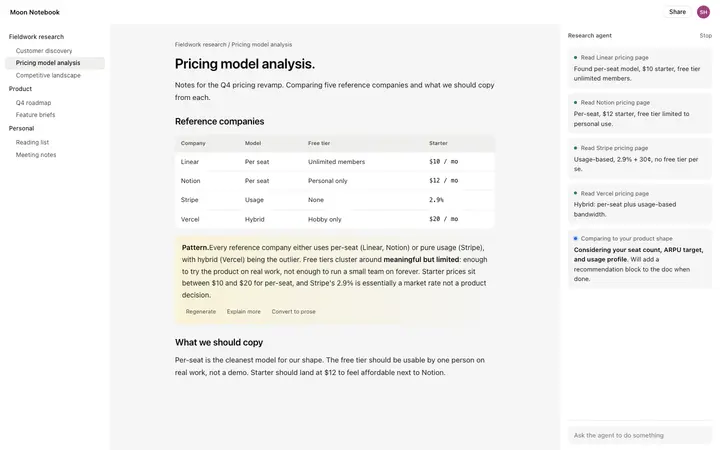
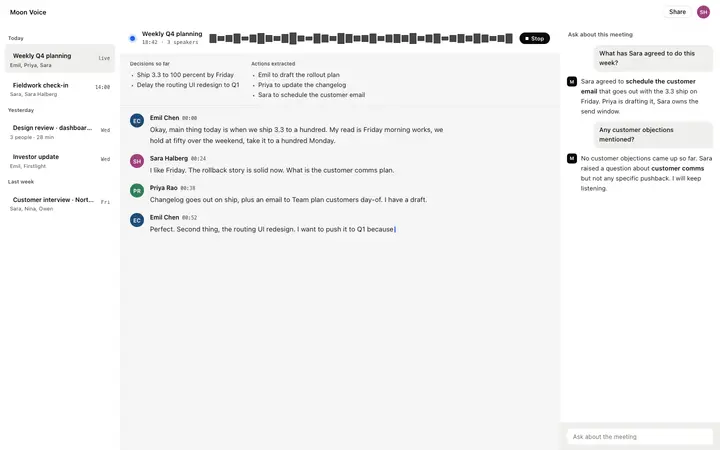
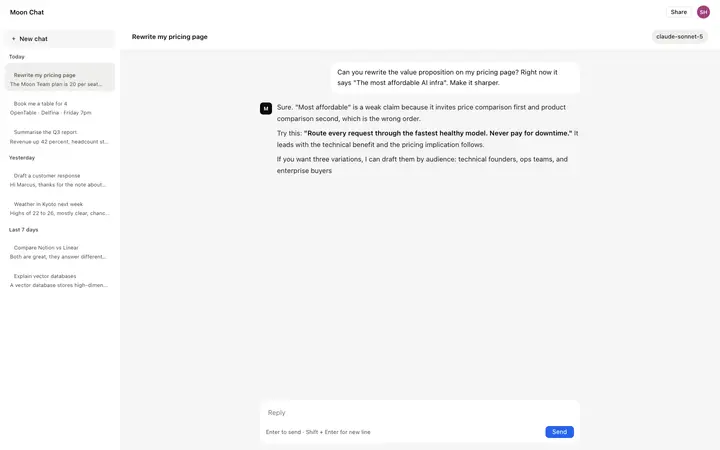
Interactive AI writing app UI for vibe coding and SaaS builders. This is the interface for building an AI writing product, not the writing product itself. The dashboard layout covers the main surface a writer works on: a text editor in the center, a document or project sidebar on the left, and an AI suggestion panel on the right that surfaces rewrites, continuations, and tone adjustments as the writer works. Mode controls let the writer switch between drafting, editing, and reviewing states. Paste it in and describe the writing modes, the AI actions, and the document structure your product needs. Minimal design. Give your coding tool the product name and the positioning, then ask it for the rest of the pages in the same design.
Build a full SaaS app or admin dashboard with this template design
A SaaS app or admin dashboard is dozens of screens sharing one shell, so one dashboard template can set the standard for the navigation, the spacing, and the card design on every screen after it. Copy the template, paste it into Claude Code, Replit, Lovable, ChatGPT Codex, Bolt, or Cursor, and send this alongside it.
Paste into Claude Code, Replit, Lovable, Bolt, or Cursor
Common questions about this template
What is an AI writing app UI?
The interface for building an AI writing product. This template covers the dashboard layout: a text editor, a document sidebar, and an AI panel that surfaces suggestions as the user writes. It is a starting point for building the product, not a finished writing tool.
What vibe coding tools work with this AI writing app UI?
It works with Claude Code, Replit, Lovable, ChatGPT Codex, Bolt, and Cursor. Paste it in and describe the writing modes, AI actions, and document structure your product needs.
What SaaS products use an AI writing app UI?
AI writing assistants, content creation tools, copywriting products, SEO content tools, and any product where a text editor is the primary surface and AI suggestions appear inline. The dashboard layout covers the core writing and AI interaction patterns.
Is this template interactive?
Yes. The template includes hover states on the AI suggestion panel and mode controls, so you can see the interaction design as well as the layout when you open it in a browser.
Use this AI coding template for
- ·AI writing app UI template for building a SaaS writing product interface
- ·Interactive dashboard UI for an AI writing assistant with editor and suggestion panel
- ·SaaS UI for a writing tool with AI sidebar, mode controls, and document management
- ·Vibe coding starting point for an AI writing product dashboard and editor layout
Works with every vibe coding tool
More from the AI tool interface set
All 15 templates
More dashboard templates
View all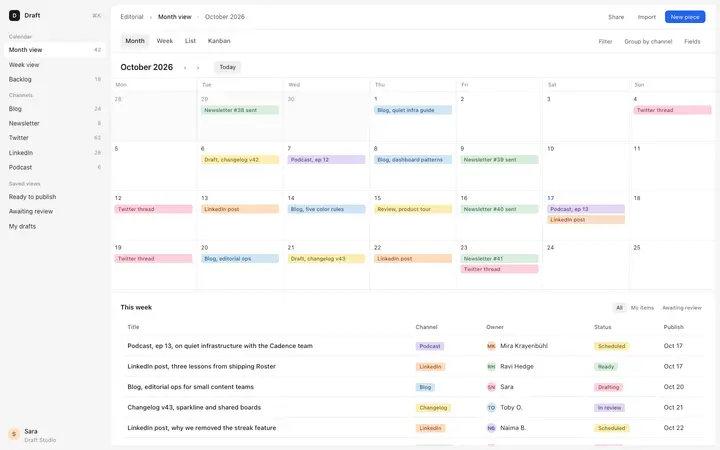
More vibe coding SaaS templates
View all


Other templates you might like